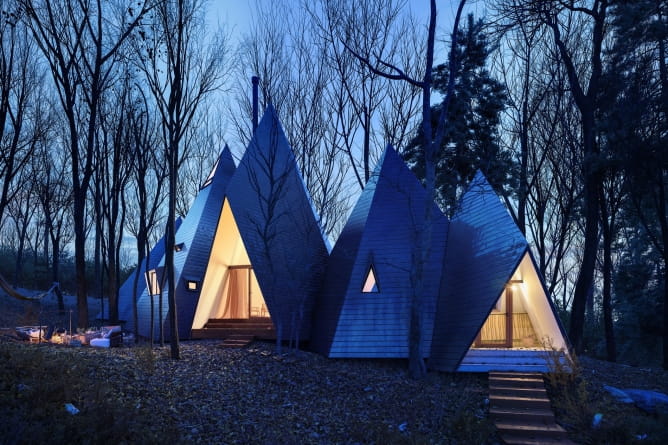
Hey guys, my name is Hossein Yadollahpour. I was born in 1990 in Iran.I was introduced to CG world in 2001 when I was reading a tutorial book which was related to version 2.5 of 3D Max and then I was fascinated by CG world. My overall experience includes, architectural visualization, environment design, character design and VFX. In this tutorial I am going to show you my experiences which I gained during making the Nasu Tepee project. I hope you like it.
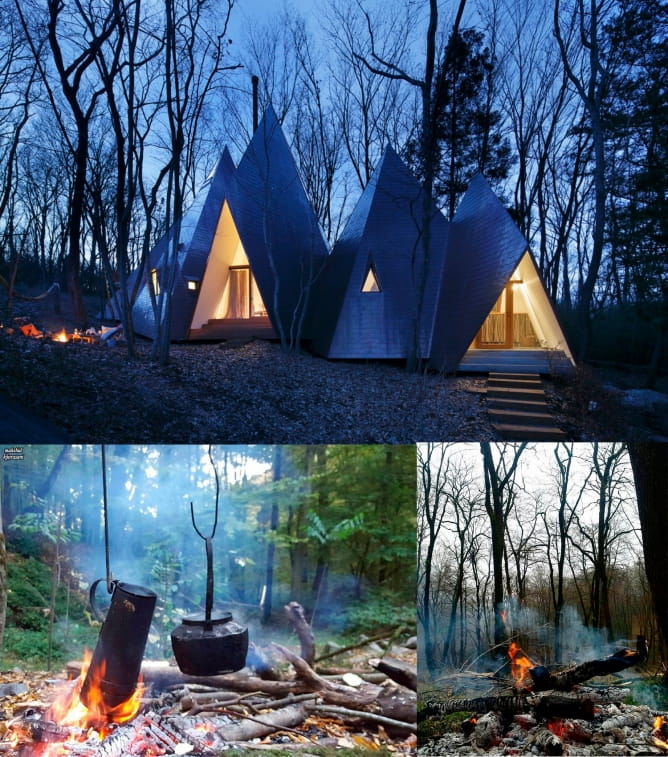
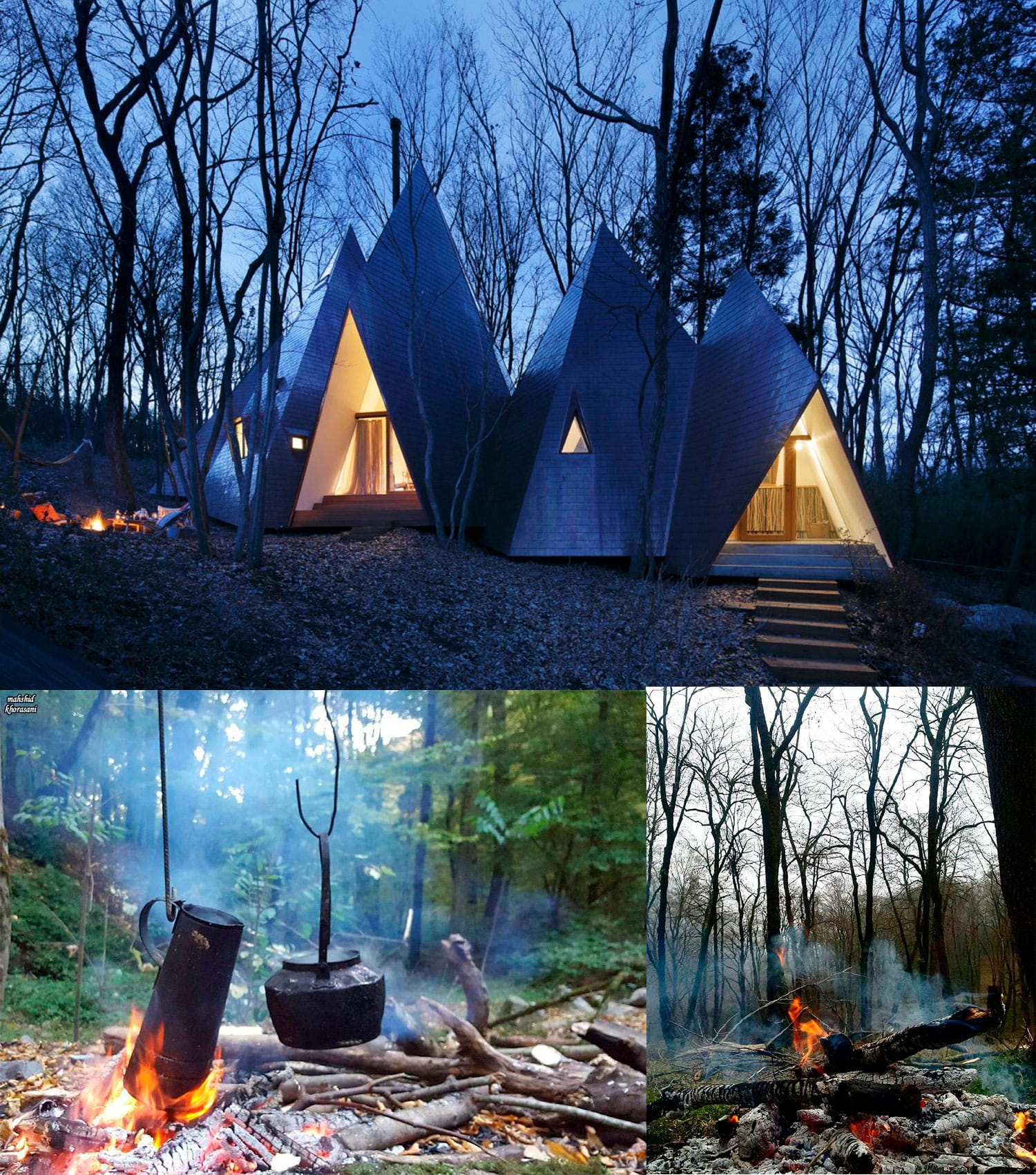
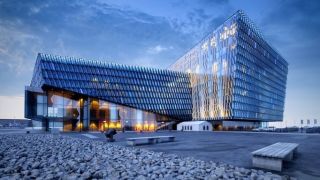
Recreation of Nasu Tepee project was started when I found some photos of this beautiful building on the Internet. You can find reference photos above.
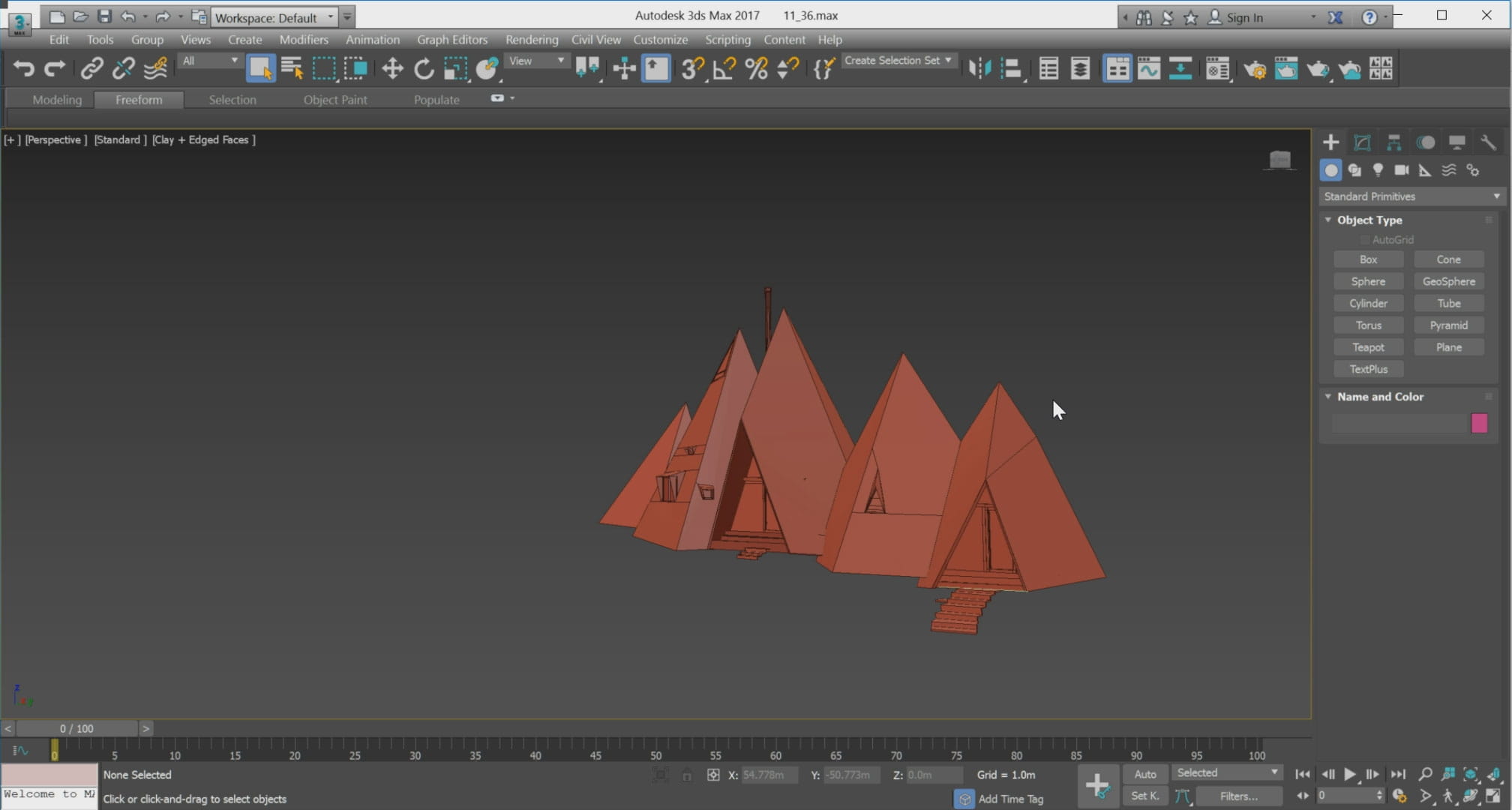
Building modeling
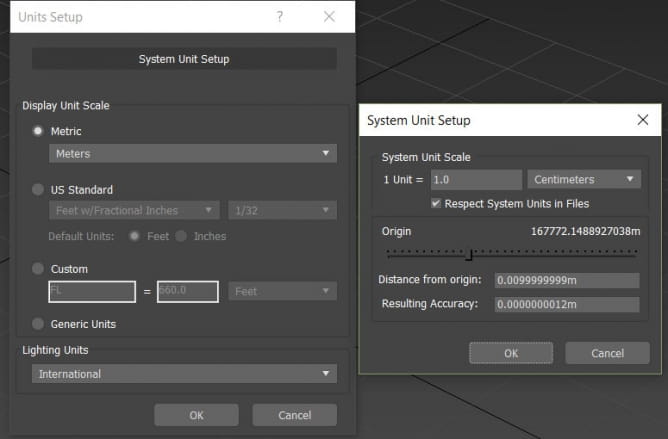
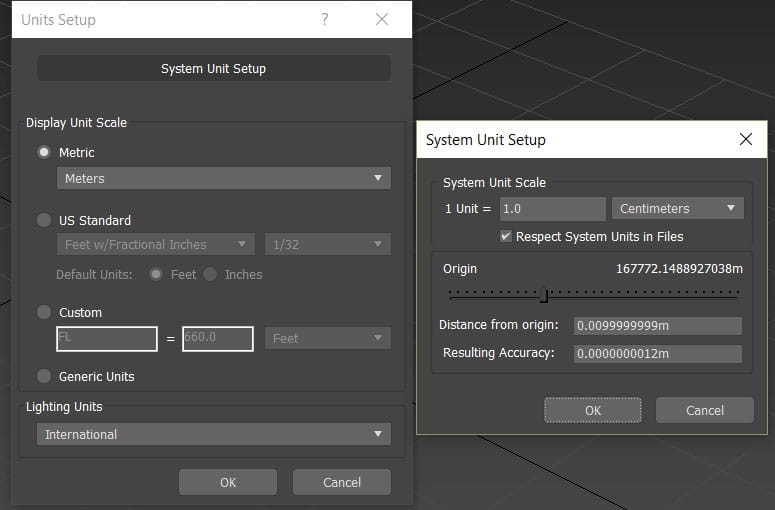
Before starting to model any project, it is important to set the UNIT SETUP to unit which you want to work with it because of not to make any problem during the modeling process.
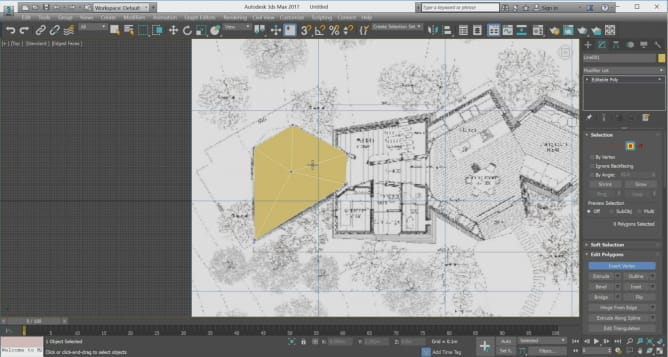
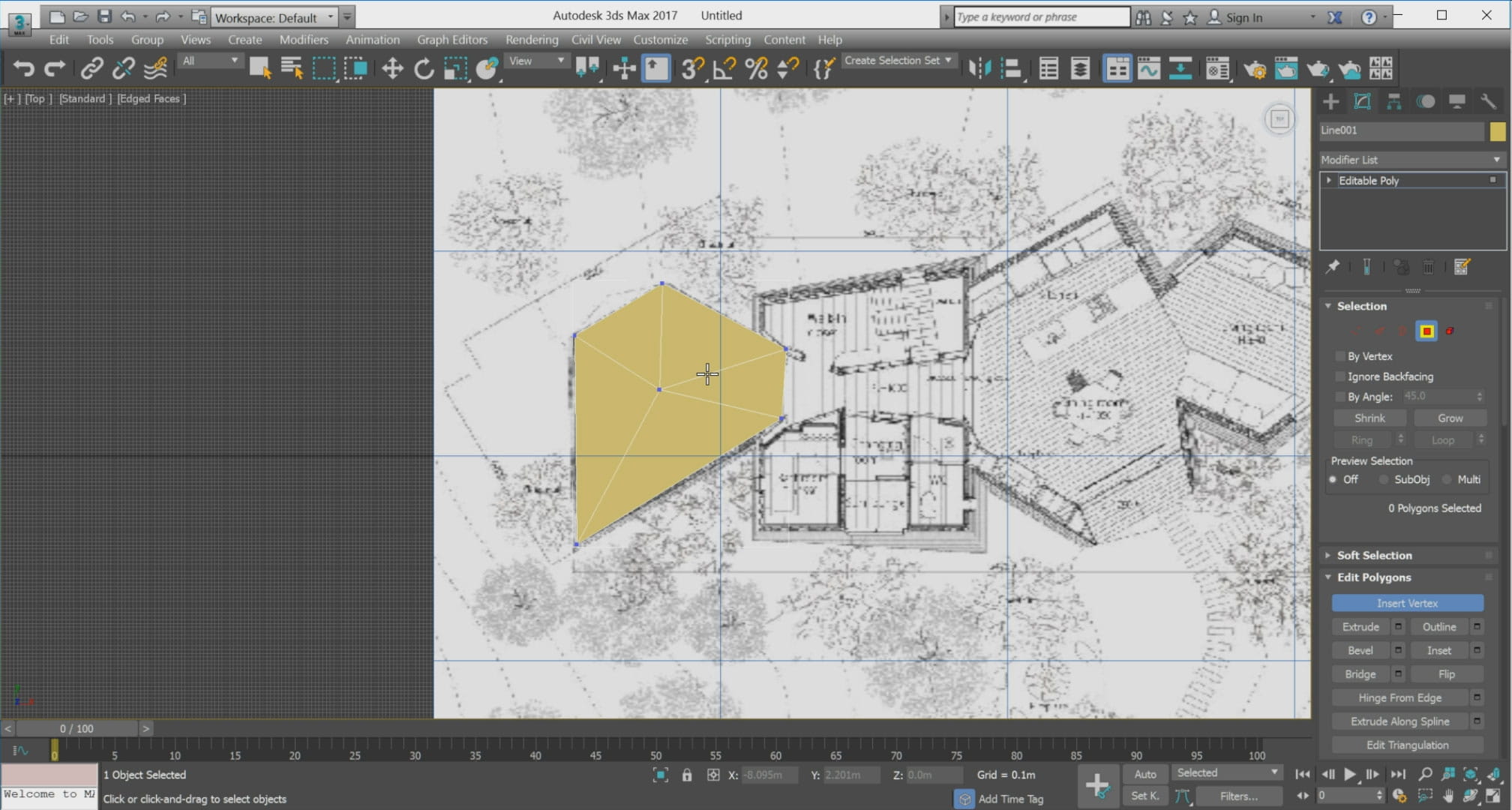
I started to model the building base on the information which I could find on the Internet.
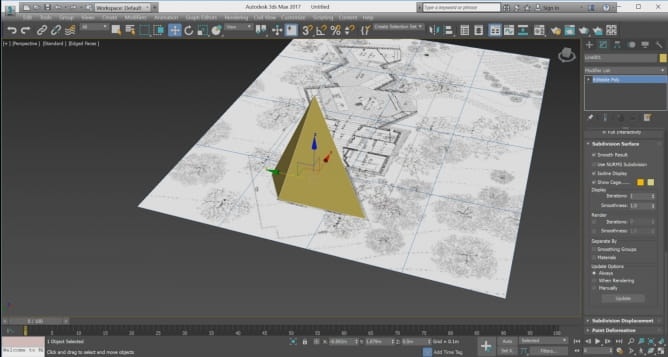
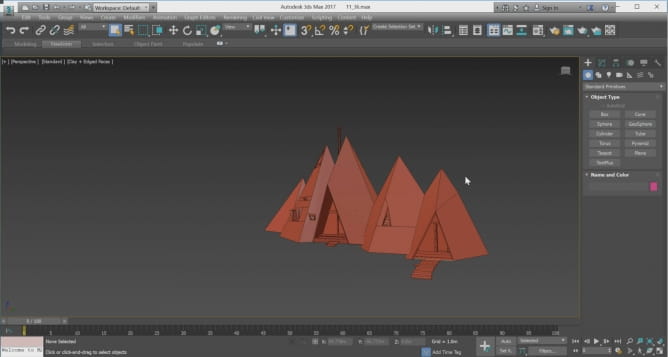
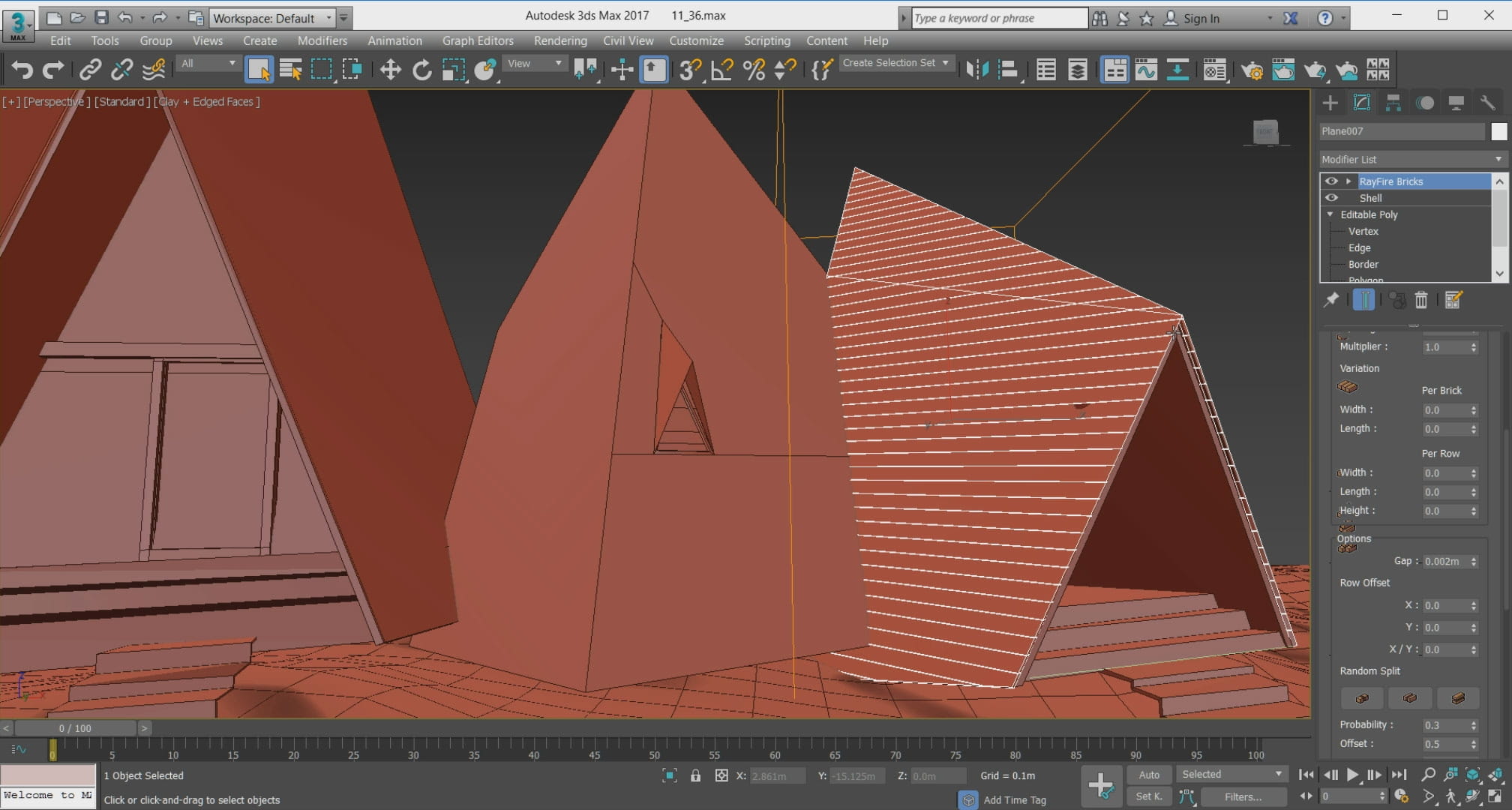
In order to complete the model, I used the Rayfire plugin.
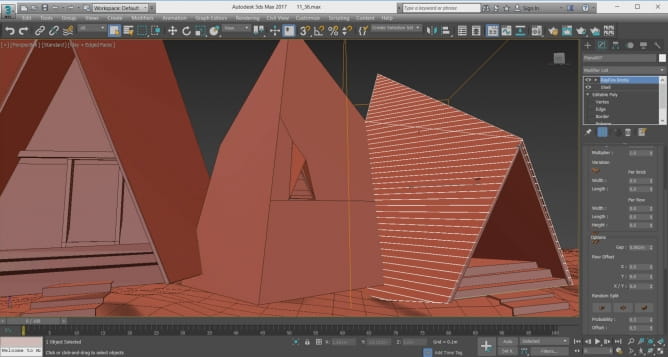
Rayfire
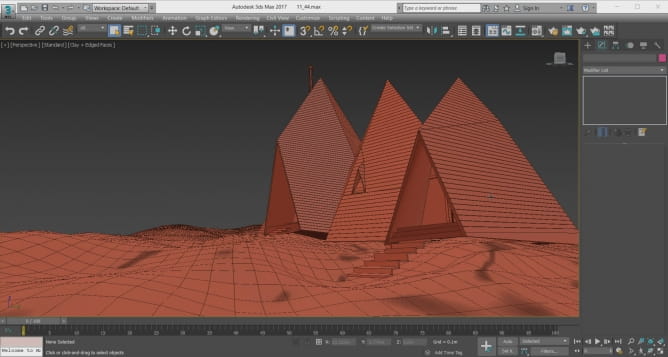
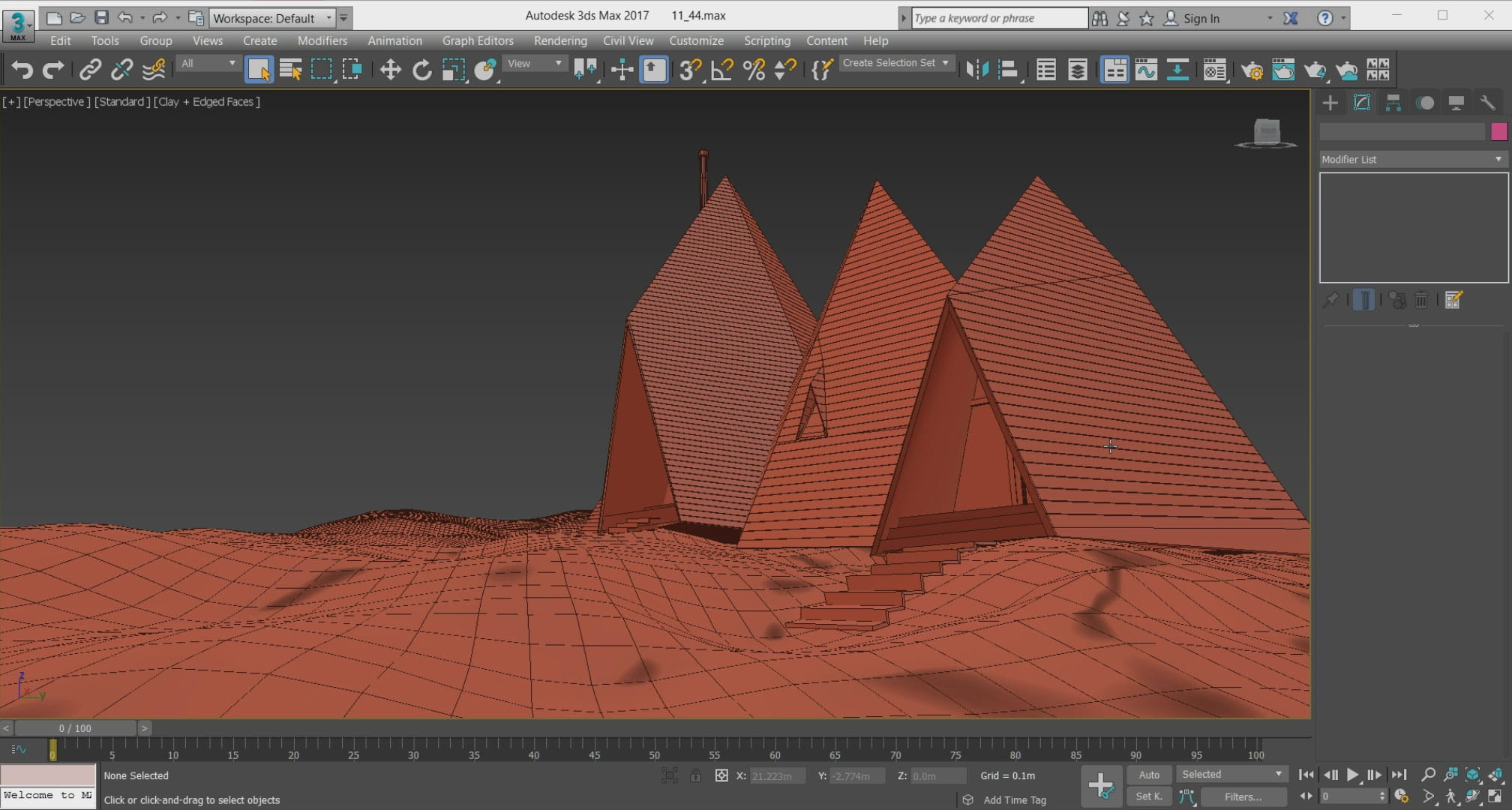
Do not make a mistake! We do not want to destroy anything! By installing this powerful plugin, we add a very interesting and useful modifier to 3D Max which is called Bricks Rayfier. In my opinion, this plugin is one of the fastest and easiest way to build the tile for the building.
Ground modeling
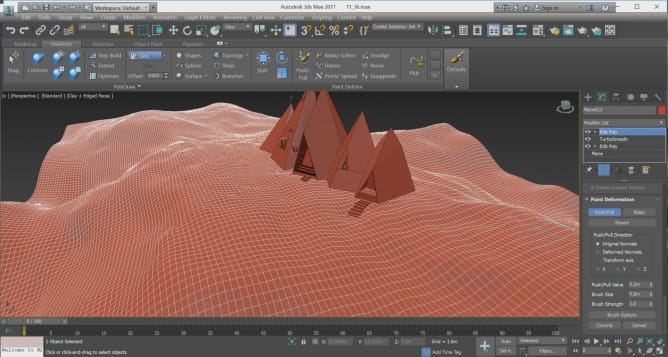
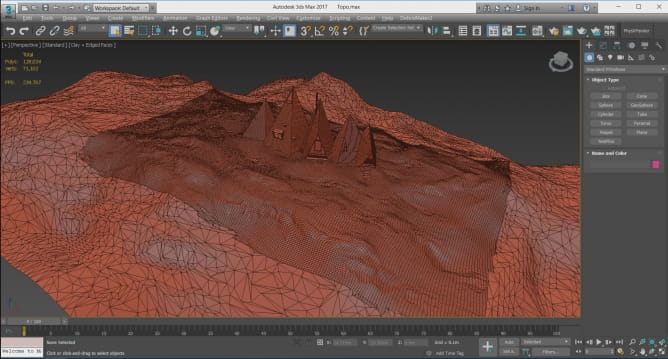
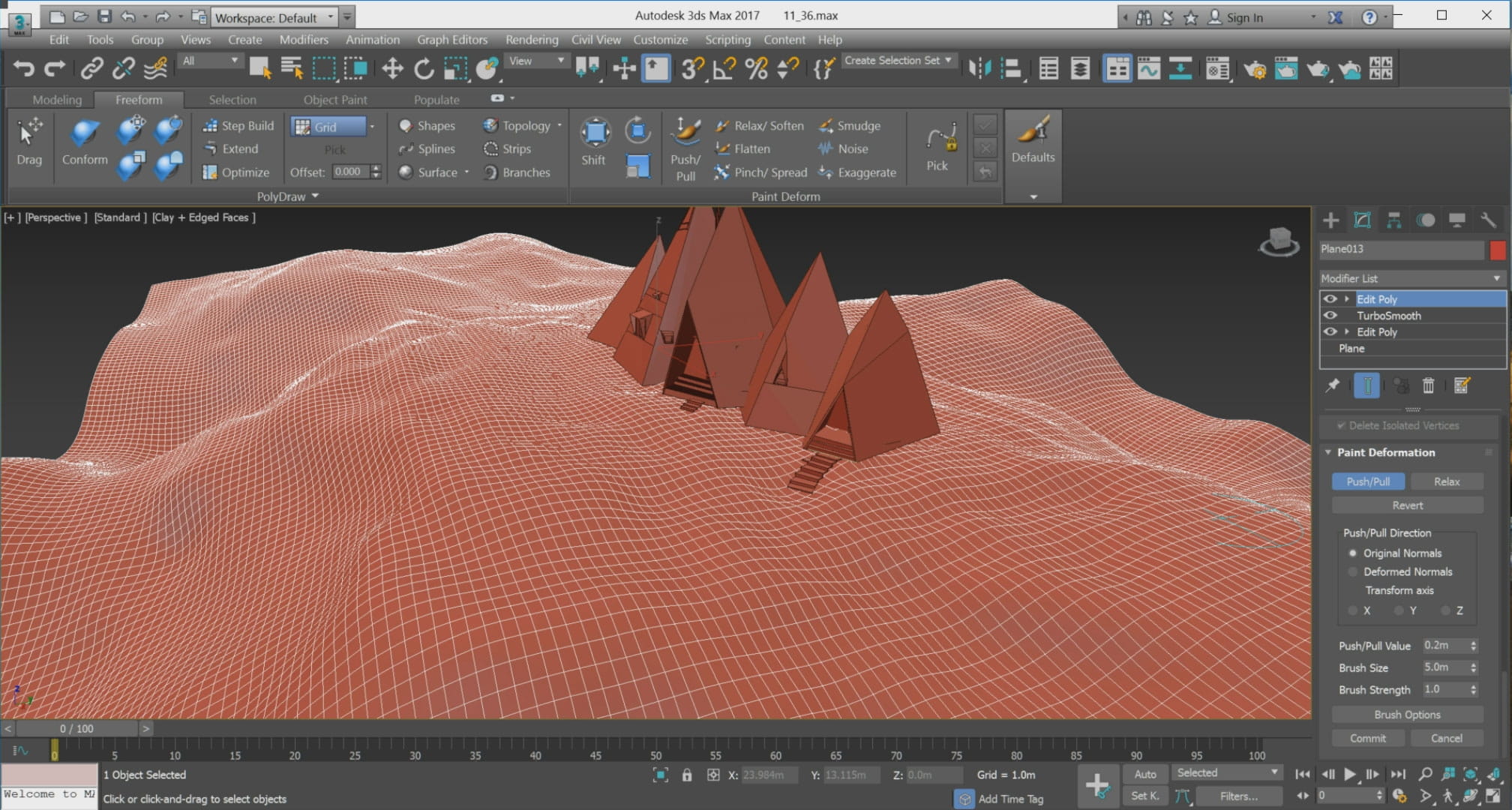
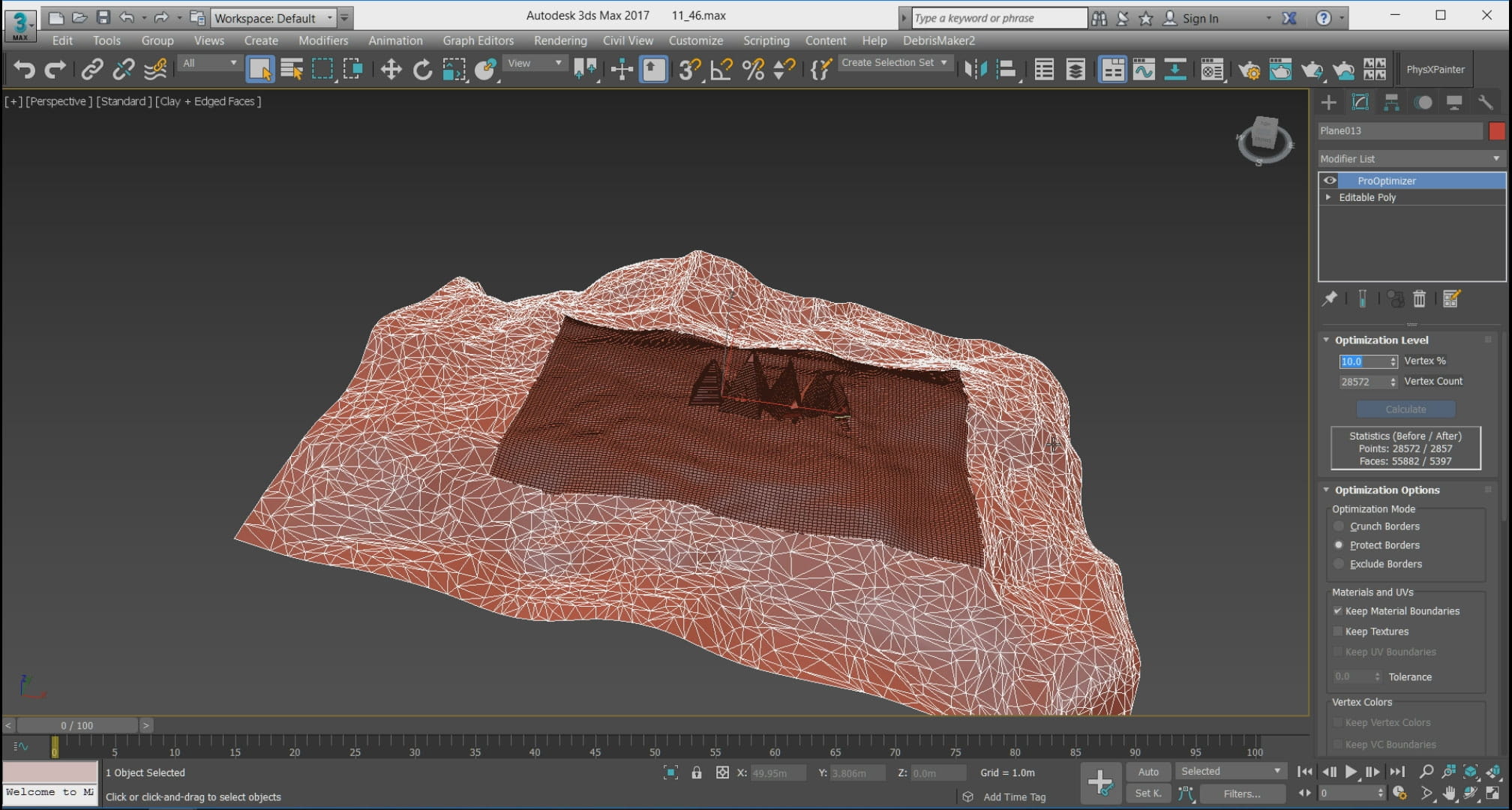
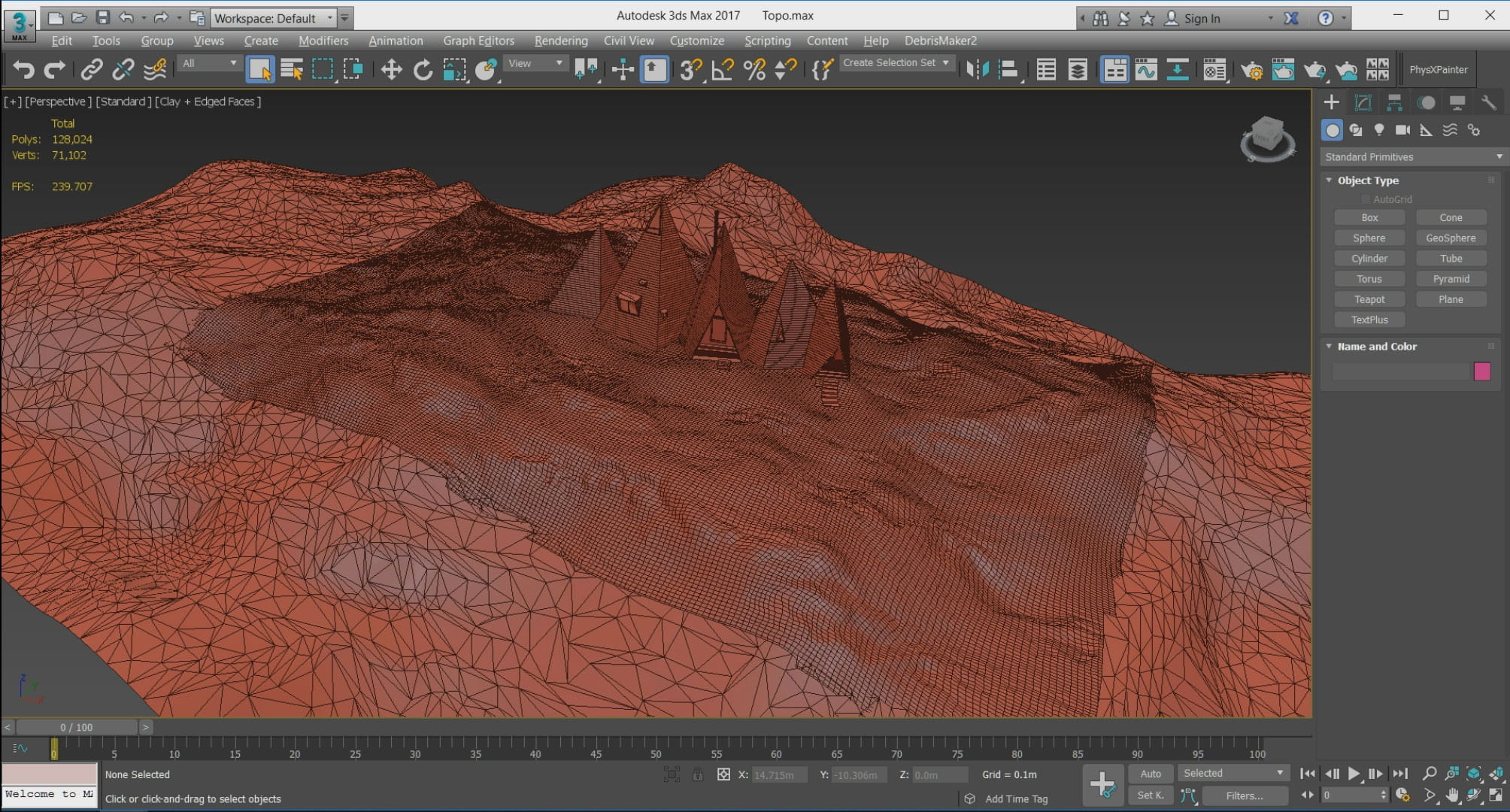
First, I Created a plane in 3D Max then edited it by options existing in edit poly such as, soft selection, conform and paint deformation and etc.
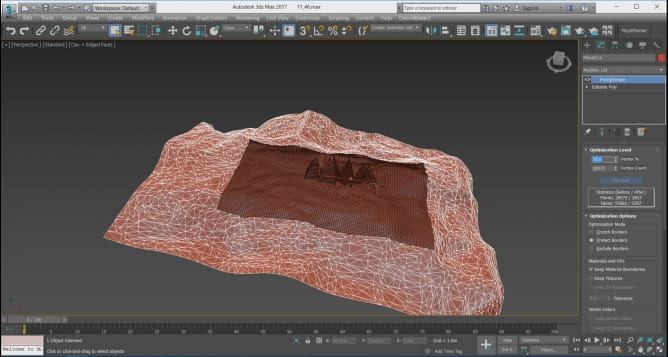
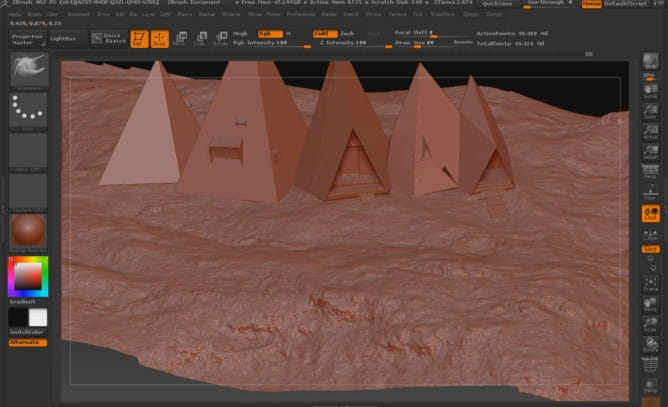
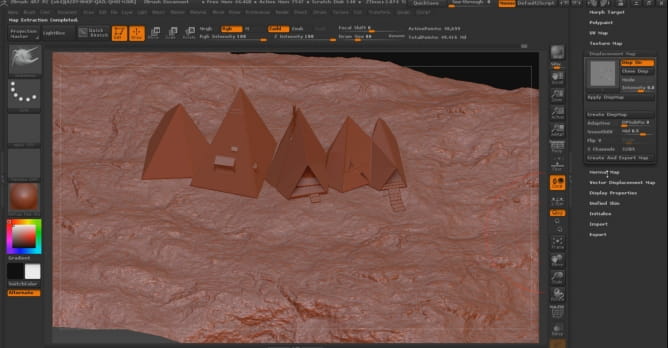
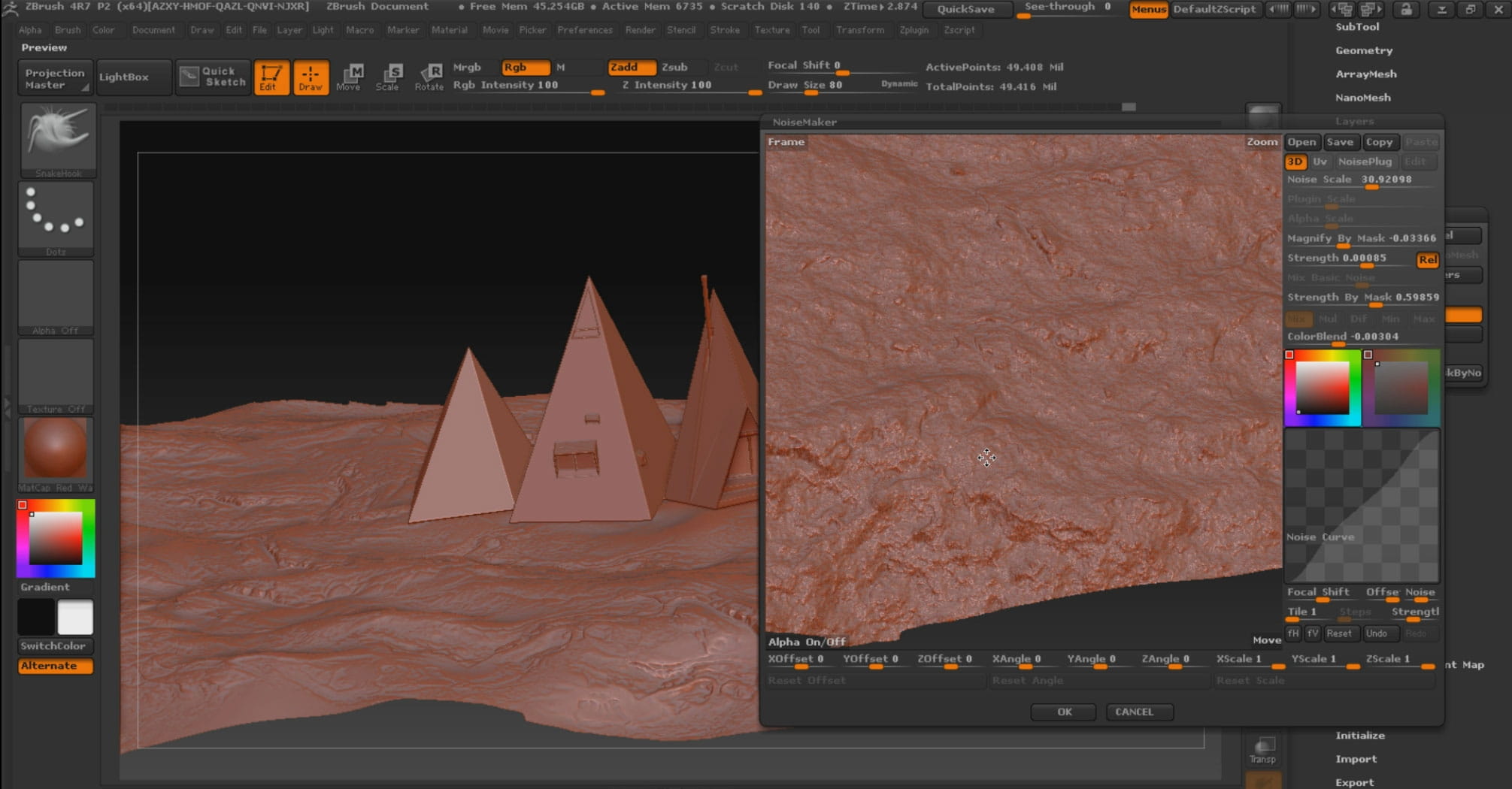
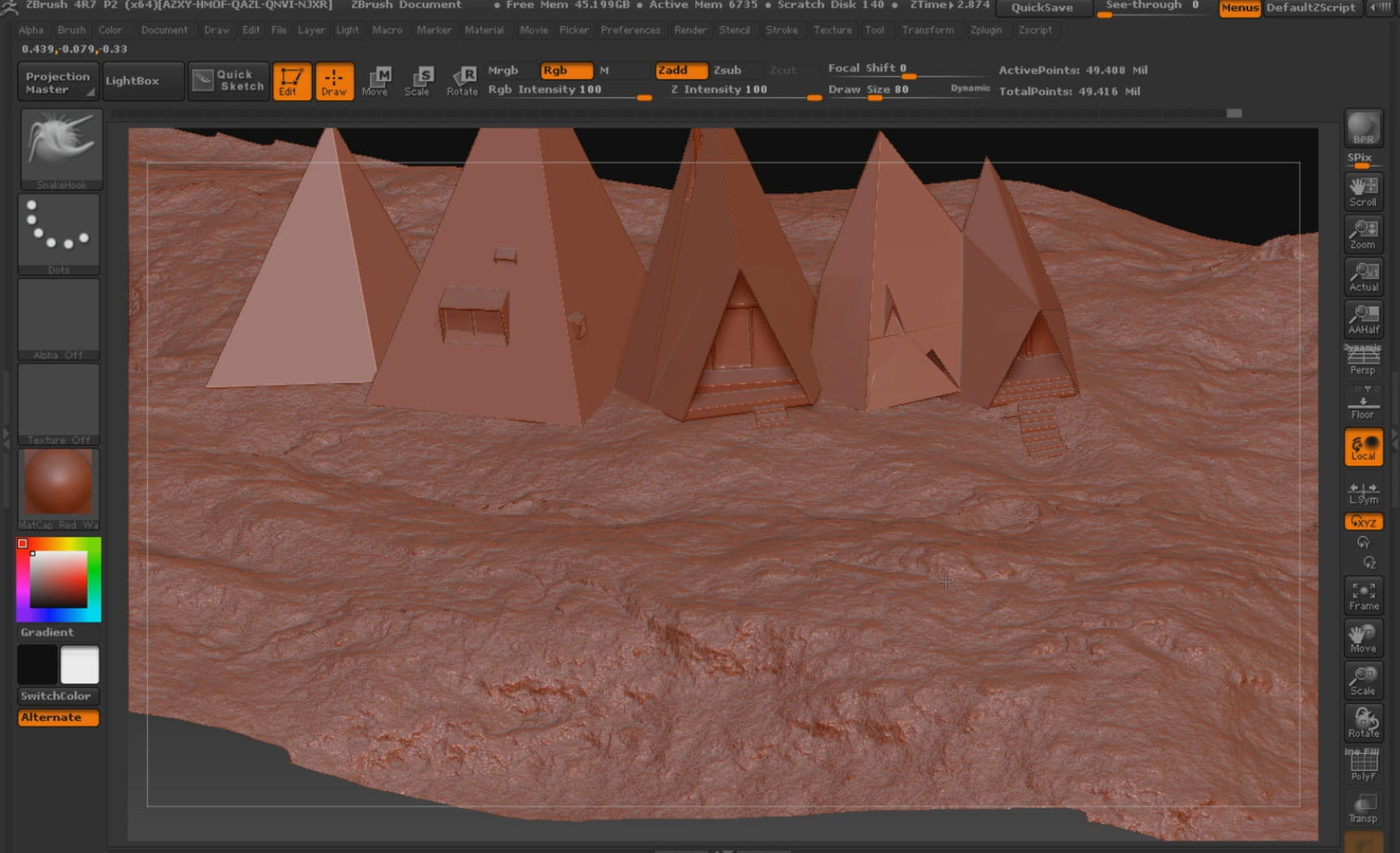
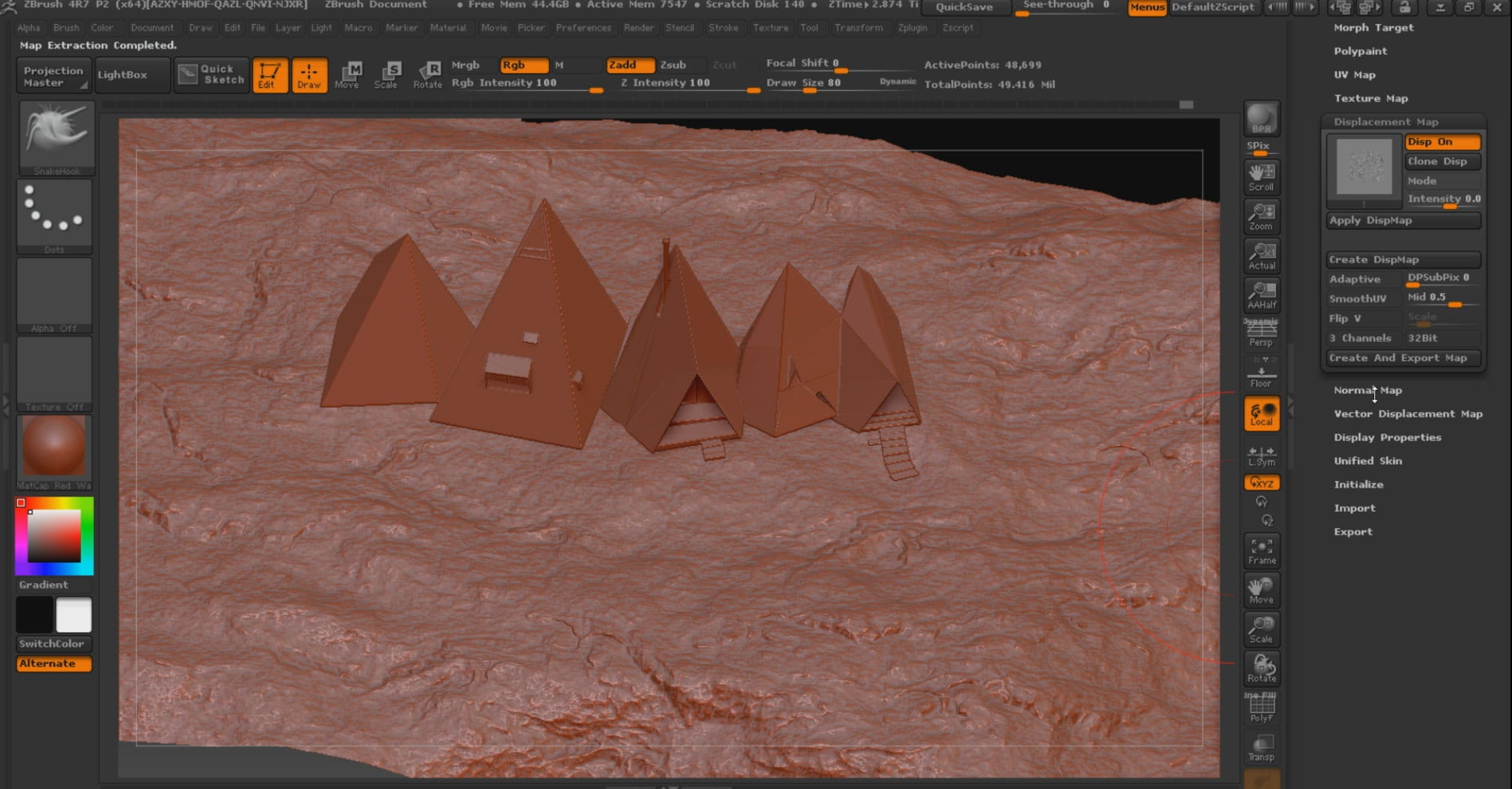
After UV in 3D Max I transferred the ground to Zbrush software. I save ground as displacement and normal map. Finally, I transferred the ground to 3D Max again.

Camera Setup & Lighting

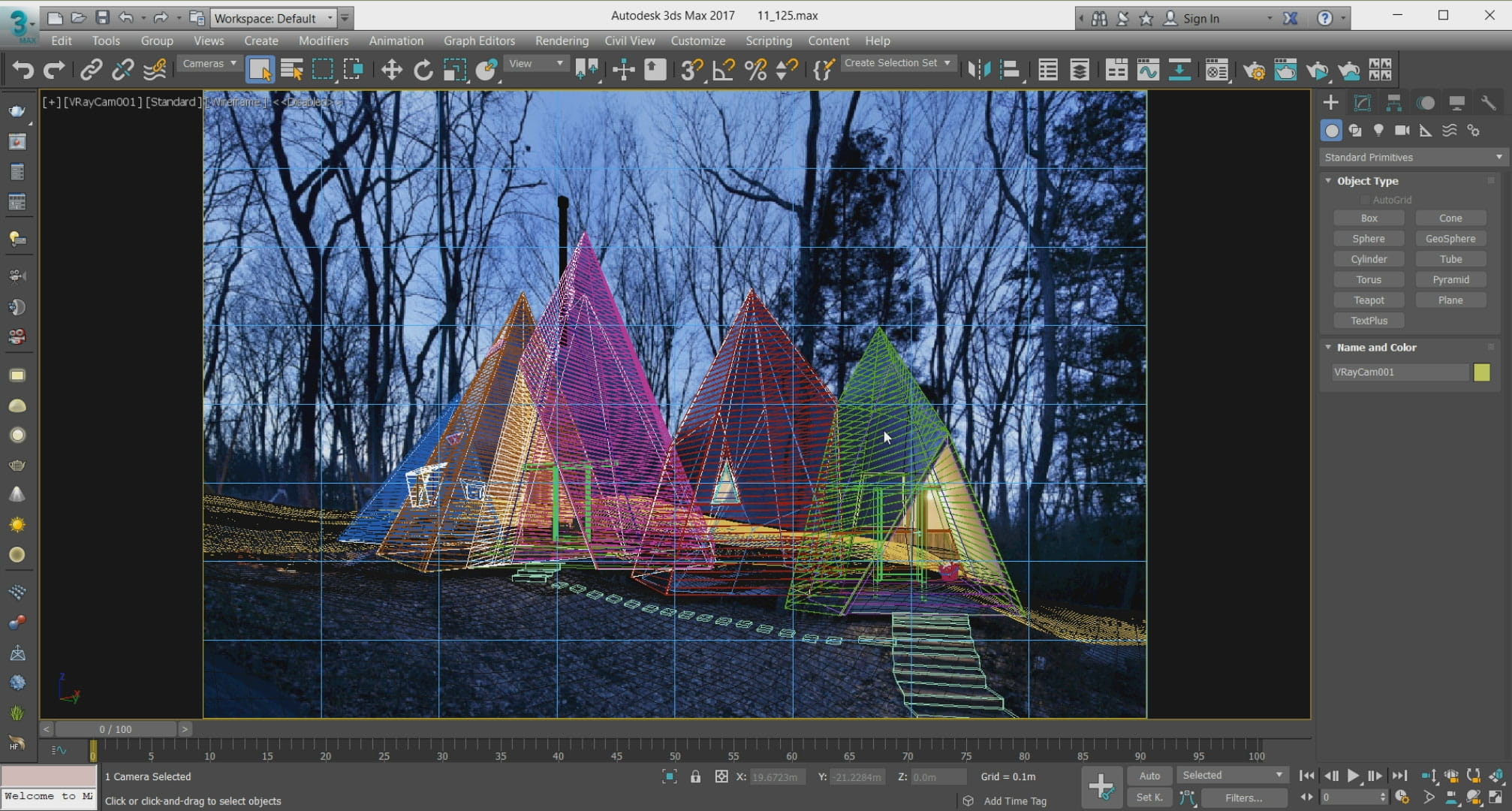
I imported the reference photo into 3D Max and then matched the camera with the scene.
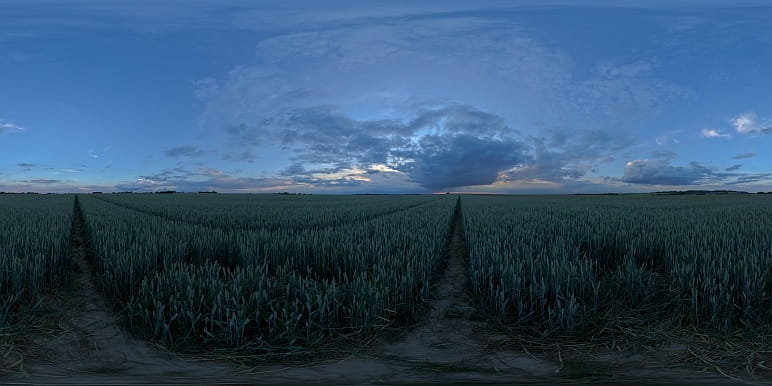
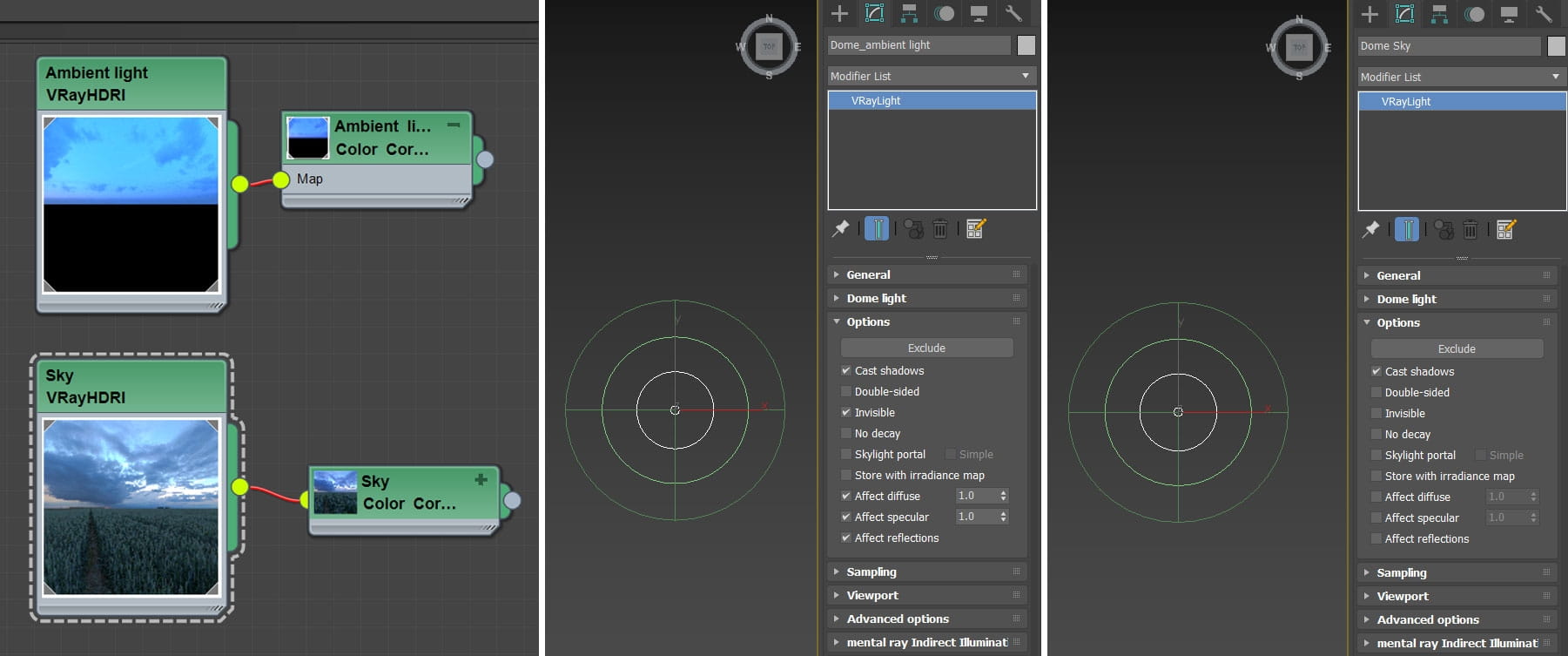
For lighting, I used 2 HDRI
- Number 2003 Dusk from Peter Guthrie pack which gave me great blue theme for environmental lighting
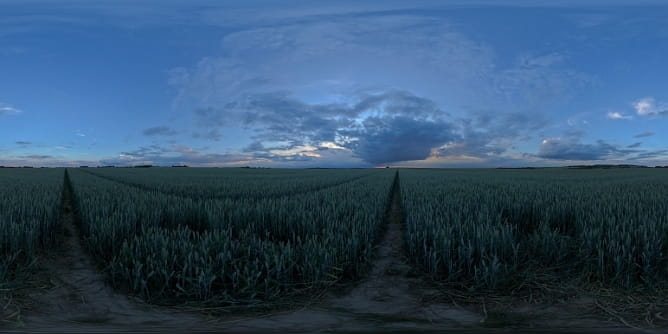
- HDRI with quality Noemotion number 06-14_Sunset A, to make my background more similar to reference photo.
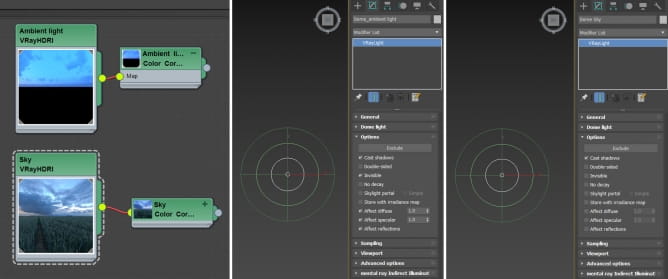
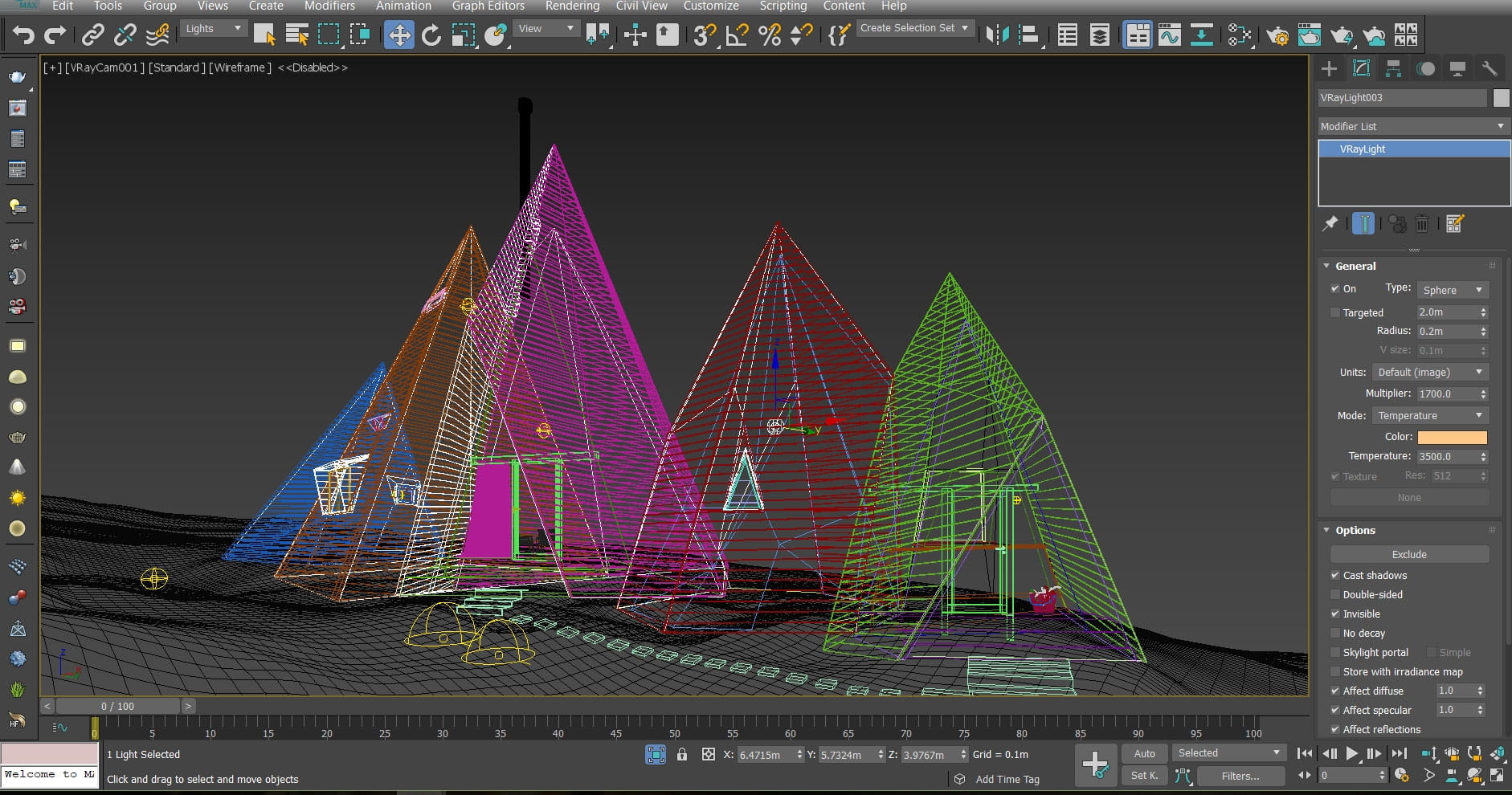
VrayLight
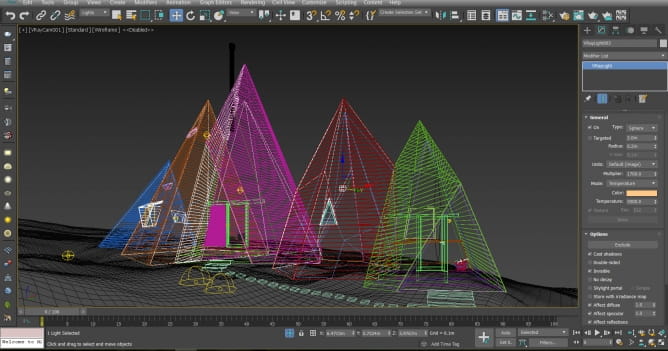
For interior lighting, I used the Vray light sphere.
Cloth Simulation
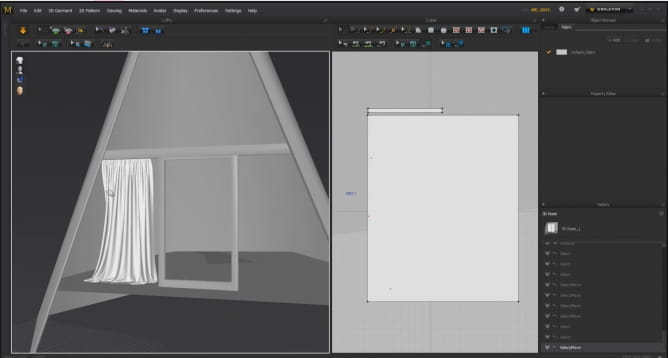
To create cloth, I prefer to use popular Marvelous designer software. Because, simulation in this software is very easy and enjoyable and gives you high quality outputs.
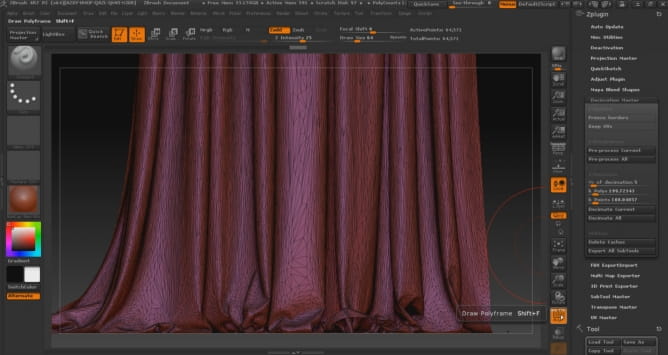
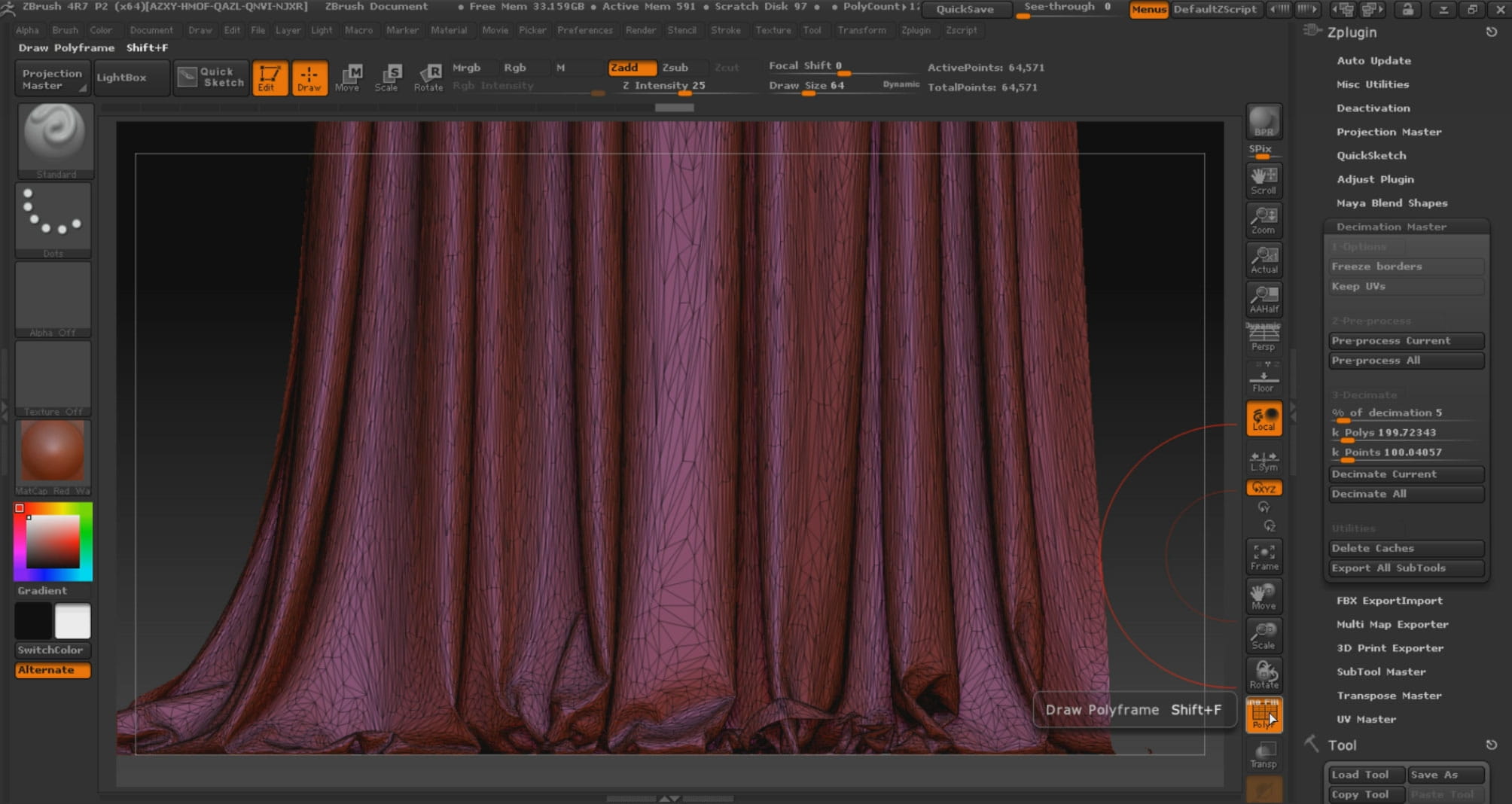
After making the cloth, to optimize it, I transferred it to Zbrush software and used Decimation Master command.
Tree Modeling
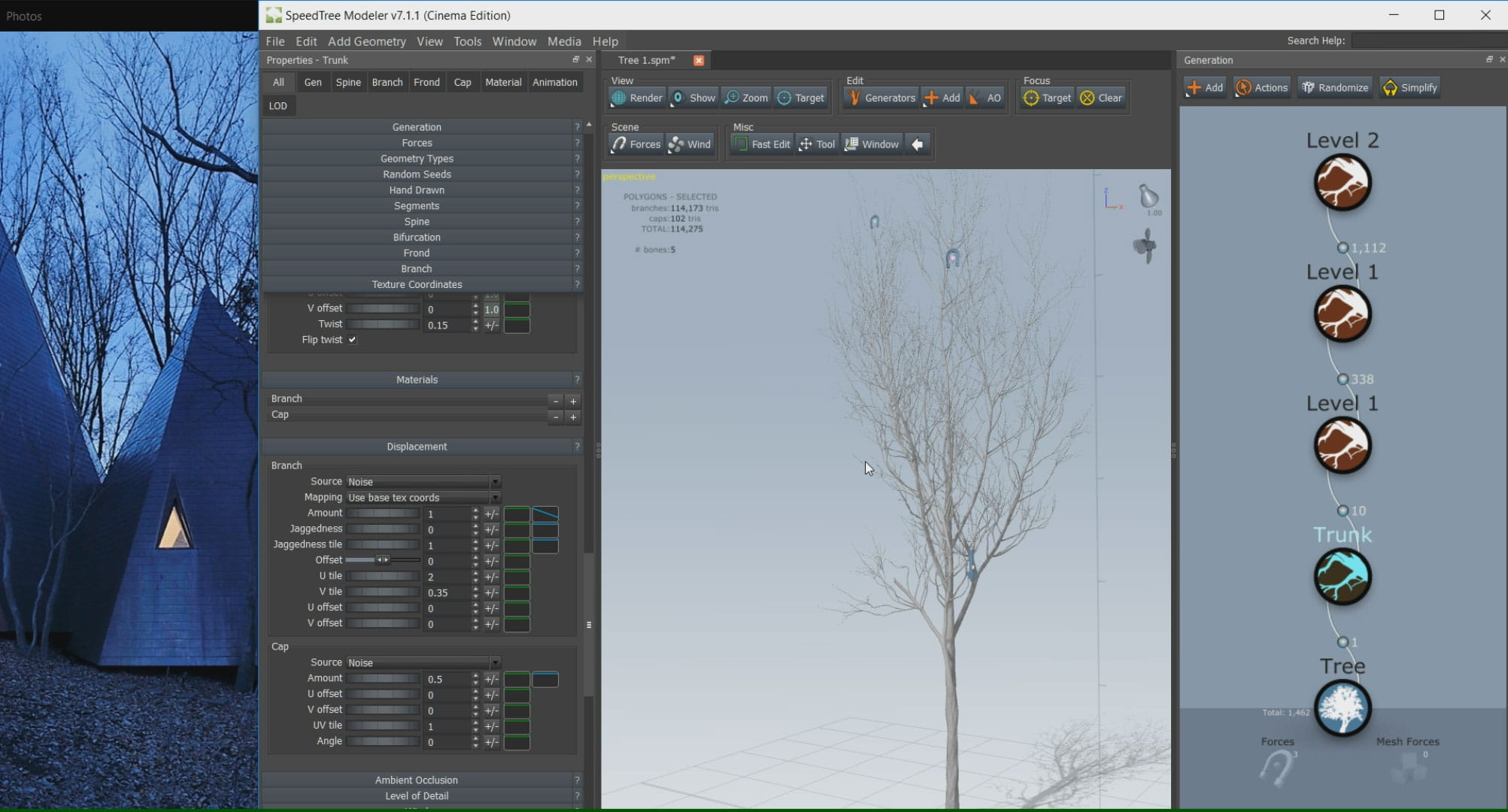
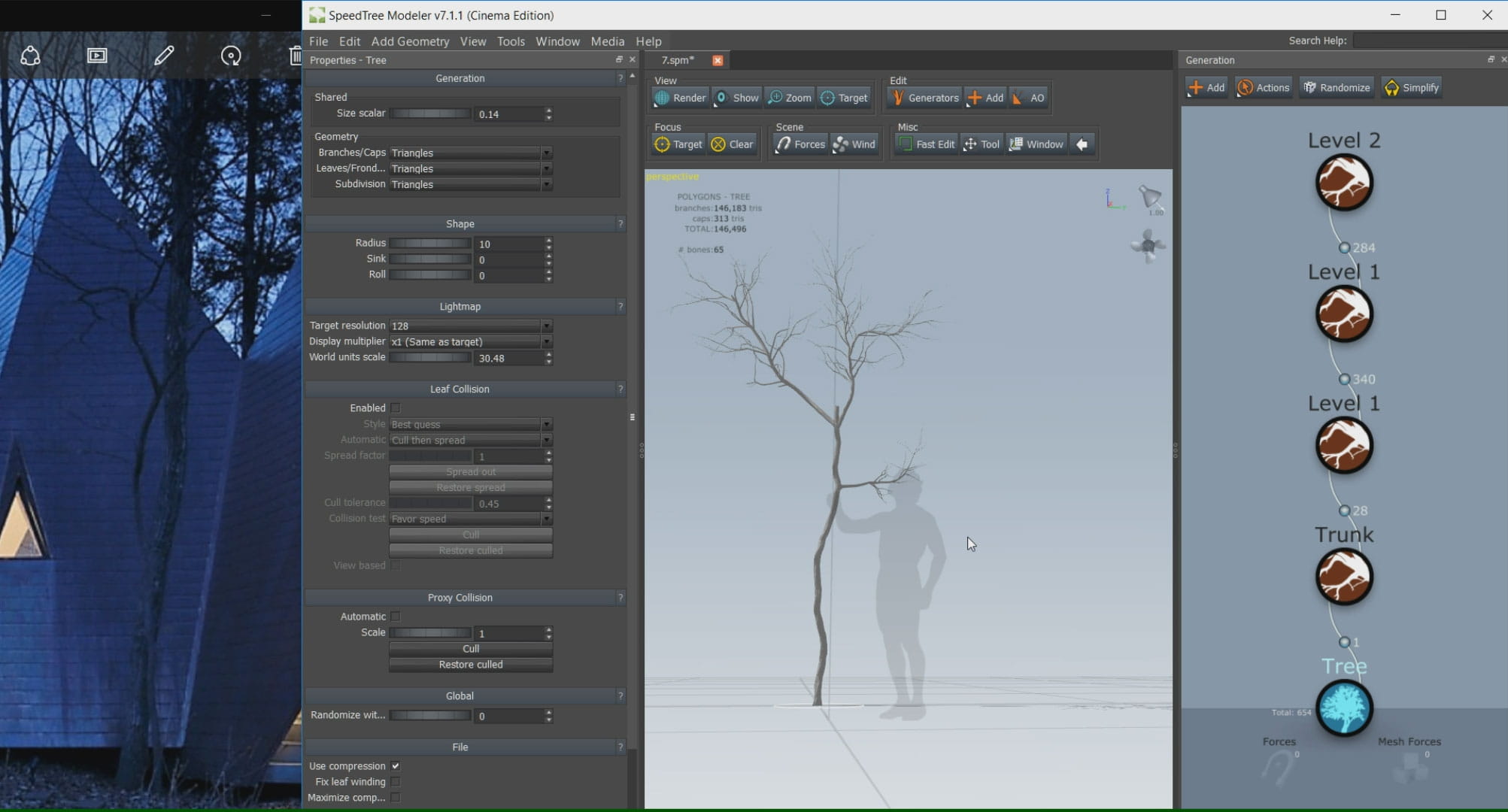
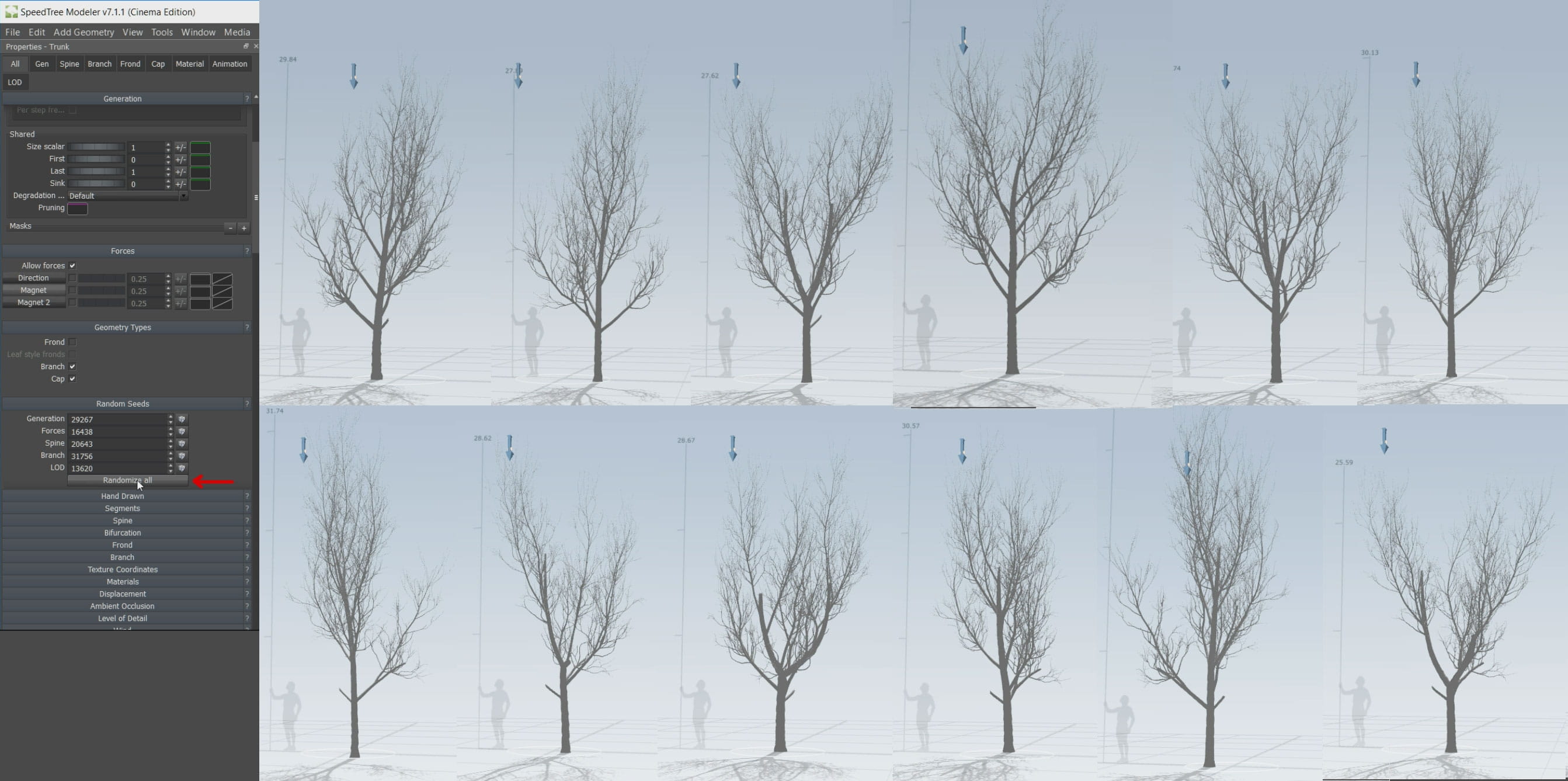
One of the challenges in this project was tree simulation, fortunately, it was quite easy thanks to Speed Tree software.
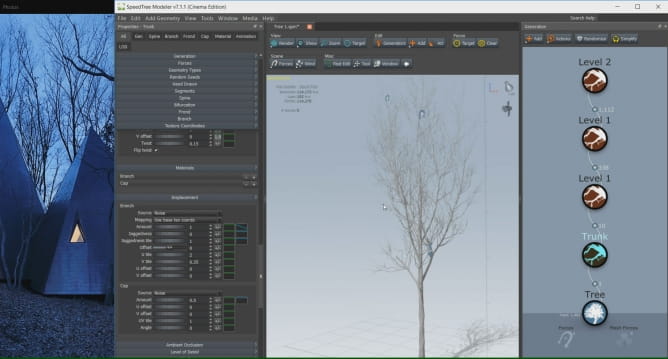
This powerful software is one of the best choices to make any kind of tree. We only need to know what kind of tree we want then let software do the work.
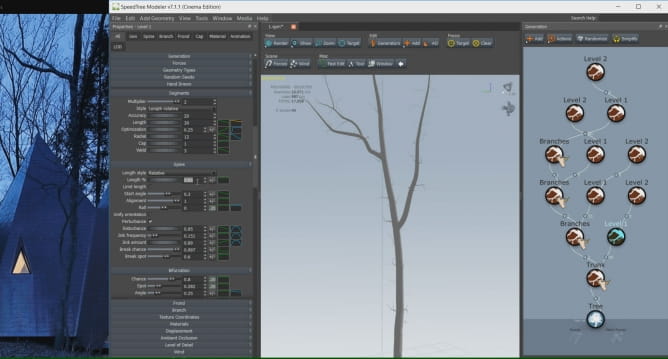
SpeedTree
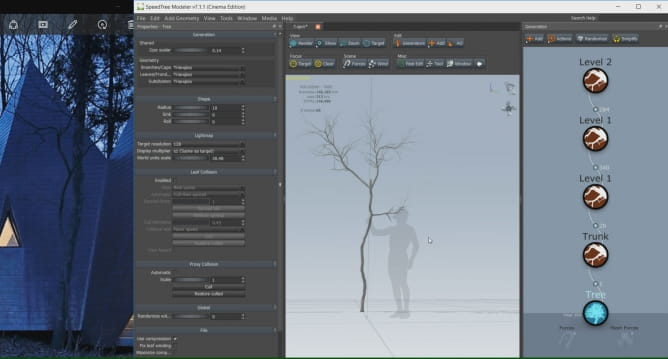
SpeedTree
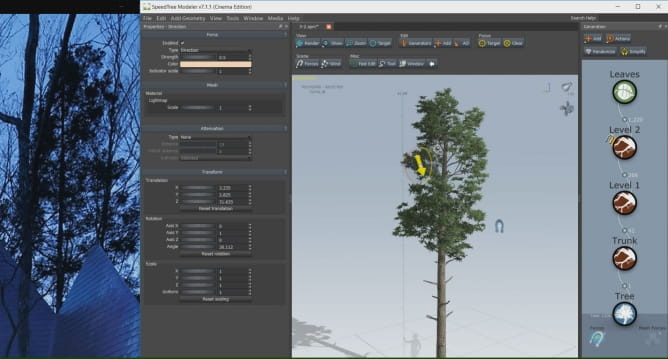
SpeedTree
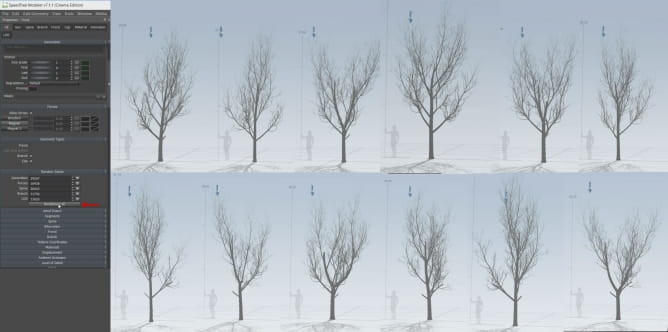
There is no need to make all of trees. Just some principal trees would be enough. To fill up the scene, software can copy your trees by random.
Rock modelling
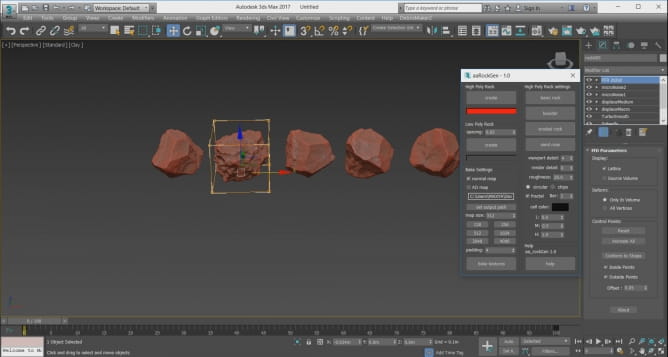
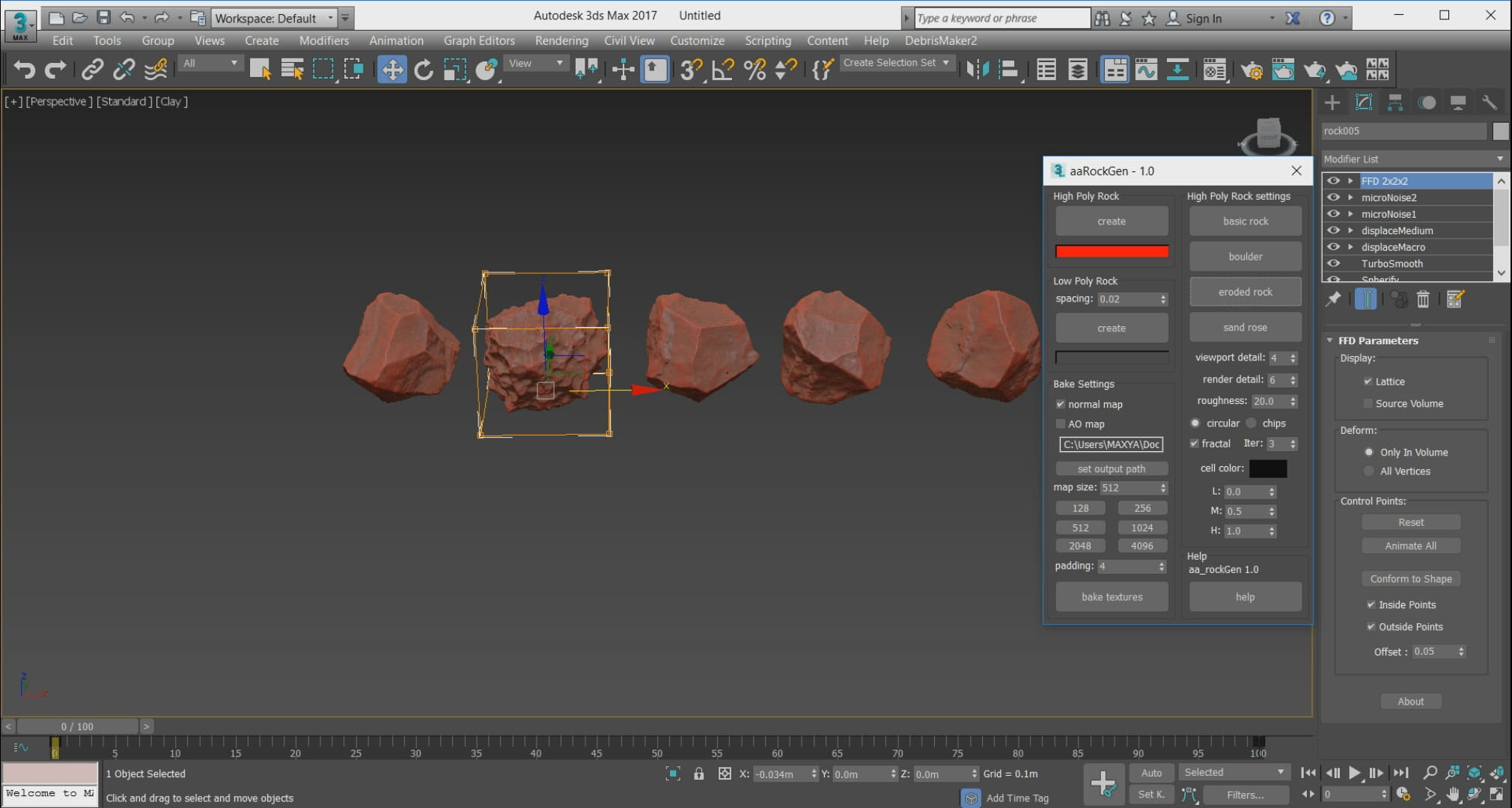
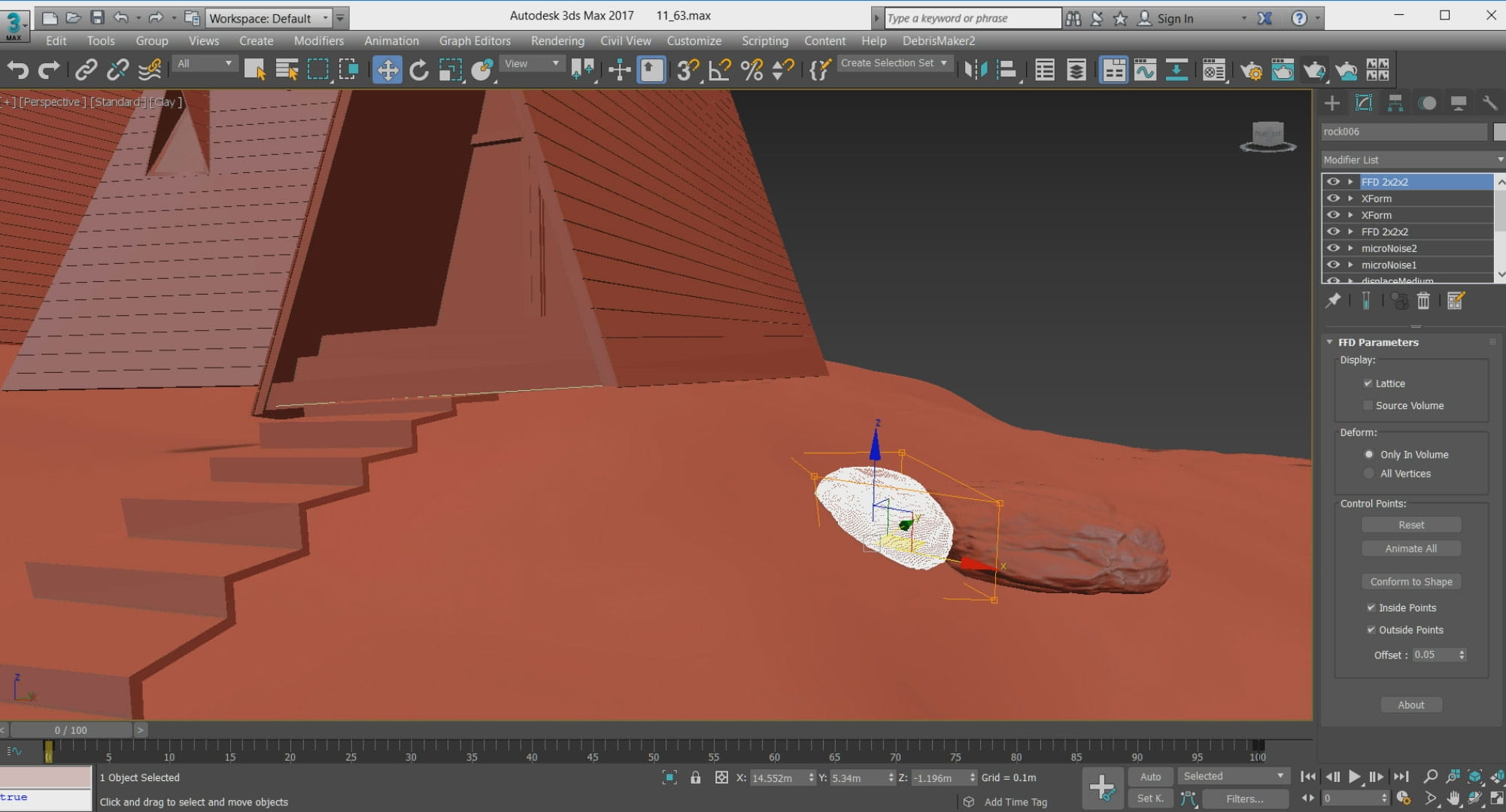
Modeling rock
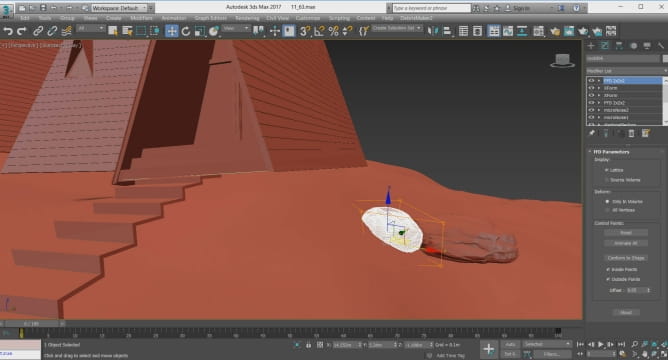
To model the rock in 3D Max, there are many different ways. Rock Generator script is one of the good choices for sure.
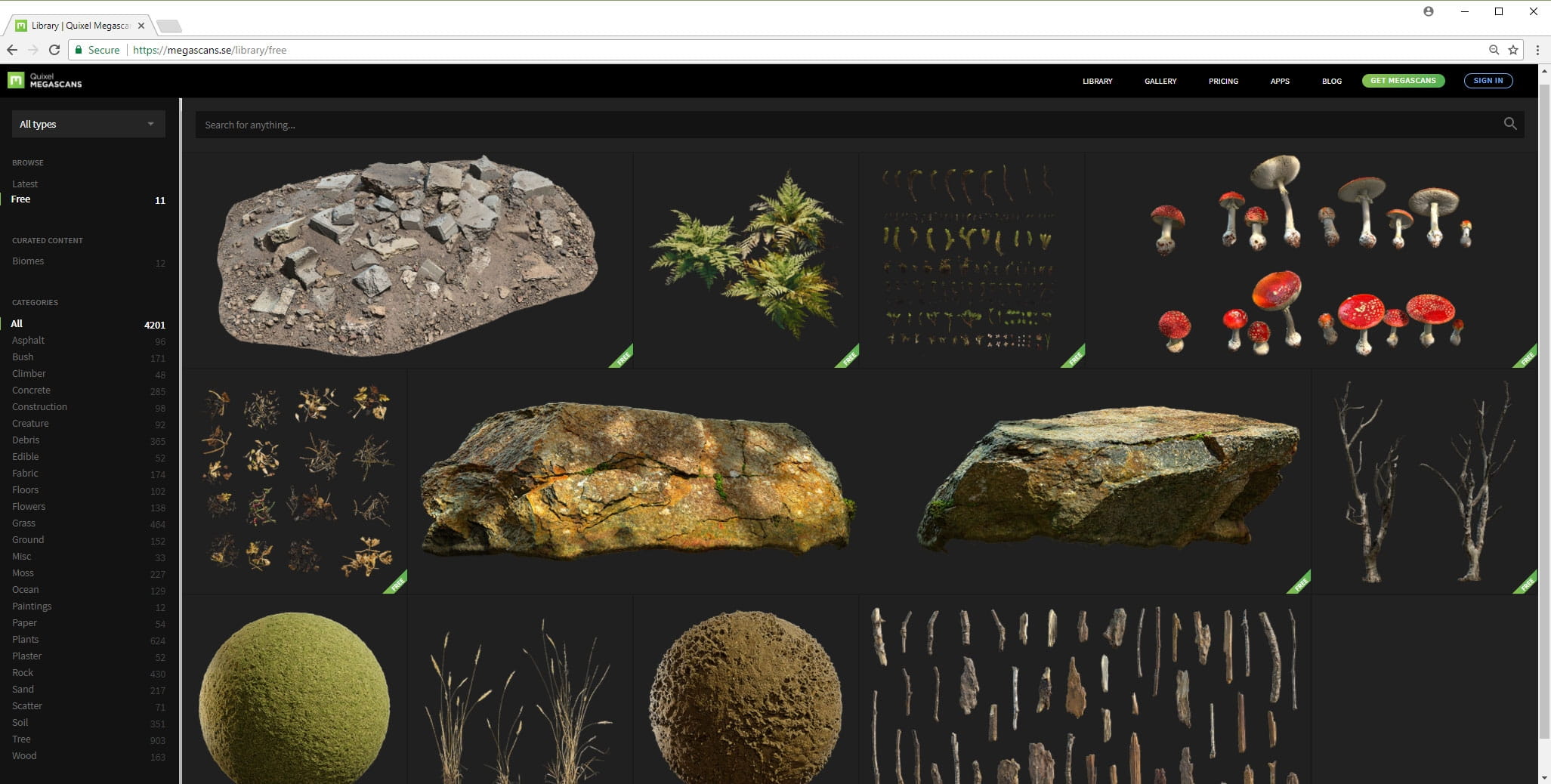
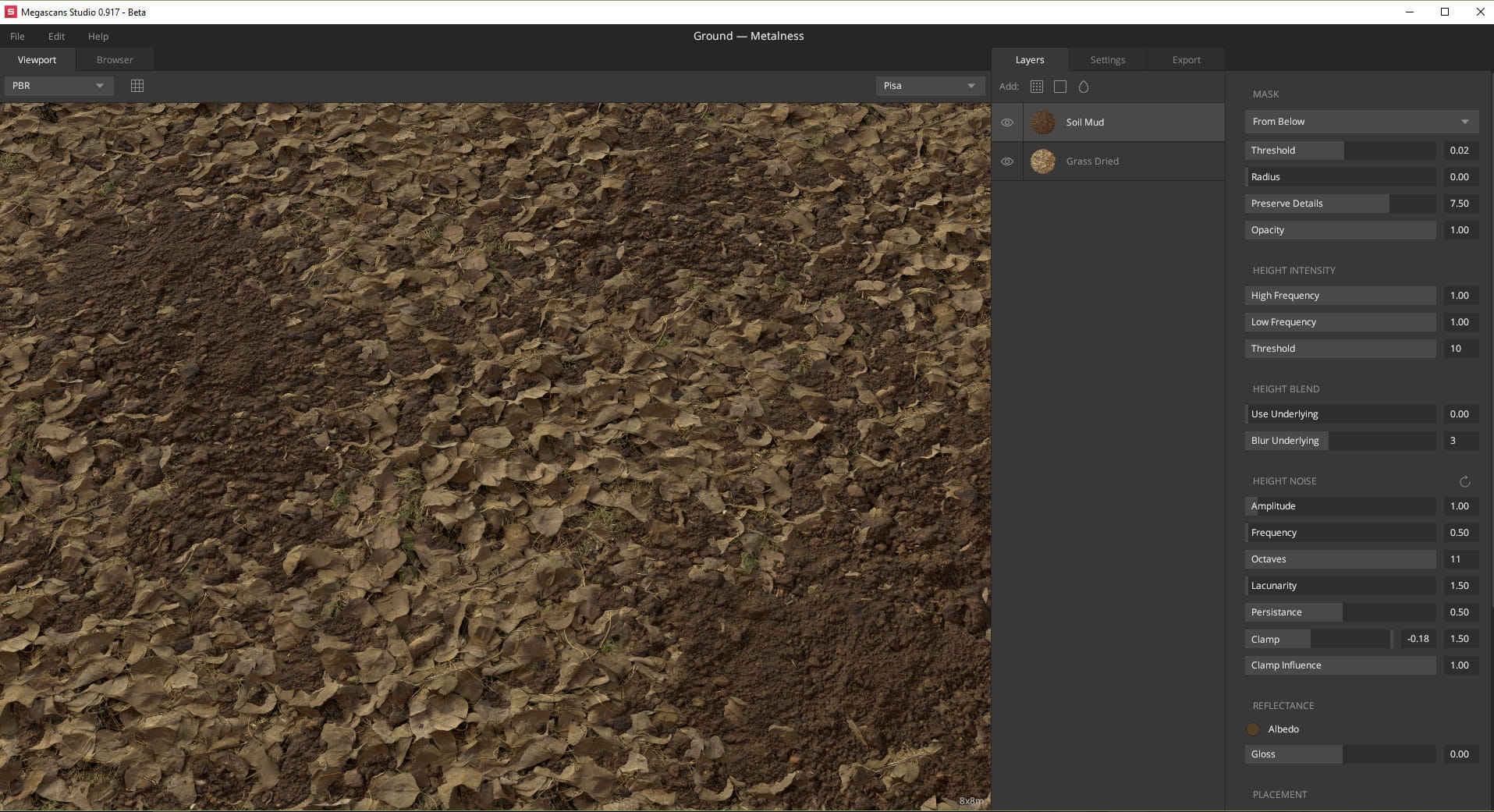
Megascans
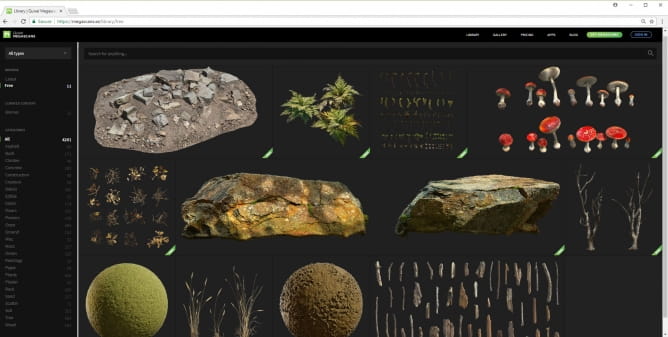
You can find Megascans Studio software helping to create materals and Megascans Bridge software which helps to import Quixel Megascans ready-made models to many softwares and renderer engines.
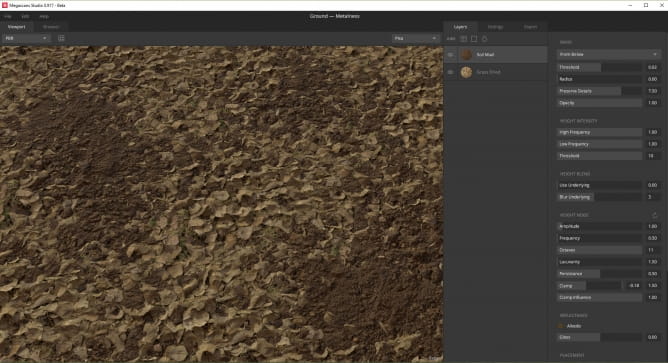
Megascans Studio: Ground Texturing
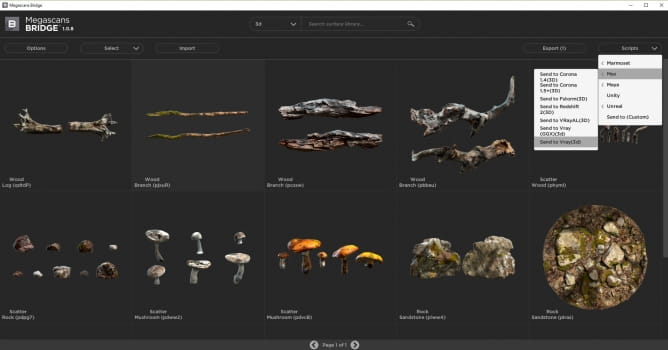
Megascans Bridge :3D Models For Using in Vray
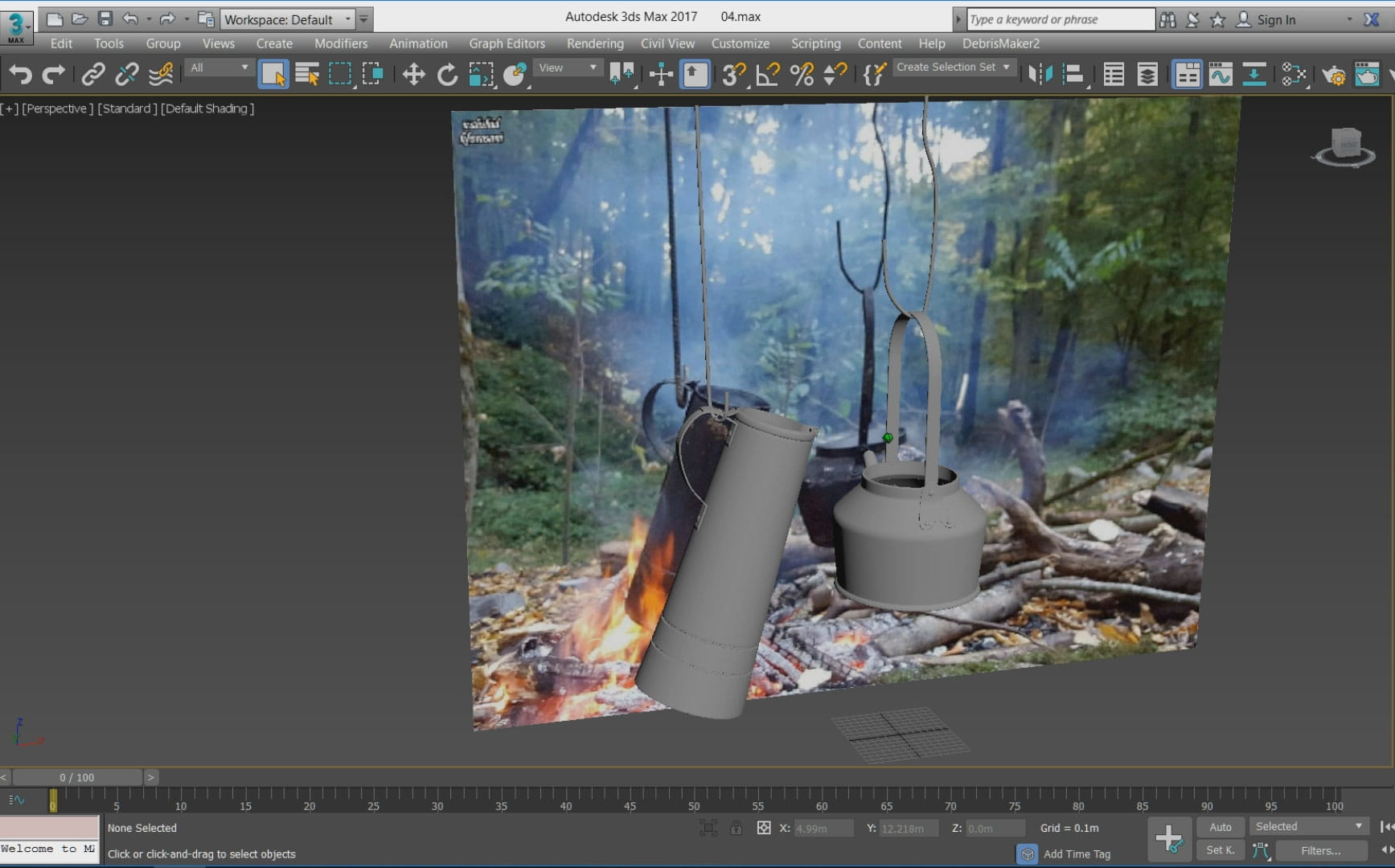
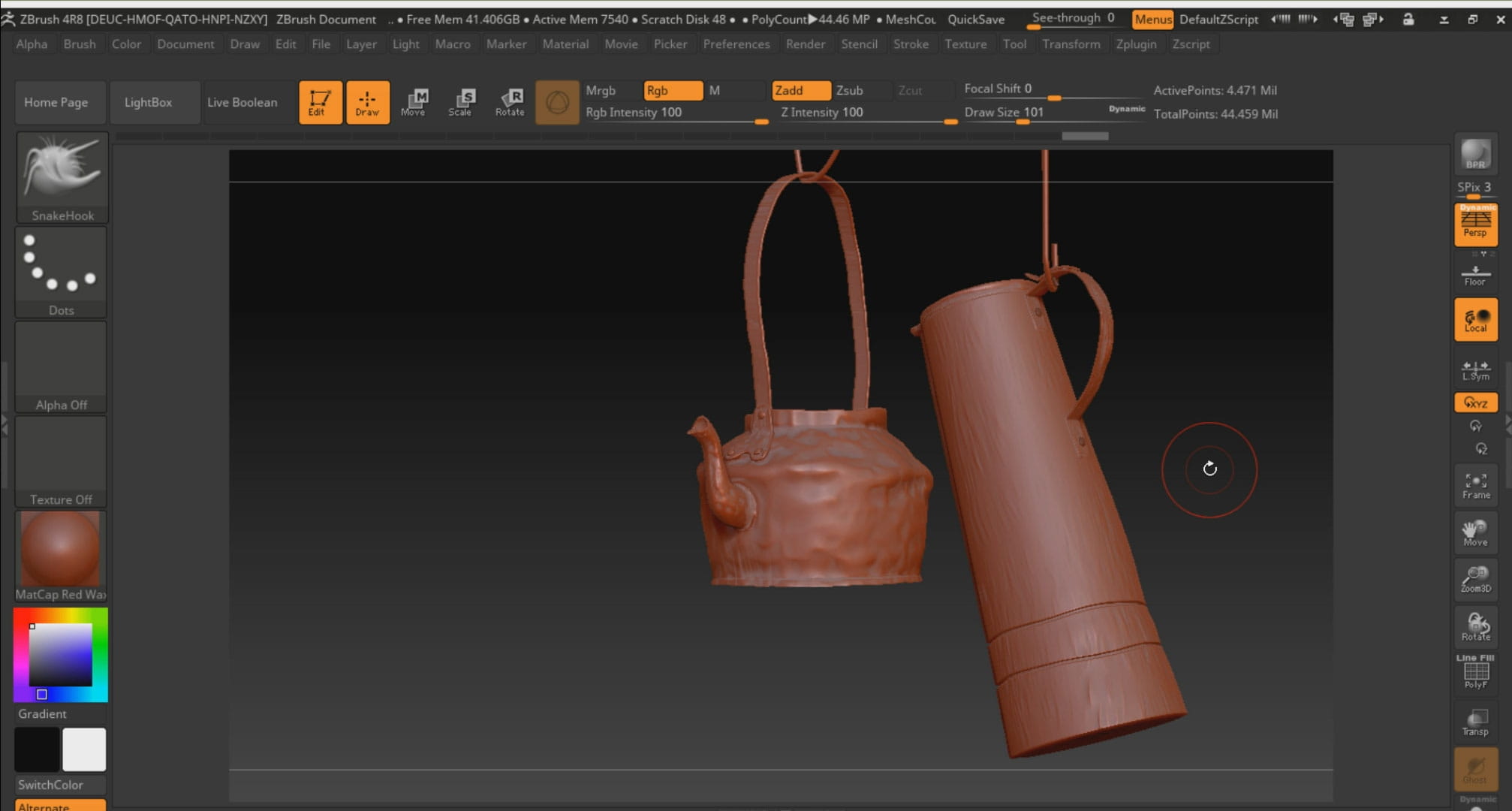
Tea and coal modeling
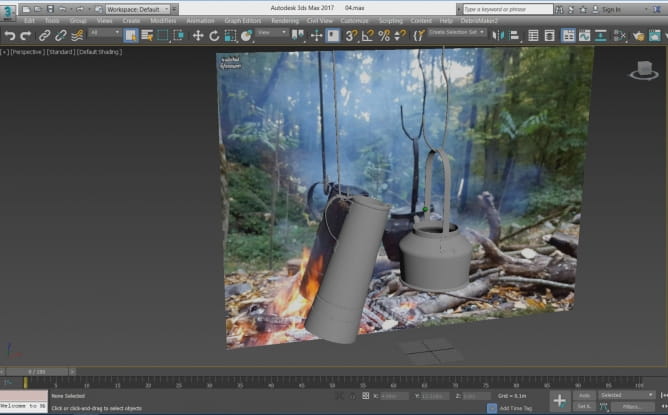
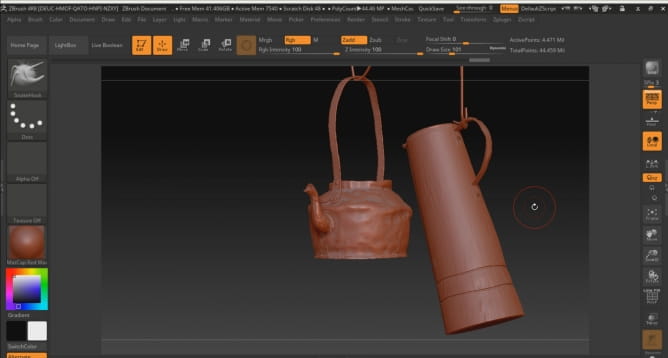
A Tea being heated by coal photo was an inspiration for me. First, I modeled the base objects in 3D Max and like always I transferred it to Zbrush software to add details.
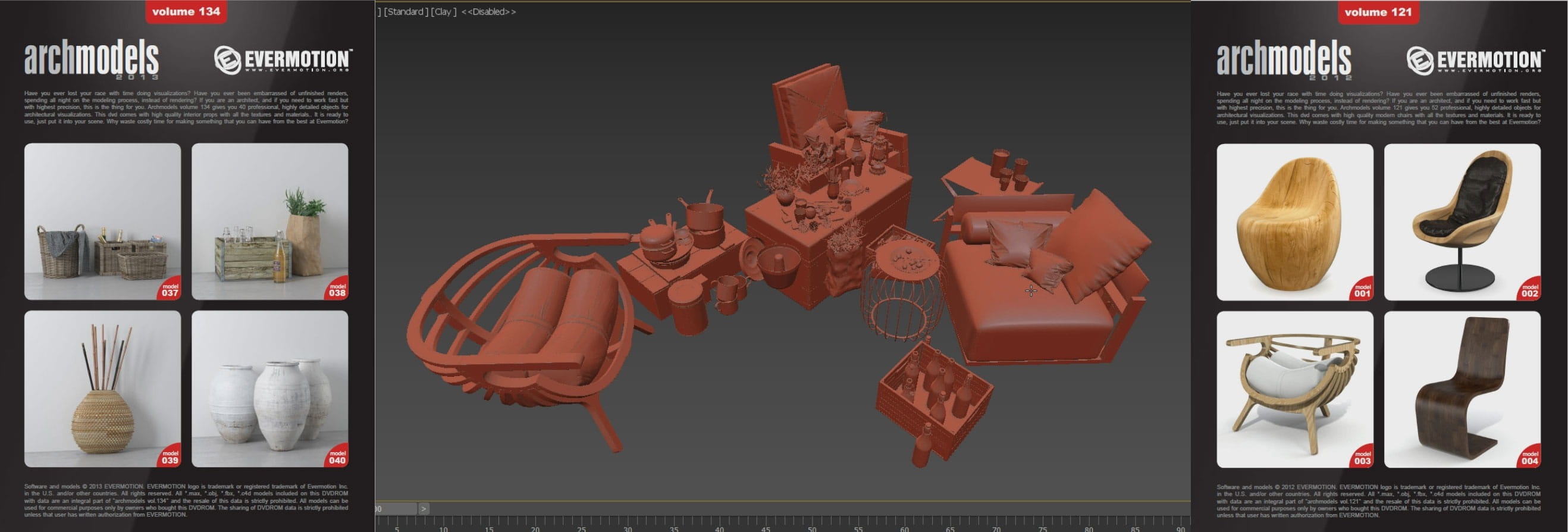
Use ready-made models to fill the scene!
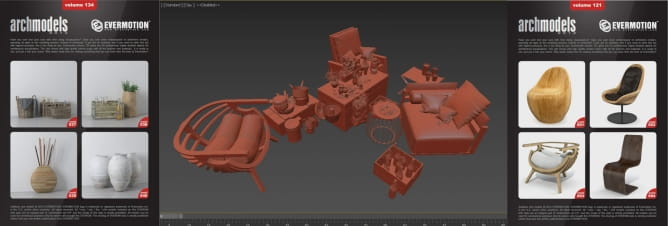
I always prefer to model whole the scene by myself in my personal projects, but in some cases especially when you need to save your time, Many high quality ready-made models can be found on Evermotion website.
Scattering with PhysX Painter script
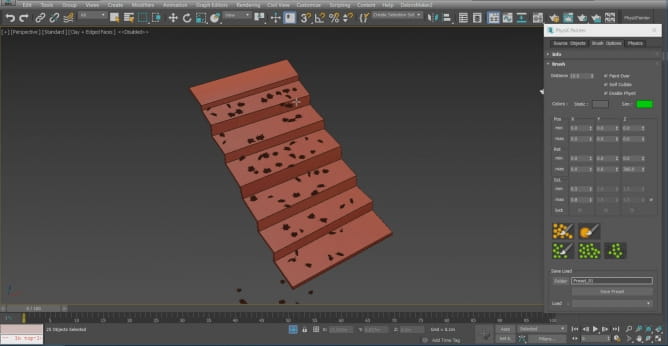
Scattering
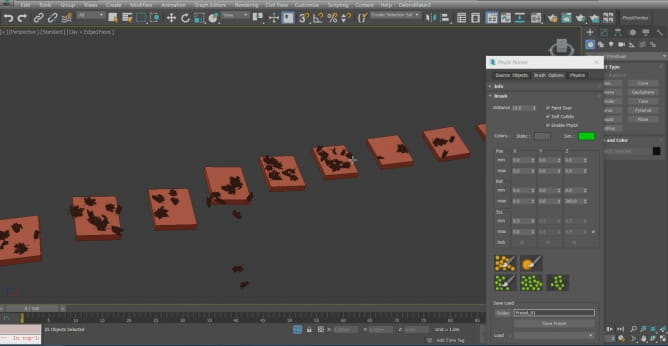
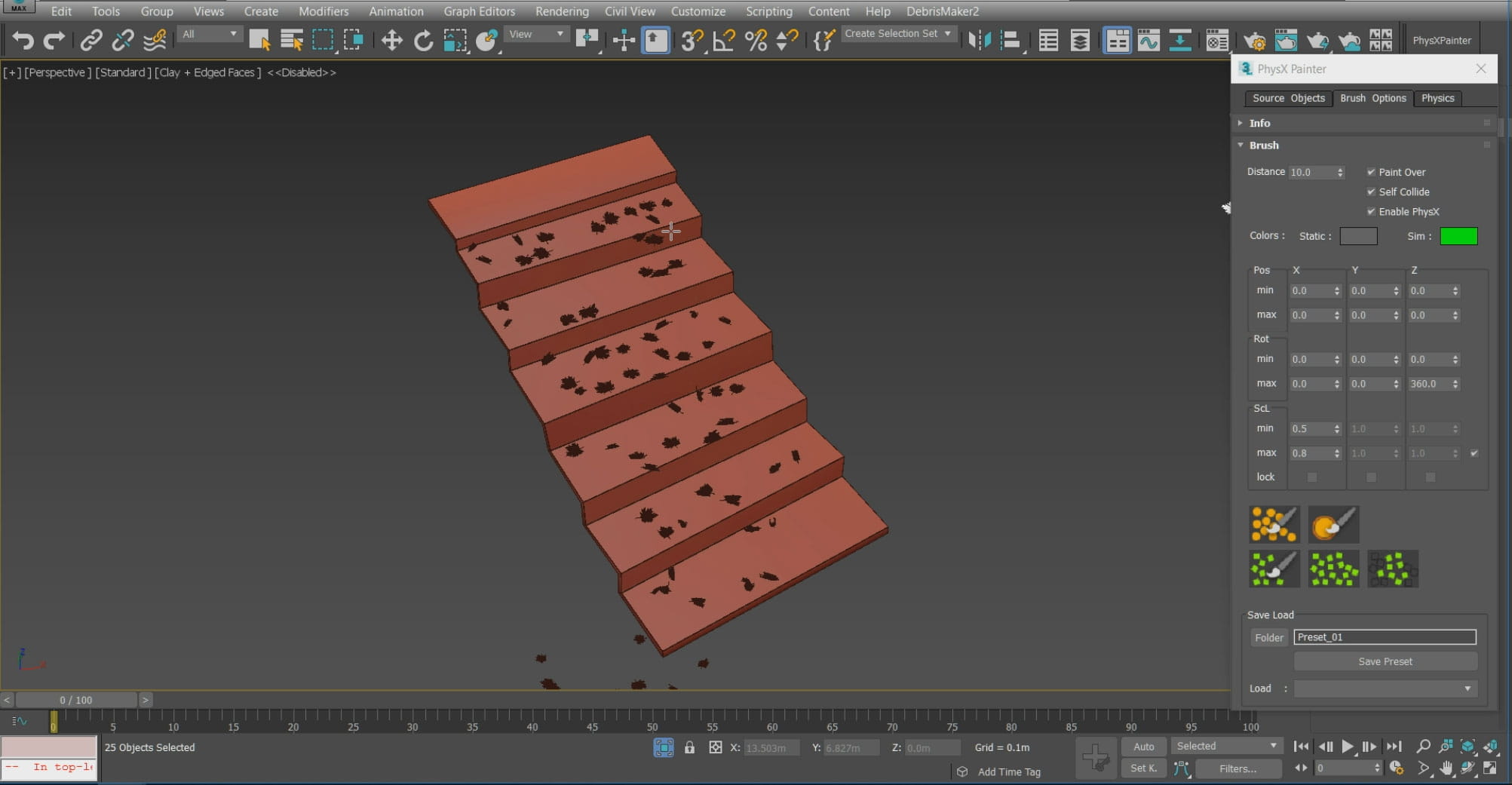
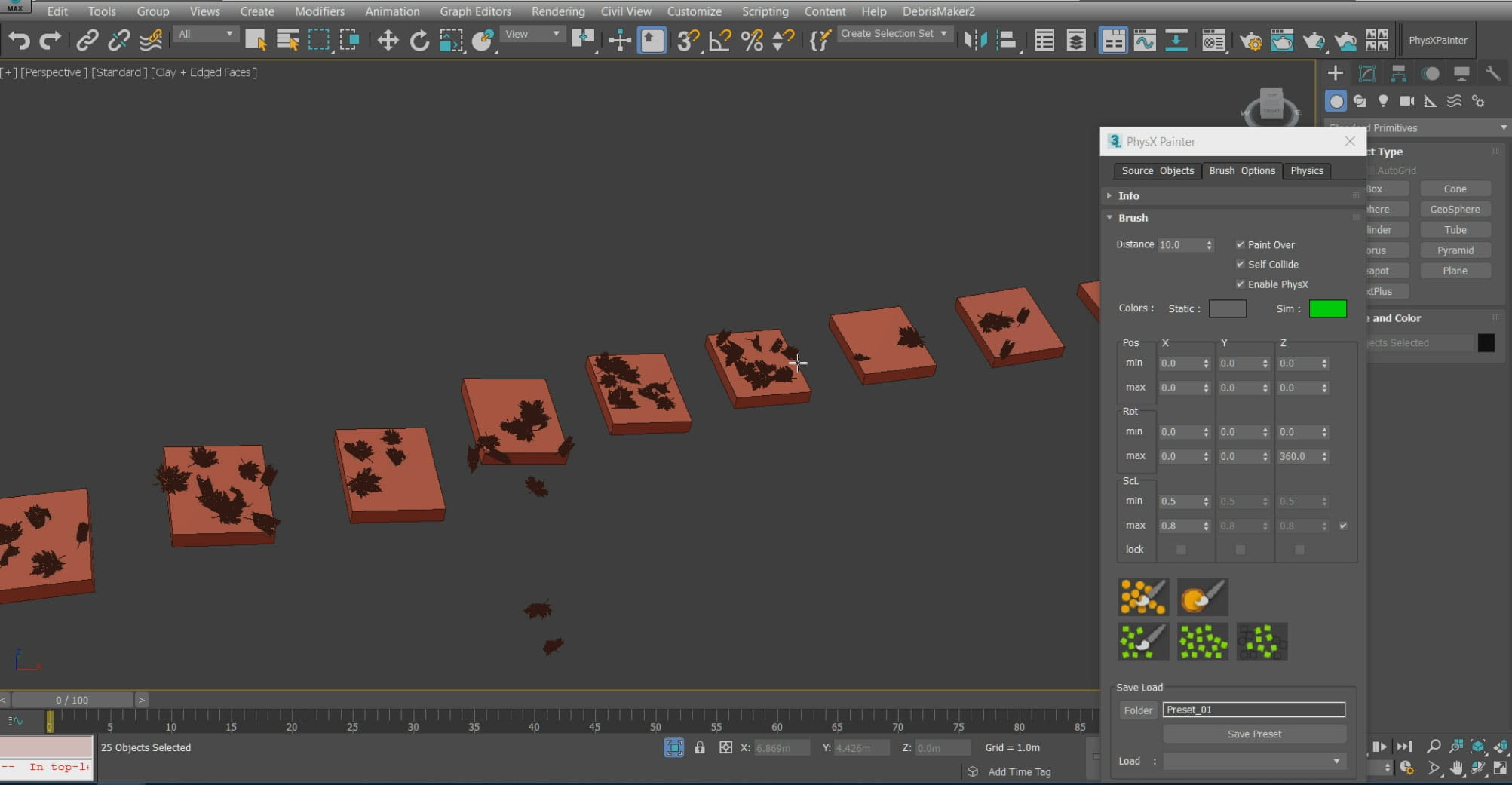
I scattered the leaves on the stairs by working with PhysX Painter script. This script can simulate the realistic movement.
Scattering with Multiscatter Plugin
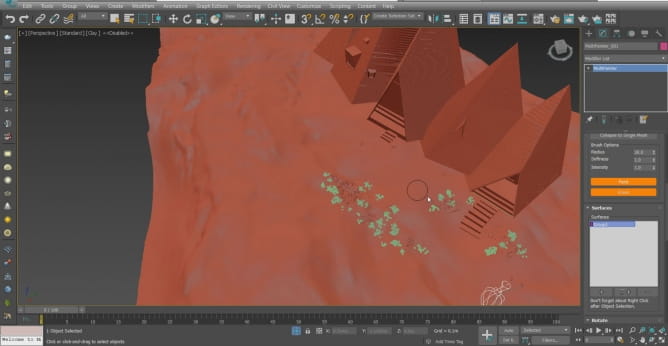
Multiscatter
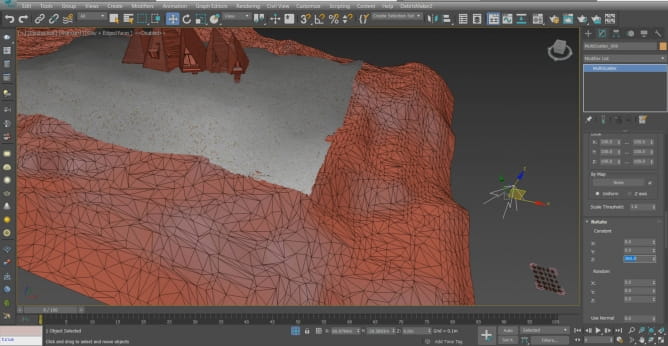
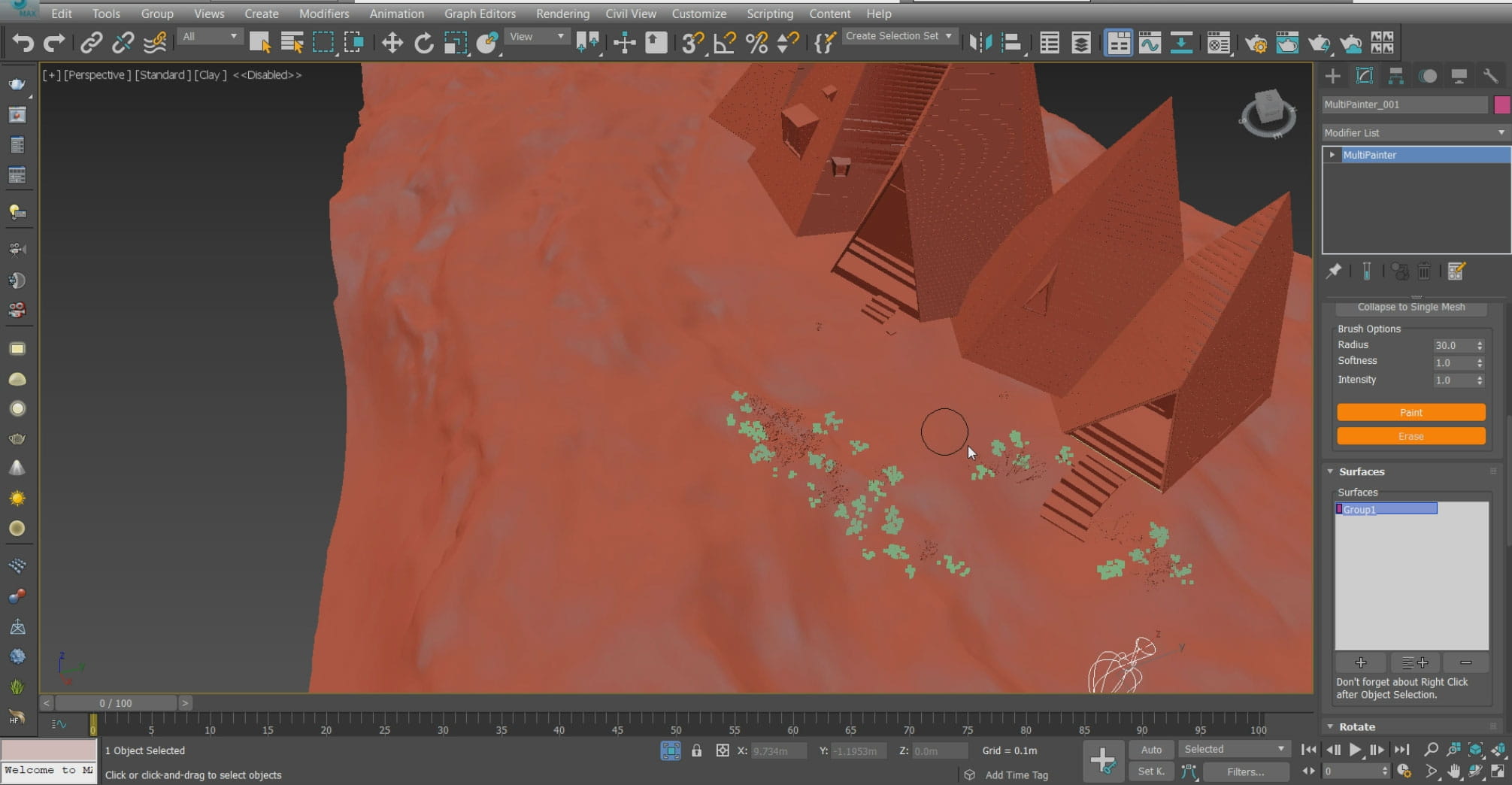
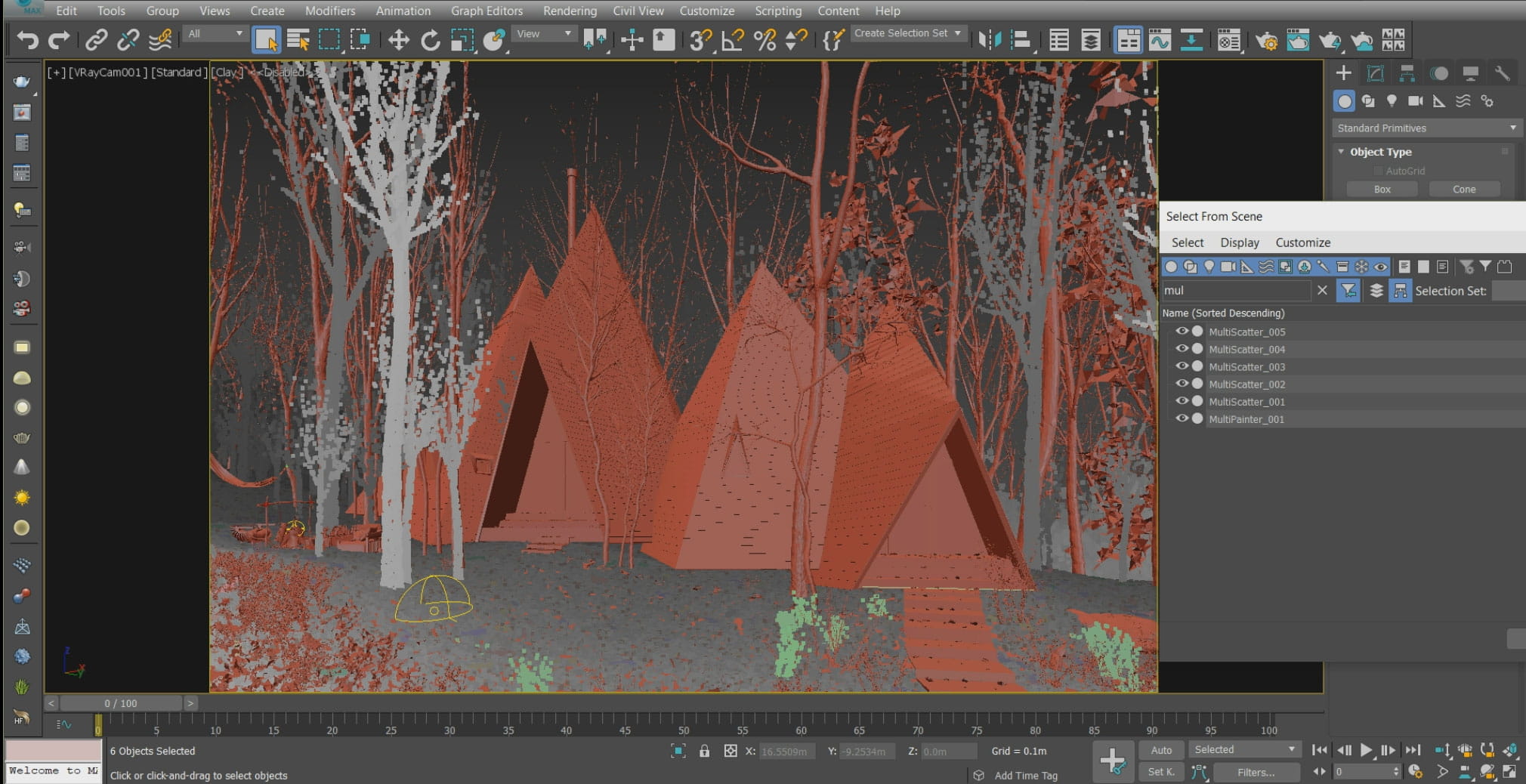
This powerful plugin is one of the best to scatter and paint the model. I used it to scatter trees, laves, woods and bushes on the ground.
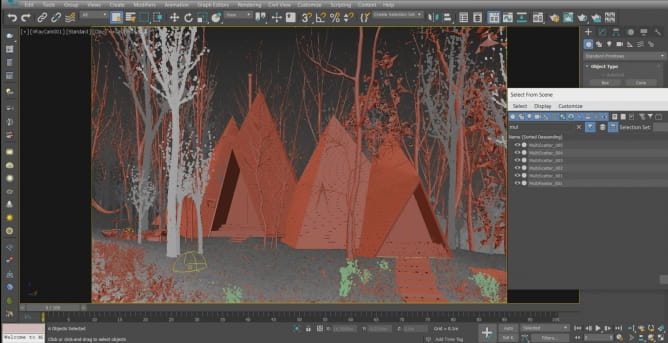
Multiscatter
Details!
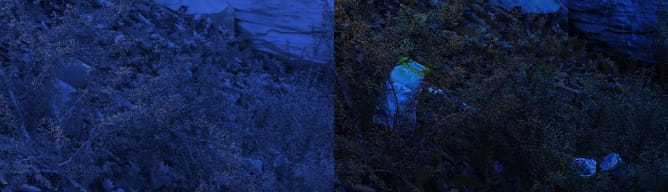
One of the most important thing making a project interesting and realistic, is adding details. I tried to add details as much as possible in this project.
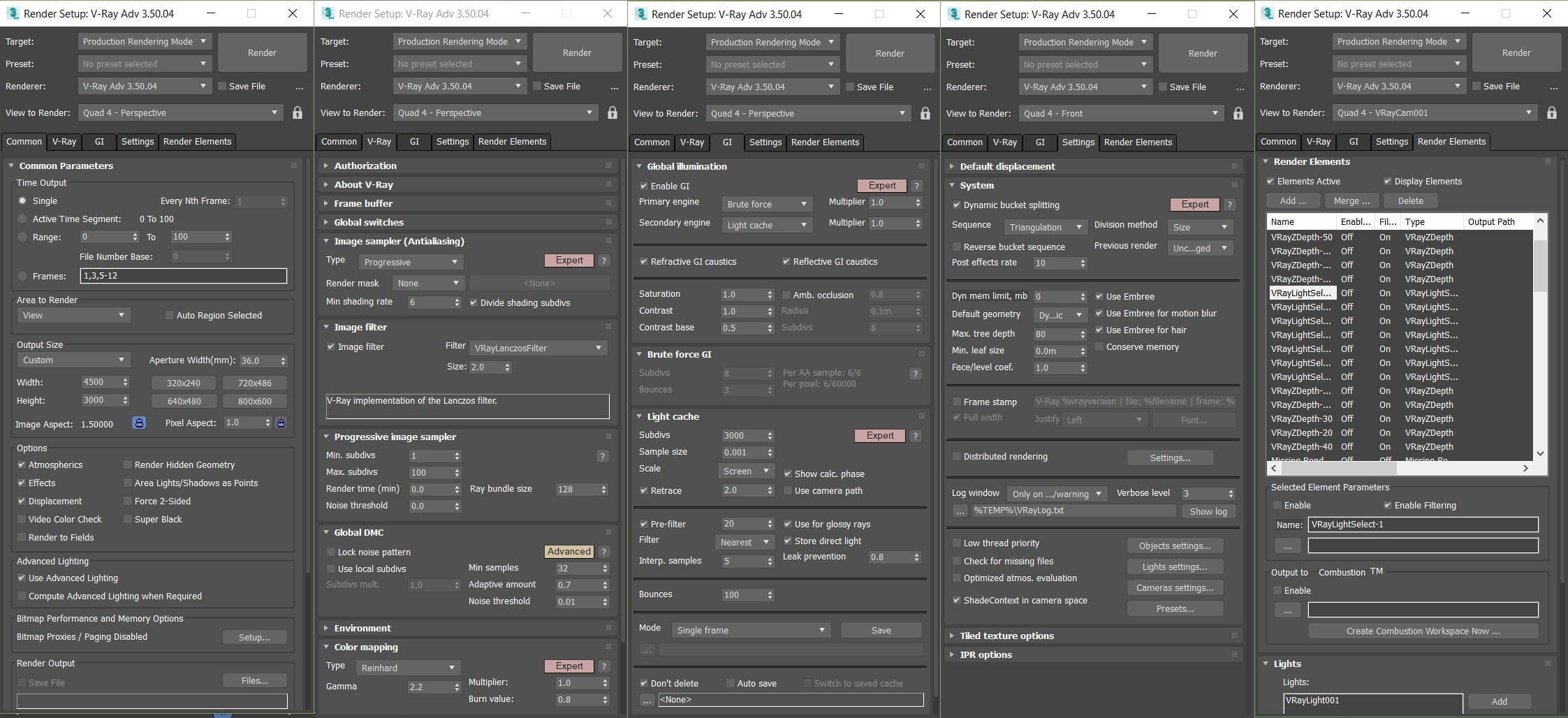
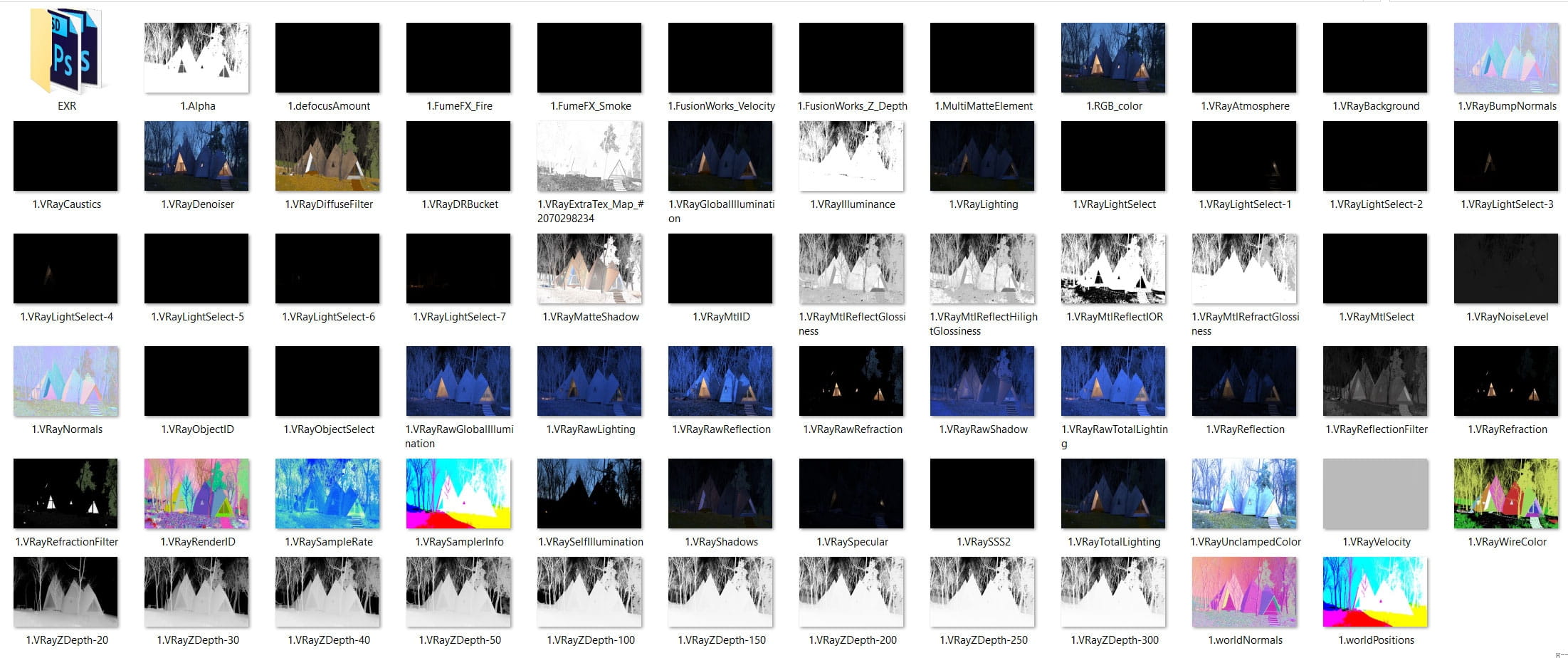
Render settings and render elements
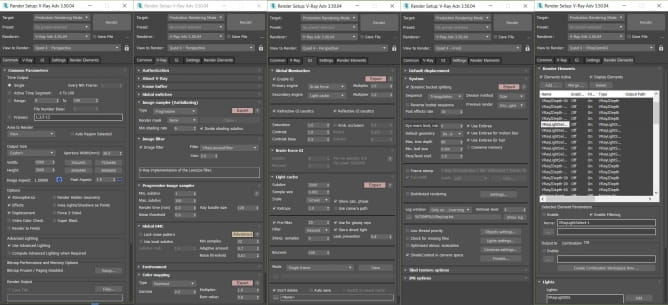
In the photo above, you can see the final settings of the Vray renderer engine.
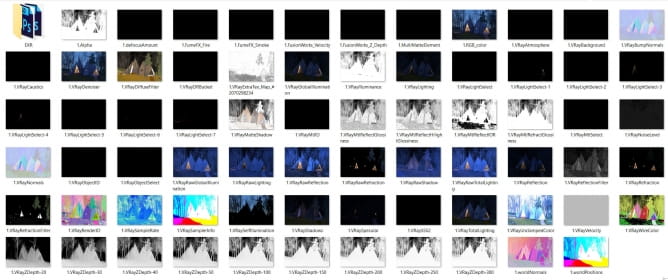
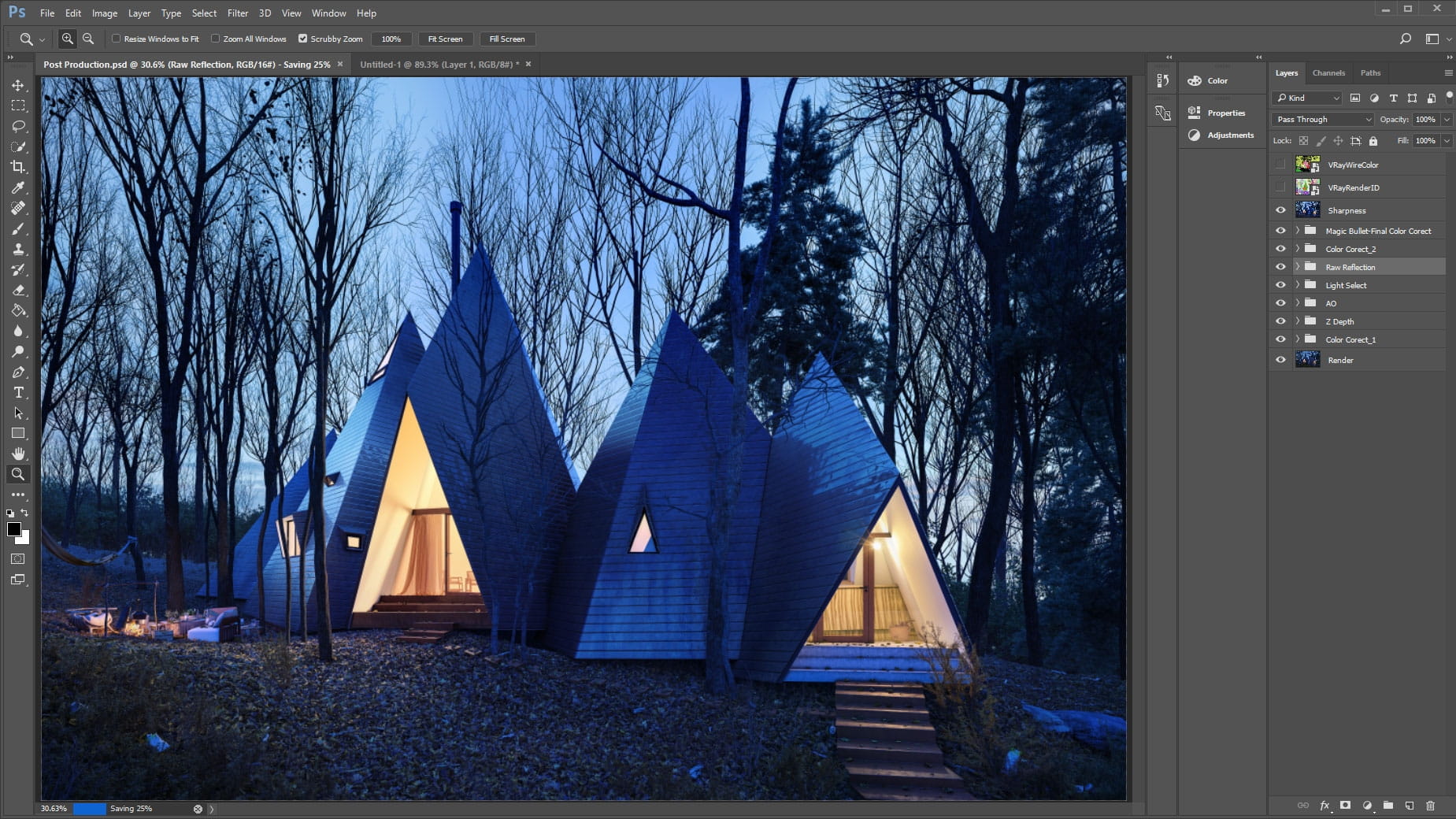
Post Production
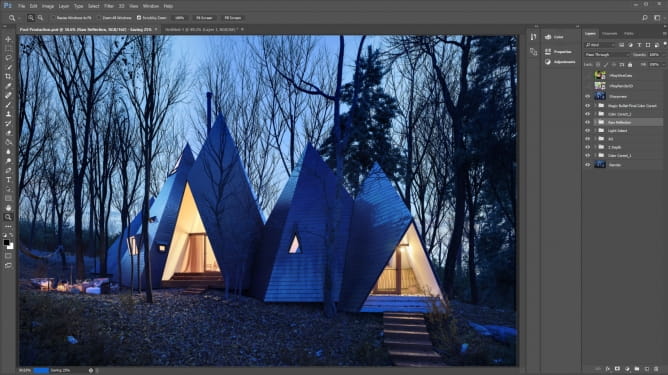
After rendering, it was turn of post-production. I could correct light and colour of the project because of the render elements in this step.
In the end, I appreciate the time you spent on this text. You can watch the process of Nasu Tepee modeling in following movie.



 Customer zone
 Your orders
 Edit account
 Add project
 Liked projects
 View your artist profile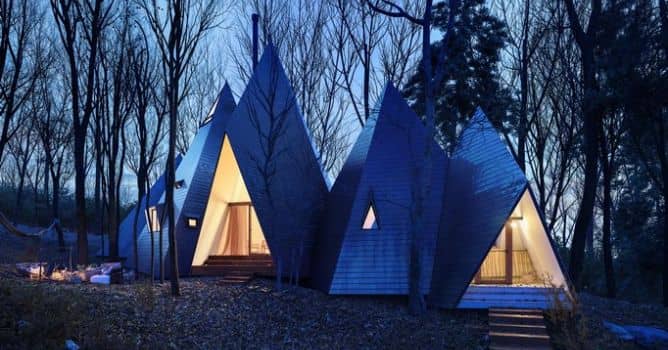


















COMMENTS