Search
Cart
Your cart - 0 items
Total: € 0
Total: € 0
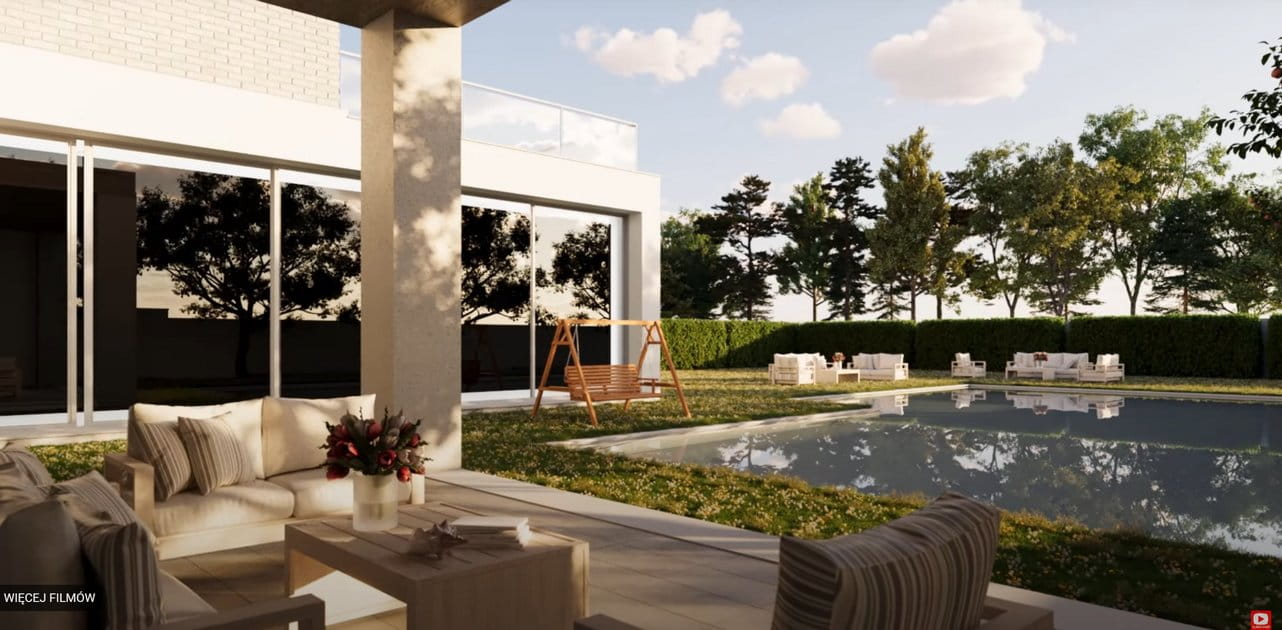

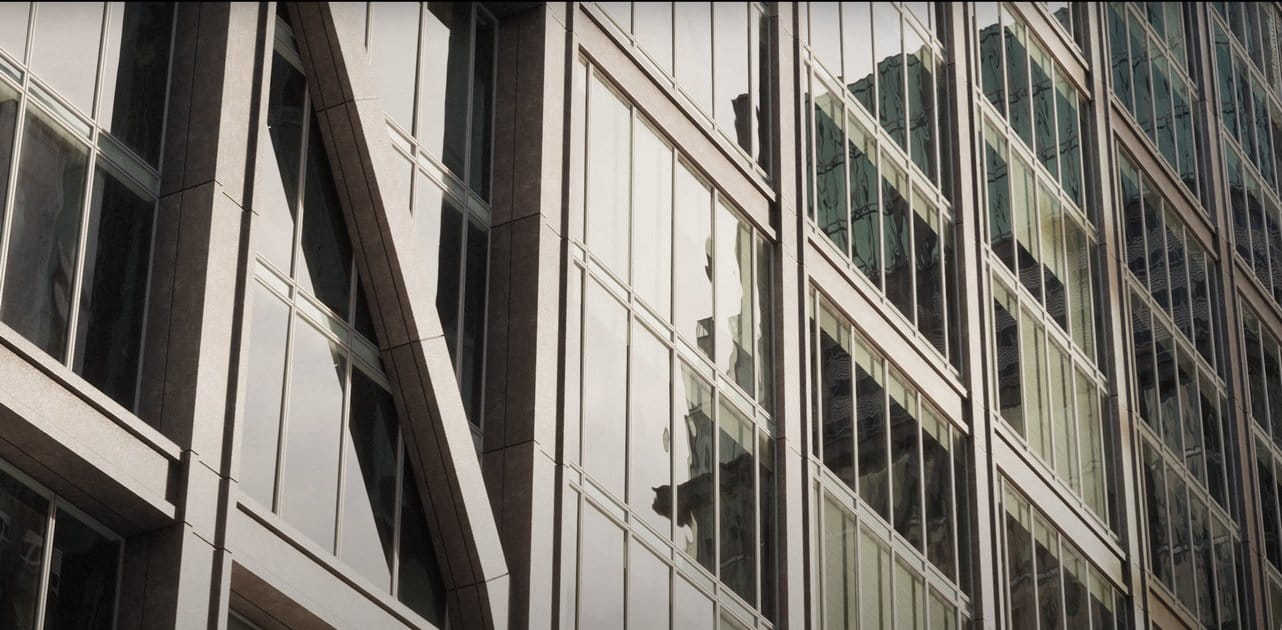
Certain renders are nice and soft, while others have the sky overexposed. In this video you will understand what happens in 3 scenarios: Content for Corona and V-Ray, and any other render engine or real camera.
Certain Renders are pleasingly soft and nice, conversely, in other circumstances some outputs can unfortunately result in the sky appearing overly bright, or overexposed. In the upcoming video tutorial, we delve deep into the exposure control. Specifically, we will be dissecting and analyzing three distinct scenarios to provide clarity on potential problems and pitfalls. This will offer viewers a comprehensive understanding of how to manage and control exposure effectively.
Ciro Sannino is currently offering Lessons + Licenses + Certifications in one package
The course is recorded in English + Spanish and Italian:
Please visit > Corona Renderer Course
Ciro Sannino / Corona Official Instructor / Chaos Academic Partner





LEAVE A COMMENT







|

|

|

|

|
 Customer zone
 Your orders
 Edit account
 Add project
 Liked projects
 View your artist profile

COMMENTS