My name is Amir Varasteh and in this tutorial I present the making of "The Foggy Love" - a project that I have recently accomplished.
Modeling
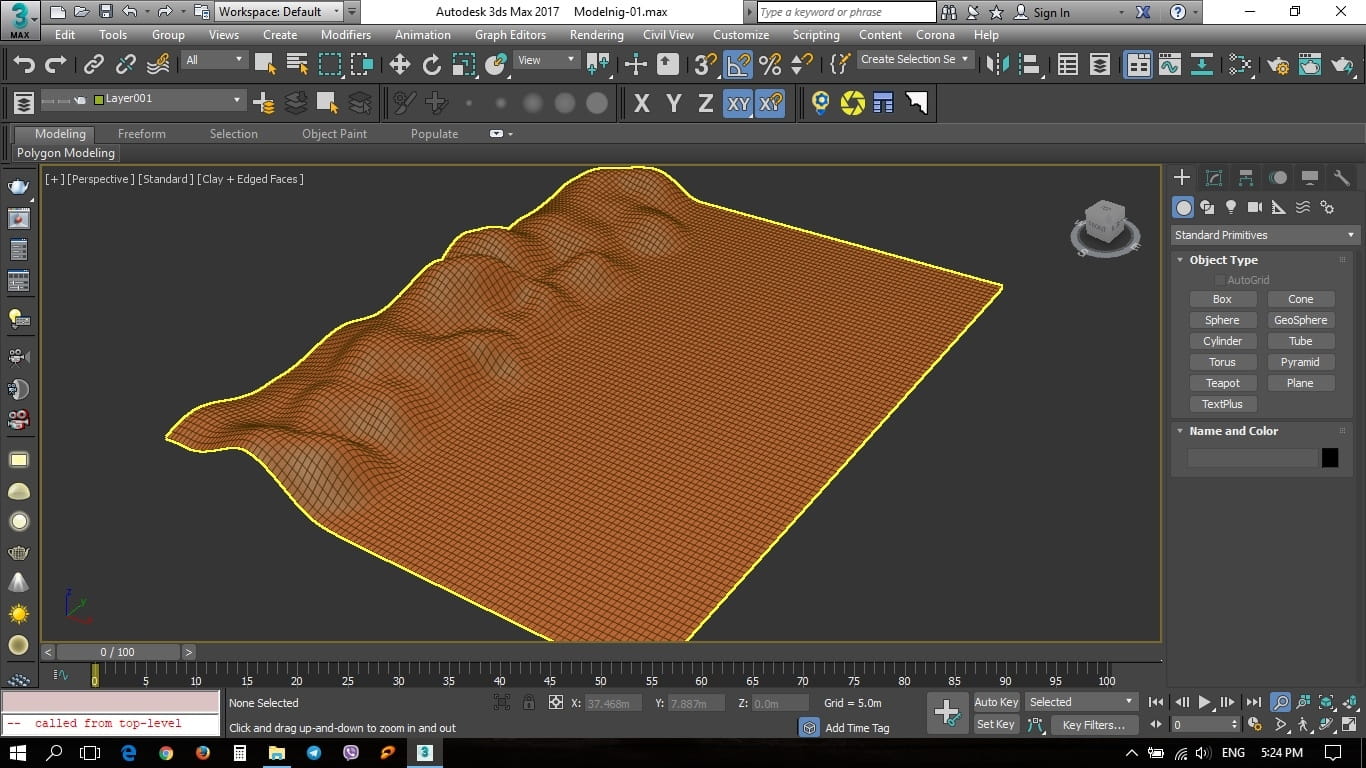
The land were made with plan, I converted it into Editable poly.
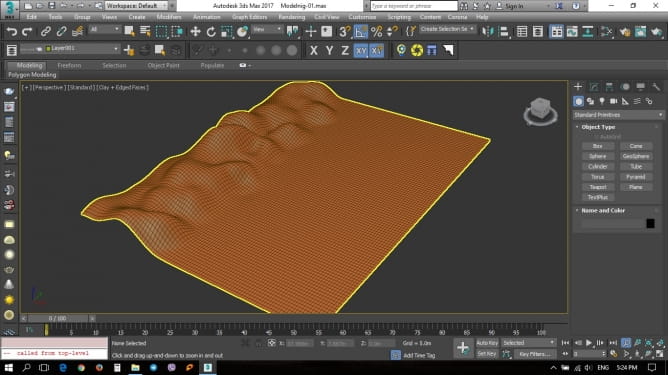
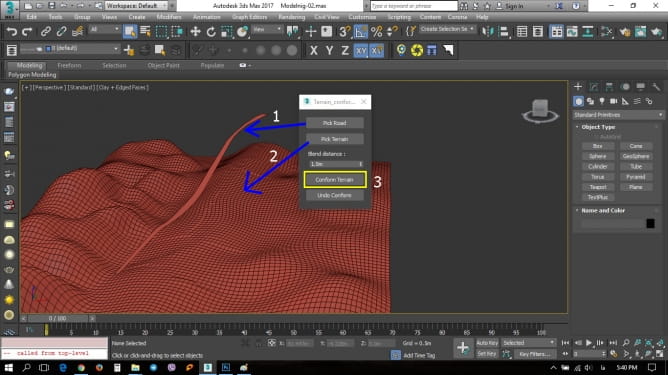
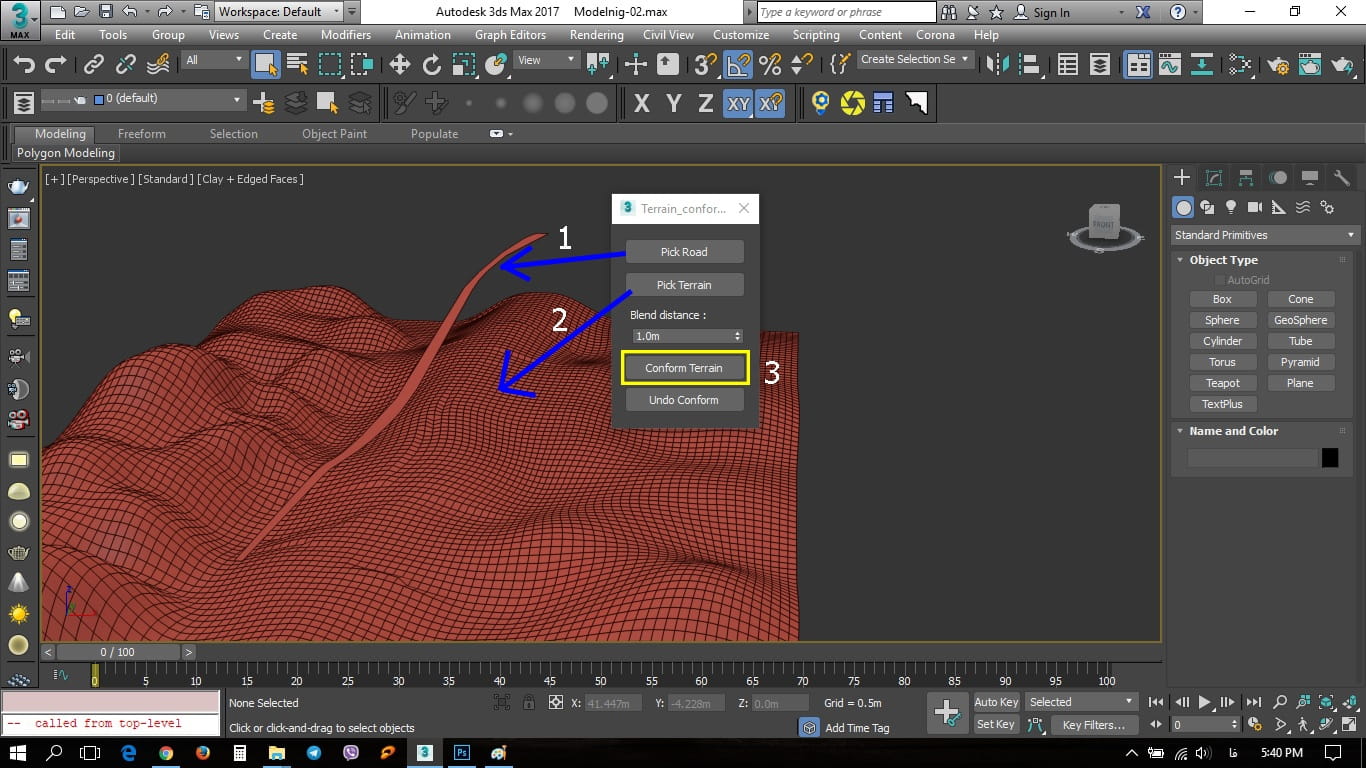
Road Surface, I used Line, Then converted in to Editable poly and with FFD modifire made it a little steep. Now the scene is ready for using Terrain Confomer script. You can download this script hrom here: https://www.scriptspot.com/3ds-max/scripts/terrain-conformer
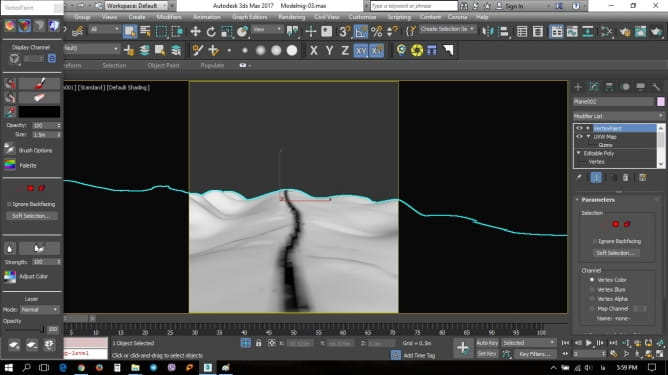
Then I changed it to Edit Poly and by using the Vertex Paint modifier the surface of the path was separated from the rest.
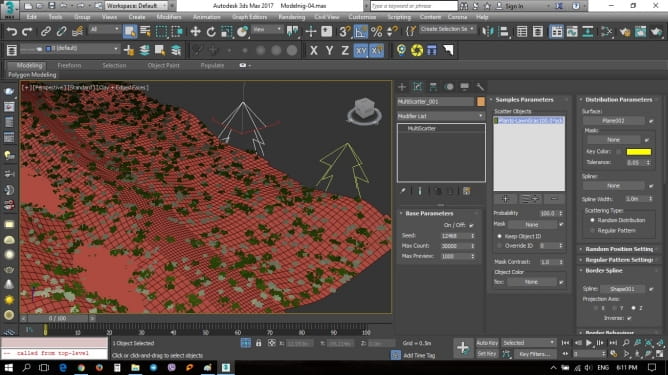
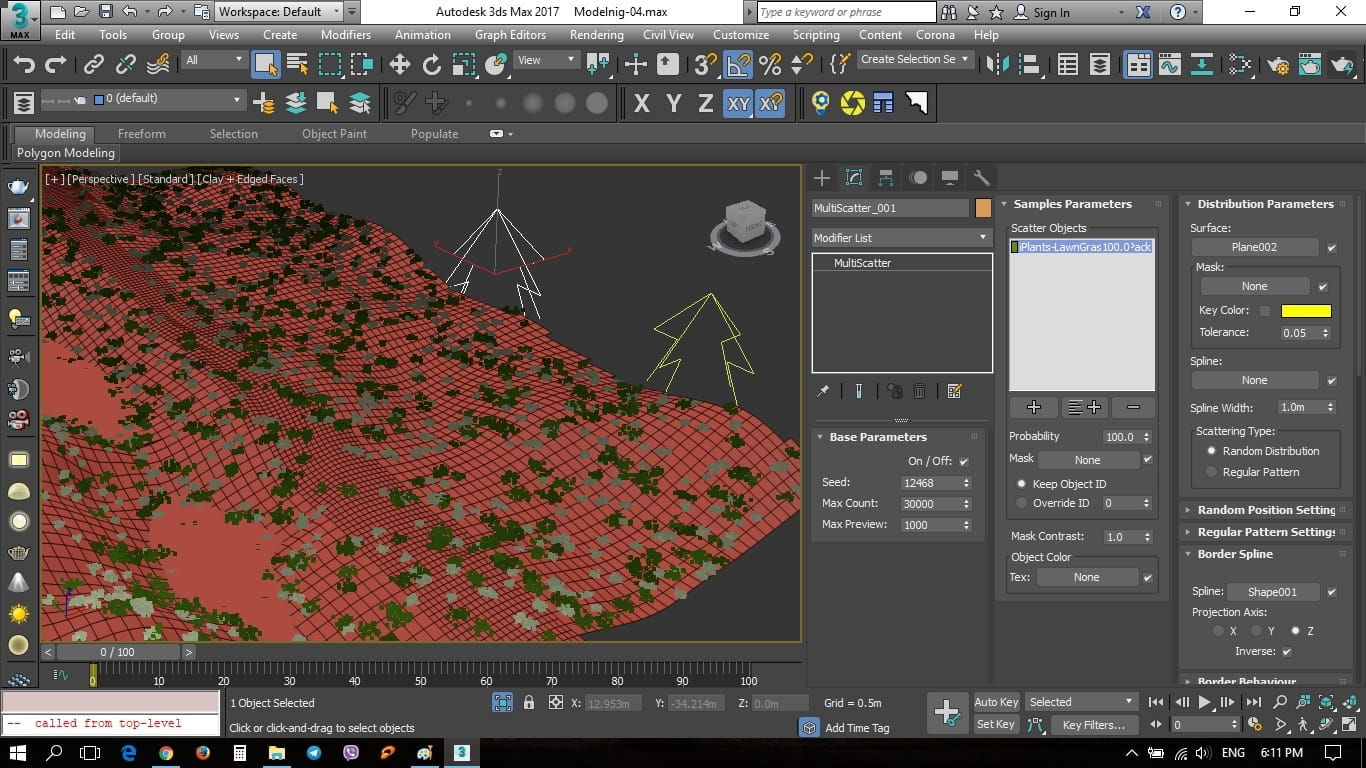
As can be seen in the following screenshot, to distribute the grass and shrubs on the land I used Multiscatter plugin.
Materials
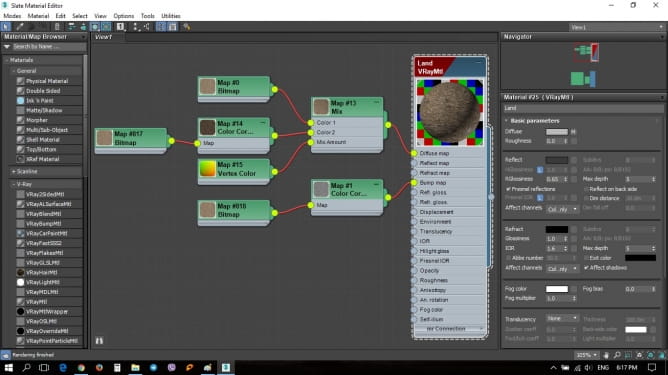
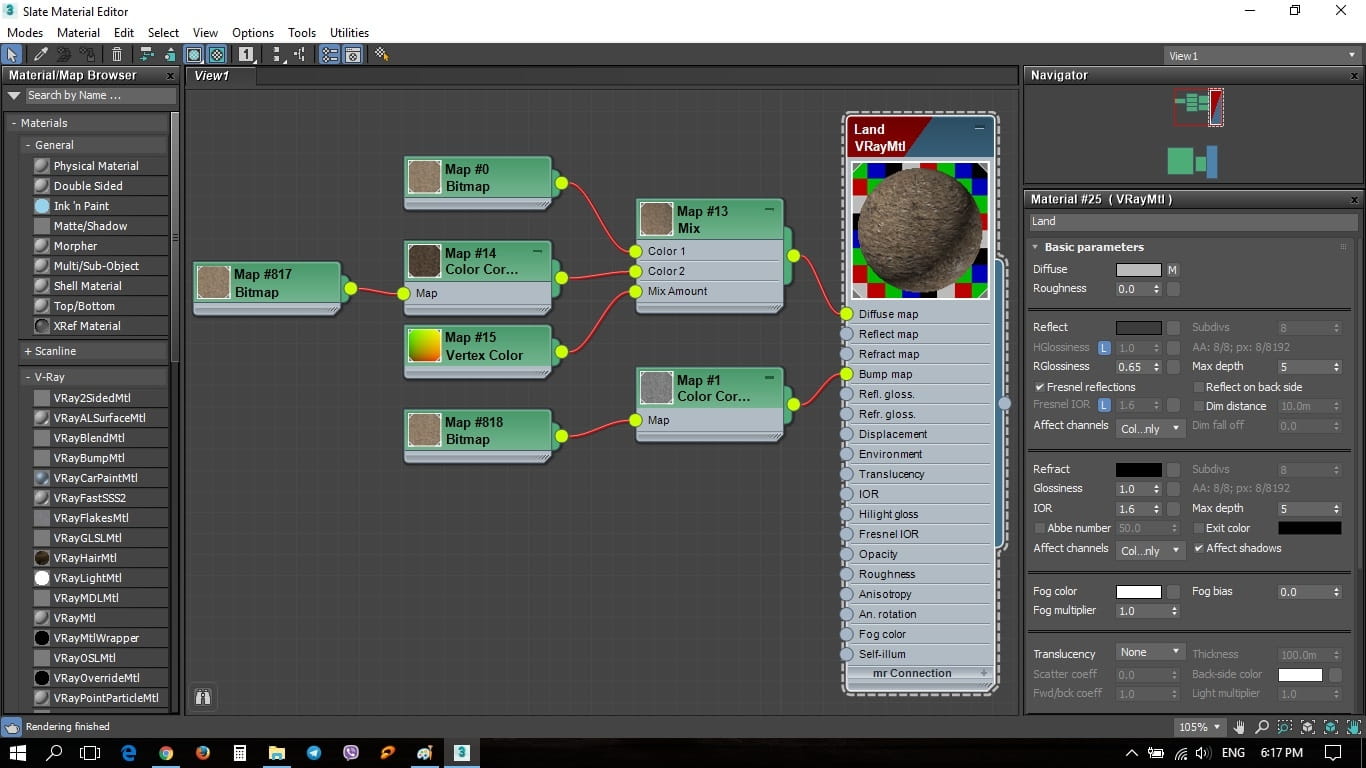
The materials used for making the land are shown below
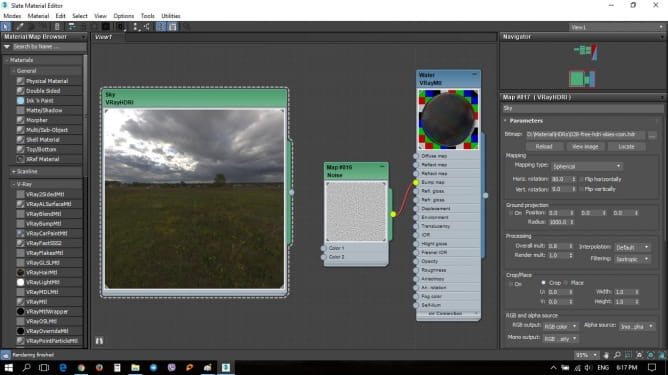
The Sky and the water materials:
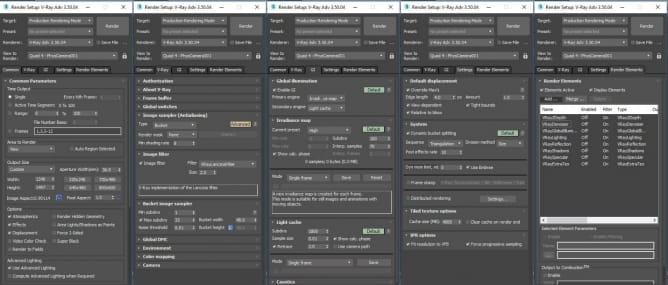
Render Setup
The elements for postproduction:
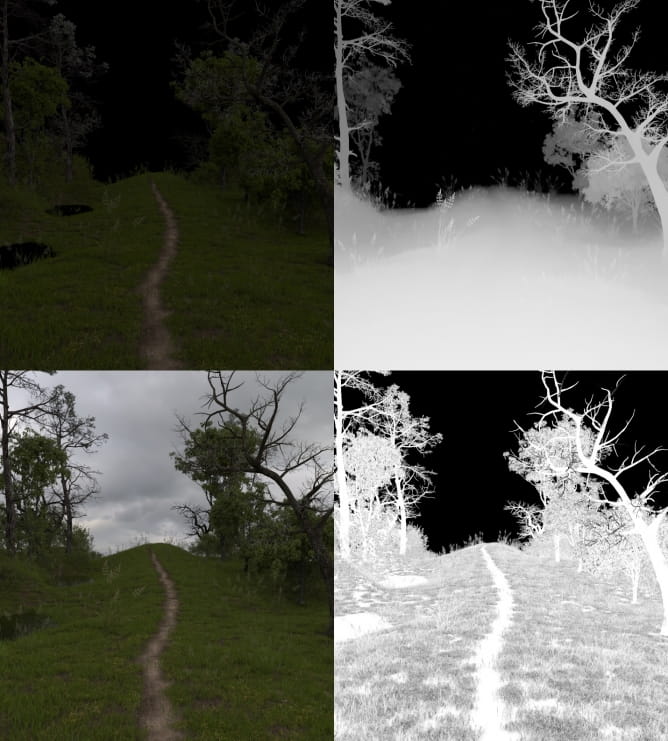
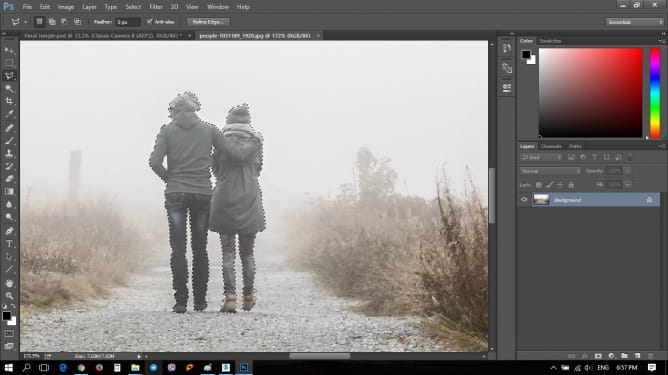
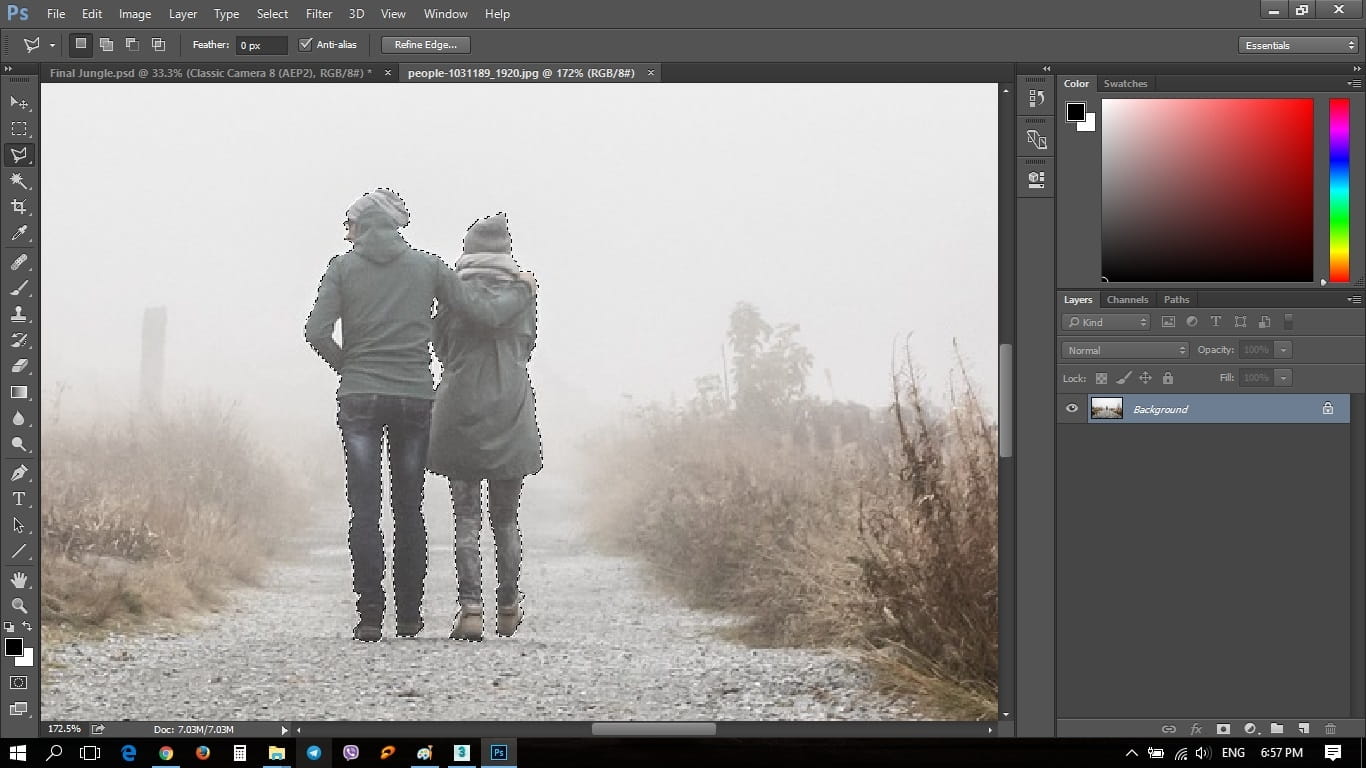
The characters were added by Adobe Photoshop:
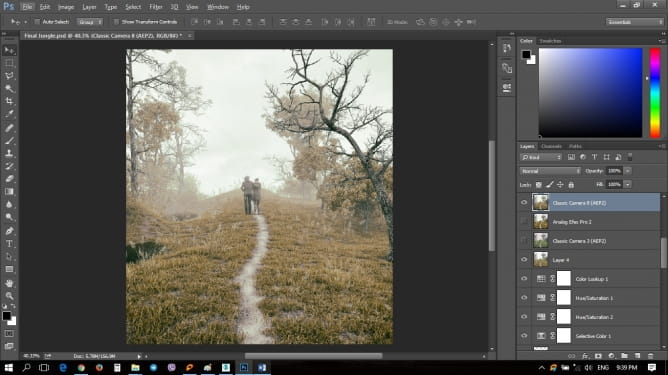
Postproduction
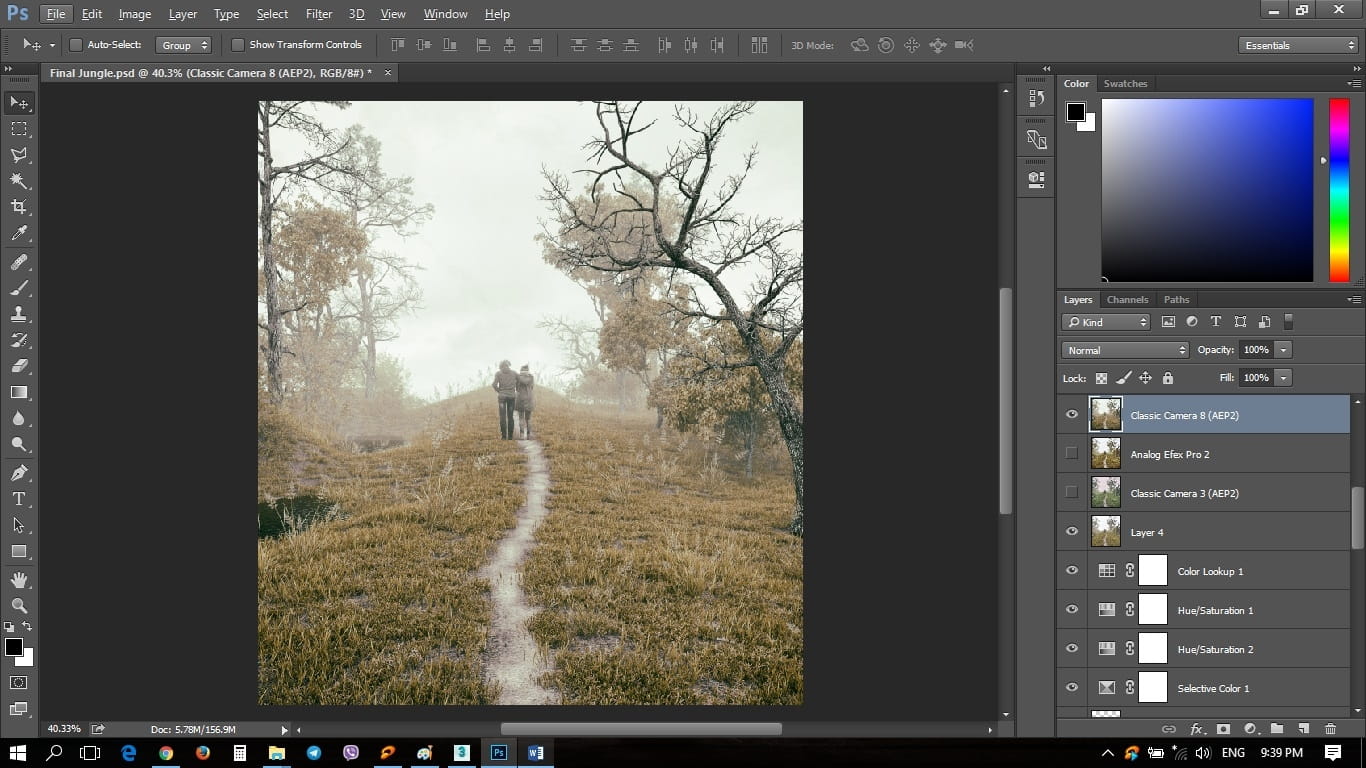
Finally, the selected elements and the blending mode were used to achieve a better result. The job was finished with some adjustments such as: curves, colorbalance,hue/saturation.
Hopefully this was helpful!
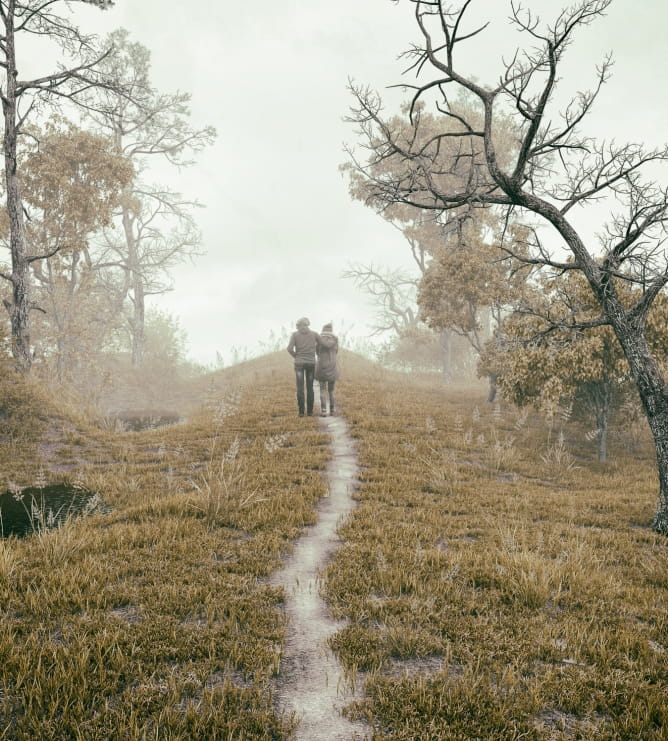
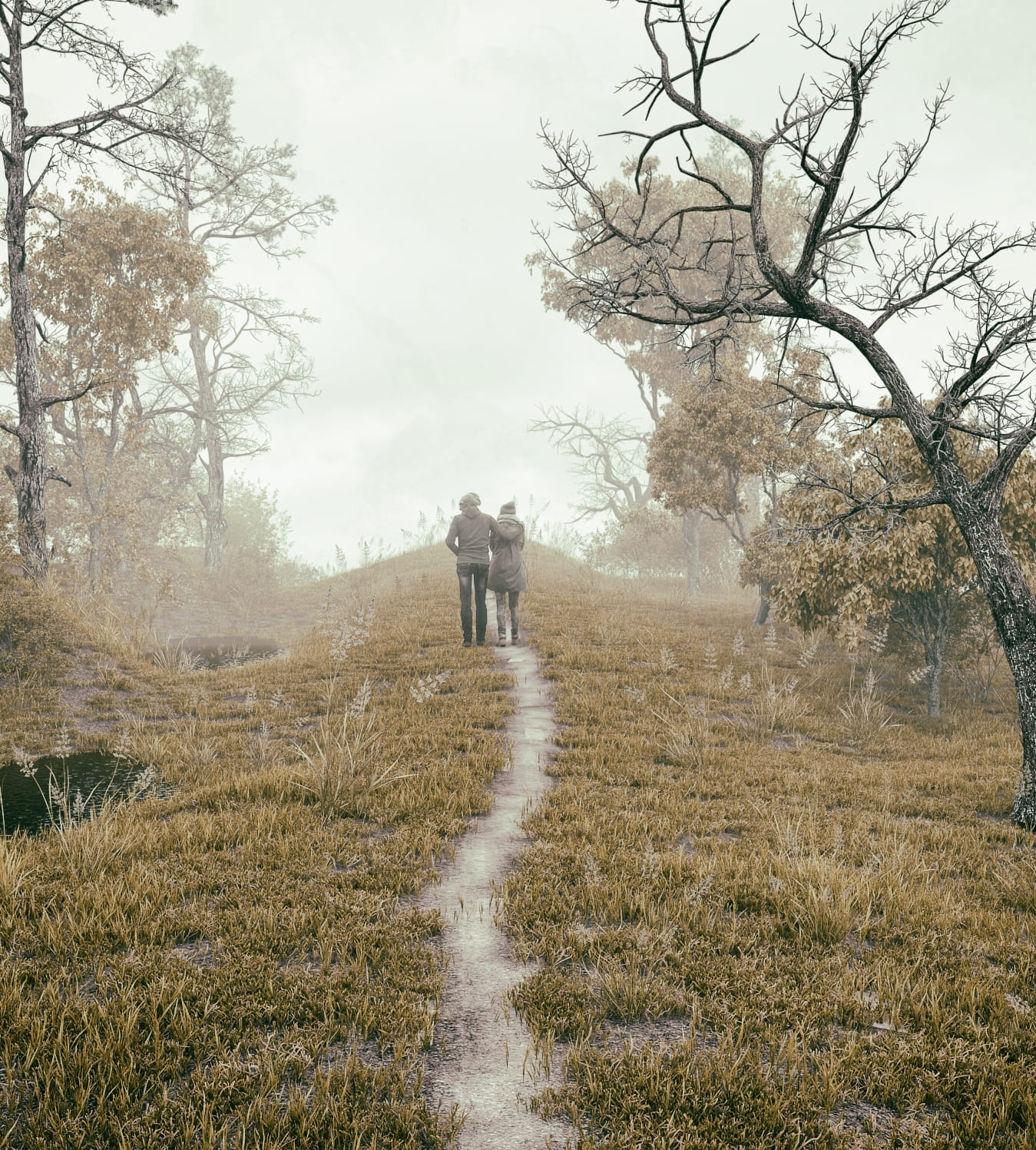
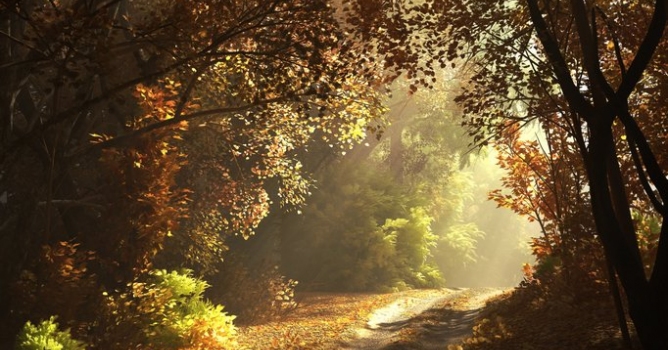
Final image. Amir Varasteh.






 Customer zone
 Your orders
 Edit account
 Add project
 Liked projects
 View your artist profile















COMMENTS