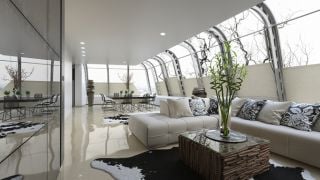
It is a big and well lit open space with many props. It has sophisticated, bended roof construction and modern "cold" look - these are the main features of this scene, based on Bangkok Suvarnabhumi Airport terminal interior. This scene comes with Archinteriors vol. 38 and it will also be available separately in Evermotion Shop from 17th of March, 2015.
Today we will show you how it was made.
Click on image to enlarge 
Final image after post-production in Photoshop
Click on image to enlarge 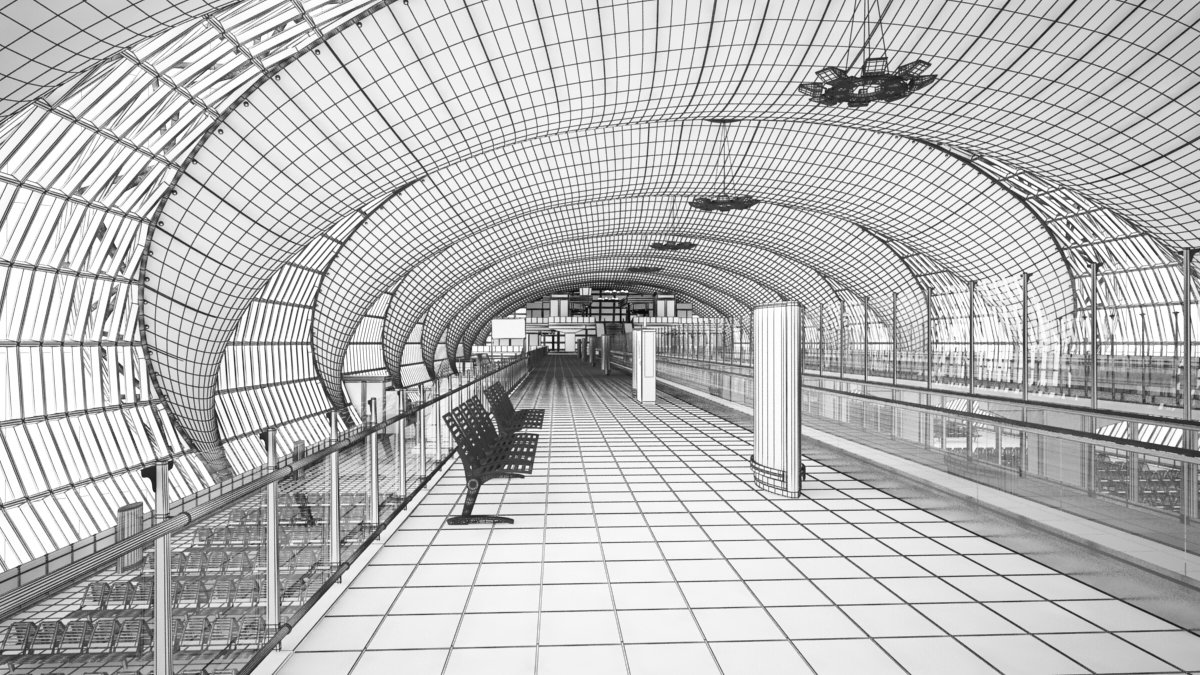
Click on image to enlarge 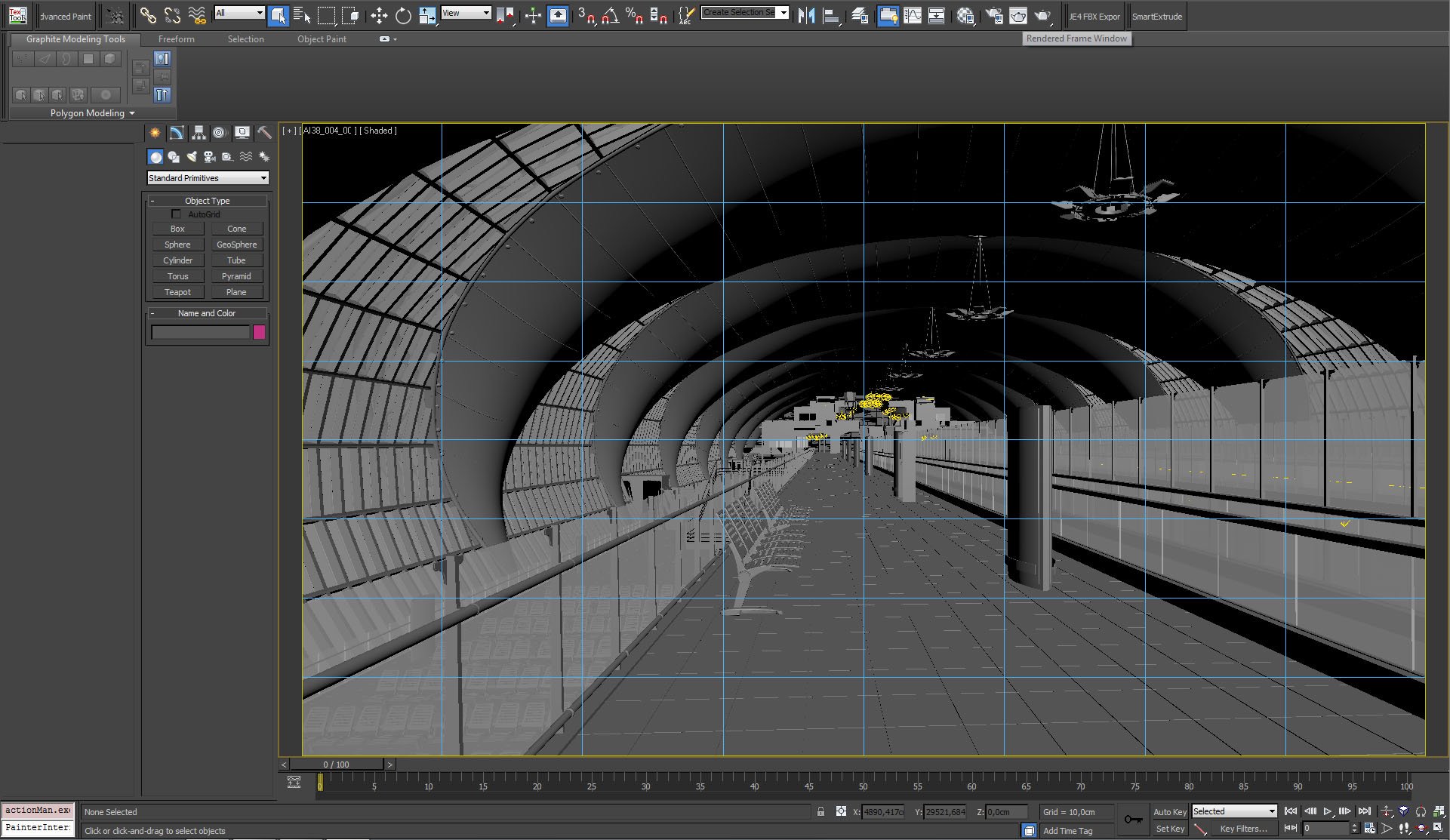
View from V-Ray camera. Single point perspective, a lot of light coming from the outside through glass walls, some light sources on far end of terminal.
Click on image to enlarge 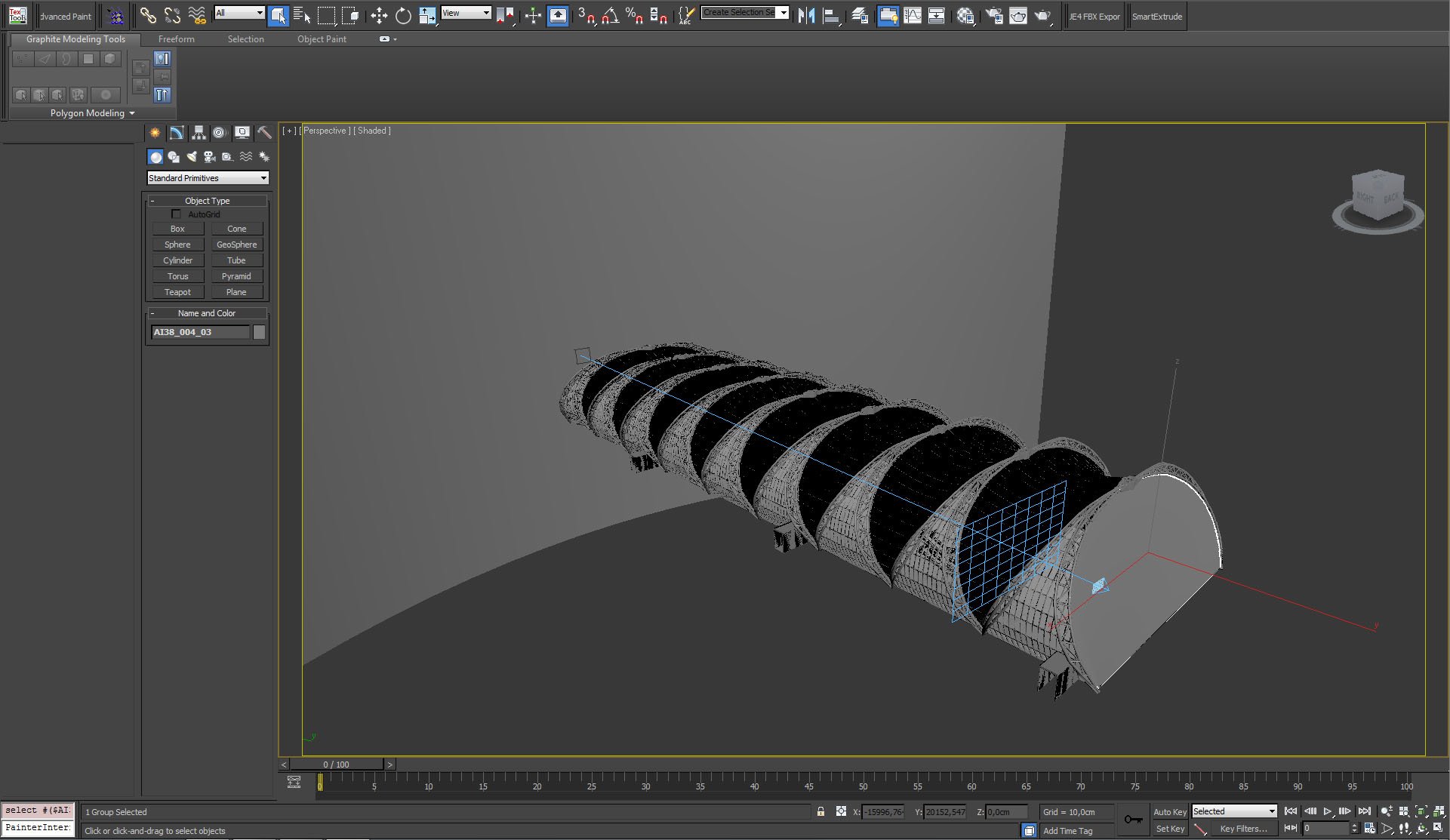
Outside view of the model. You can see also background plane that is used to imitate the rest of airport buildings, visible through terminal windows.
Click on image to enlarge 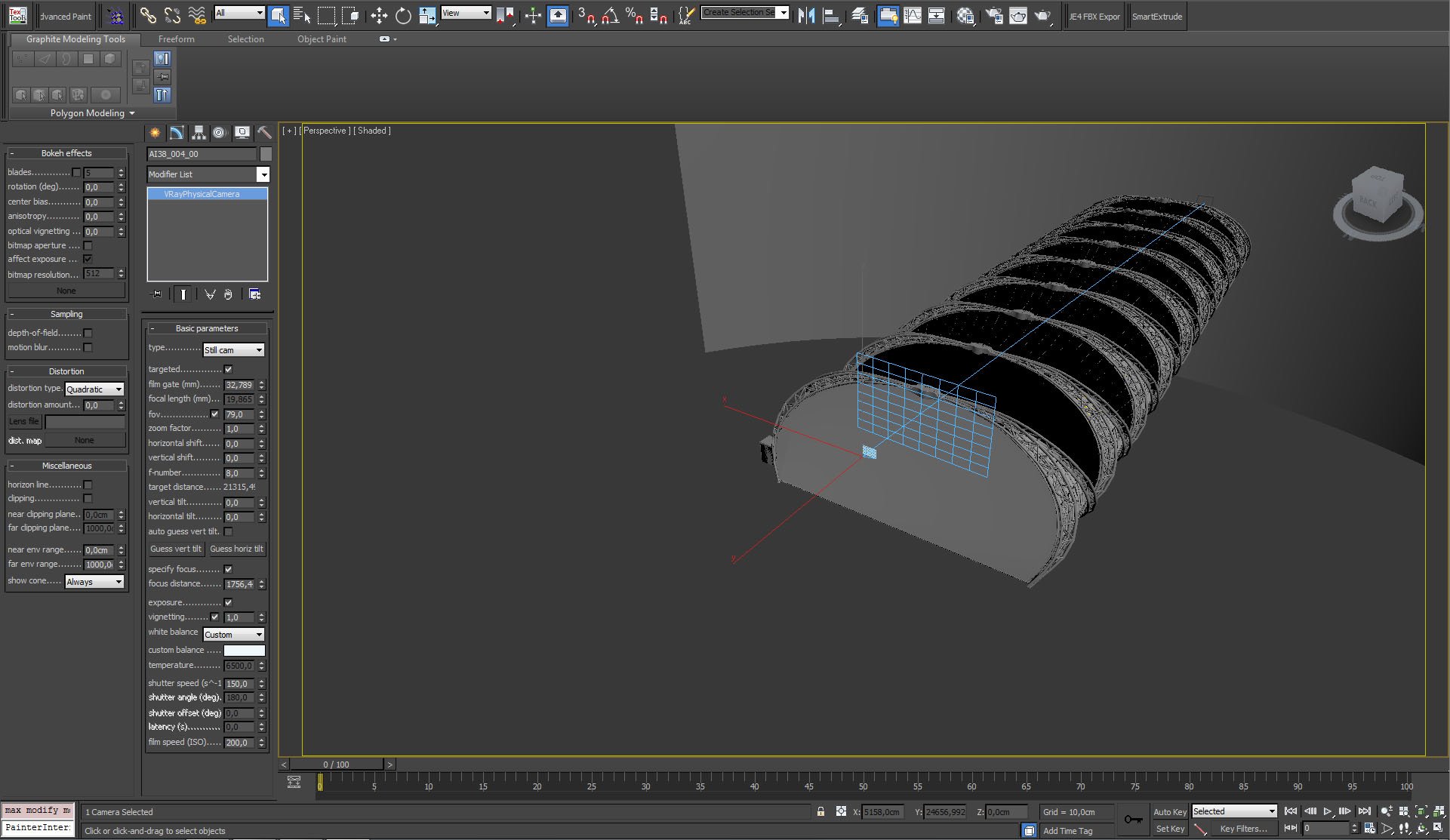
Click on image to enlarge 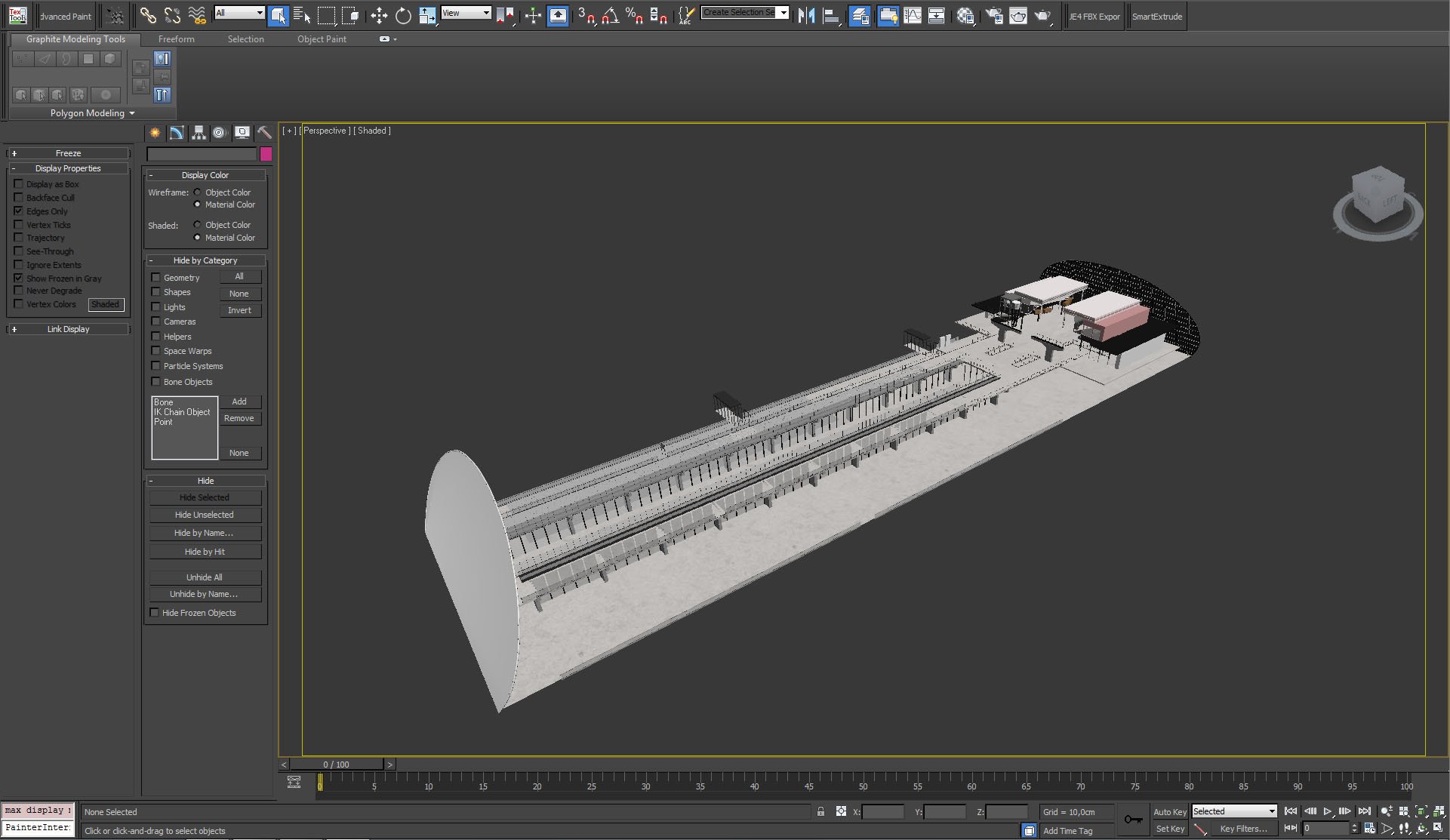
Interior without roofing.
Click on image to enlarge 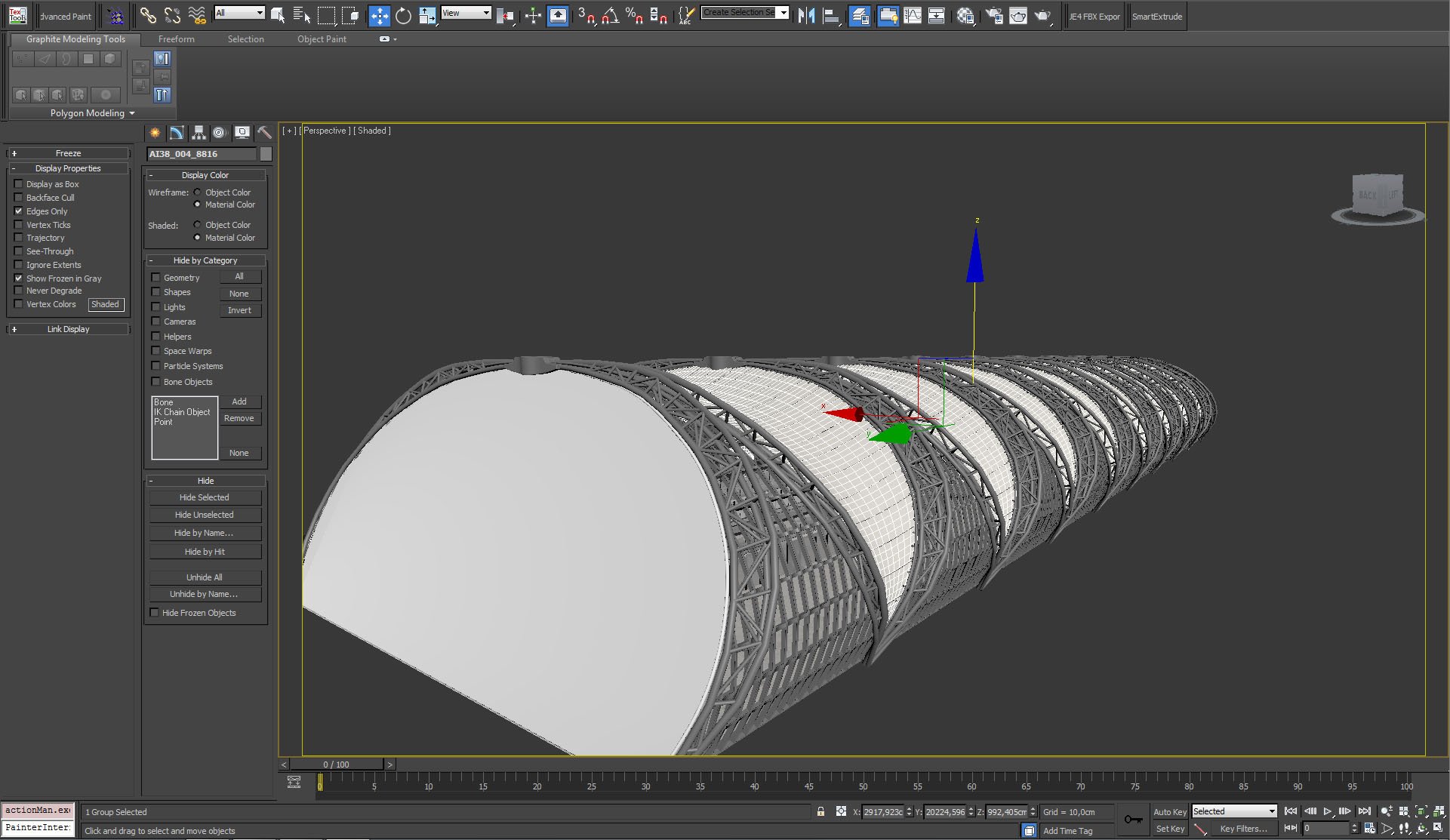
The most interesting part of this building is roofing construction - it looks great in reality and in visualization. Due to its modular and repetitive shape it could be modeled in quite reasonable time.
Click on image to enlarge 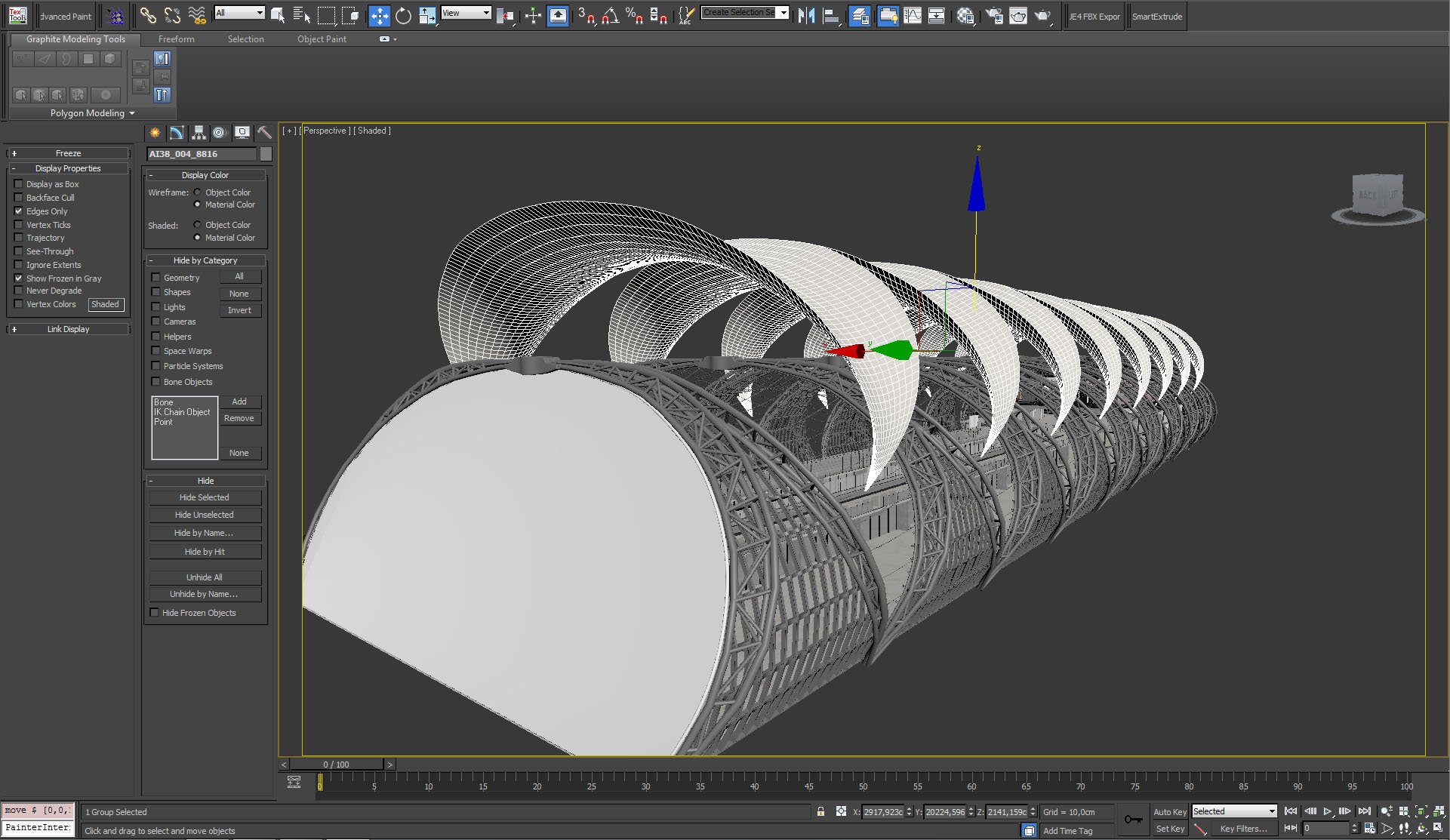
Roofing construction, continued.
Click on image to enlarge 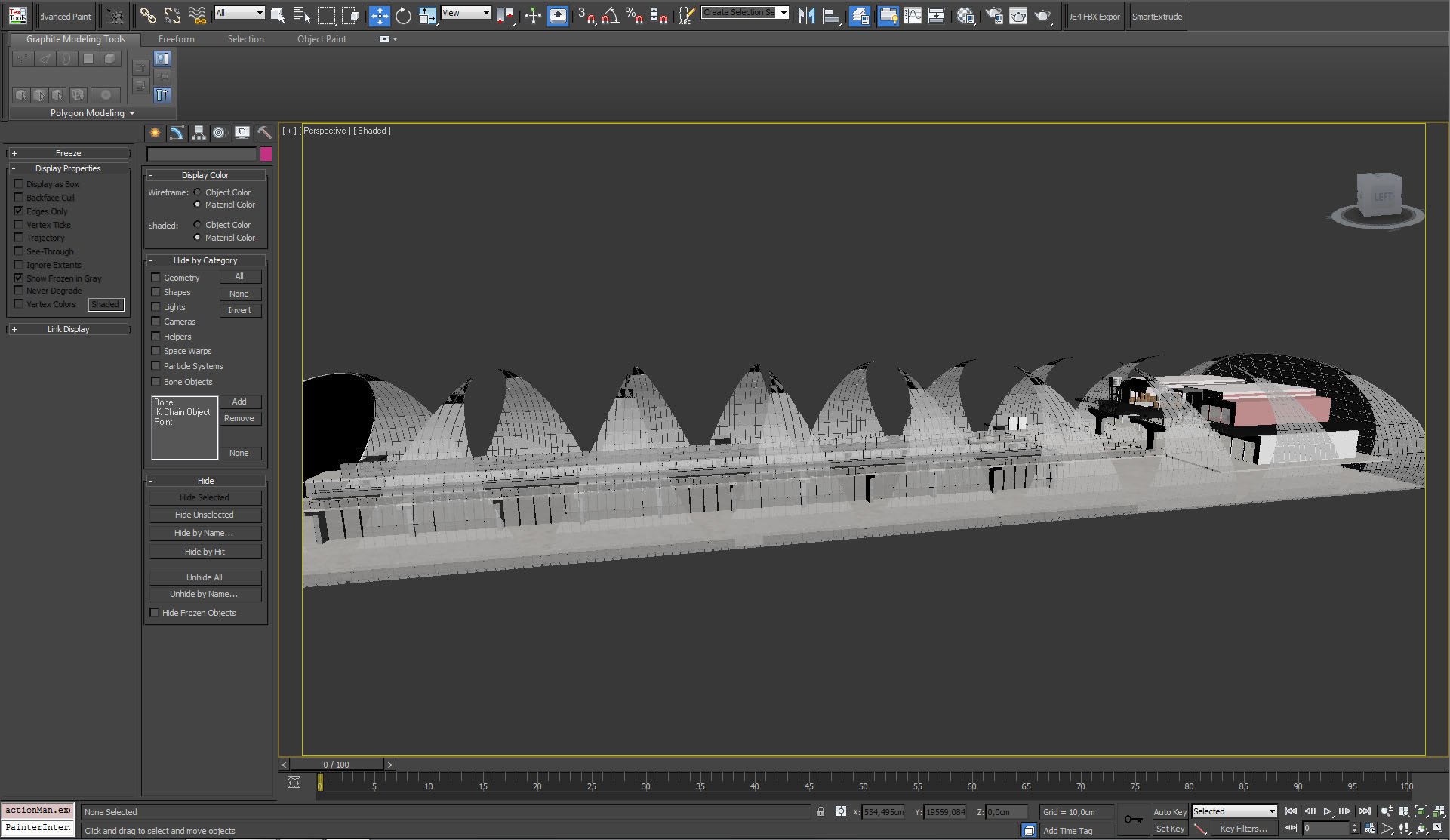
Click on image to enlarge 
There is a simple stairs model at the end of terminal. It is placed so far from the camera that it wasn't necesarry to make small details - they would only make rendering time longer.
Click on image to enlarge 
Lamp model was also based on real lamp, as you could see in the image
here.
Click on image to enlarge 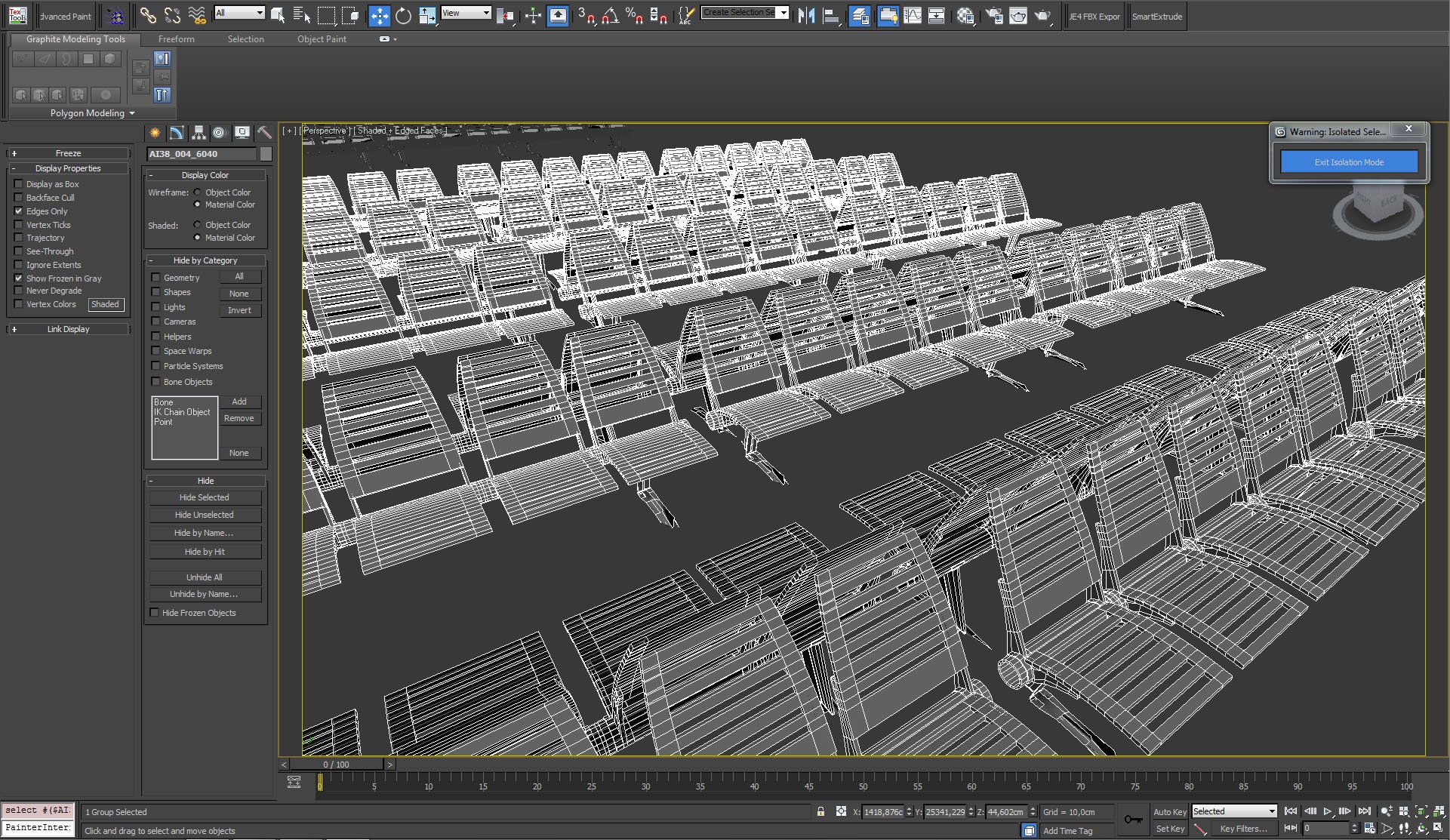
On the left of the scene you can see chairs in departure area. Here is the close-up.
Click on image to enlarge 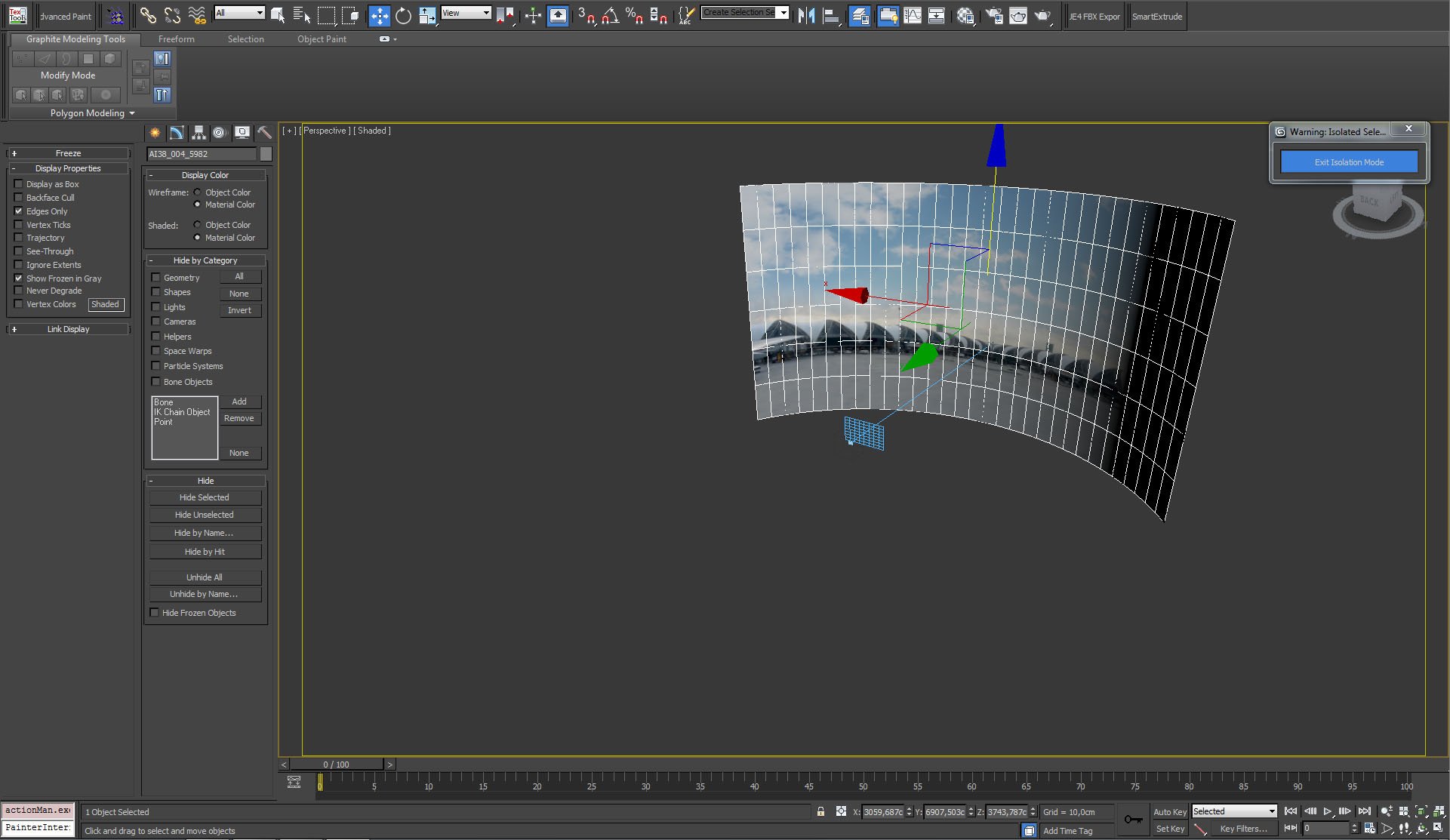
Click on image to enlarge 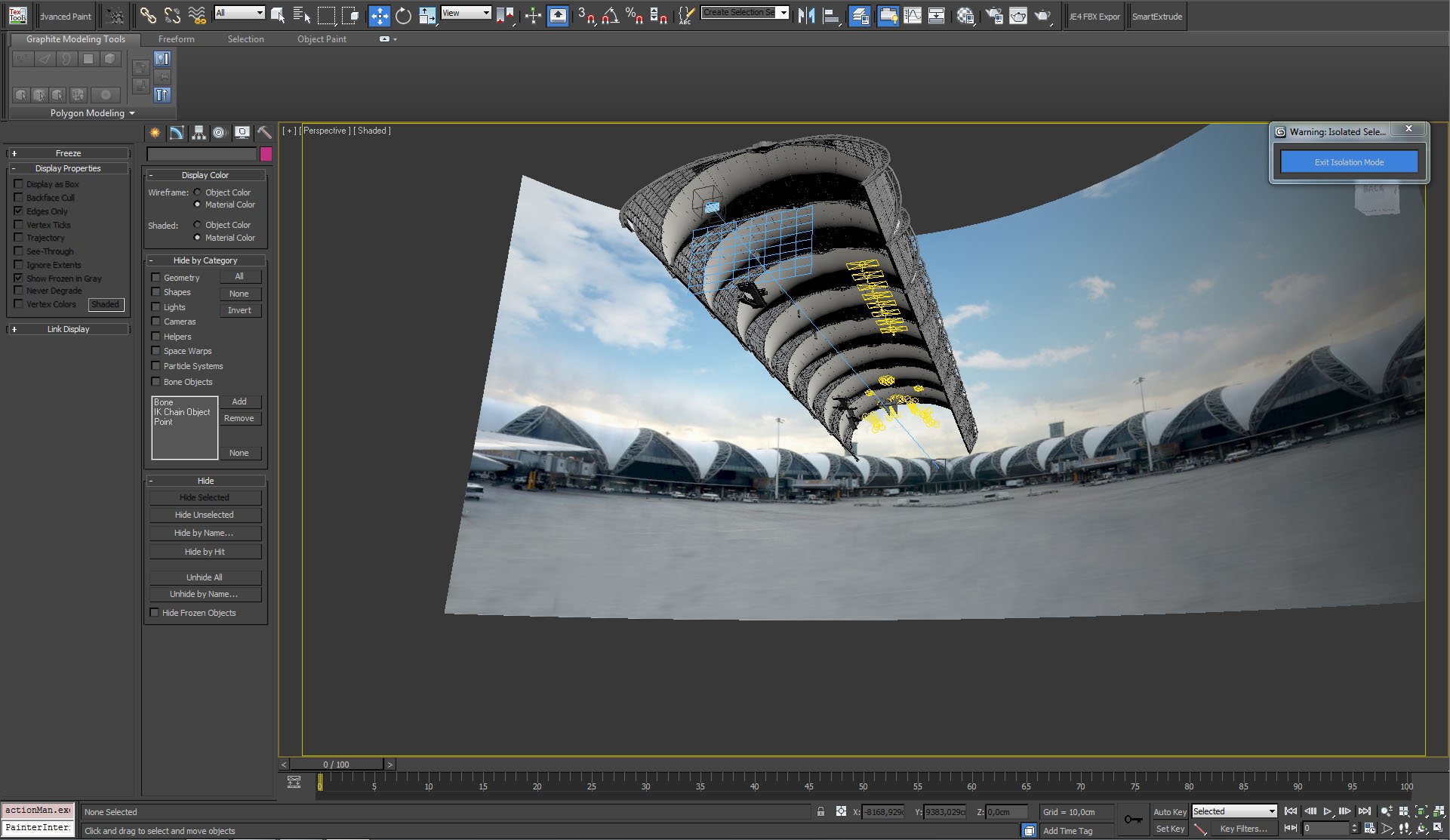
Background map, walls and roofing tube, lights and camera.
Click on image to enlarge 
Lights inside the building were put in two hanging lamps on the end of hall, additional light sources were also put in two elevator boxes and in gallery shop on the left.
Click on image to enlarge 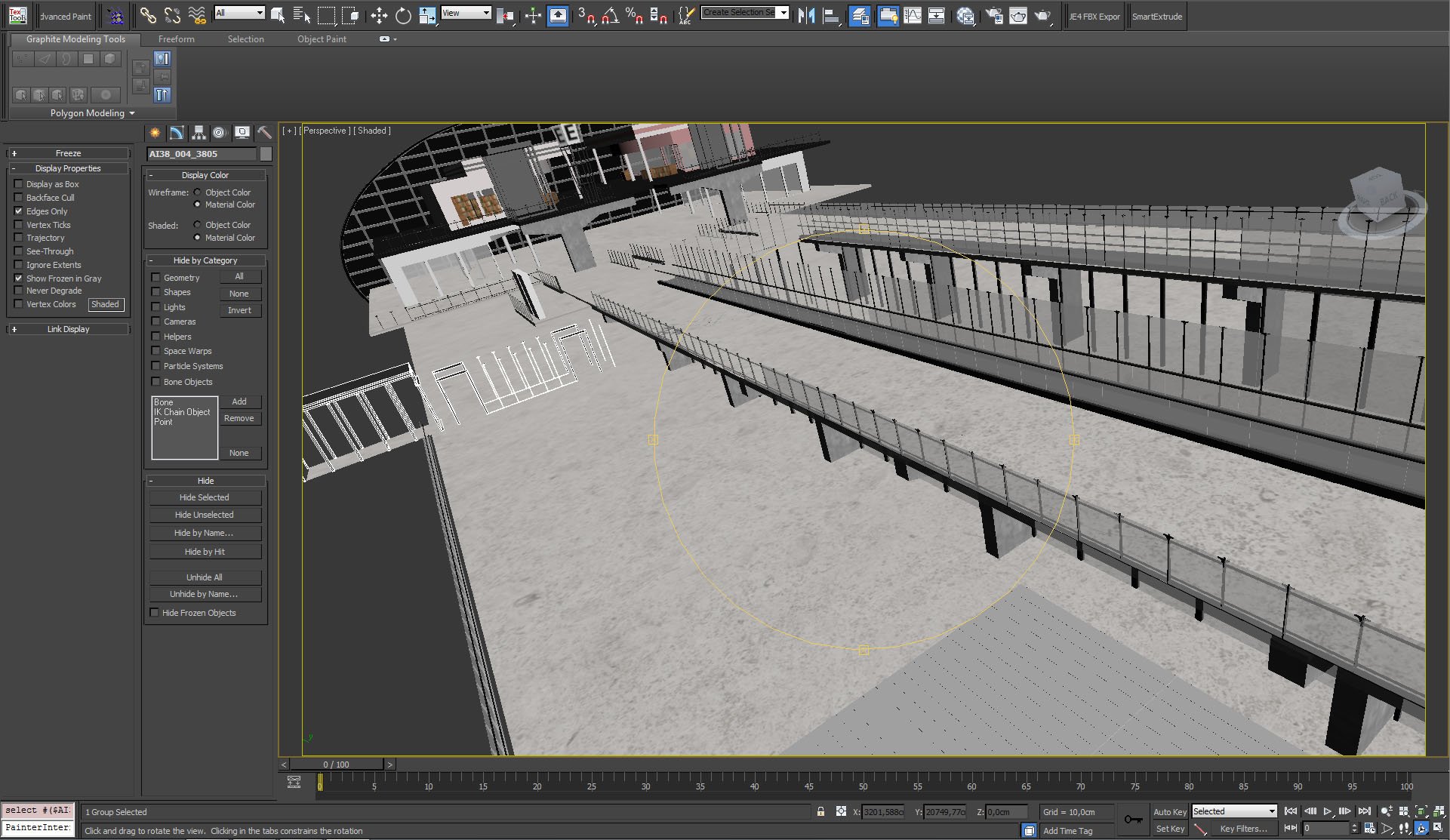
Click on image to enlarge 
Click on image to enlarge 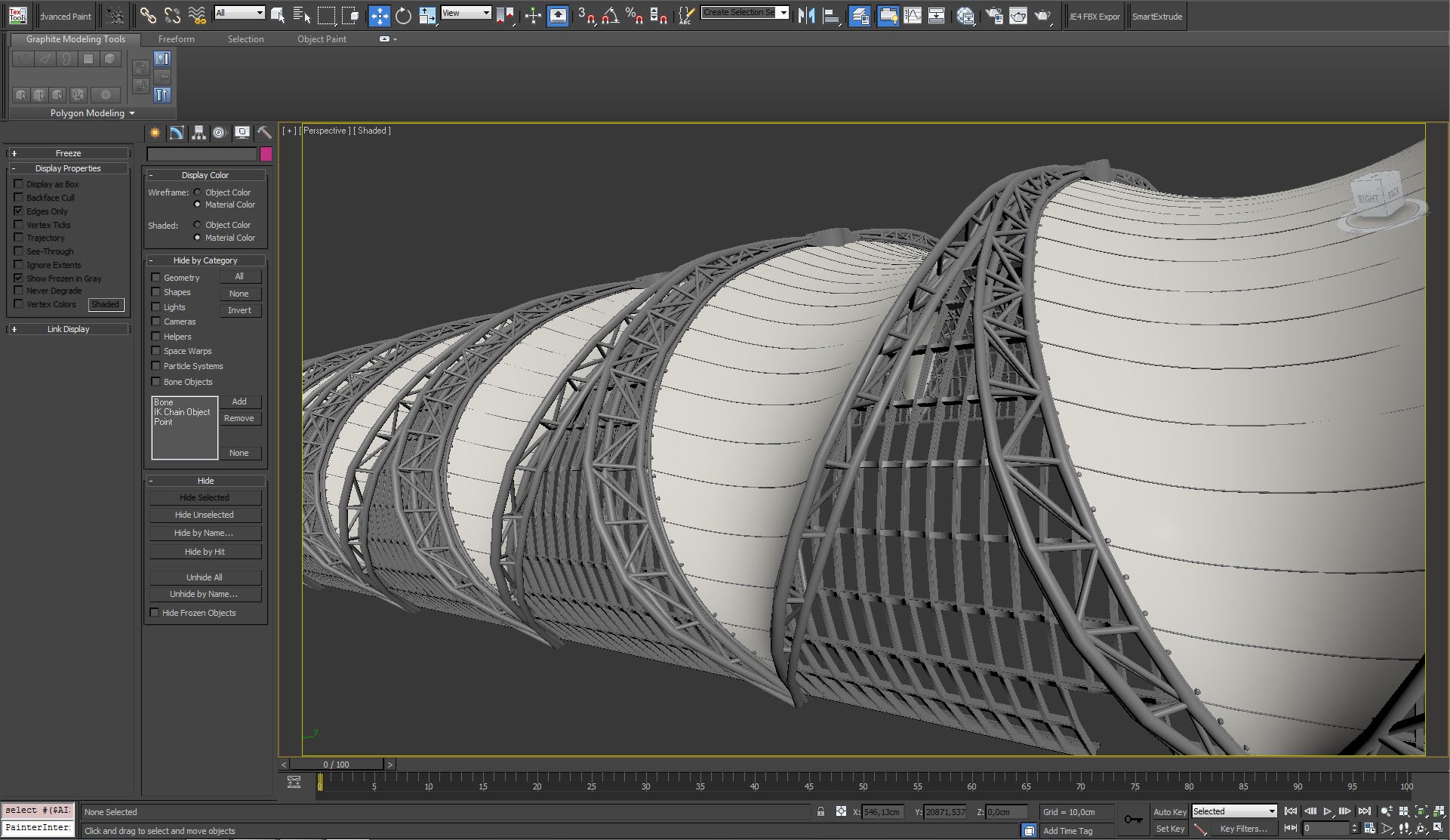
Click on image to enlarge 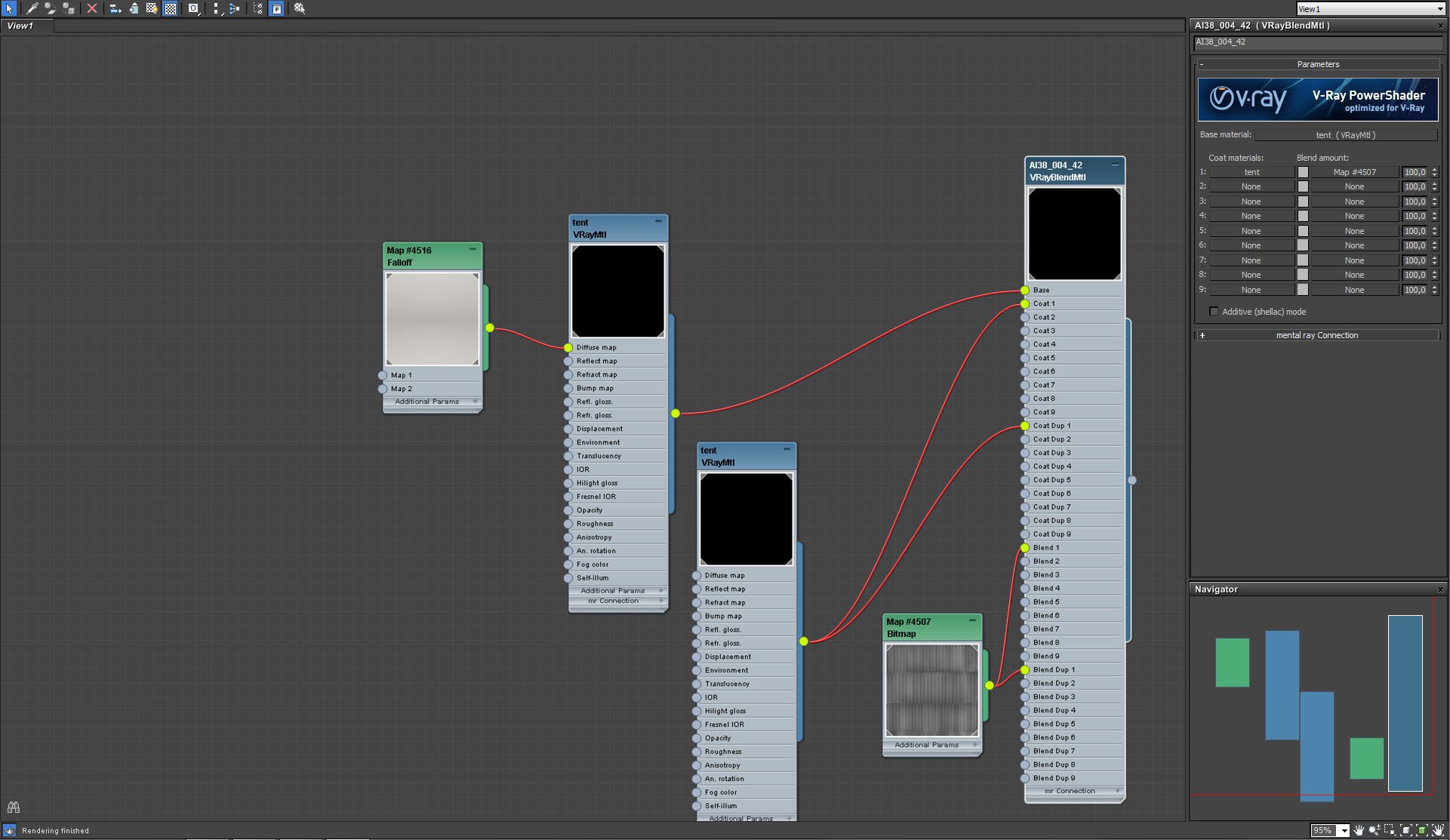
Click on image to enlarge 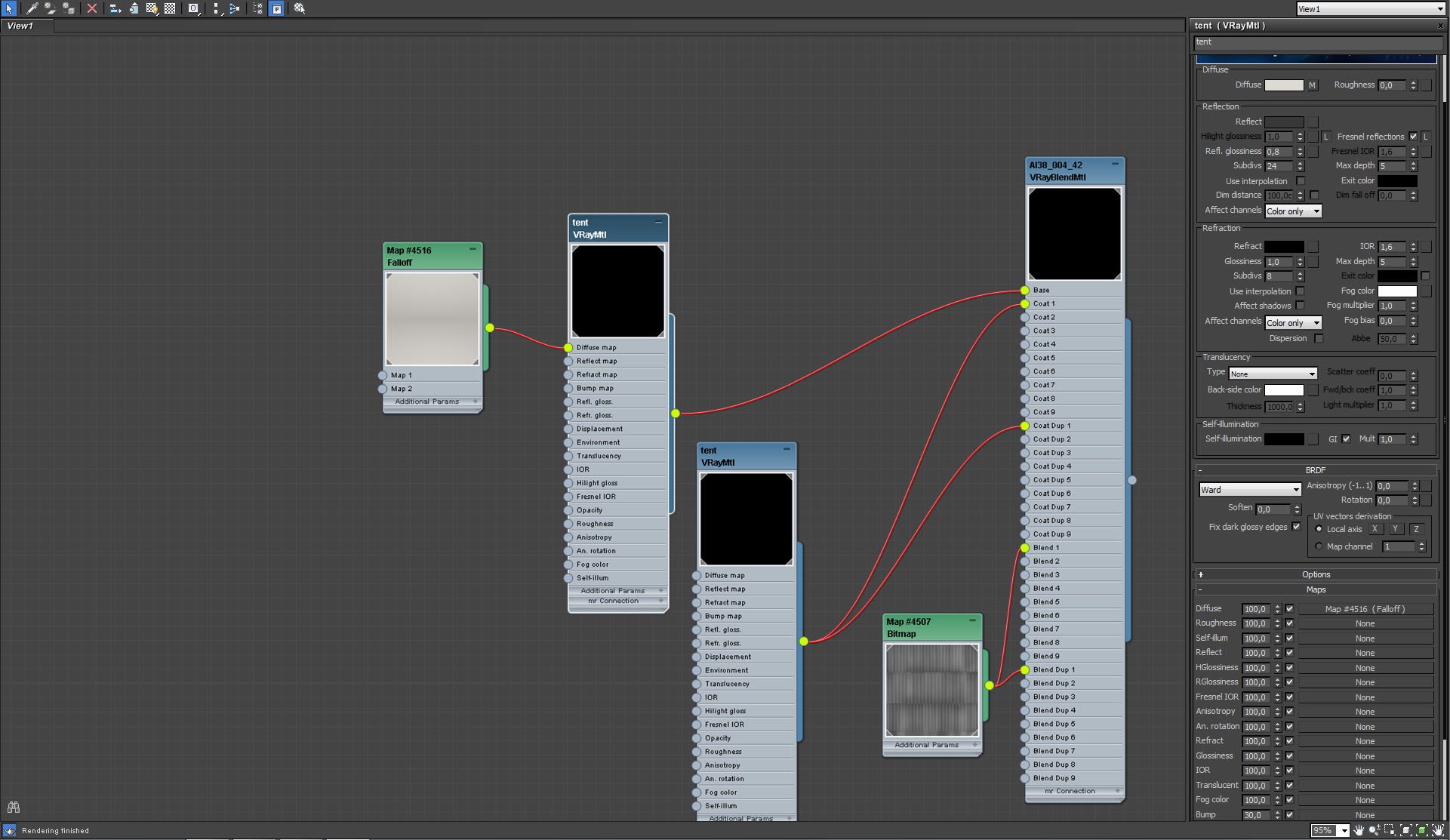
Roofing material (continued)
Click on image to enlarge 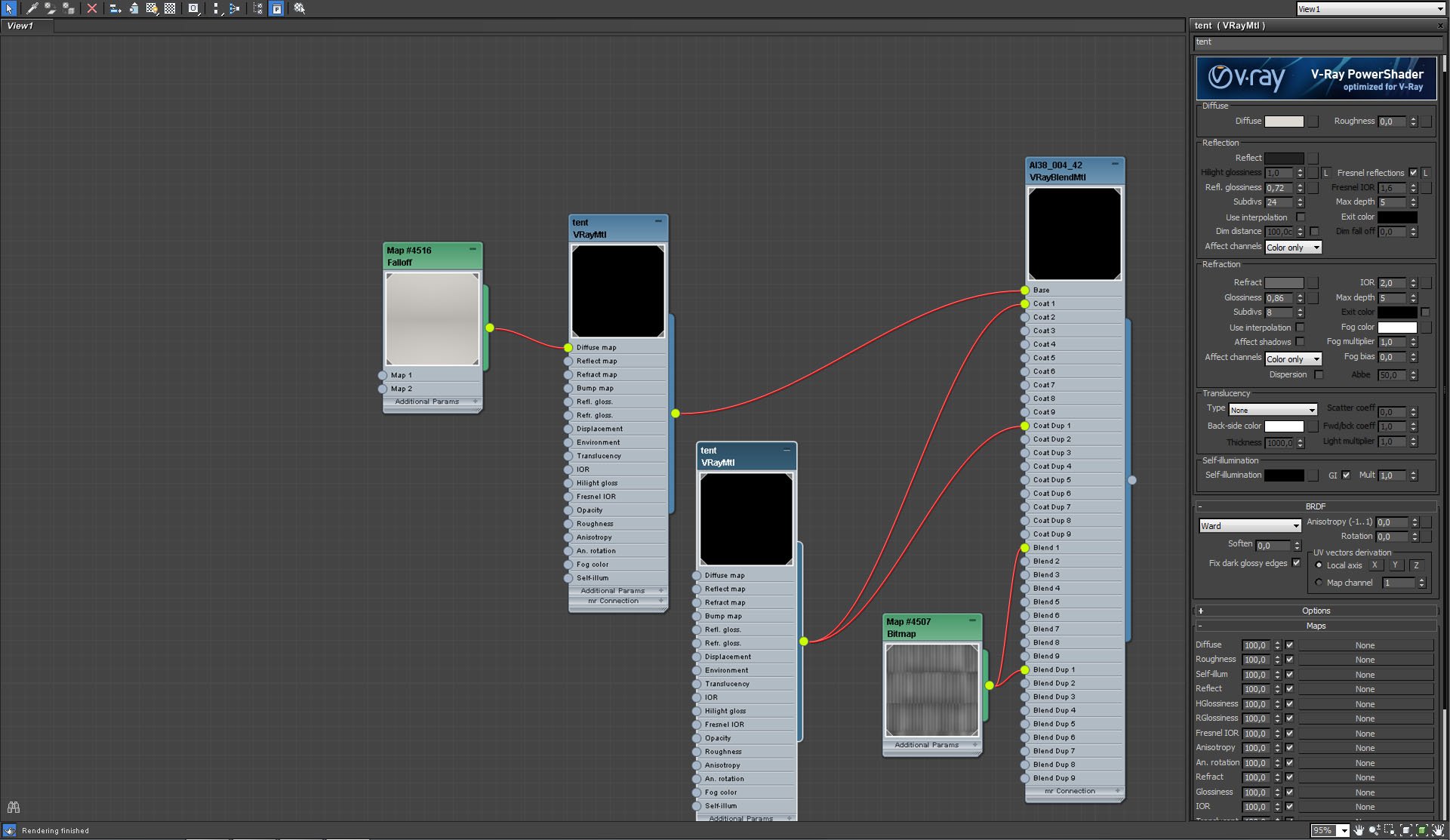
Roofing material (continued)
Click on image to enlarge 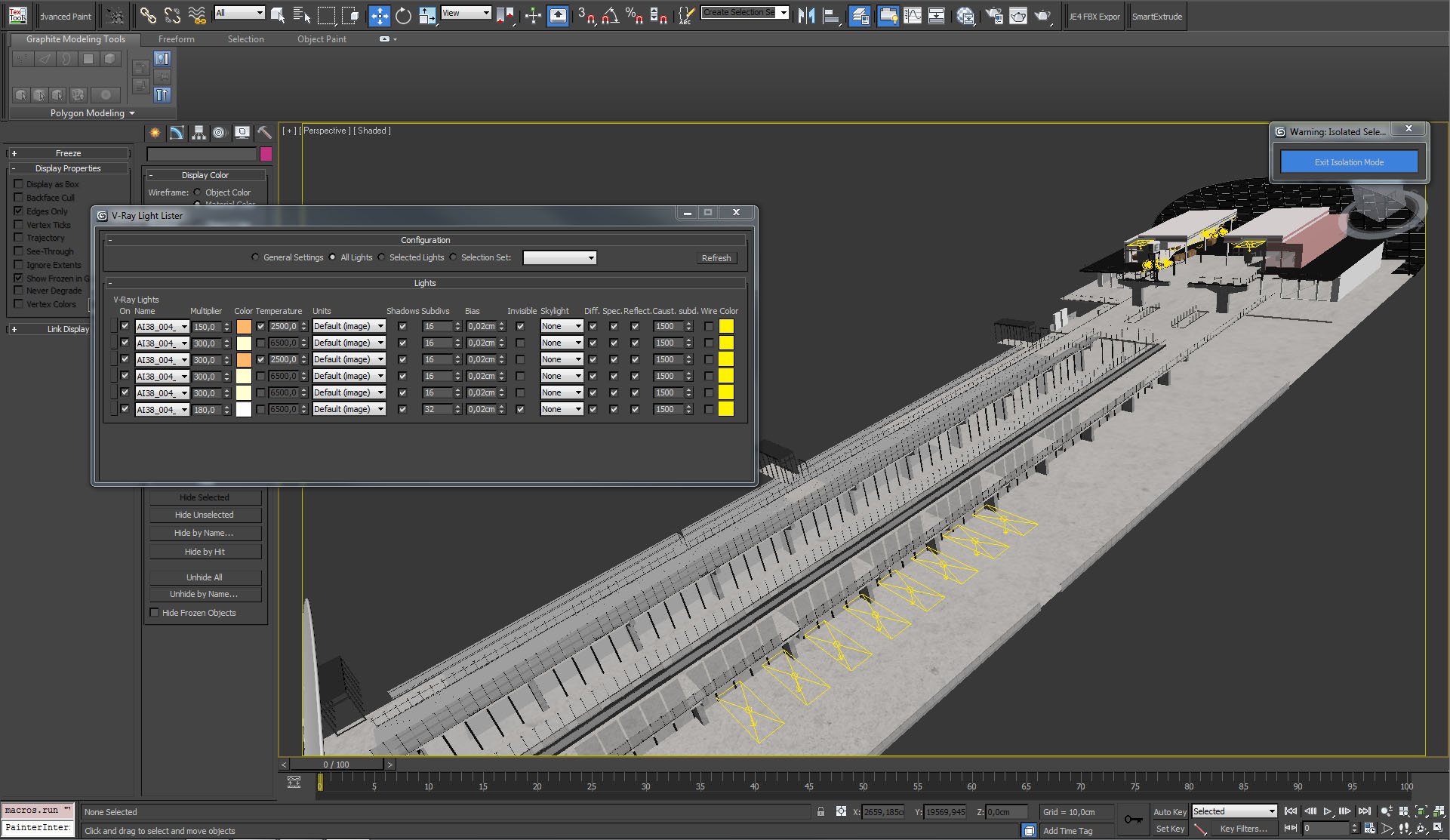
Click on image to enlarge 
Rectangular light settings
Click on image to enlarge 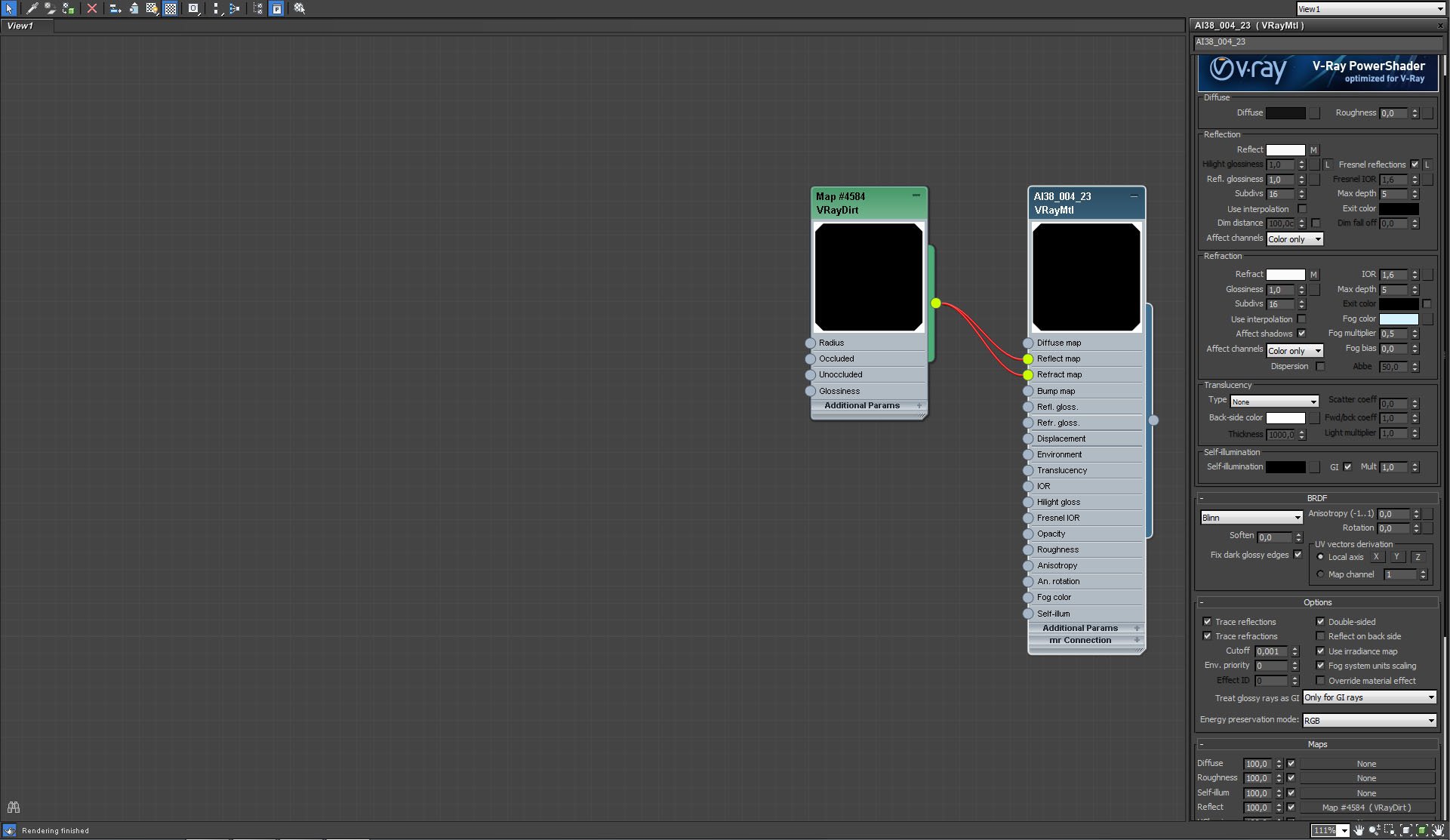
Click on image to enlarge 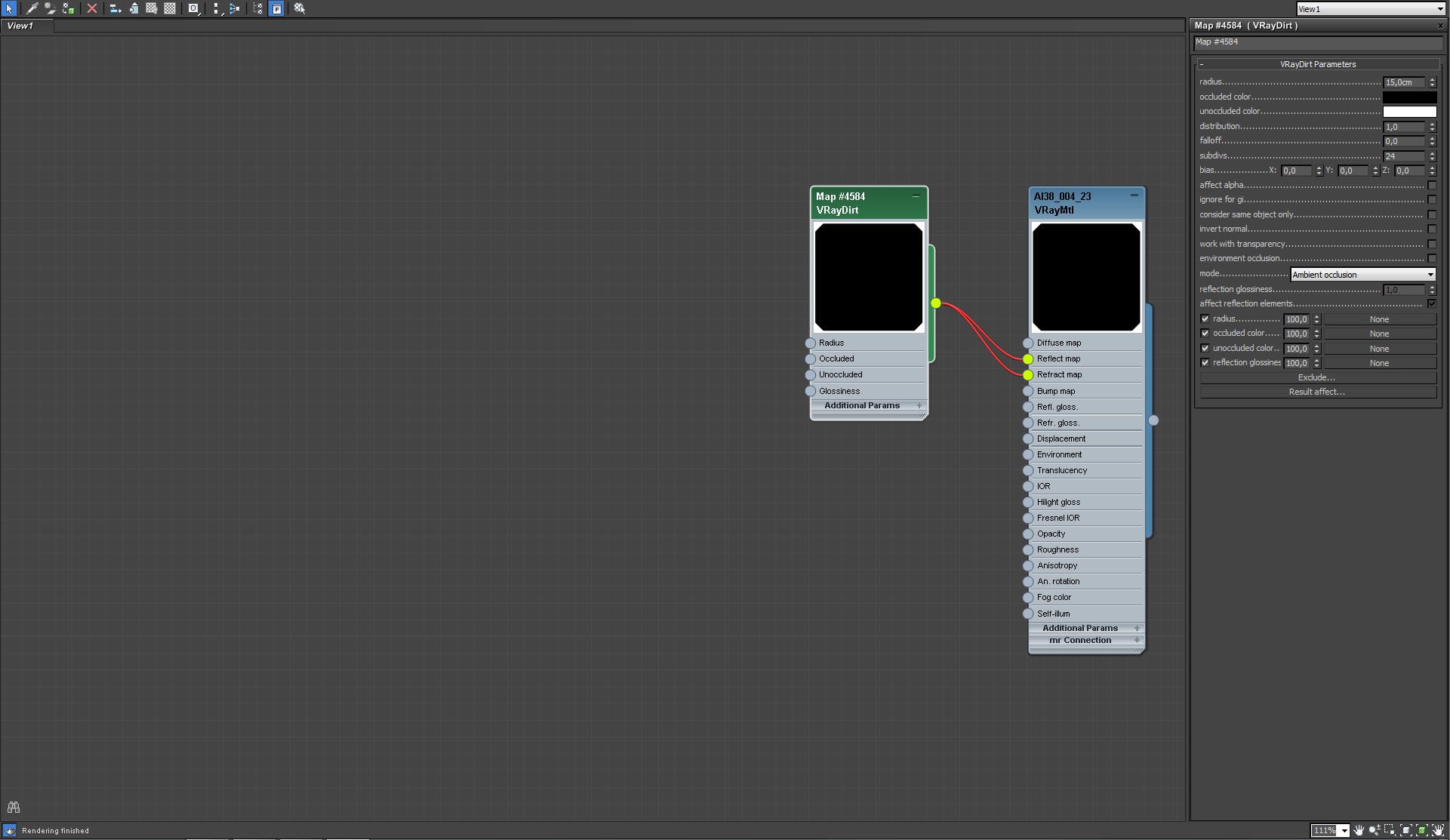
Glass walls material (continued)
Click on image to enlarge 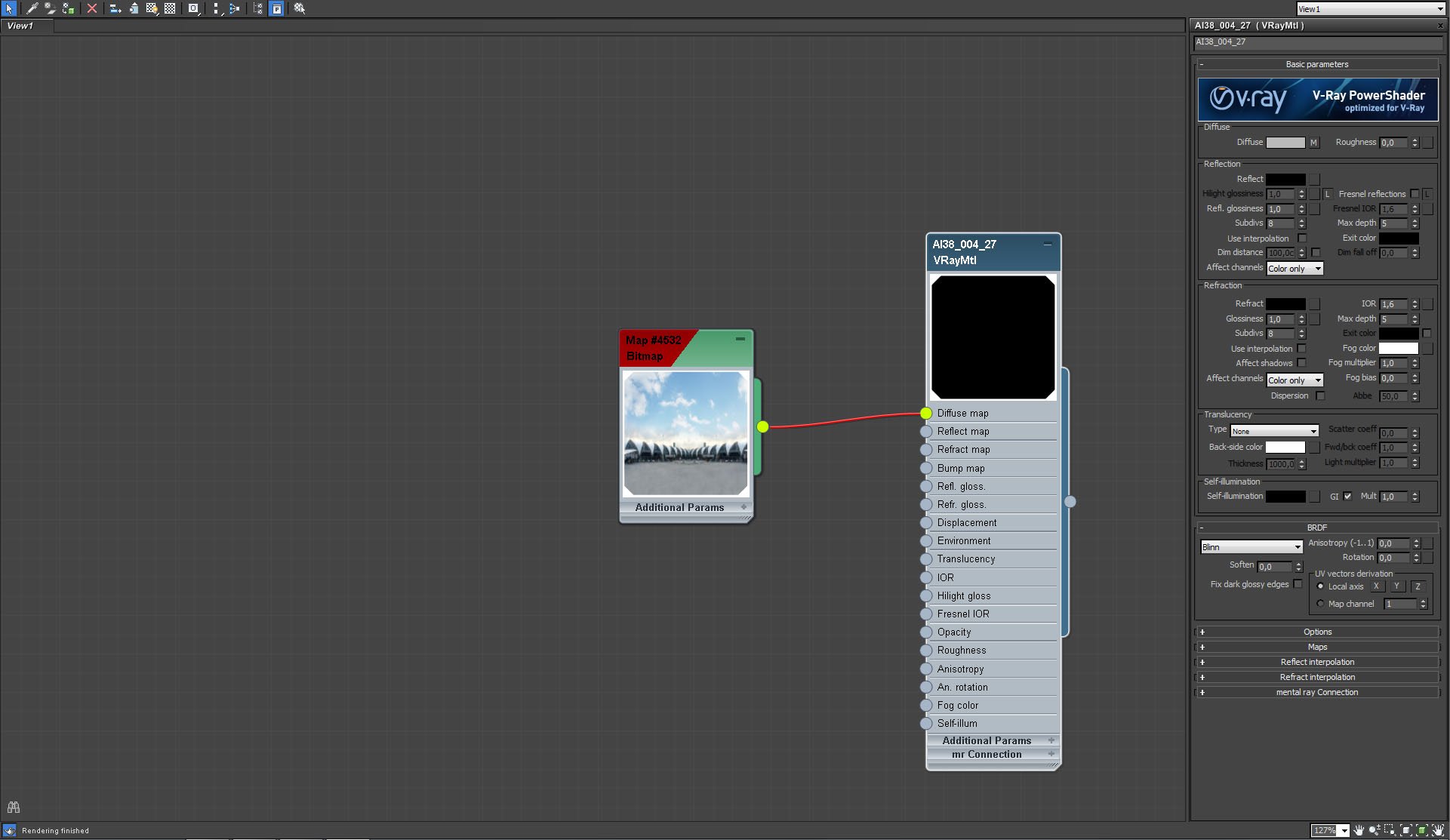
Click on image to enlarge 
Click on image to enlarge 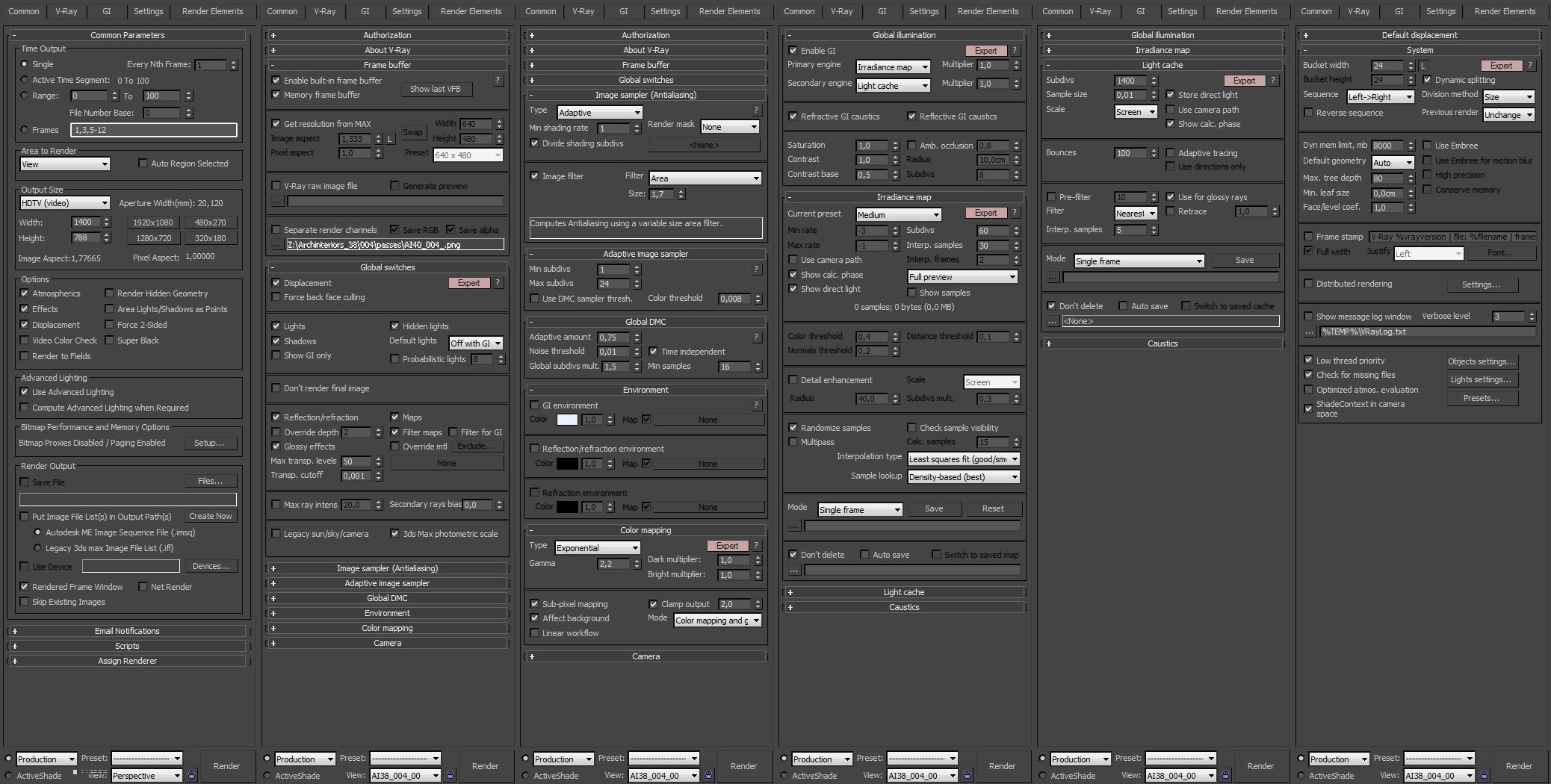
Click on image to enlarge 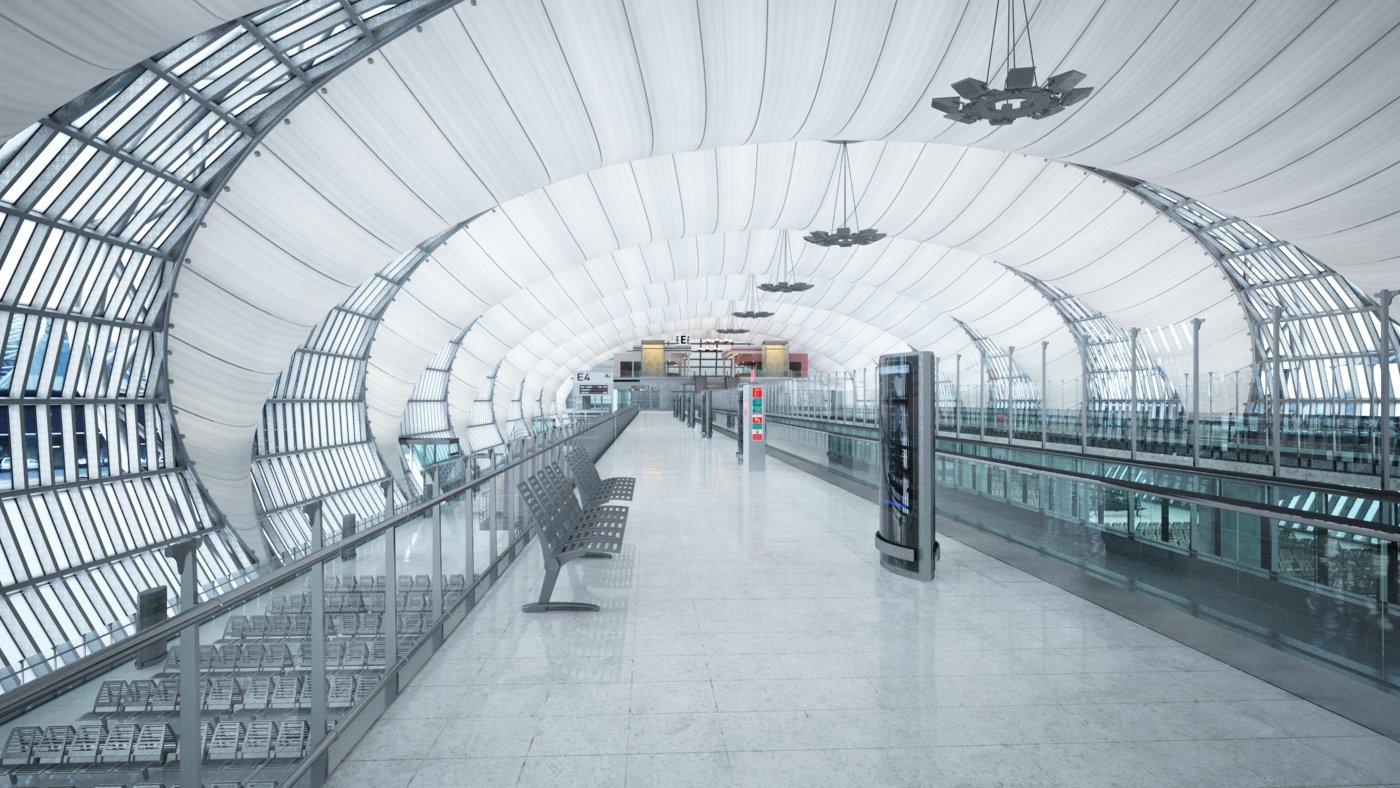
Raw render - it's still pretty dull, we need to enhance it in Photoshop
Click on image to enlarge 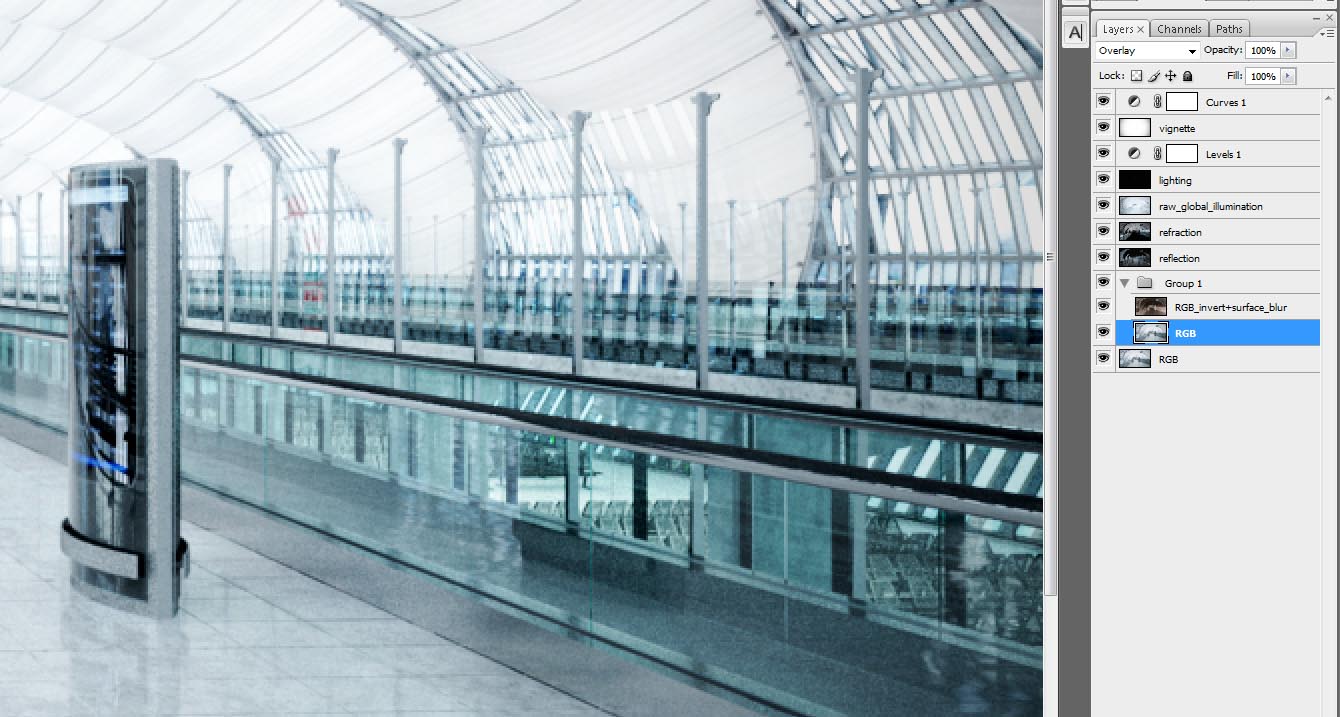
Photoshop stack. From the bottom - Group 1 was used for "surface blur" trick that sharpens surface, but not introduces aliasing on the edges. You can
watch tutortial about surface enhacement here. After that we added refraction and reflection layers and GI. These three layers enhanced brightness of the image, so we need to increase contrast. We used levels layer for that and then curves layer on the top.
Click on image to enlarge
Final image after post production






 Customer zone
 Your orders
 Edit account
 Add project
 Liked projects
 View your artist profile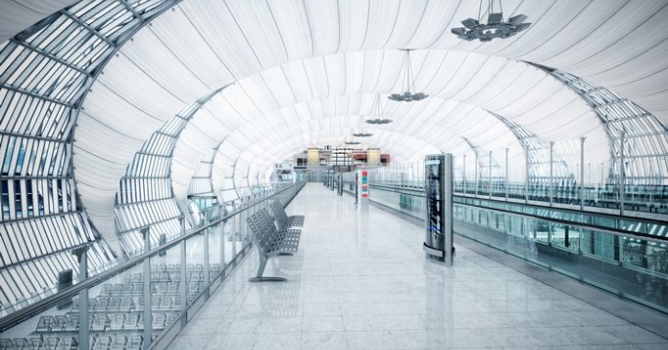












COMMENTS