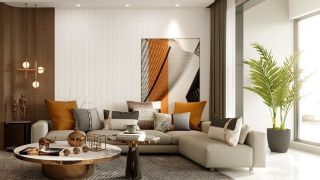
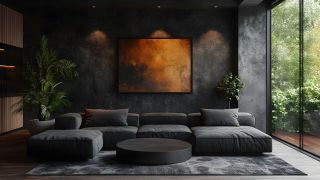
Books, indoor plants, and lighting elements all contribute to shaping the mood of 3D interior scenes. Discover how subtle styling choices enhance realism and facilitate effective visual storytelling in architectural renders.
Benches, bins, and street lamps do more than fill space; they define how a scene works. These small additions bring logic and structure to 3D environments, helping create clear, functional urban visuals that support the main architecture without overwhelming it.
Creating realistic 3D interiors begins with exceptional attention to detail, including lighting, rugs, and furniture. Explore how Nightstands, Beds, Lamps, and other elements from Evermotion’s collection help build professional Bedroom and Children’s Bedroom scenes with balance and style.
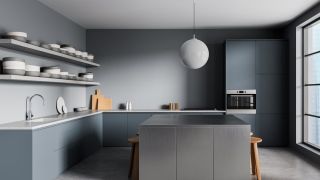
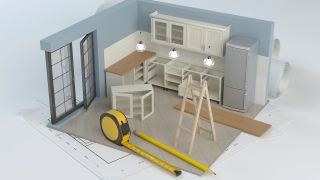
Modular kitchen furniture allows for efficient scene building and flexible layout adjustments. Paired with realistic 3D appliances, it supports consistent design results and faster project delivery, making it ideal for visualizations that require accuracy and variety in kitchen interiors
Photorealistic product visualization helps clients see exactly what they’re getting. Clear, consistent visuals build trust and improve project outcomes. Learn how professional assets, precise lighting, and clean composition all contribute to better results.
Creating photorealistic architectural scenes takes more than just technical skill; it’s a structured process. Follow these 7 essential steps to enhance the realism, efficiency, and clarity of your architectural visualization work, utilizing proven, practical methods trusted by professionals.
High-quality textures directly impact how realistic and professional your renders look. Using reliable archmaterials improves surface detail, speeds up workflow, and creates consistent results across projects. Learn how professional-grade materials help you achieve better visuals and reduce time spent on revisions.
Struggling to speed up your visualization workflow while maintaining quality? Using Archmodels can streamline your entire 3D design process, letting you focus more on creativity and less on asset creation. Discover how Evermotion simplifies 3D scene building with professional results.
Creating visually immersive and realistic 3D environments means more than just designing spaces—it requires believable people within those spaces. Humano 3D characters help bring depth and atmosphere to projects, making them more relatable and easier to visualize. Using them improves both presentation and user engagement.
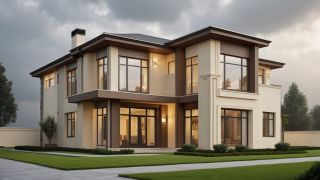
Need realistic buildings for your 3D projects? Explore city blocks, suburbs, and high-rises with our detailed models. Use them to build scenes faster and make your work stand out. Choose the right type for your project and get started today.
Selecting the right software for 3D modeling can significantly impact both workflow and results. With tools like SketchUp, Blender, and 3ds Max dominating the market, many artists and designers face the same question: which one should I use? Let’s break down the practical aspects.
A realistic and visually consistent kitchen scene can elevate your entire 3D interior project. When using highly detailed assets that fit seamlessly into professional visualizations, you save time and achieve better results. Our curated 3D models provide exactly that, helping you craft top-tier kitchen designs with ease.
Understanding how people perceive a 3D scene is about more than just lighting, textures, and structure. The placement, posture, and purpose of human models significantly shape emotional tone and realism. That’s where the difference between dynamic and static models becomes critical.
In this walkthrough, we guide you through the process of building a polished 3D interior scene inspired by the cover of Archmodels vol. 306 – Table Sets.