Search
Cart
Sign in
  • offerCustomer zone
  • offerYour orders
  • offerEdit account

  • offerAdd project
  • offerLiked projects
  • offerView your artist profile

  • Dark mode
    ✔
Edison Lamp Visualization and Modeling

Edison Lamp Visualization and Modeling

Denis Kozhar 2019-02-28 09:56 tutorial  > 3ds MAX  > modeling

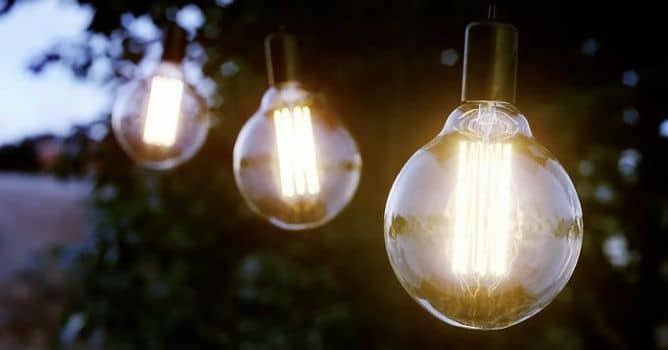
Denis Kozhar shows how to model Edison lamp in 3ds Max and make visualization in Corona Renderer.

Denis shows the process of creating Edison Lamp visualization using 3ds max and Corona Renderer. He is starting with lamp reference and then with edit poly technique he is modeling a light bulb. We are starting with a sphere primitive, we delete bottom polygons and extrude bottom edge to create bulb shape.

then with spline drawing and lathe modifier we create metal part of a bulb. We add shell modifier to golass, because we want it to have thickness for proper refraction. We model inside wiring with soft selection and splines / lines with thickness. We duplicate wires with array modifier. Inside spiral is made manually. 

We make composition with trees that come from Archmodels for Corona vol. 1 collection available in our shop.


Author: Denis Kozhar Editor: Michał Franczak
Tags:
You may also like...
3D character models: when to use ready-made assets instead of custom designs

3D character models: when to use ready-made assets instead of custom designs

Working in CG and archviz often means balancing creative intent with production realities. Human presence can support scale, context, and clarity, but it also adds another layer of decisions. Ready-made 3D character assets help keep visual focus where it belongs without expanding the project scope beyond its real needs
×

LEAVE A COMMENT

You need to be logged in to leave a comment. Don't have account? Register now.