Search
Cart
Sign in
  • offerCustomer zone
  • offerYour orders
  • offerEdit account

  • offerAdd project
  • offerLiked projects
  • offerView your artist profile

  • Dark mode
    ✔
Substance in 3ds Max

Substance in 3ds Max

Adobe 2020-03-27 08:15 tutorial  > 3ds MAX  > modeling

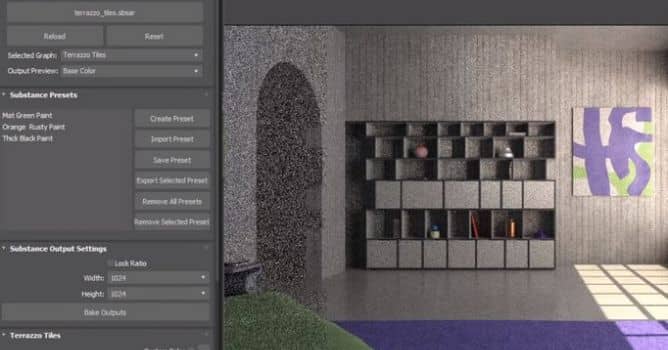
In this video we take a look at Substance in 3ds Max. This is an updated video covering the plugin for 2021.

The Substance in 3ds Max plugin contains workflows for automatically creating a shader network to support renderers. The render workflows can be found in the Substance menu. To use a workflow, select the Substance node in the material editor and then choose the workflow from the Substance menu. 


Author: Adobe Editor: Michał Franczak
Tags: adobe substance adobe
You may also like...
Adobe's Creative Cloud delivers the complete filmmaker’s toolkit at NAB 2014

Adobe's Creative Cloud delivers the complete filmmaker’s toolkit at NAB 2014

Read about new features coming to the Creative Cloud.
×

LEAVE A COMMENT

You need to be logged in to leave a comment. Don't have account? Register now.

Impresspolska 09:04:21  |  30-03-2020
Very sophisticated but made with so ugly rendered scene which keeps me away from this solution. Wasn't it worth to put one hour more effort to prepare a better example ?