Search
Cart
Sign in
  • offerCustomer zone
  • offerYour orders
  • offerEdit account

  • offerAdd project
  • offerLiked projects
  • offerView your artist profile

  • Dark mode
    ✔
Substance in 3ds Max

Substance in 3ds Max

Adobe 2020-03-27 08:15 tutorial  > 3ds MAX  > modeling

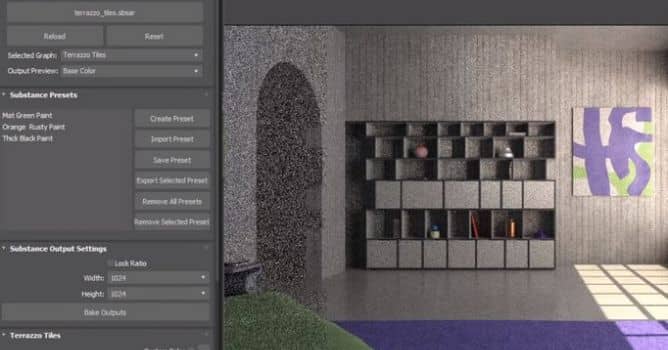
In this video we take a look at Substance in 3ds Max. This is an updated video covering the plugin for 2021.

The Substance in 3ds Max plugin contains workflows for automatically creating a shader network to support renderers. The render workflows can be found in the Substance menu. To use a workflow, select the Substance node in the material editor and then choose the workflow from the Substance menu. 


Author: Adobe Editor: Michał Franczak
Tags: adobe substance adobe
You may also like...
Working with Materials in Substance Designer 4 for Beginners

Working with Materials in Substance Designer 4 for Beginners

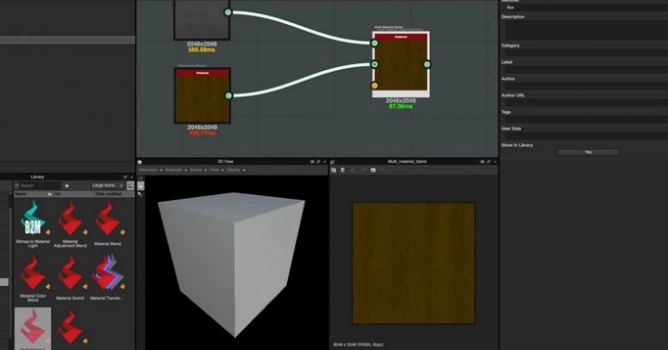
In this video, we discuss the process of creating base materials and then blending these materials using the Multi-Material Blend node.
×

LEAVE A COMMENT

You need to be logged in to leave a comment. Don't have account? Register now.

Impresspolska 09:04:21  |  30-03-2020
Very sophisticated but made with so ugly rendered scene which keeps me away from this solution. Wasn't it worth to put one hour more effort to prepare a better example ?