We are more than an asset library

Watch our Showreel
Search
Cart
Sign in
  • offerCustomer zone
  • offerYour orders
  • offerEdit account

  • offerAdd project
  • offerLiked projects
  • offerView your artist profile

  • Dark mode
    ✔
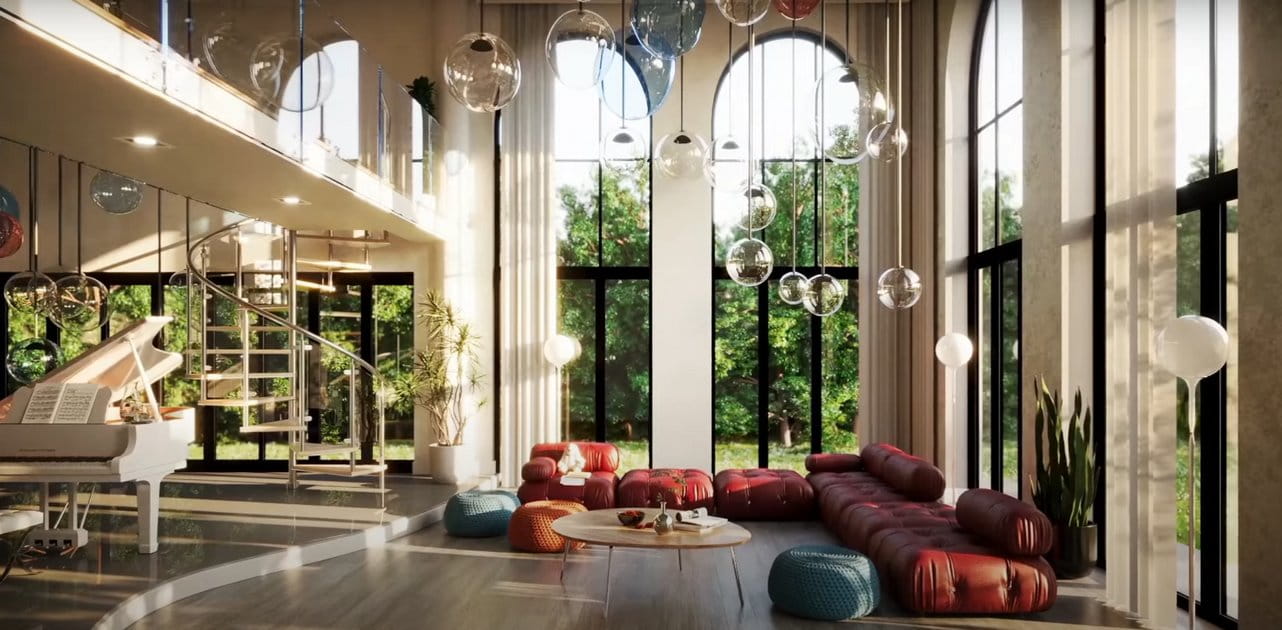
Photorealistic lighting with 3ds Max and V-Ray

Photorealistic lighting with 3ds Max and V-Ray

Jamie Cardoso 2018-06-25 09:17 tutorial  > V-Ray  > rendering

First of four tutorials by Jamie Cardoso.


The 3D files/textures, and the Full video (four parts) are available for free for Patreon supporters; Or $10 dollars to purchase it outright. This series of video tutorials will take users through the amazing process of, lighting, shading, texturing and rendering Atrium.


Jamie Cardoso has more than 10 years of experience in the industry; and published several popular books on subjects such as V-Ray, mental ray and 3d Visualisation.

Author: Jamie Cardoso
Tags:
You may also like...
Chaos V-Ray 7.5 for 3ds Max Adds AI Assistant with Sky Match, Render Critique, and OpenVDB Support

Chaos V-Ray 7.5 for 3ds Max Adds AI Assistant with Sky Match, Render Critique, and OpenVDB Support

V-Ray 7.5 ships with integrated AI tools that automate HDRI matching and asset selection, score render quality, and add native volumetric workflows. For 3ds Max archviz artists, the practical gains are clearest in volumetric support - but AI recommendations only help if they match your scene's intent.
×

LEAVE A COMMENT

You need to be logged in to leave a comment. Don't have account? Register now.