Search
Cart
Sign in
  • offerCustomer zone
  • offerYour orders
  • offerEdit account

  • offerAdd project
  • offerLiked projects
  • offerView your artist profile

  • Dark mode
    ✔
V-Ray for SketchUp – Quick Start: Materials

V-Ray for SketchUp – Quick Start: Materials

Youtube 2017-04-19 08:23 tutorial  > V-Ray  > modeling

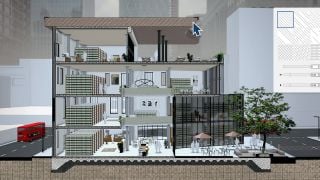
This video covers the basics of materials in V-Ray for SketchUp. It includes how to use the Material Library to easily create looks as well as how to edit preset materials and create new materials from scratch.

Author: Youtube Editor: Michał Franczak
Tags: v-ray
You may also like...
3dsmax: Vray Lightmap

3dsmax: Vray Lightmap

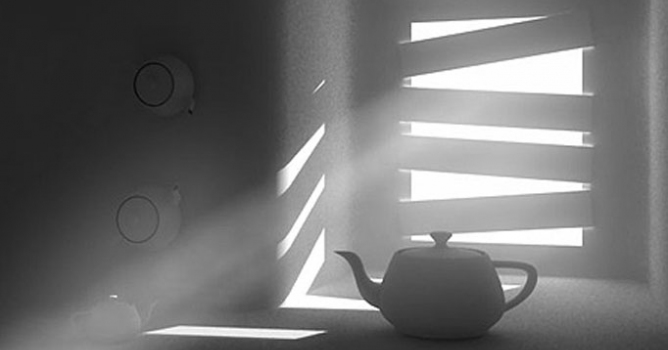
Dive into the world of V-Ray lighting in 3ds Max with Evermotion's tutorial. Explore the process of creating a V-Ray lightmap to add realistic and accurate lighting to your 3D scenes, enhancing their overall visual quality.
×

LEAVE A COMMENT

You need to be logged in to leave a comment. Don't have account? Register now.

abdelrahmanazmi 08:42:33  |  27-04-2017
Thank you very much for this clear and nice and simple explaining :) I just want to ask about a method to control the textures (like moving or rotating to fit corners of my project) that applies to the whole object (not only a single face) this is unavailable on Sketch Up. Dose V-Ray give me that option? it is really game changing for me.