Overview of new and improved features in the Corona Renderer 1.2 release.
Displacement Improvements
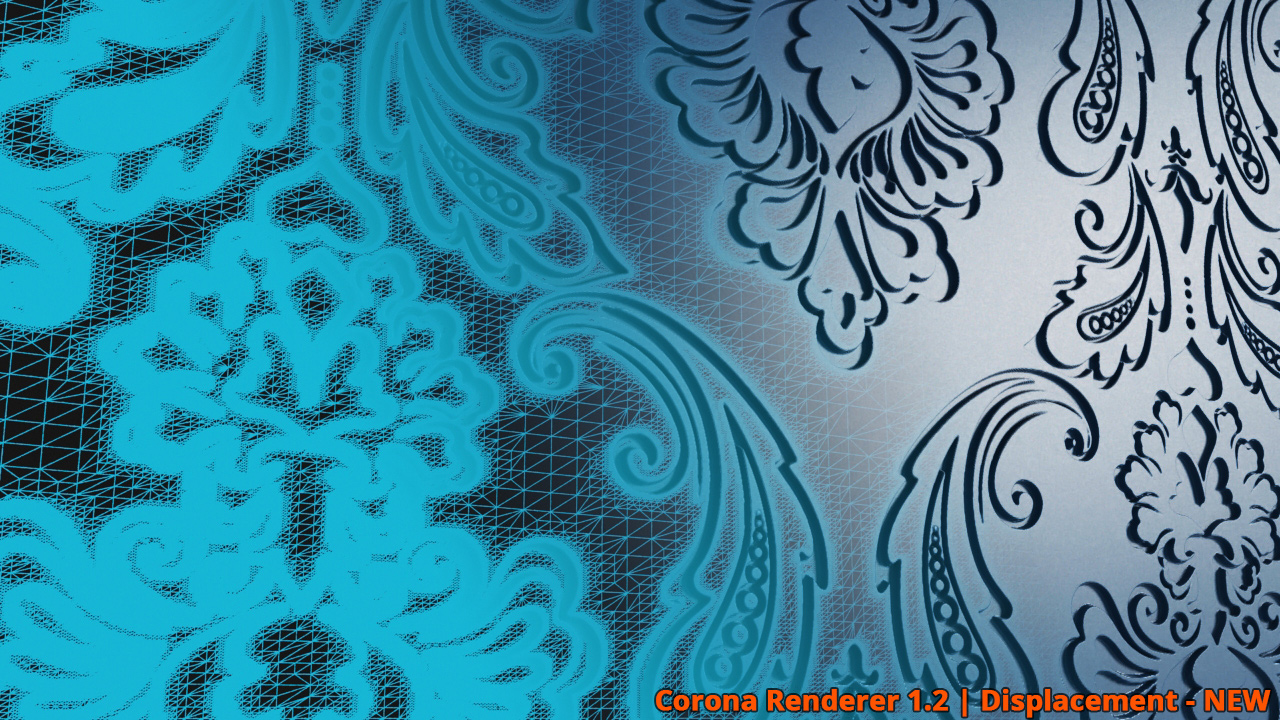
Corona Renderer v1.2 brings you a completely re-worked displacement which should be much more powerful, stable and less memory-hungry. The new algorithm also creates nicer meshes with less meshing artifacts. We are also planning further displacement enhancements in 1.3 as well.
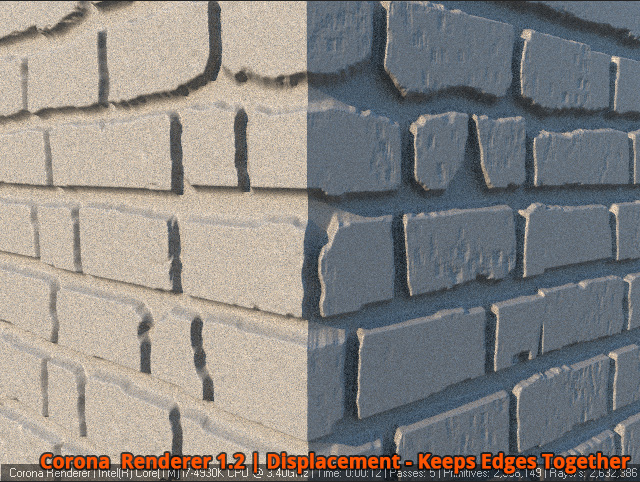
Keep Edges Together
We introduce the new “Keep Edges Together” functionality for displacement.
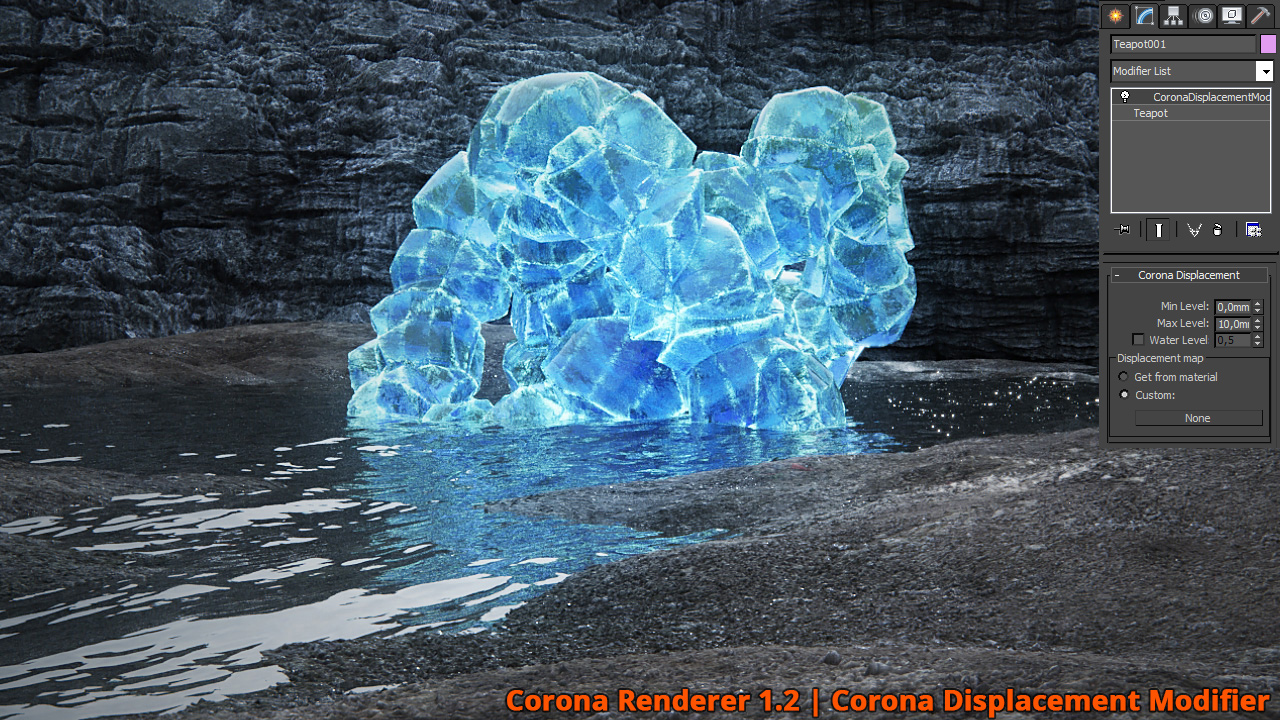
Displacement is now also available as a modifier – CoronaDisplacementMod
Displacement – Adaptivity
Displacement is now adaptive, which means that it does not “waste” polygons on places where it is not necessary. That results in less memory consumption. There is one little drawback possible with new displacement – pre-computation phase can be a bit longer for some more complex scenes. But developers will work on that.
CoronaBitmap improvements
Cropping visually in a popup window is now supported
Compressed TGA supported
Faster sampling of opacity maps
Fixed incorrect blurring of stretched textures
Fixed CoronaBitmap working incorrectly with CoronaScatter
Smaller improvements
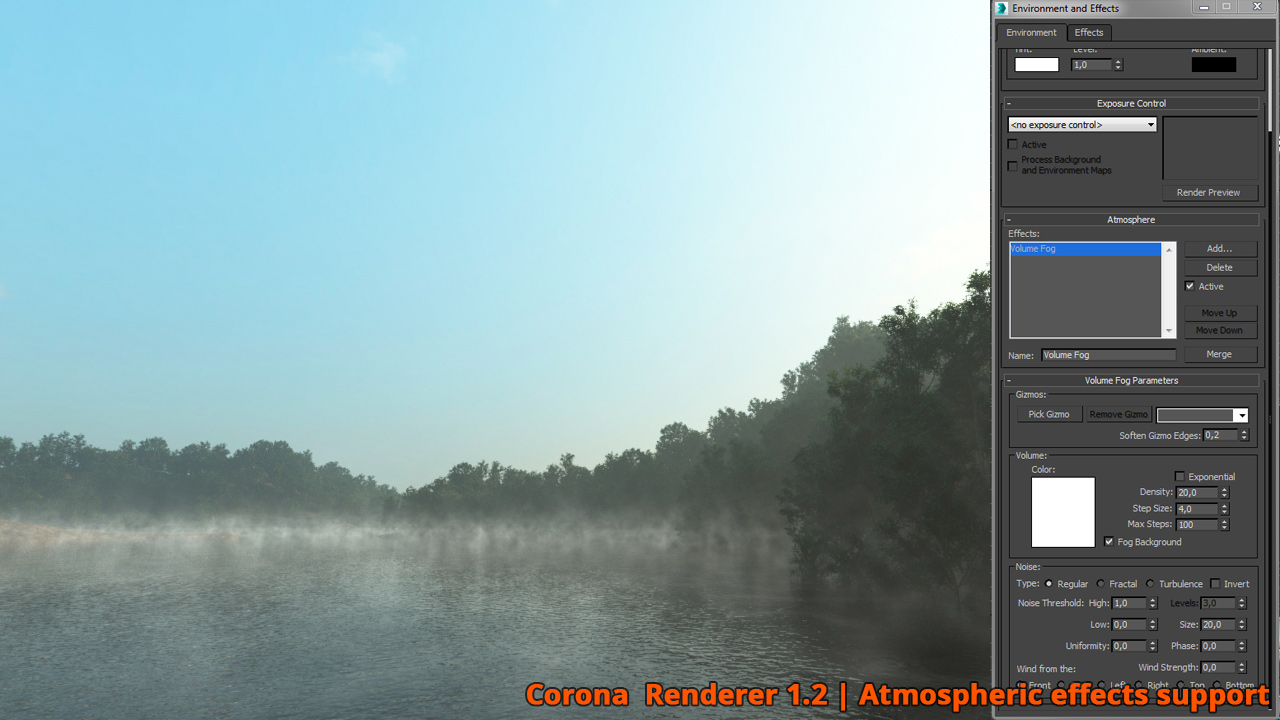
Added Support of 3ds Max Atmospheric effects
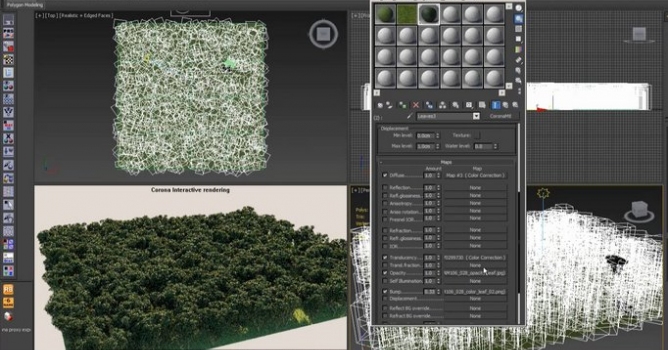
CoronaScatter supports VertexPaint
Corona Multimap Texmap Improvement
3ds Max 2016 Physical Camera is now supported
“Area to Render: Selected” is now supported
Added support for 3ds Max atmospheric effects
Added seed spinner to MultiMap
The standalone (simple) Corona Sun has been reworked. It is now targeted and displays proper illumination in the viewport
Textures in CoronaScatter now support vertex color as well as other extra mapping channels
MultiMap now has 100 maximum slots (some of them are accessible only via maxscript)
New improved proxy exporter script
Added “override enviro distance” option to z-depth render element
Added “override enviro color” option to CTexmap render element
This is a quick update that brings many small, but highly useful features, before some of the larger issues (interactive rendering, Mac support) are addressed.
In this walkthrough, we guide you through the process of building a polished 3D interior scene inspired by the cover of Archmodels vol. 306 – Table Sets.






 Customer zone
 Your orders
 Edit account
 Add project
 Liked projects
 View your artist profile














COMMENTS