We are more than an asset library

Watch our Showreel
Search
Cart
Sign in
  • offerCustomer zone
  • offerYour orders
  • offerEdit account

  • offerAdd project
  • offerLiked projects
  • offerView your artist profile

  • Dark mode
    ✔
Cinema 4D R17: Motion Tracking Workflow

Cinema 4D R17: Motion Tracking Workflow

Youtube 2015-08-06 11:19 tutorial  > Cinema 4D  > compositing

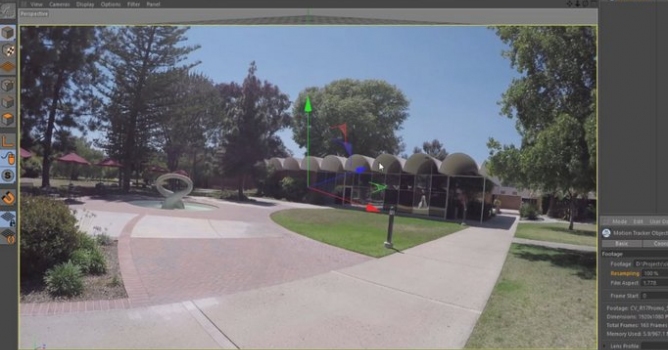
Explore the Cinema 4D Release 17 Motion Tracking workflow

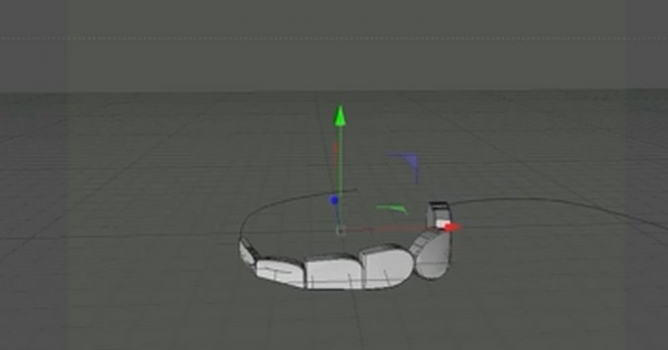
Motion Tracking in C4D R17 has new options to compensate for Lens Distortion and evaluate tracks in a Graph View. Learn how to apply a Lens Profile within the Motion Tracker, and automatically track the footage. Evaluate these tracks in the new Motion Tracker Graph View in order to quickly identify and fix tracks that have errors. Once the 3D scene is reconstructed, you'll use the Lens Distortion Post Effect to render the 3D elements with the same distortion as the original footage.

Author: Youtube
Tags: cinema c4d motiontracking
You may also like...
C4D: create a scene and export it to NOX

C4D: create a scene and export it to NOX

NOX workflow for Maxon Cinema4D users.
×

LEAVE A COMMENT

You need to be logged in to leave a comment. Don't have account? Register now.