Search
Cart
Sign in
  • offerCustomer zone
  • offerYour orders
  • offerEdit account

  • offerAdd project
  • offerLiked projects
  • offerView your artist profile

  • Dark mode
    ✔
Using the Align to Spline Tag with Xpresso in Cinema 4D

Using the Align to Spline Tag with Xpresso in Cinema 4D

EJ Hassenfratz 2014-01-10 09:11 tutorial  > Cinema 4D  > animation

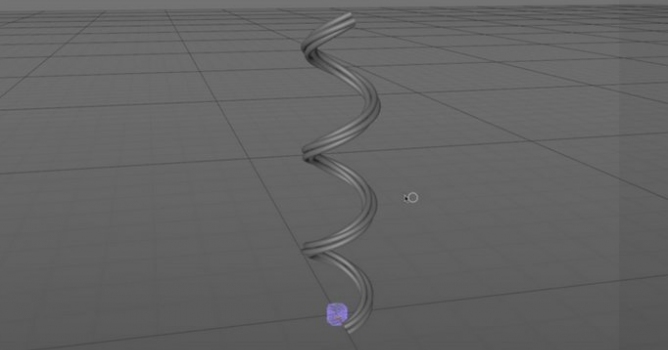
In this tutorial EJ Hassenfratz covers some time saving tips when using Cinema 4D's 'Align to Spline' tag.

He shows how to get objects to align & animate with the tips of an object created by a SweepNURB or a SplineWrap Deformer as one would when creating such things as a power cord with a plug, or a headphone cord with a headphone jack, or any abstract animation where you need an object to move perfectly with the movement/growth of the SweepNURB.

Author: EJ Hassenfratz Editor: Michał Franczak
Tags: cinema
You may also like...
Wireframe Renders with VRayforC4D 1.8

Wireframe Renders with VRayforC4D 1.8

Quick video about using the new Edges shader and the override option in the vray general options.
×

LEAVE A COMMENT

You need to be logged in to leave a comment. Don't have account? Register now.