Evermotion: More Than an Asset Library
How Evermotion became a full-scale production partner for archviz, automotive and synthetic data.


Total: € 0


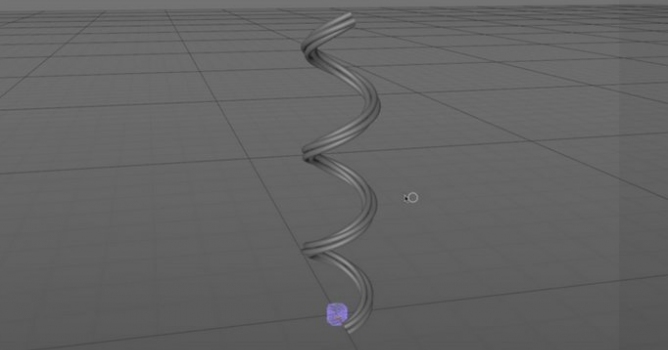
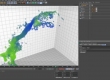
He shows how to get objects to align & animate with the tips of an object created by a SweepNURB or a SplineWrap Deformer as one would when creating such things as a power cord with a plug, or a headphone cord with a headphone jack, or any abstract animation where you need an object to move perfectly with the movement/growth of the SweepNURB.




LEAVE A COMMENT





|

|

|

|

|
 Customer zone
 Your orders
 Edit account
 Add project
 Liked projects
 View your artist profile
COMMENTS