Mastering Imperfections for Realistic Wall and Floor Materials
In interior visualization, achieving realism with V-Ray for Cinema 4D often comes down to the smallest surface details. Subtle imperfections like smudges, stains, or roughness can elevate flat materials into believable surfaces. In our tutorial, we demonstrate how adding dust, dirt, or streaks to the diffuse, reflection, and bump channels helps materials reflect natural wear and tear. This not only enhances texture depth but also strengthens the emotional impact of a rendered space. Using Layer and Combine Float nodes, we create layered glossiness variations that simulate uneven light interaction. These refinements provide an authentic visual feel. We also fine-tune the Filter Blur parameter to improve the definition of tile gaps or grain, depending on the surface. The result: a more polished but realistic scene that’s fully ready for final rendering with V-Ray.
Real-World Results Through Controlled Texture Adjustments
Great rendering starts with precise material adjustments. In our interior scene, we modify bump maps to bring life to plaster walls, textured concrete, or detailed wooden floors. Through controlled intensity tweaks, each surface gains its unique character without overpowering the composition. Glossiness and roughness maps are used thoughtfully to avoid uniform highlights that would break immersion. Instead of adding excessive shine, we introduce realistic reflections with strategic falloff and subtle surface irregularities. This workflow, focused on balance and visual feedback, helps artists using V-Ray for Cinema 4D produce consistent, photorealistic output. Our approach supports materials like terrazzo, ceramic, or wood, making them look lived-in and dynamic. Every step aligns with the practical needs of archviz creators. No shortcuts—just a focus on what matters most: convincing surfaces built from solid fundamentals.
SketchUp 2027 integrates procedural modeling, AI rendering, and Claude-powered generation to speed concept work before handoff to external renderers. System requirements narrow to Windows 11 and Apple Silicon, and a Ruby upgrade may affect plugins.
ITOOSOFT's free ColorEdge plugin uses procedural edge detection to blend road and terrain materials without geometry or baking. It works with V-Ray and Corona CPU renderers on 3ds Max 2022–2026, though GPU users should test compatibility first.
Fumaris, a $39 GPU-based simulation extension for Blender 5.1+, lets archviz artists bake smoke and fire effects in real time using NVIDIA Flow, eliminating the traditional export-to-external-simulator workflow.
A new $39 plugin for 3ds Max 2022–2027 ports Maya's UV Editor interface—component modes, marking menus, and edge selection—directly into Max. Built on the native Unwrap UVW modifier with a 25% launch discount, it cuts repetitive UV work for archviz studios.
Substance 3D Painter 12.2 lets artists adjust baking cage distance per-pixel on the model itself, eliminating full-cage recalculations. New Order Independent Transparency also improves viewport preview of glass and transparent surfaces.
Veras 5.3 introduces NODES, a visual workflow builder now in Beta that lets users generate parametric geometry and bake it directly into Revit, Rhino, or SketchUp. The system shifts Veras from rendering-first to a full generative design platform with interactive design tools.
SketchUp 2025–2026 has added native PBR materials, AI image generation, and real-time rendering plugins like Lumion View, letting archviz artists produce photorealistic images without leaving the viewport. This collapses the traditional design-to-render pipeline.
Maxon's Redshift 2027.0 cuts render times by up to 15% through memory optimization and adds official Archicad integration alongside improved materials and live feedback tools.
Substance 3D Painter 12.2 lets artists adjust baking cage distance per-pixel on the model itself, eliminating full-cage recalculations. New Order Independent Transparency also improves viewport preview of glass and transparent surfaces.
In this walkthrough, we guide you through the process of building a polished 3D interior scene inspired by the cover of Archmodels vol. 306 – Table Sets.





 Customer zone
 Your orders
 Edit account
 Add project
 Liked projects
 View your artist profile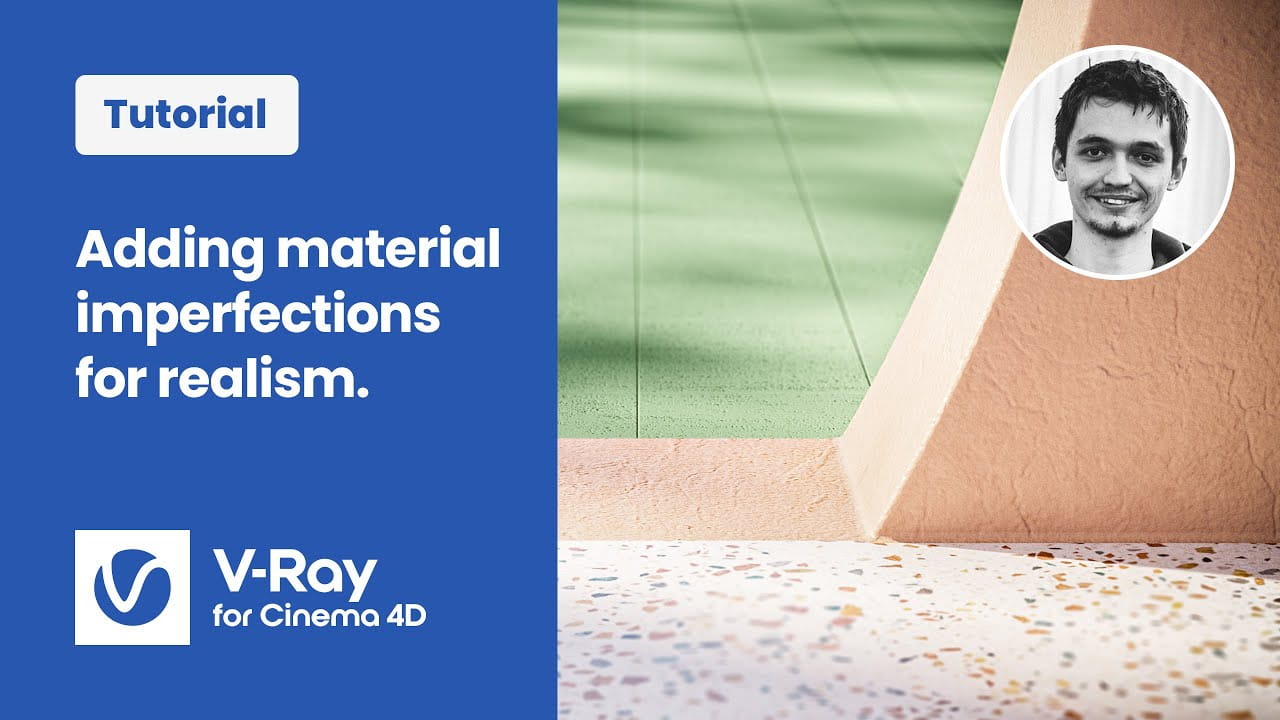













COMMENTS