We are more than an asset library

Watch our Showreel
Search
Cart
Sign in
  • offerCustomer zone
  • offerYour orders
  • offerEdit account

  • offerAdd project
  • offerLiked projects
  • offerView your artist profile

  • Dark mode
    ✔
Substance functions - tutorial

Substance functions - tutorial

yt 2021-05-17 12:34 tutorial  > Making of  > modeling

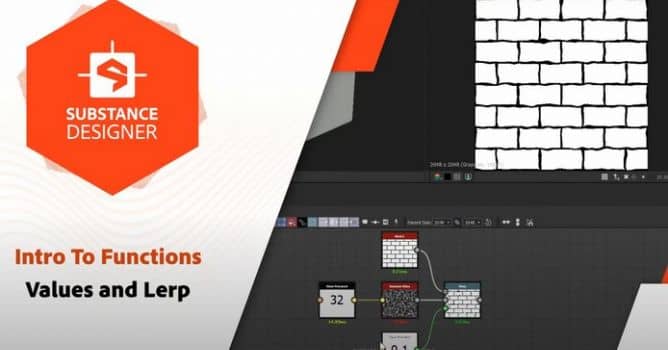
Intro To Functions - Values and Lerps.

Functions can be daunting at first, but they're a key step to mastering Substance Designer. This video series aims to make it easy to get started with functions, using simple bite-size use cases. In this first video we go through values and the different types, as well as the  "Lerp" or linear interpolation node.
All SBS files can be found on Substance Academy

00:00 - Introduction
00:30 - Value Processor
01:52 - Custom Parameters
02:20 - Data Types
03:05 - Get Node
05:04 - Value Inputs
06:52 - Multiple Functions
09:15  - Linear Interpolation


Author: yt
Tags:
You may also like...
V-Ray for Blender 7.4 gains ARM64 support, ocean textures, and faster light workflows

V-Ray for Blender 7.4 gains ARM64 support, ocean textures, and faster light workflows

Chaos released V-Ray for Blender 7.4 with Windows ARM64 compatibility, Phoenix Ocean textures for exterior scenes, Quick Sun Caustics for realistic lighting, and tools to organize large asset libraries and migrate from Blender's native renderer.
×

LEAVE A COMMENT

You need to be logged in to leave a comment. Don't have account? Register now.