We use cookies to provide you with the best possible experience. They also allow us to analyze user behavior in order to constantly improve the website for you.
The consent is voluntary. You can withdraw it at any time or renew it in Cookie settings on the home page. Withdrawal of your consent does not affect the lawfulness of processing performed before the withdrawal.
Privacy Protection Policy
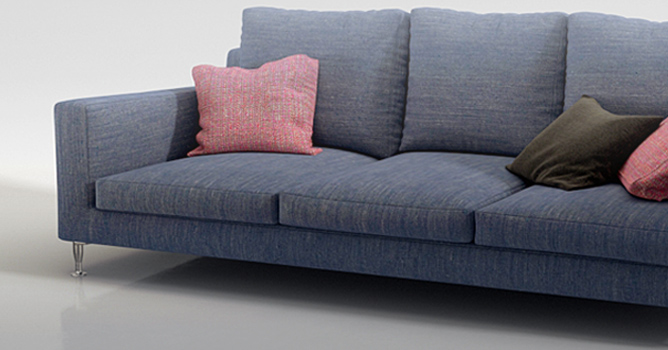
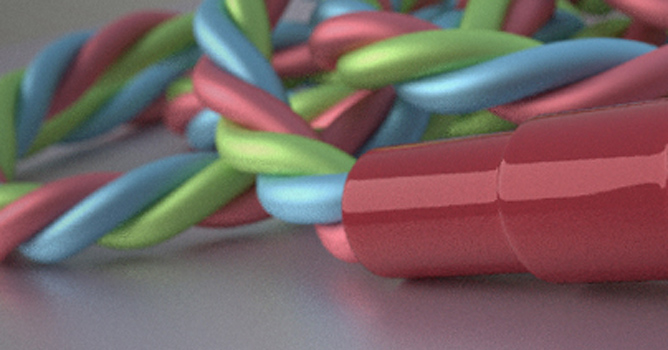
Got no time to make realistic model of couch, sofa, pillow or chair seat? Why not simulate it with cloth modifier? It is much faster than traditional modeling.
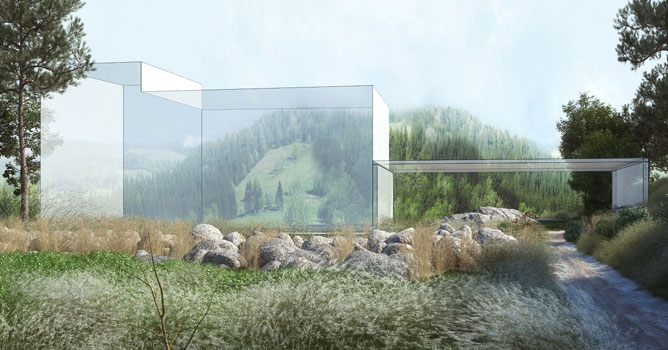
Hello guys !I'm Florian from the french Architectural Rendering studio : www.shift-visuals.com. Today i'm gonna show you how the magic happens in our images. For this, I choosed a competition Image for a huge urban project in Moscow designed by Ateliers Lion Architects.
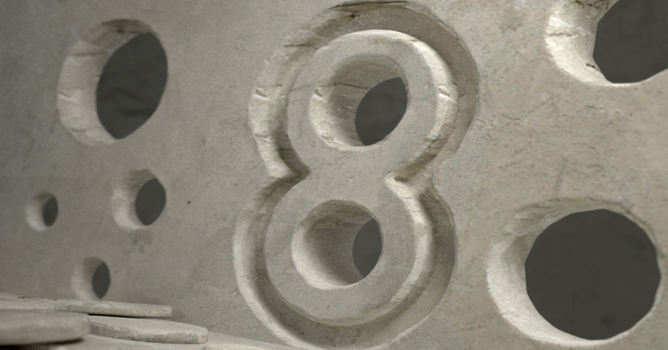
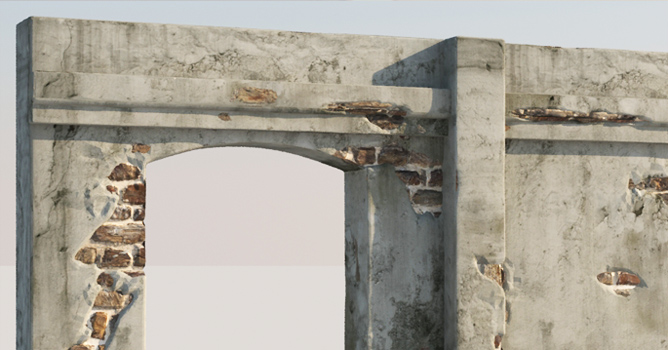
This week I will cover the topic of creating displacement maps in 3dsmax and setting up the Vray displacement mod for high precision displacement, as well as a basic material setup.
In this tip I will show you some basic settings for V-ray displacement mod as well as a short introduction for displacement in general. This tip is aimed for beginner 3dsmax users.
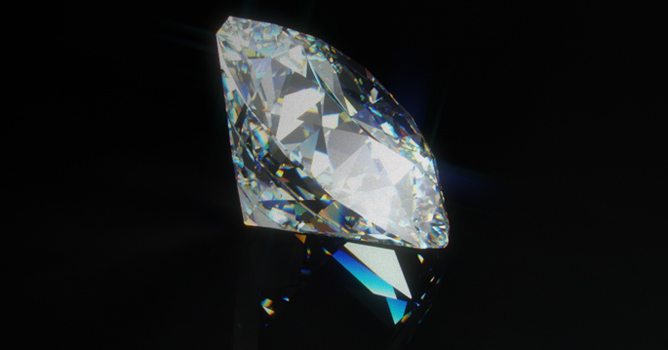
In this tutorial Kuba talks about advanced material options in Vray that are helpfull in creating realistic results. He uses a diamond material as an example.
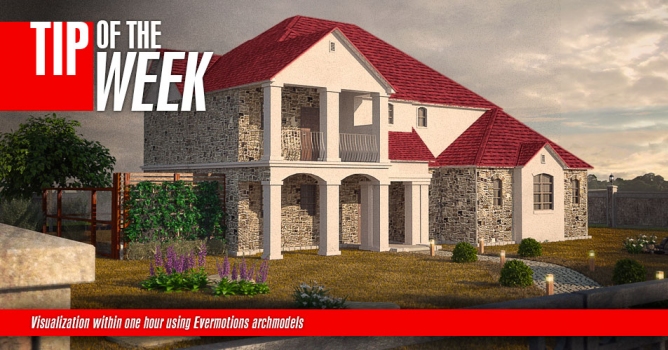
This week I'm going to use some of Evermotions Archmodels collection to create a simple visualization inside 3dsmax within 1 hour of work. The tutorial includes also the basic rendering settings and simple postproduction inside Photoshop.
In this walkthrough, we guide you through the process of building a polished 3D interior scene inspired by the cover of Archmodels vol. 306 – Table Sets.