Evermotion: More Than an Asset Library
How Evermotion became a full-scale production partner for archviz, automotive and synthetic data.


Total: € 0
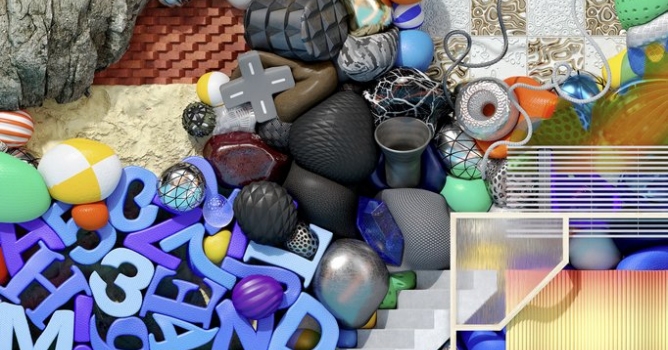

The bakers also get some love as they have been deeply modified to support up to 8K bakes and non-uniform (non-square) ratios. These architecture changes will unlock many more features down the road.
Scan Processing
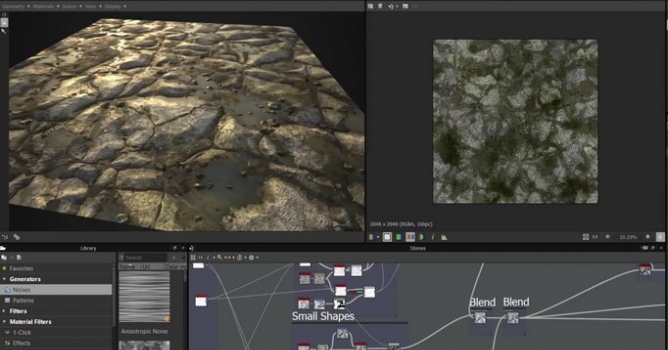
New Scan Processing nodes allow you to create accurate scanned materials from a set of pre-lit photos. These photos can be shot pretty easily with minimal setup: all you need is a camera (or even a phone), a tripod and a flashlight or LED strip. Take 4 or 8 photos of the same surface with varying light angles, crop and feed them to the Scan Processor.
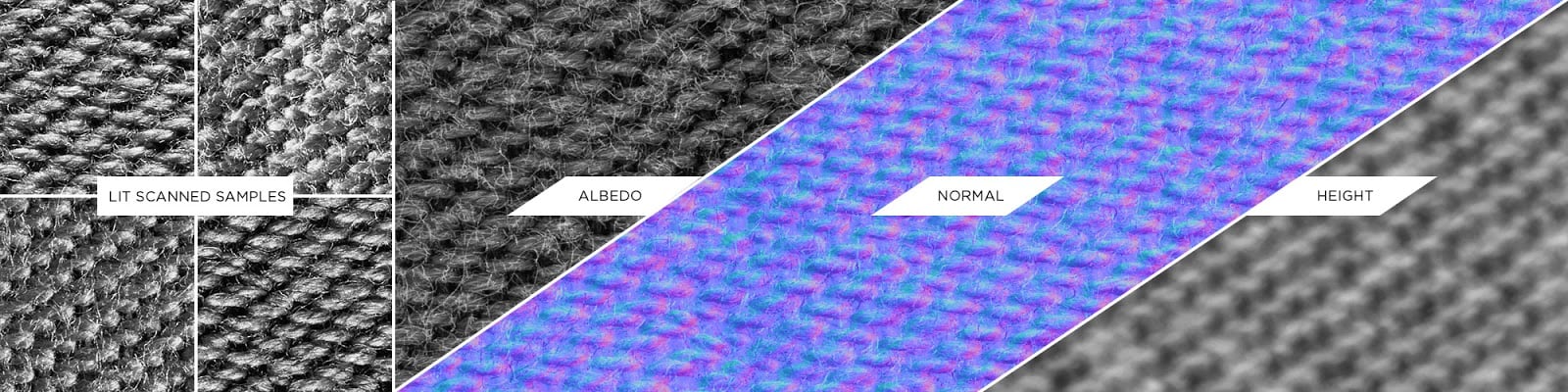
The filters will cross check the different photos and extract a pure albedo as well as an incredibly detailed normal map or height map, no tweaking required. It works even with shiny materials or metals!
No photogrammetry pipeline would be complete without a proper method for making materials seamless. The new Smart Auto Tile node analyzes the features of each channel of the material and finds the best way to cut and stitch together the maps to eliminate seams in a realistic way without cutting through important elements of the material.
This filter offers a lot of control over the tiling and can adapt to pretty much any kind of material.
Curve Node
The Curve node allows you to define a curve profile to remap color data. In the context of Substance Designer you will find it particularly useful to define/sculpt height maps.
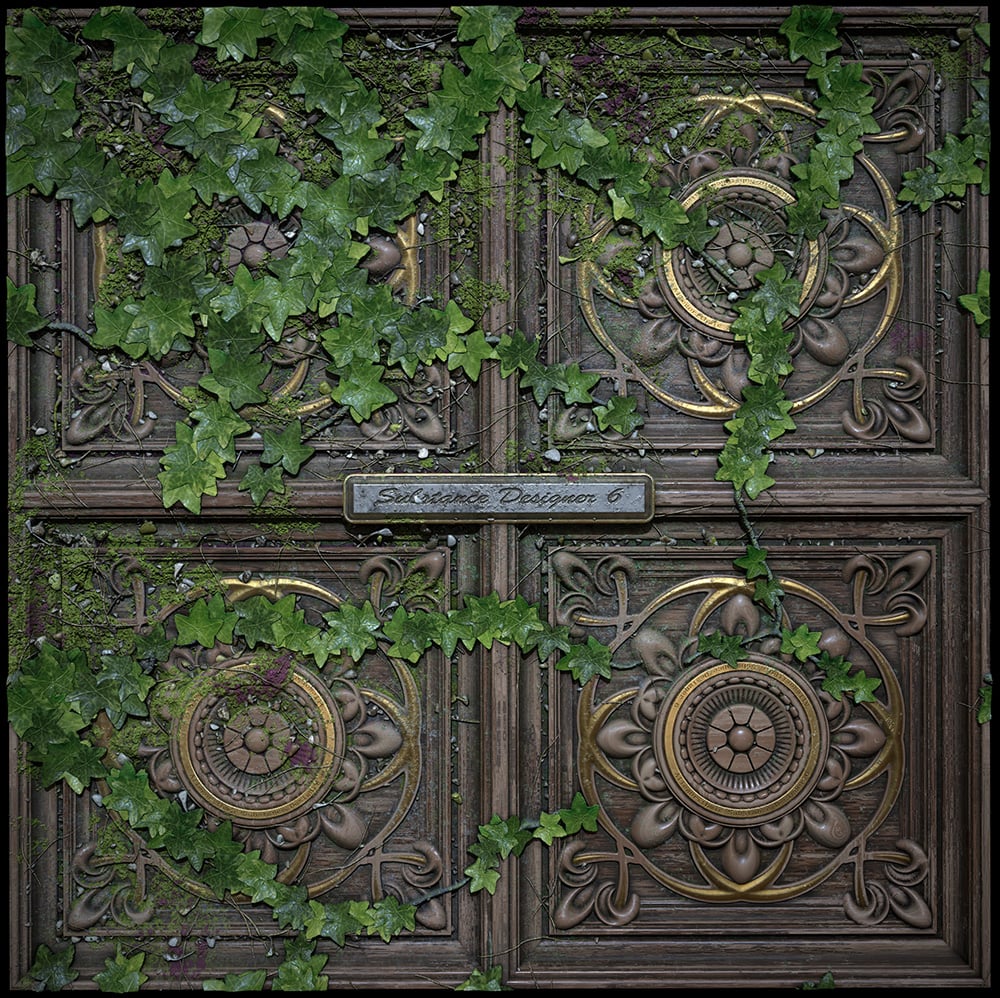
It can be used for the definition of exotic forms like wood molding, heightmap creation or colorimetric correction.
Text Node
The Text node is pretty self-explanatory! It comes with dedicated effect filters like glow, drop shadow, and outline.
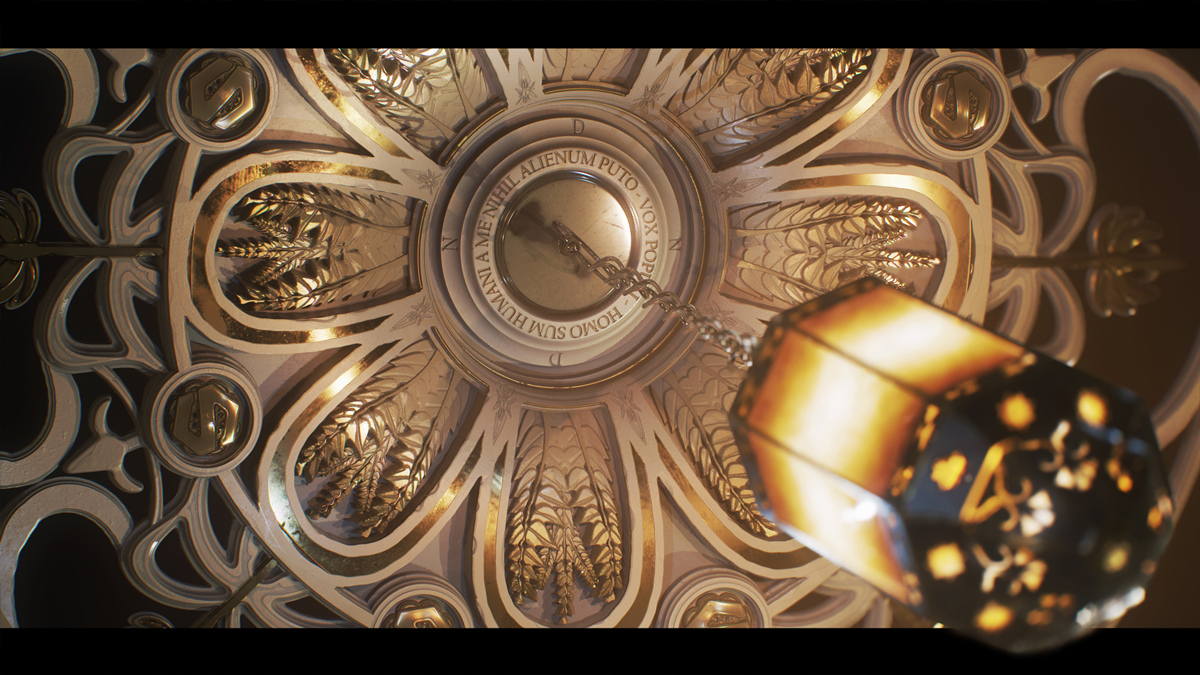
Note that the text input can also be exposed for dynamic changes in integrations! The integration plugins will soon be updated.
The Bakers
The bakers receive 4 new features:
The underlying work necessary for these features will open doors for further development around the bakers.
32-bit floating point compositing is going to open new doors. You can for example play with the new Panorama Shape node to create your own HDR studio maps.
Expect new content to be added in future updates such as Fourier transformation and 3D noise operators.
Parent Toolbar
A new Parent Toolbar appears in the UI. It will actually simplify your workflow greatly when it comes to dealing with your graph size: no need to create your graph in Absolute X/Y or Parent * X to author your graph at a given resolution. Now just create your graph in “Relative to Parent” mode and set your working resolution using this toolbar, that’s all!
More information on Substance Designer site.
LEAVE A COMMENT





|

|

|

|

|
 Customer zone
 Your orders
 Edit account
 Add project
 Liked projects
 View your artist profile
COMMENTS