VIDEO
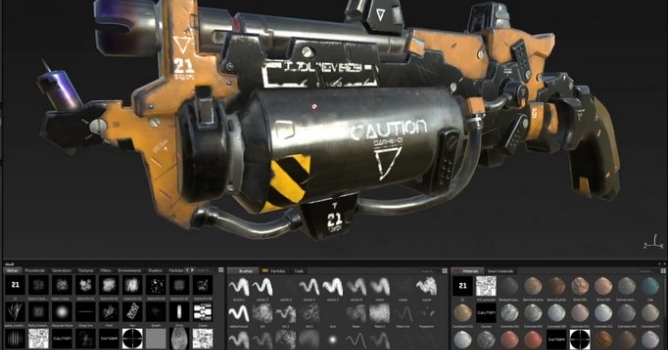
Substance Painter 1.5.0 Features:
[Shader] Add line number in Shader compiling error messages
[Shelf] Improve thumbnails previews quality
[Shelf] Automate thumbnail generation for Smart Materials
[Tool] Shortcut to control hardness setting in the substance
[Tool] Use grayscale widget for geometry decal when over a mask
[Tool] Shortcut to invert paint color while painting on a grayscale map
[Viewport] Allow to display the wireframe and change its color
[Viewport] Blur the environment background
[Controls] Add rotation to brush mouse shorcuts
[Export] Export to Sketchfab
[Export] Create export presets for renderers
[Export] Add converted map Reflection, F0 and 1/IOR
[UI] Add Welcome screen
[UI] Update default layout
[UI] Add missing tooltips and rename some menu entry
[Layers] Export currently selected mask as bitmap
[Layers] Add "invert mask" action in the right-click menu
Substance Painter 1.5.0 Fixes:
[Project] If the meshes pivot's are different in the FBX, the meshes get exploded upon import
[Substance] Substances used in projection tools are locked in 256*256
[Layers] Crash when using clear mask
[Export] Incorrect gamma conversion on very dark textures
Export] Position map can only be used in export presets as a grayscale map
[Tool] Geometry decal start color is black when used on a mask
[Tool] Rotation shortcut doesn't work if there is no hardness in the alpha






 Customer zone
 Your orders
 Edit account
 Add project
 Liked projects
 View your artist profile











COMMENTS