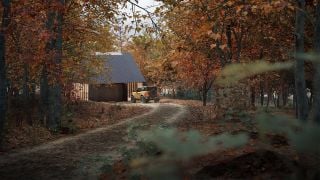
ColorEdge: Free Terrain-Road Blending for 3ds Max
ITOOSOFT's free ColorEdge plugin uses procedural edge detection to blend road and terrain materials without geometry or baking. It works with V-Ray and Corona CPU renderers on 3ds Max 2022–2026, though GPU users should test compatibility first.





 Customer zone
 Your orders
 Edit account
 Add project
 Liked projects
 View your artist profile












COMMENTS