Search
Cart
Sign in
  • offerCustomer zone
  • offerYour orders
  • offerEdit account

  • offerAdd project
  • offerLiked projects
  • offerView your artist profile

  • Dark mode
    ✔
Creating Realistic Vegetation

Creating Realistic Vegetation

VraySchool.com 2015-10-01 08:55 tutorial  > 3ds MAX  > texturing

Make Realistic Vegetation with free 3ds Max plugin - Unique Materials ID.

You can get this script here: https://cg-source.com/uniquematerialids.php

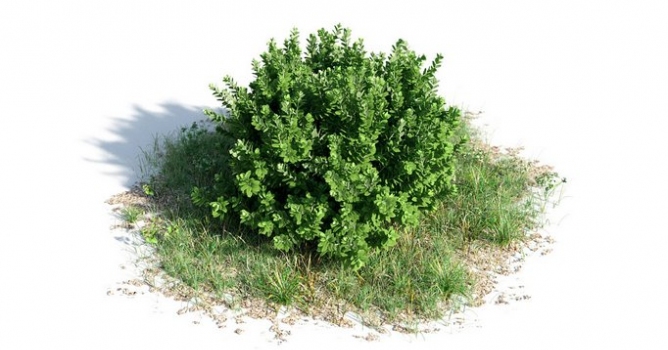
Image comes from Archmodels vol. 154.

Author: VraySchool.com Editor: Michał Franczak
Tags: vray shaders materials greenery
You may also like...
Top 5 Vray Workshop - the best works of last week

Top 5 Vray Workshop - the best works of last week

Vray Workshop + Evermotion present TOP 5 VRay Workshop - selection of the best works presented during the week.
×

LEAVE A COMMENT

You need to be logged in to leave a comment. Don't have account? Register now.

vsolutions3d.com 18:54:24  |  03-10-2015
Hello, thanks for video. But tell me please, why you just can't use multimaterial ID modifier instead of this plugin??
vsolutions3d.com 18:55:36  |  03-10-2015
I mean MaterialByElement modifier
dr_After 10:24:59  |  05-10-2015
vsolutions3d - it's just one of the ways to do it, you also can use MaterialbyElement of course.
TChadail 10:37:52  |  05-10-2015
Thank you for sharing Alex. As said earlier, using MaterialByElement is much more effective: it gives the same results without having to manually detach elements.
obaida 12:50:51  |  21-10-2015
Thanks , But >>>> MaterialByElement modifier - Randomize ID Multi Texture Map Plugins (CG-Source) - randomize Hue Saturation and gamma for colors or textures