We are more than an asset library

Watch our Showreel
Search
Cart
Sign in
  • offerCustomer zone
  • offerYour orders
  • offerEdit account

  • offerAdd project
  • offerLiked projects
  • offerView your artist profile

  • Dark mode
    ✔
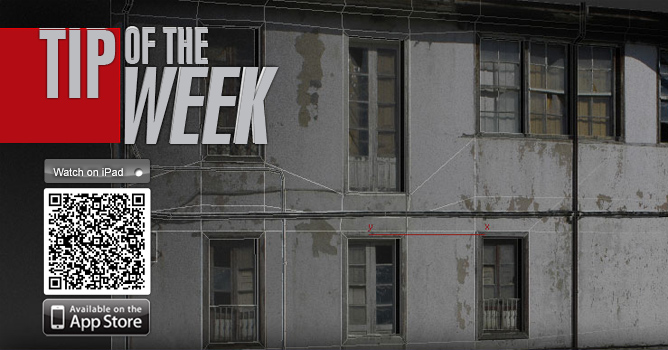
TipOfTheWeek - 3D building modeling

TipOfTheWeek - 3D building modeling

Evermotion 2012-01-31 14:10 tutorial  > 3ds MAX  > modeling

Learn how to create and texture a building in 3ds MAX.

 
Watch part two:
 
 
Watch part three:
 
Author: Evermotion
Tags:
You may also like...
V-Ray for Blender 7.4 gains ARM64 support, ocean textures, and faster light workflows

V-Ray for Blender 7.4 gains ARM64 support, ocean textures, and faster light workflows

Chaos released V-Ray for Blender 7.4 with Windows ARM64 compatibility, Phoenix Ocean textures for exterior scenes, Quick Sun Caustics for realistic lighting, and tools to organize large asset libraries and migrate from Blender's native renderer.
×

LEAVE A COMMENT

You need to be logged in to leave a comment. Don't have account? Register now.
airmoss 02:08:38  |  01-02-2012
how to add edge so quick?
d-rabbit 11:39:24  |  01-02-2012
use the swiftloop (in the ribbon graphic modeling tools) for add quick edges
aluigi 12:23:40  |  01-02-2012
Thanks
vigan 21:45:05  |  02-02-2012
Hi Andi, Thanks for the great tutorial. Can you just explain how do you create those lines around the windows so quick?? What command did you use. Thanks
BuSan Wang 09:14:44  |  05-02-2012
Cool............. thx Pal
andrewschumacher 23:12:48  |  27-02-2012
Edit Mesh did not isolate UV mapping from my editable poly. What did I miss?
Nina_ning 04:29:15  |  09-12-2012
I have the same problem as comment below. How u copy it to 3 buildings but different types? What did i miss ? Pls answer. Thank you