Search
Cart
Your cart - 0 items
Total: € 0
Total: € 0
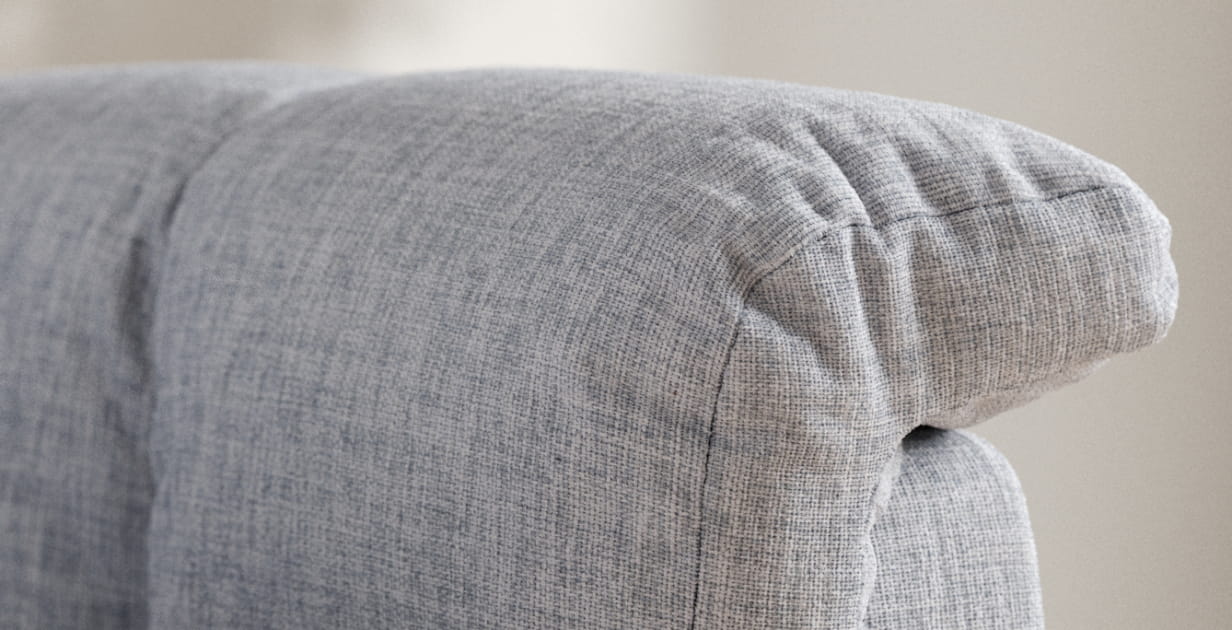

Creating photorealistic fabric material in 3D renderings blends both technical skill and artistic sensibility. You could think that you need many texture maps for good results, but the secret is much more simple than it seems. Of course, shader parameters must be finely tuned to replicate the fabric’s physical properties, such as its reflectivity, translucency, and roughness.
Rendering engines allow for the simulation of realistic lighting scenarios, ensuring that the fabric interacts naturally with light and shadow. Moreover, incorporating subsurface scattering can enhance the material's depth and realism, particularly for fabrics like silk or velvet. The final step involves iterative testing and tweaking, ensuring the fabric behaves correctly under various lighting conditions and viewing angles, thus achieving a true-to-life representation in the digital scene.
But how difficult is it to make a great fabric material? Watch video below and see the process by RenderRam.







LEAVE A COMMENT







|

|

|

|

|
 Customer zone
 Your orders
 Edit account
 Add project
 Liked projects
 View your artist profile

COMMENTS