If you’ve tried scattering small objects on a surface that uses displacement you’ll have encountered a problem. Forest Pack calculates its position information according to the surface’s state before render time, but displacement is not calculated until render time.
The resultant changes in the surface at render time can result in the terrain disconnecting from the scattered geometry, especially for very small objects like ground cover. We can use a nifty Forest Effect to translate the scattered geometry in the viewport to match how the ground will appear after displacement.
Forest Pack is the world’s most popular scattering plugin for 3ds Max®. It provides a complete solution for creating vast areas of objects, from trees and plants to buildings, crowds, aggregates, ground-cover, rocks and more. If you can model it, Forest Pack can scatter it. Buy Forest Pack






 Customer zone
 Your orders
 Edit account
 Add project
 Liked projects
 View your artist profile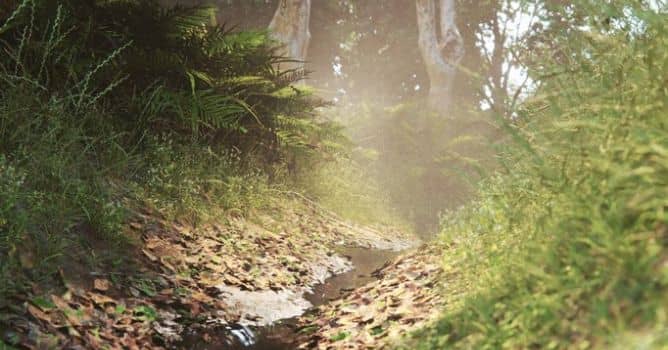













COMMENTS