We are more than an asset library

Watch our Showreel
Search
Cart
Sign in
  • offerCustomer zone
  • offerYour orders
  • offerEdit account

  • offerAdd project
  • offerLiked projects
  • offerView your artist profile

  • Dark mode
    ✔
Get better visual quality in 3ds max viewport

Get better visual quality in 3ds max viewport

Eloi Andaluz Fullà 2018-12-19 08:16 tutorial  > 3ds MAX  > misc

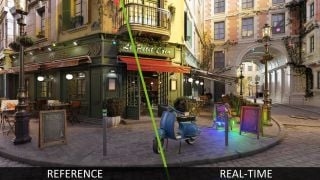
Eloi Andaluz Fullà shows how you can tweak 3ds Max viewport settings to achieve the look similar to new Blender's Eevee realtime render.

We have a new Blender 2.8 beta available, the big star is Eevee-  new renderer that looks great and works in realtime. How close we can get to it using 3ds Max old "nitrous" viewport? The truth is that nitrous is capable of multiple rasterize effects, like Ambient Occlusion, spherical reflections, normal mapping, DOF, motion blur, area shadows and more, but all options are scattered and many are hidden.

Learn what 3dsmax parameters you need to tweak to make your 3ds Max ciewport more like Blende's Eevee.


Author: Eloi Andaluz Fullà Editor: Michał Franczak
Tags: eevee 3dsmax
You may also like...
Crumpled Paper from a Plane (with simcloth)

Crumpled Paper from a Plane (with simcloth)

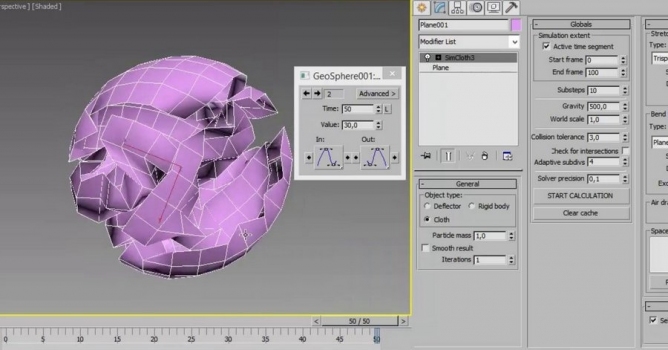
Making crumpled paper from a plane with simcloth in 3ds max in just 5 minutes.
×

LEAVE A COMMENT

You need to be logged in to leave a comment. Don't have account? Register now.