Evermotion: More Than an Asset Library
How Evermotion became a full-scale production partner for archviz, automotive and synthetic data.


Total: € 0
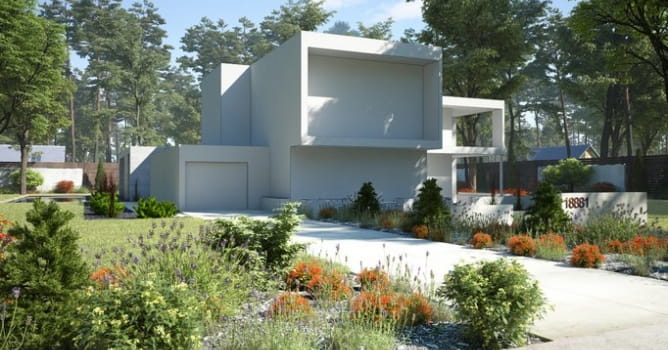

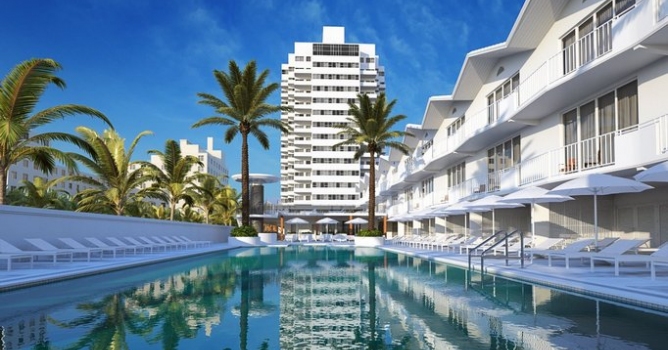
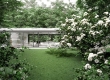
This scene is included in Archexteriors vol. 30 collection consisting of 10 sunny scenes with a lot of vegetation. Archexteriors collection was made, because sometimes artist need just a proper setting for their buildings, but they don't want to waste time for creating secondary elements, like small plants, rocks, pavements, etc. Now you can insert your building in the environment crafted by Evermotion artists. It saves a lot of time. The building in the scene is just a proxy mesh that can be deleted at any time.
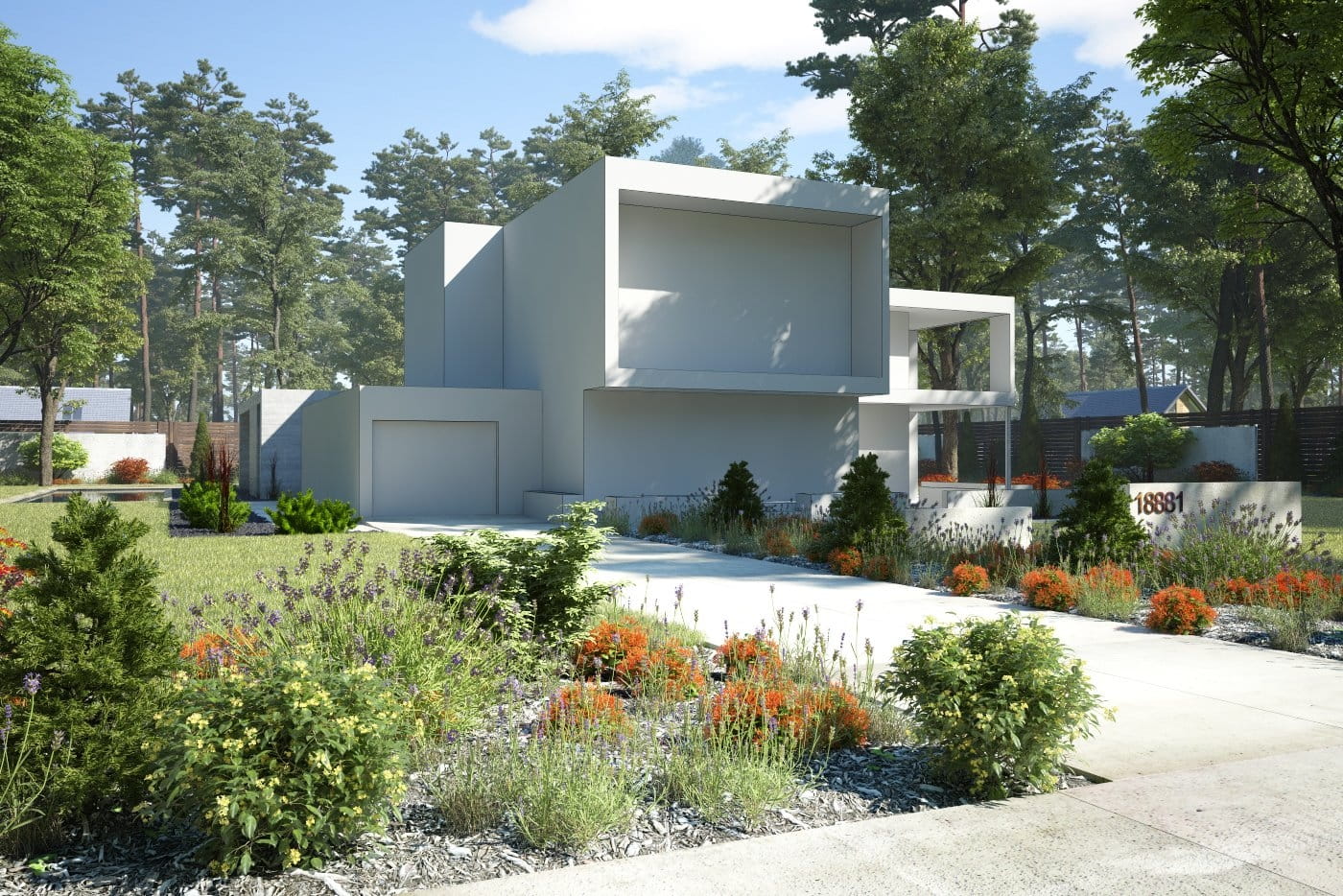
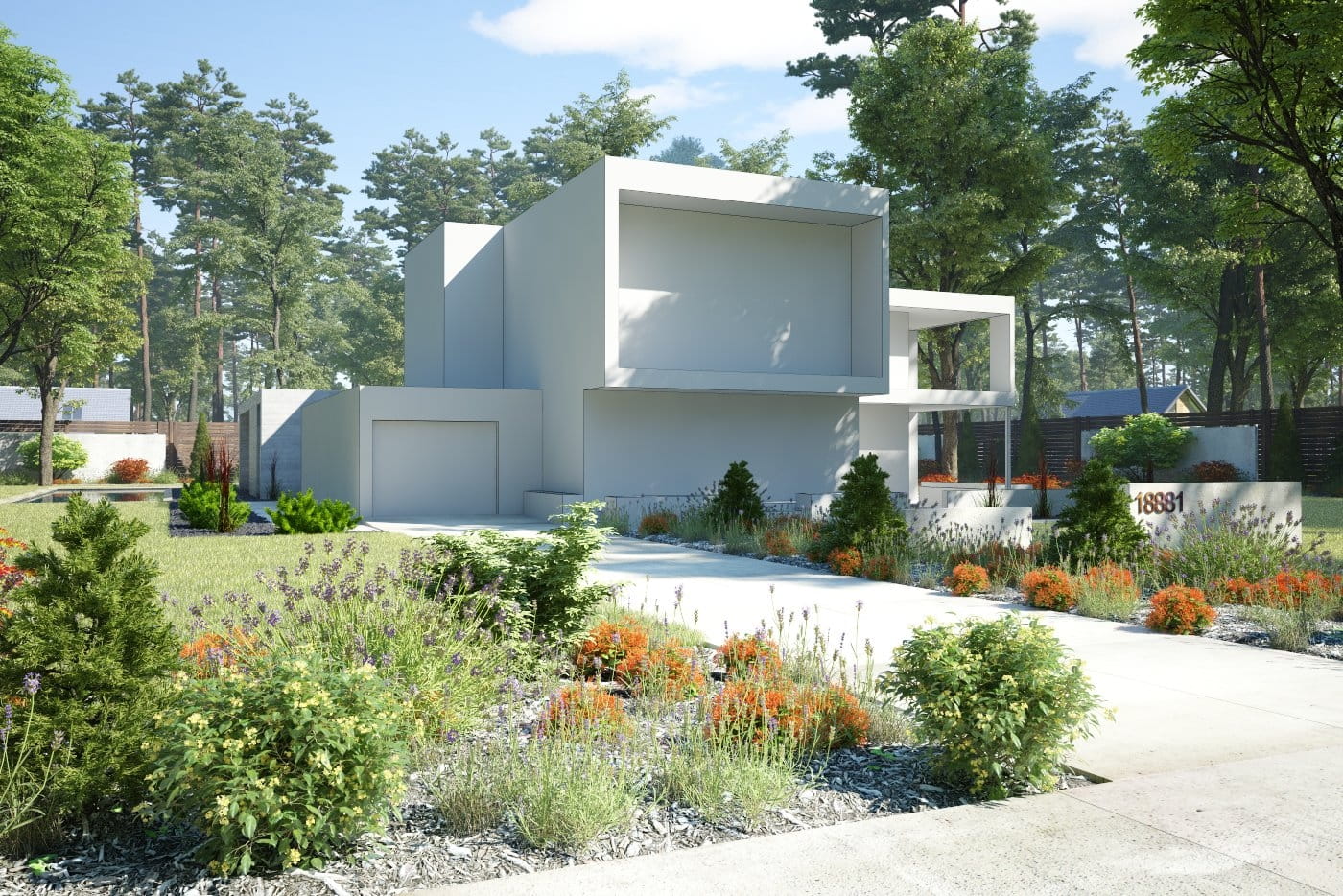
Final image after post-production - camera 1
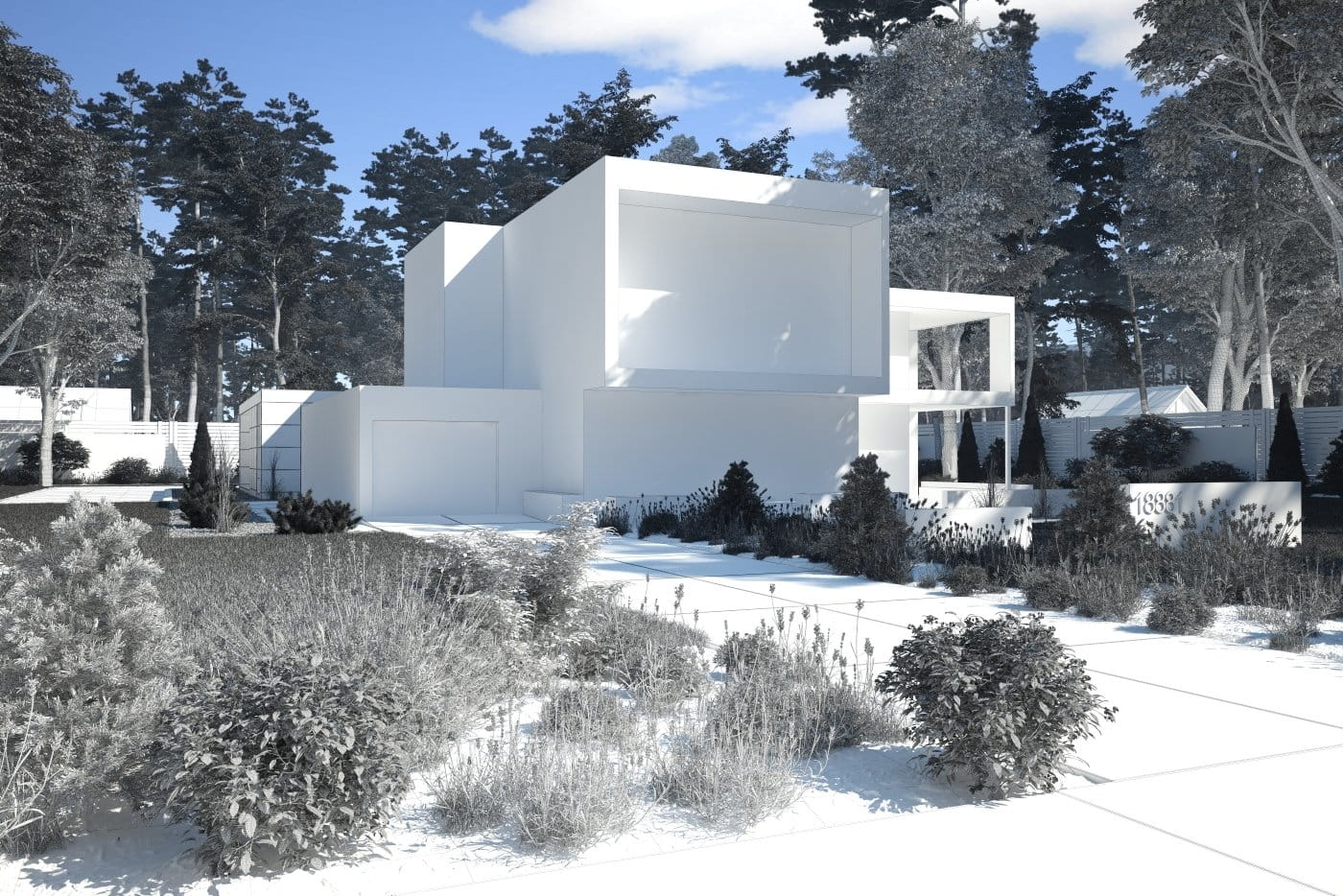
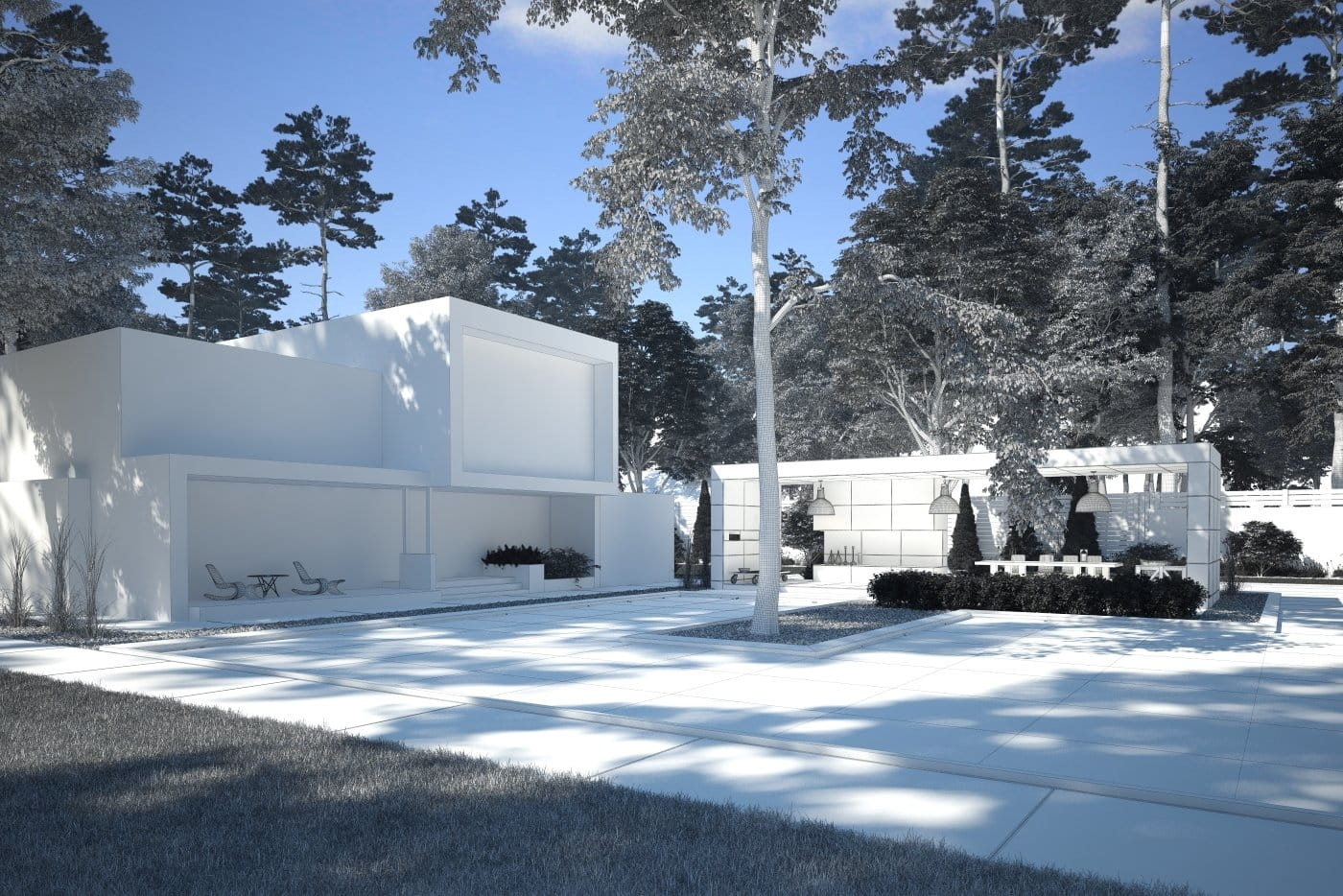
Camera 1 - wireframe
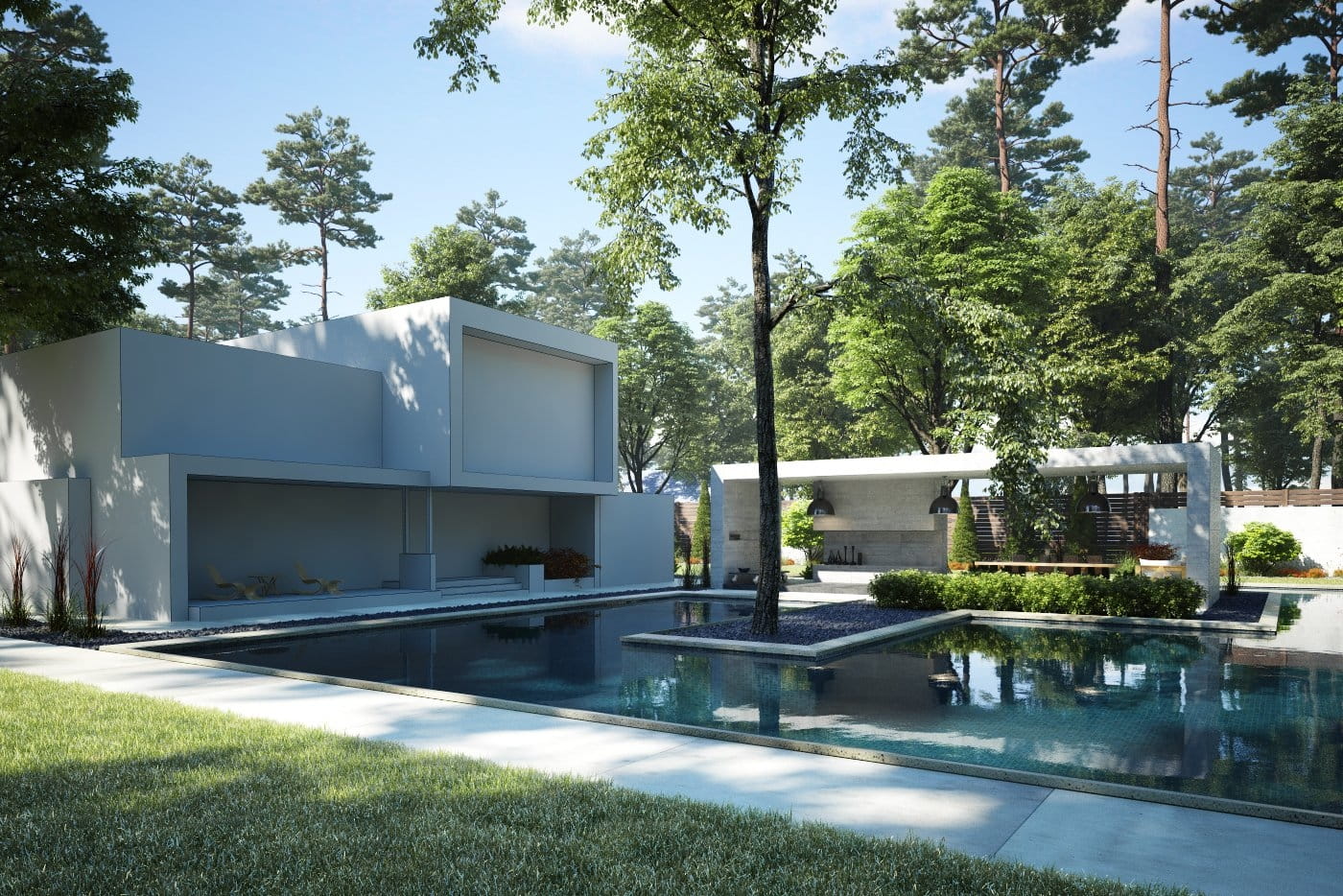
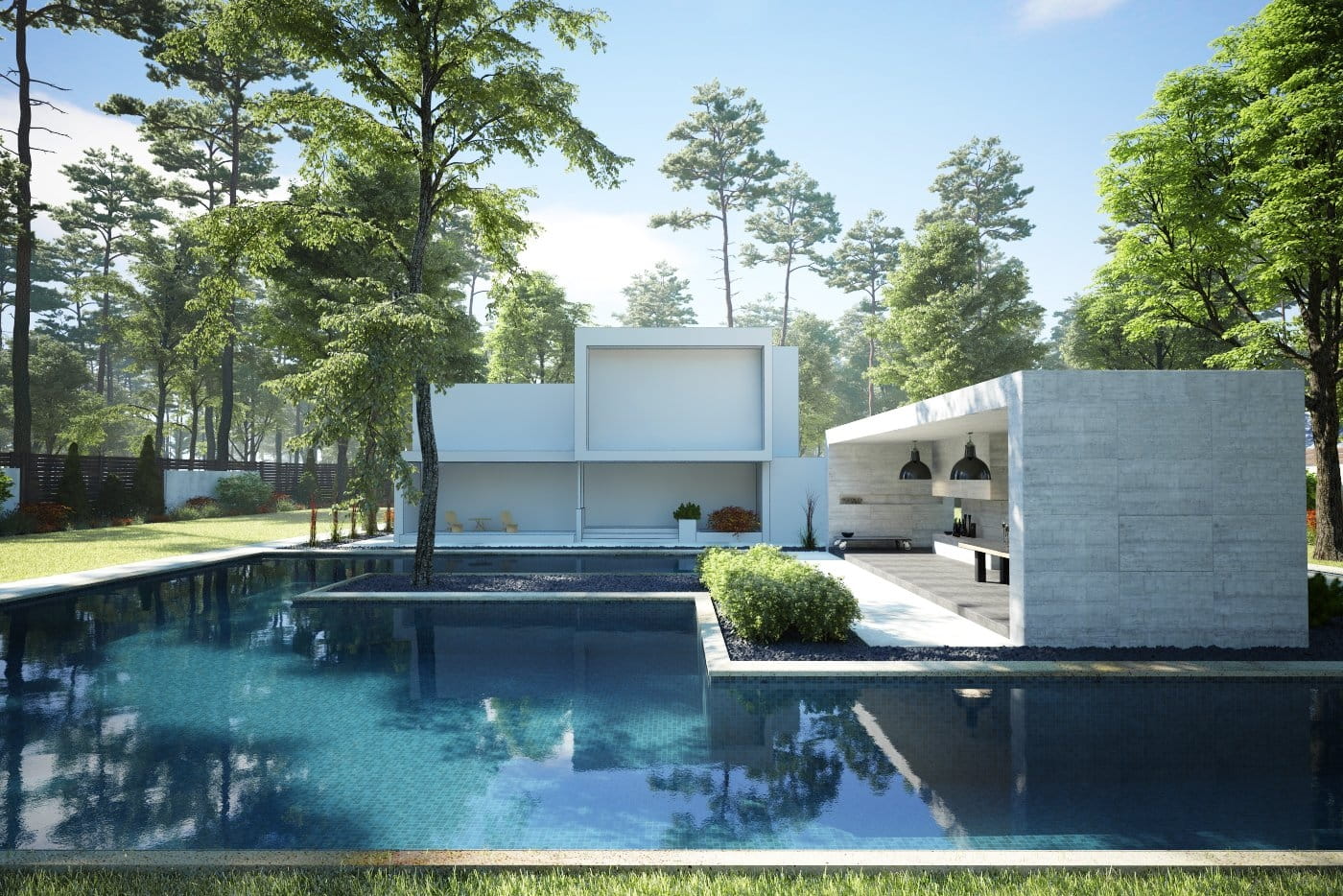
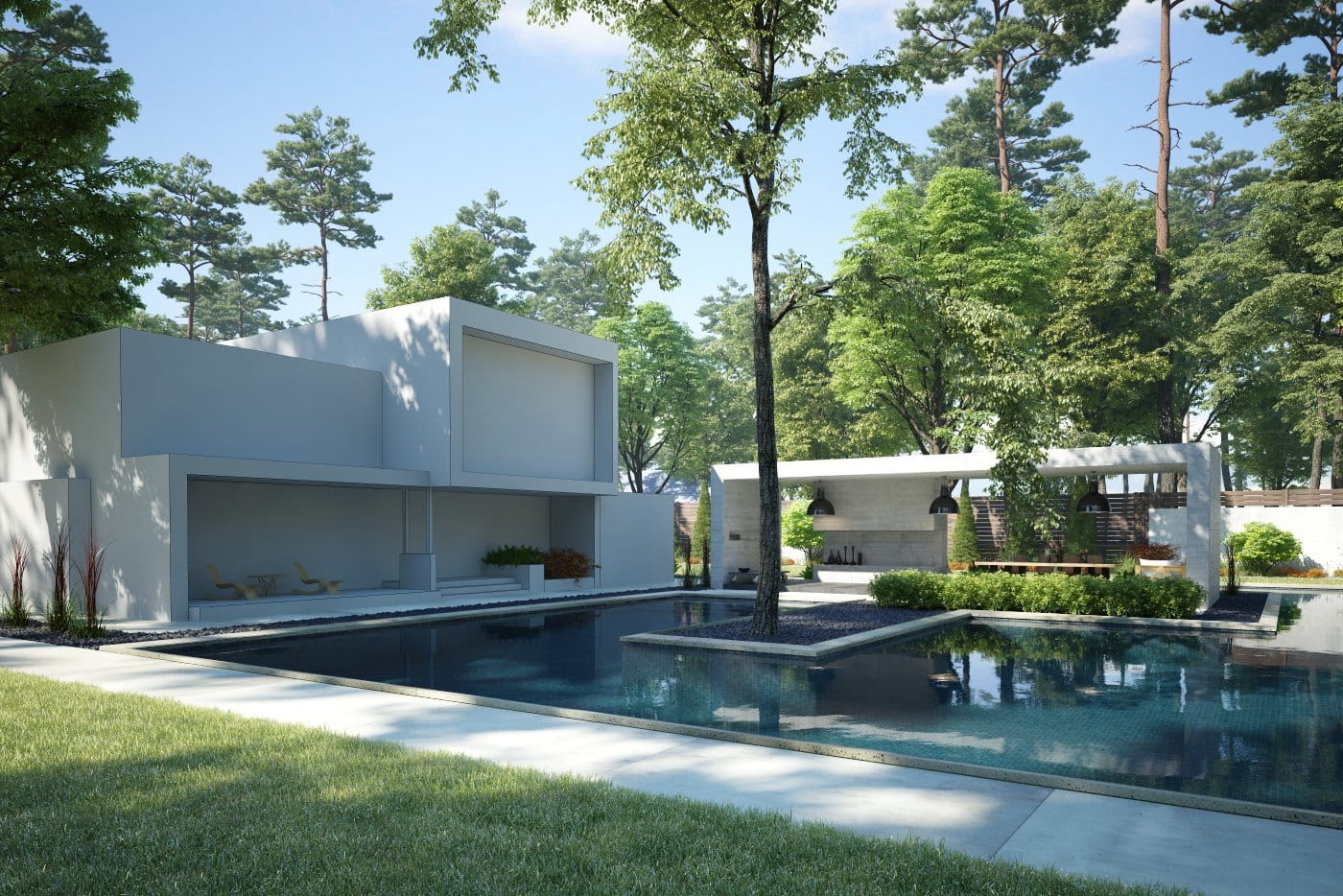
Final image after post-production - camera 2
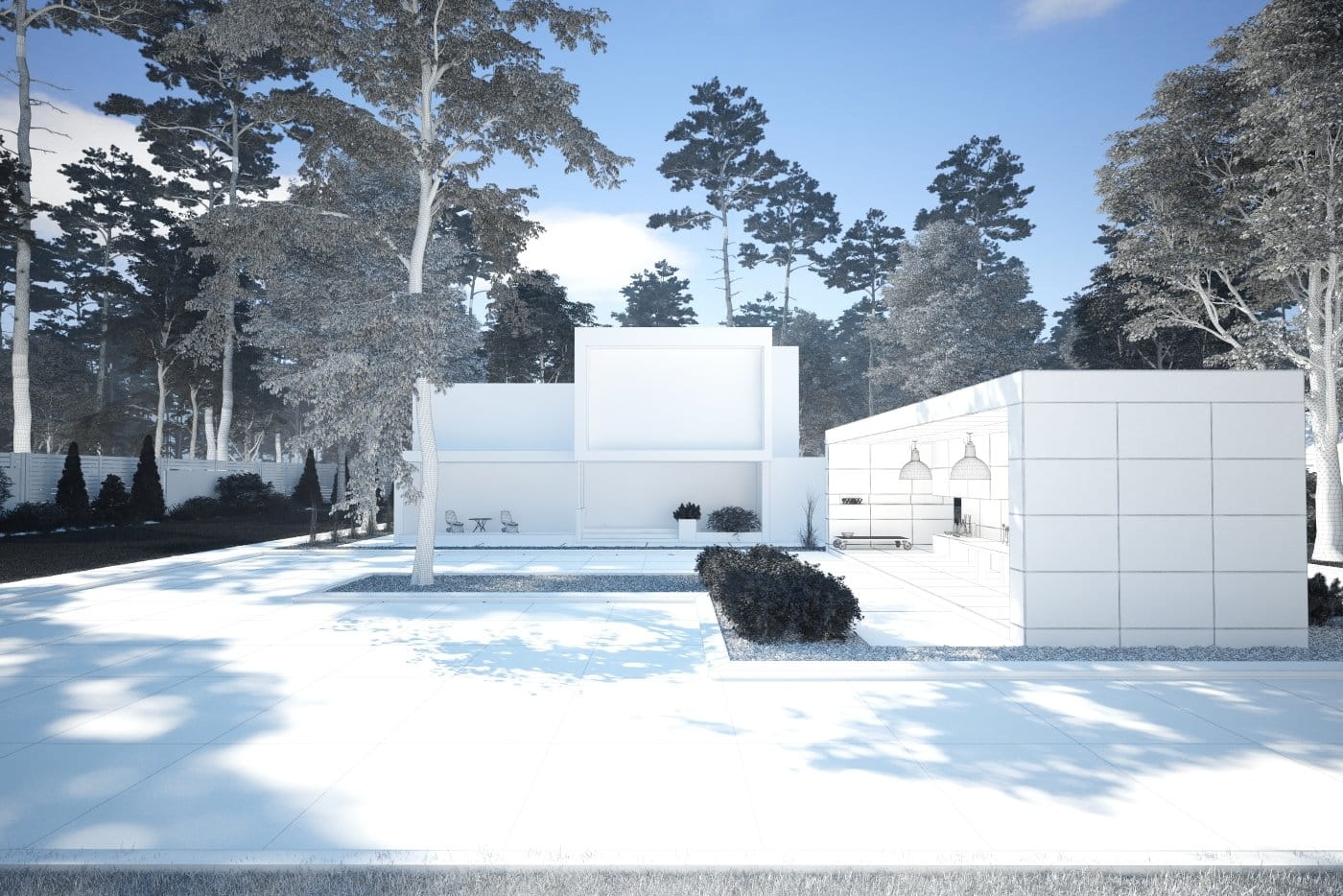
Camera 2 - wireframe
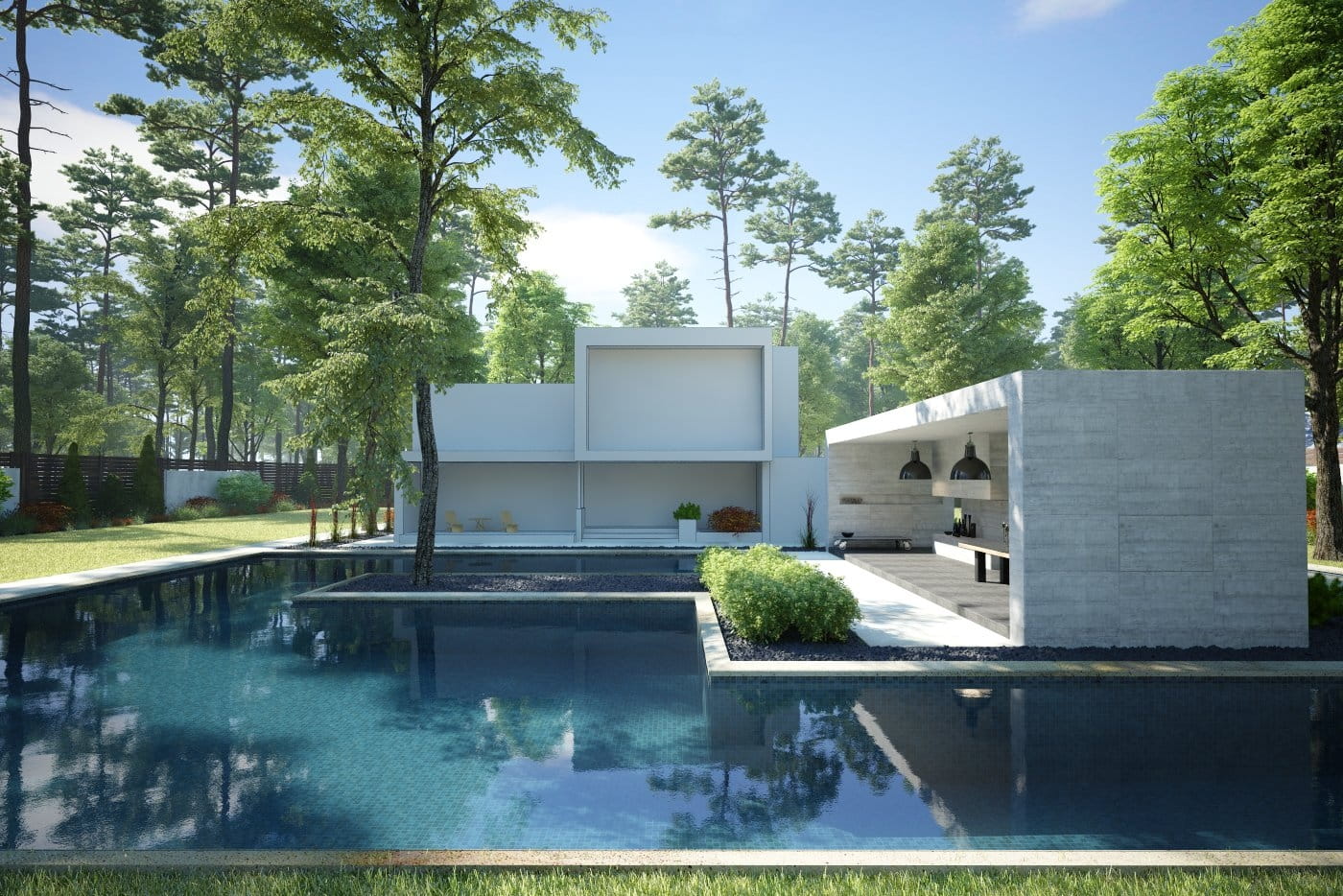
Final image after post-production - camera 3
Camera 3 - wireframe
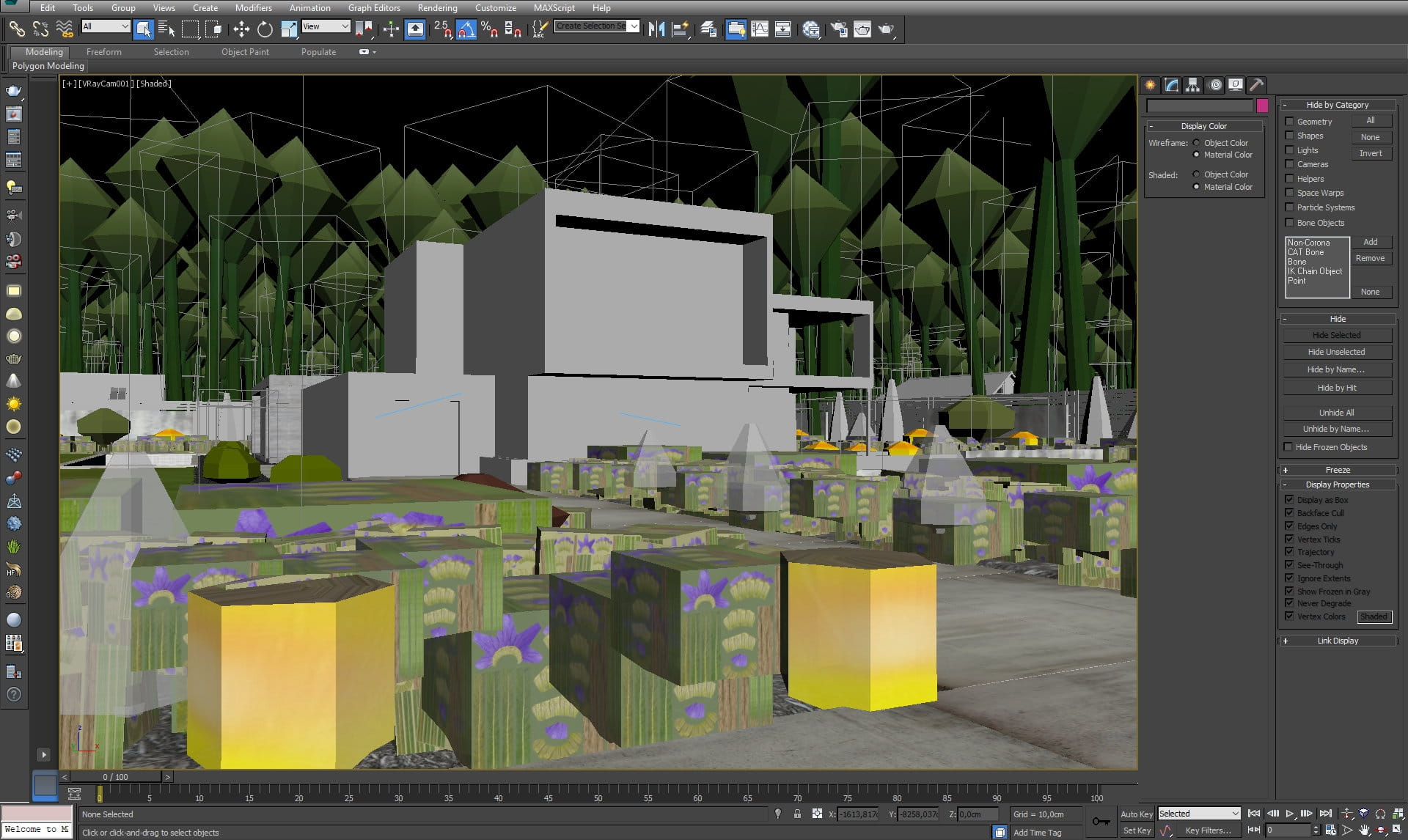
Scene seen by camera 1 in 3ds Max viewport. The most of the scene look comes from greenery which is presented as proxy meshes to achieve reasonable viewport speed.
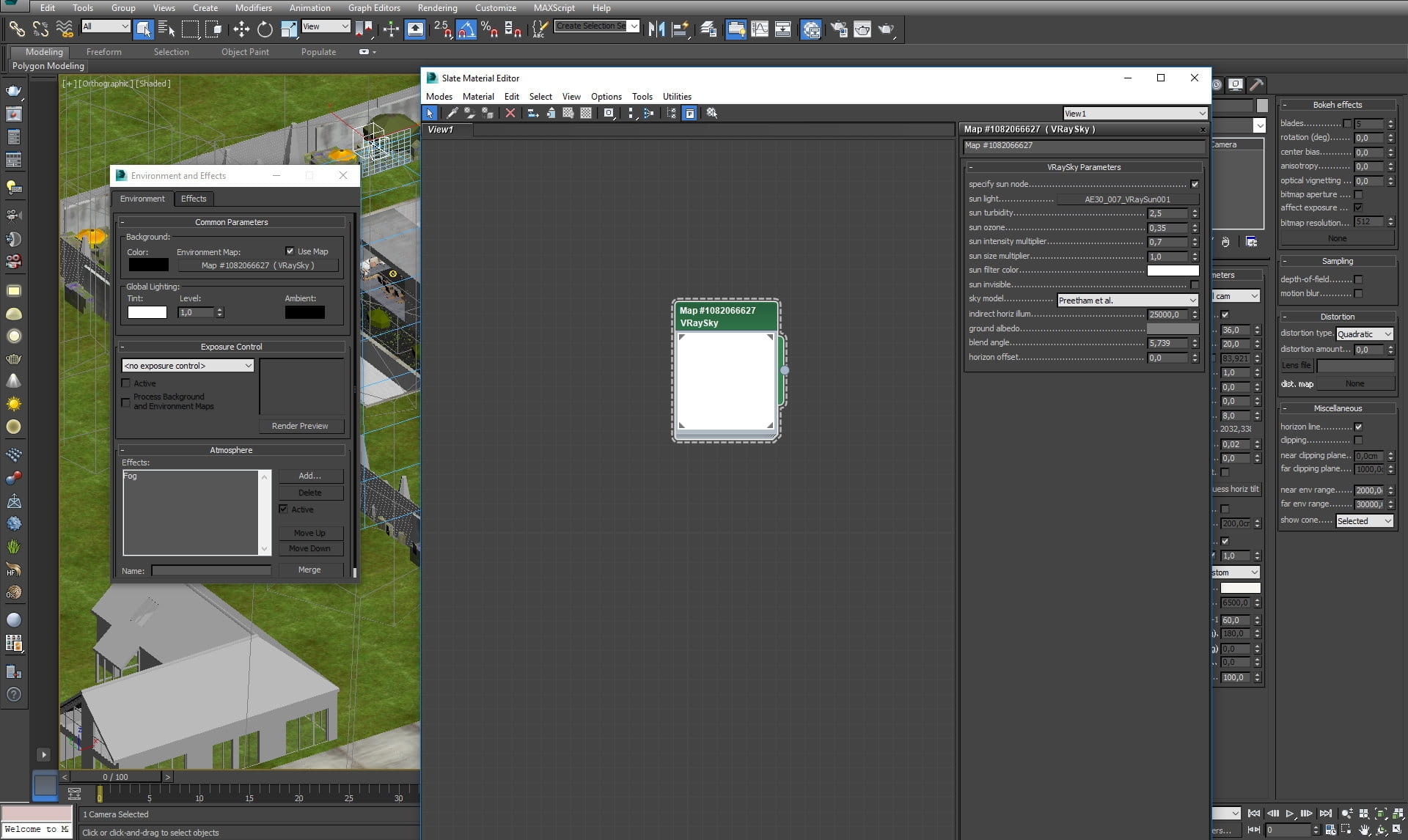
Our lighting is simple - it's only VraySun and VraySky.
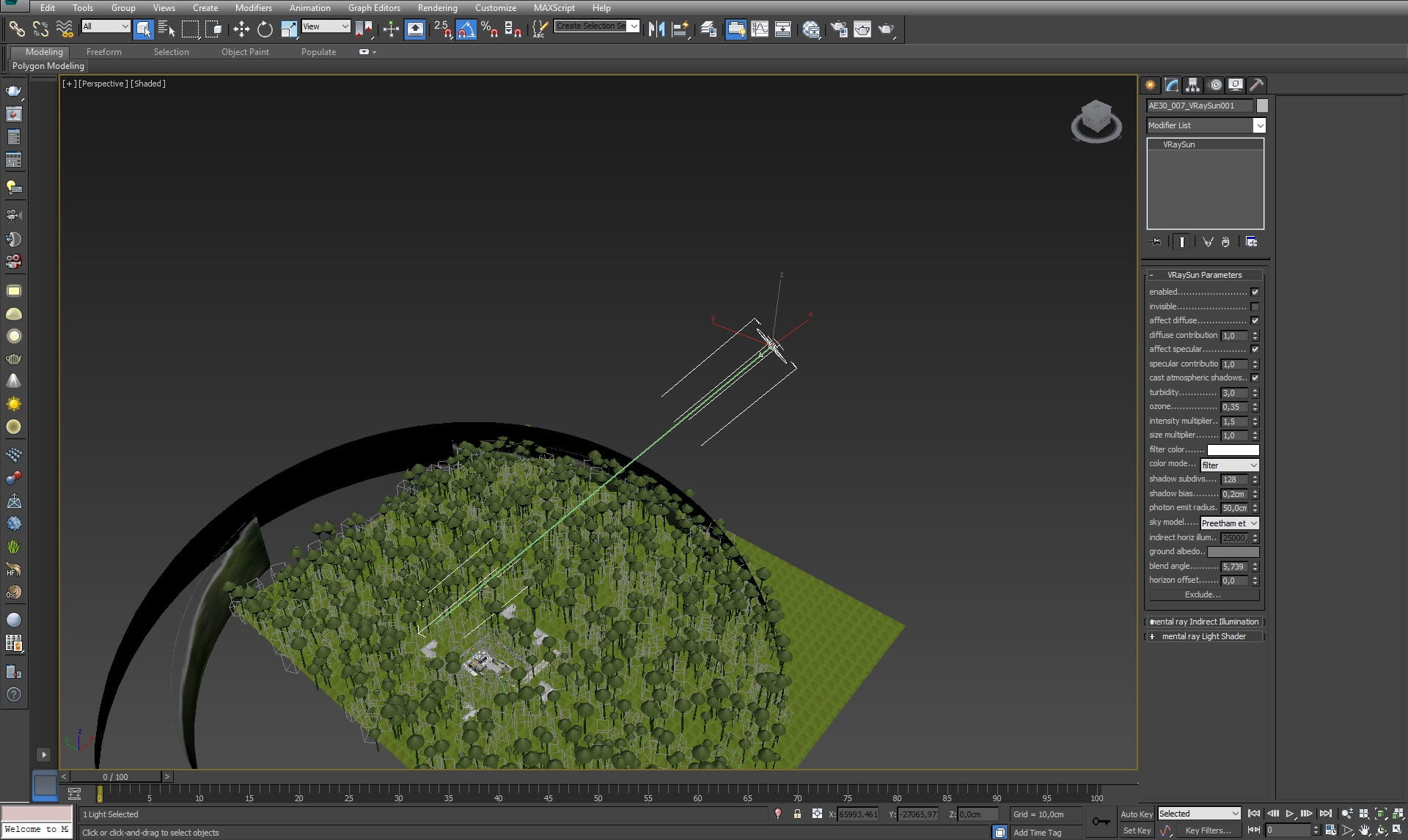
VraySun settings
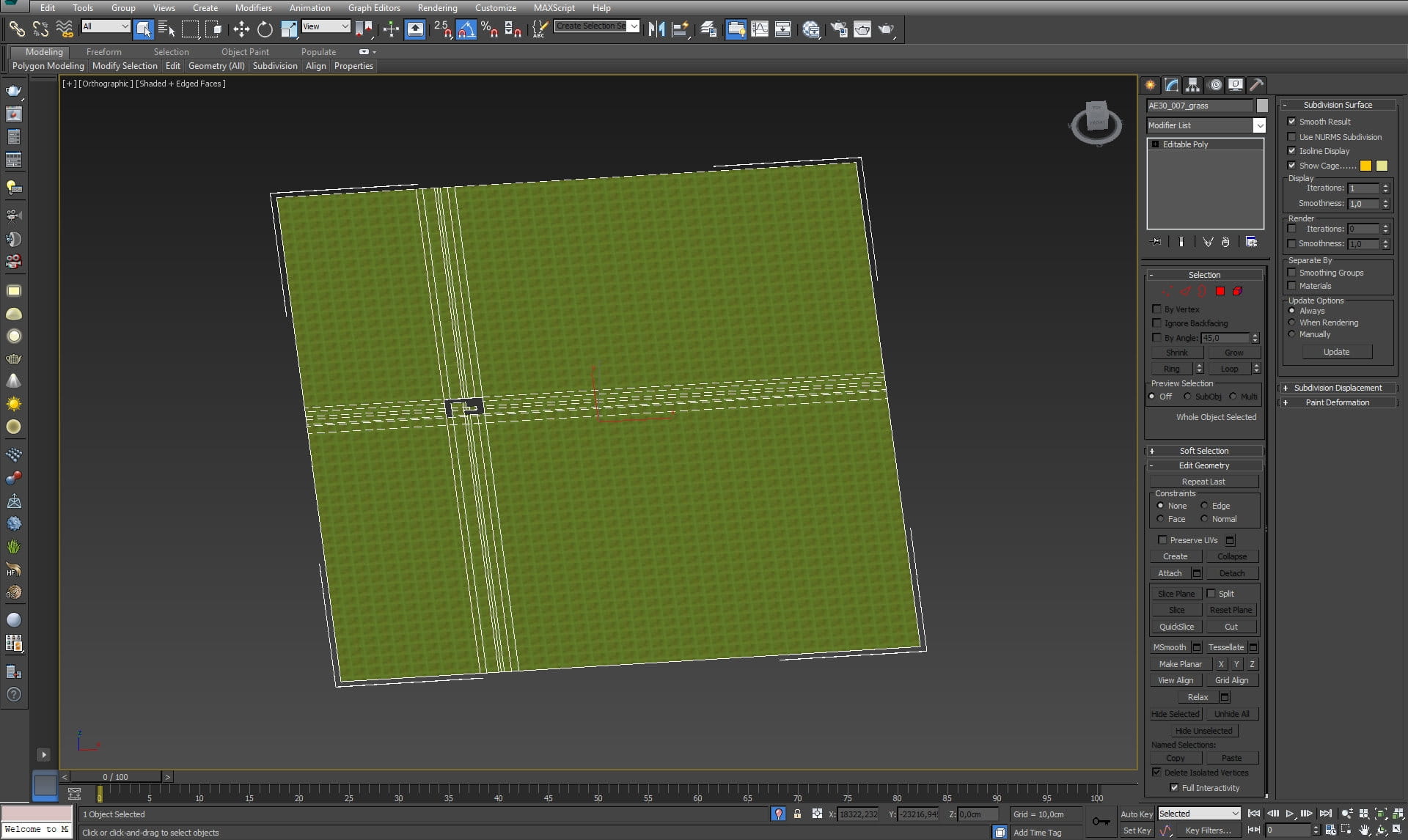
Groundplane with grass material.
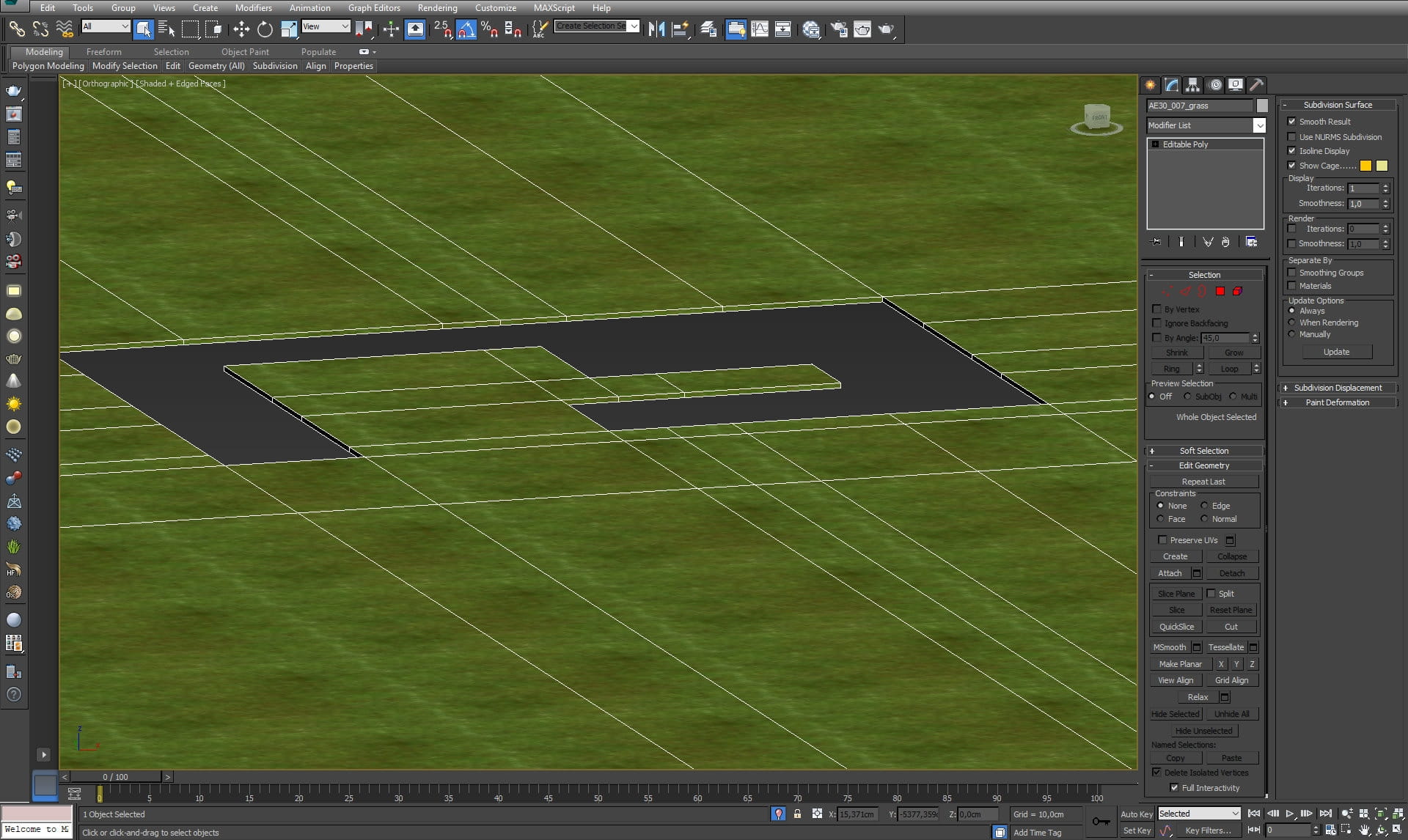
Groundplane - close-up
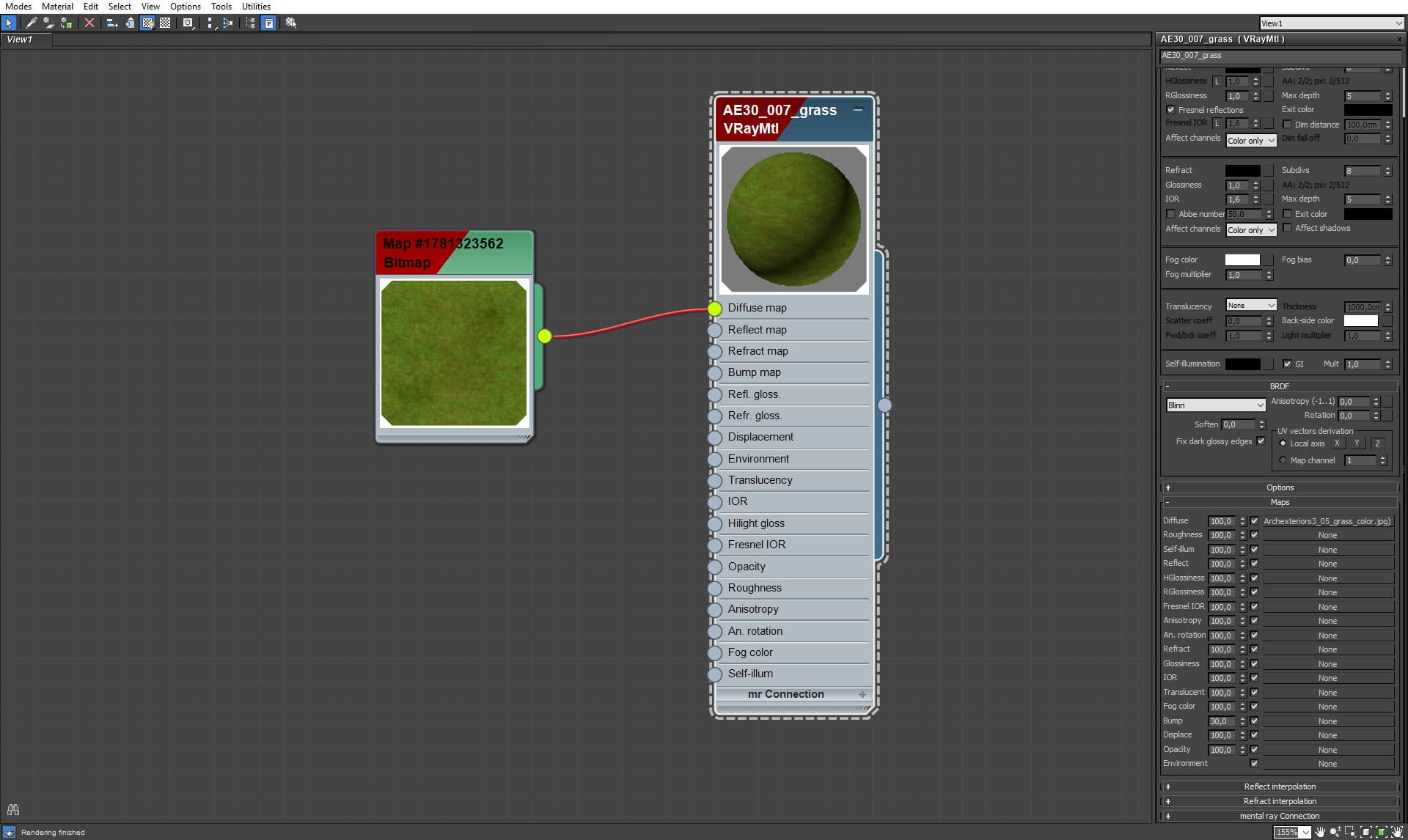
Grass material - it does not have to be complicated, because the most of it is covered by plants and is not seen in the camera.
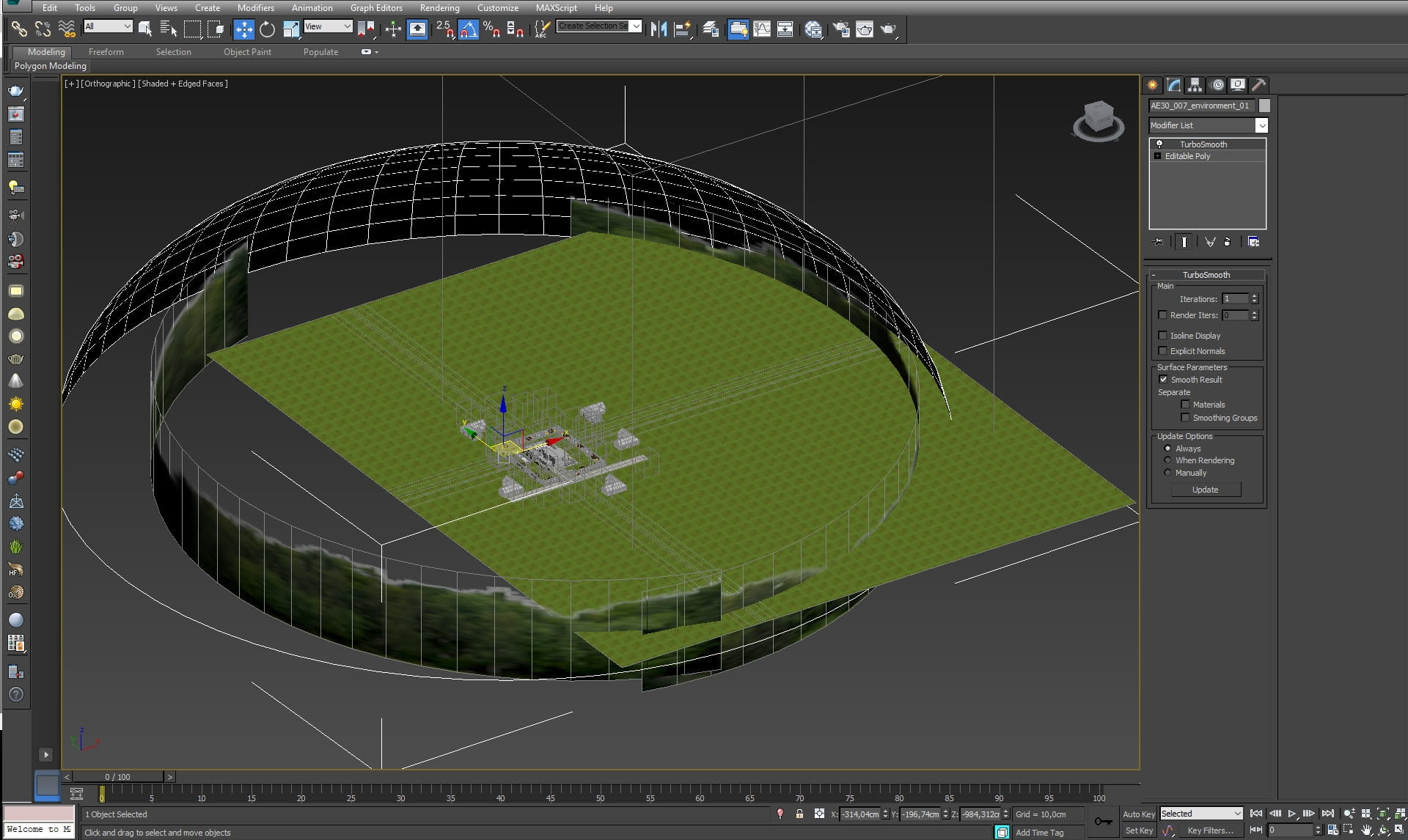
Sky dome for projecting sky bitmap.
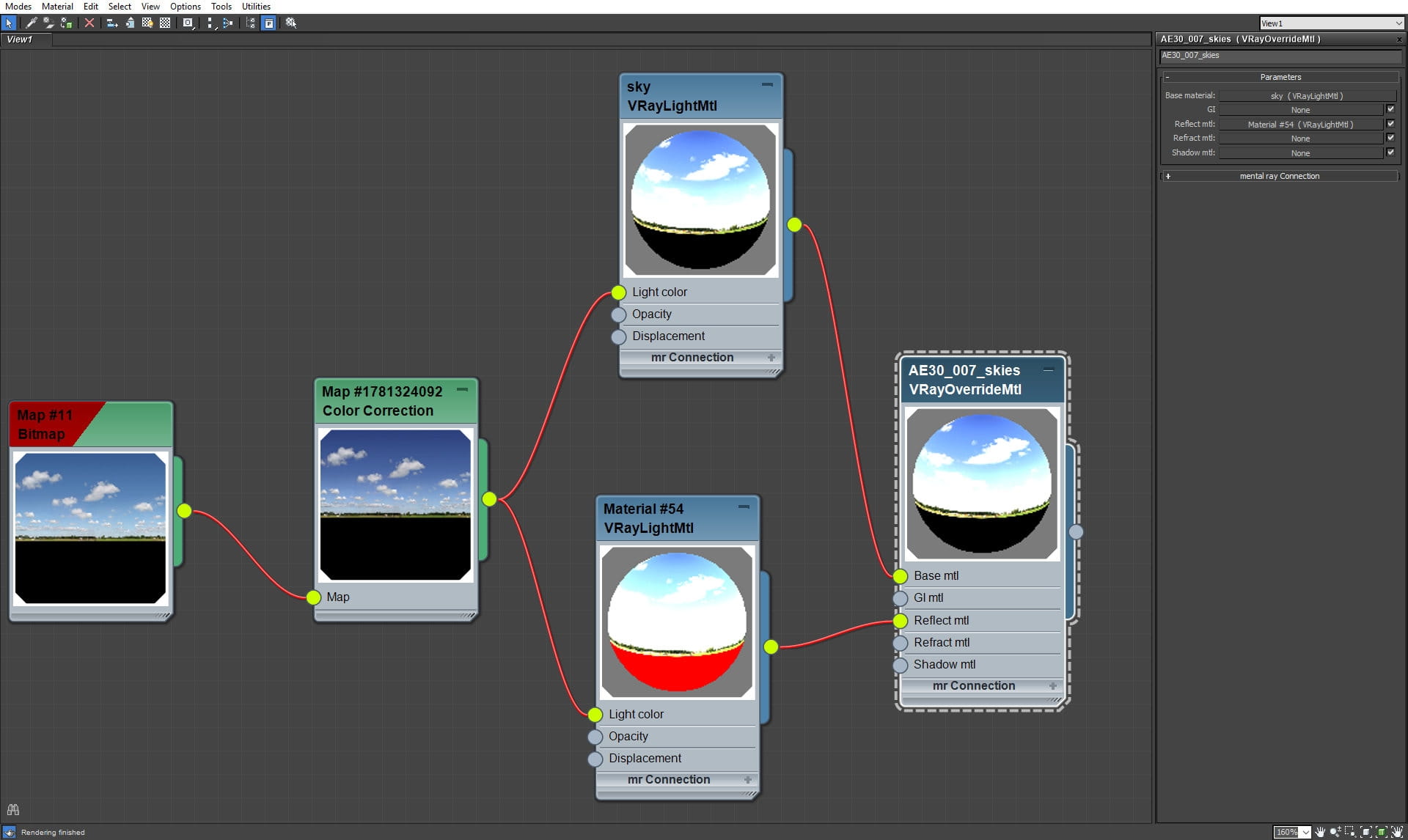
Skydome material.
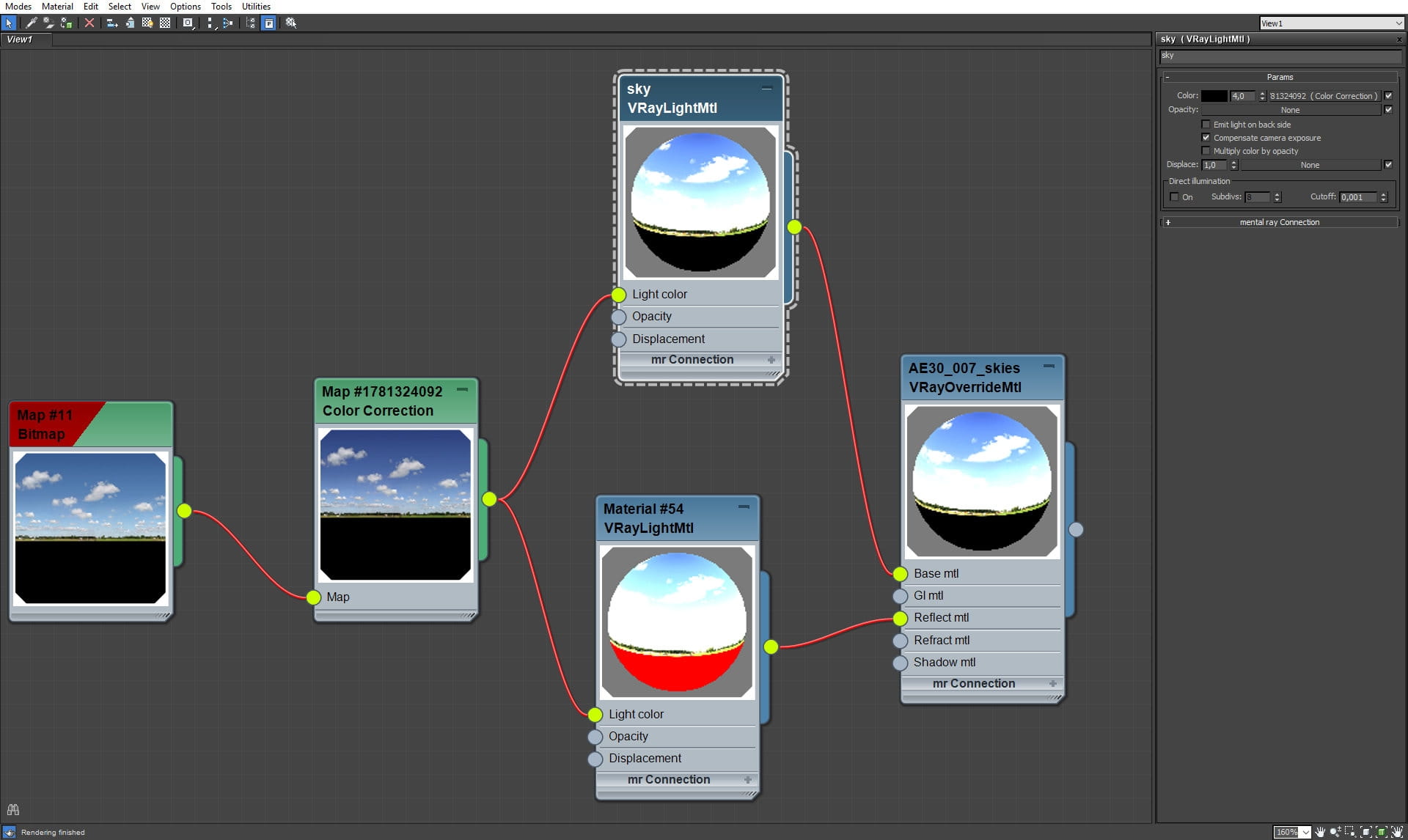
Skydome material (continued).
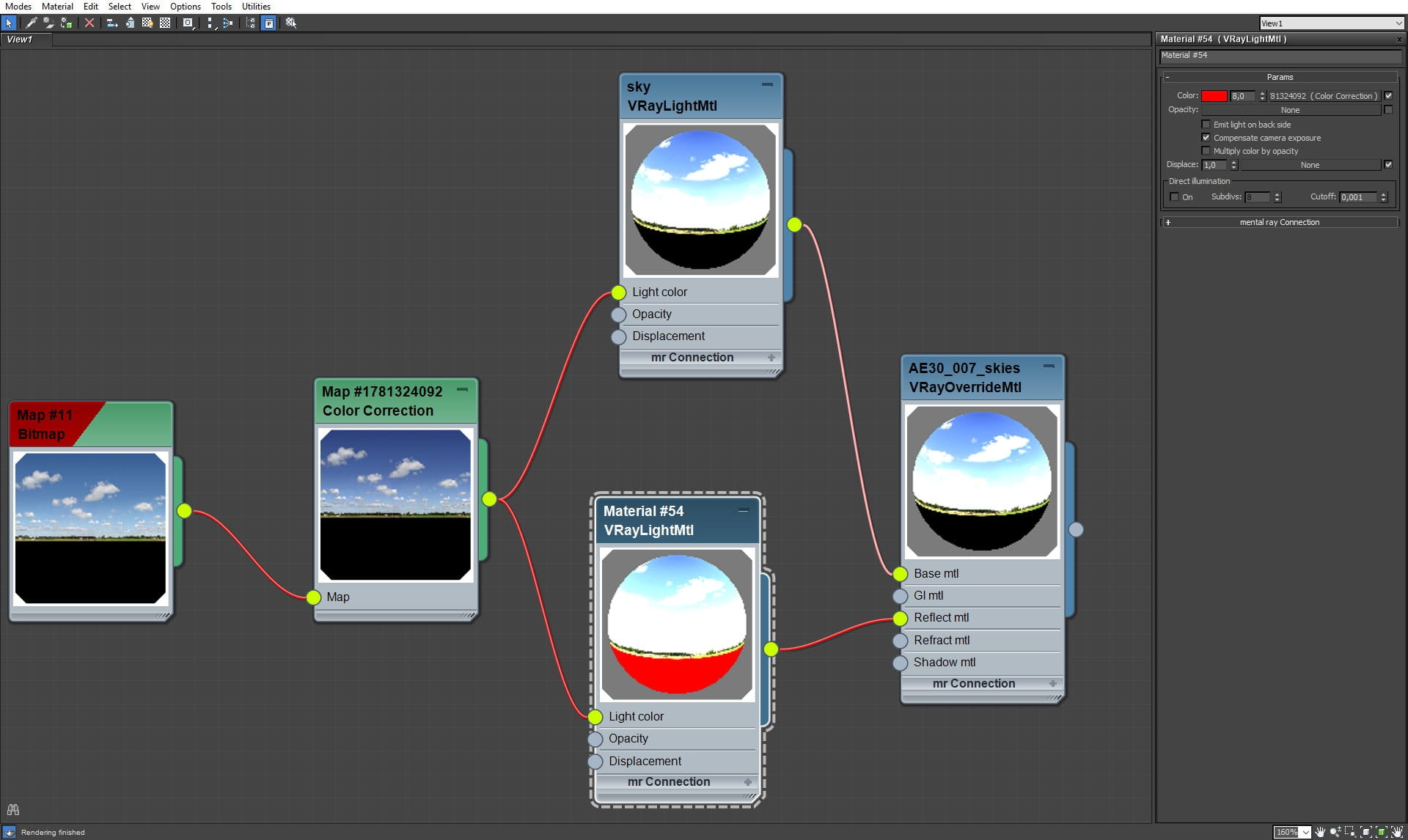
Skydome material (continued).
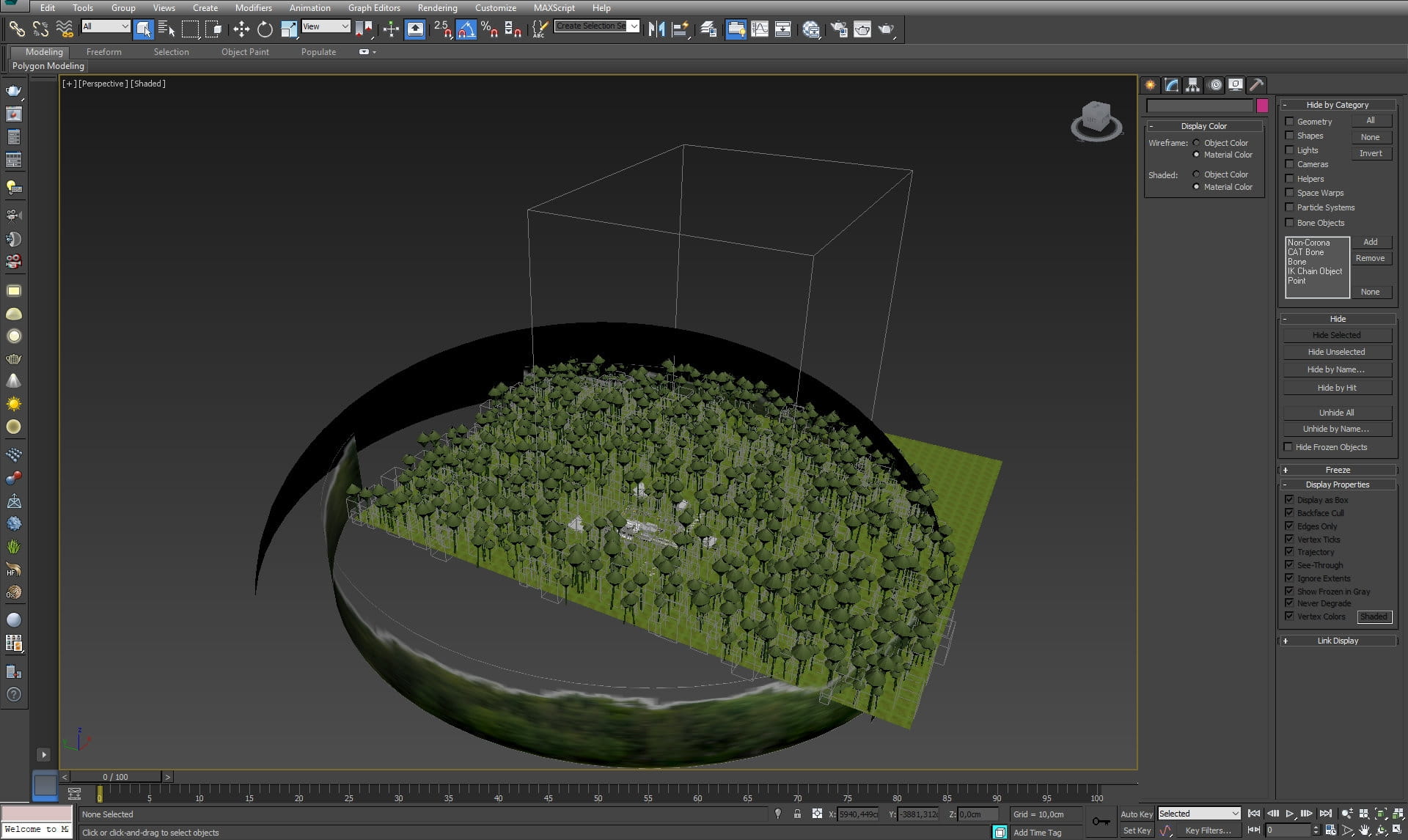
We have also separate cylinder for a bitmap with distant trees.
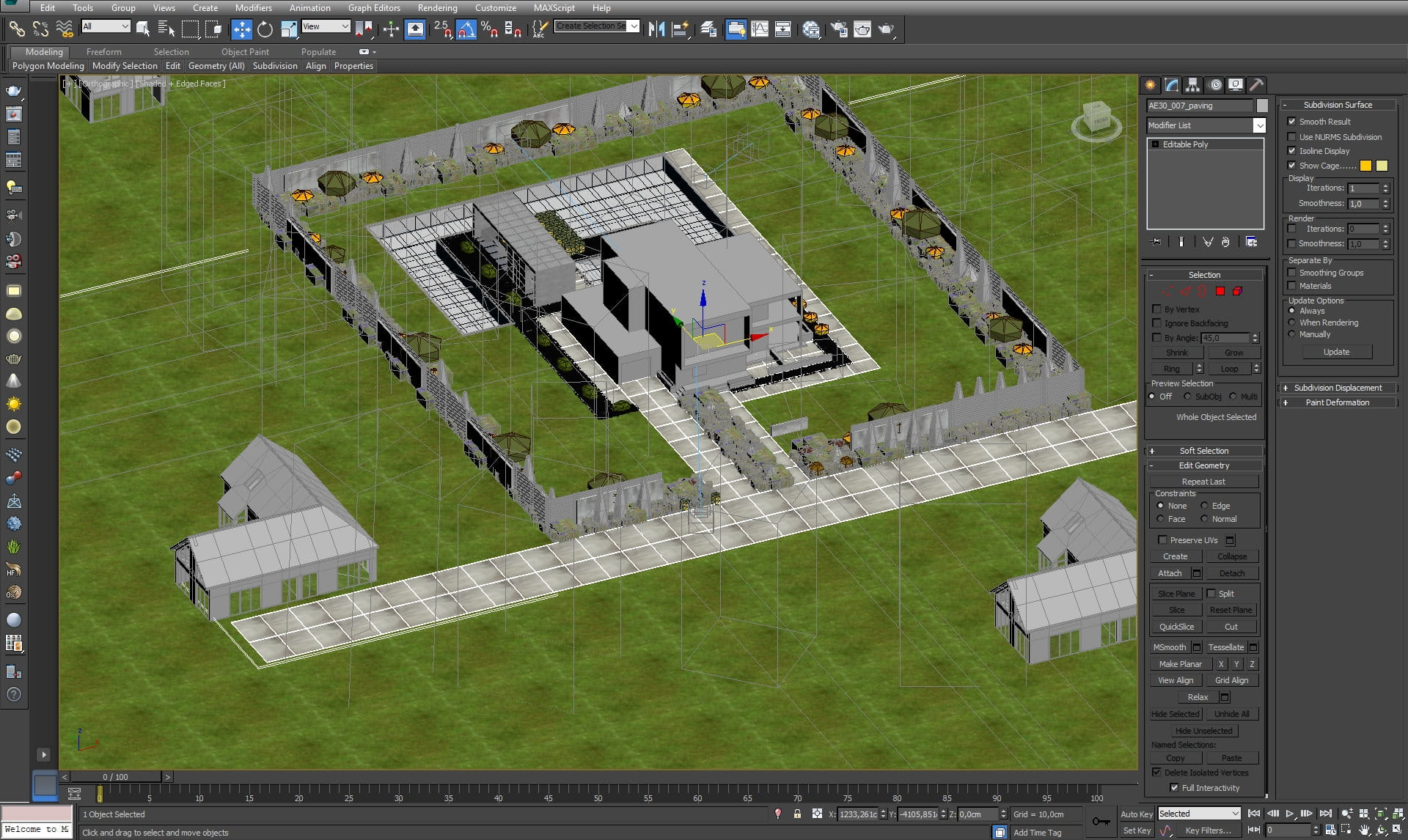
Scene overview from isometric perspective.
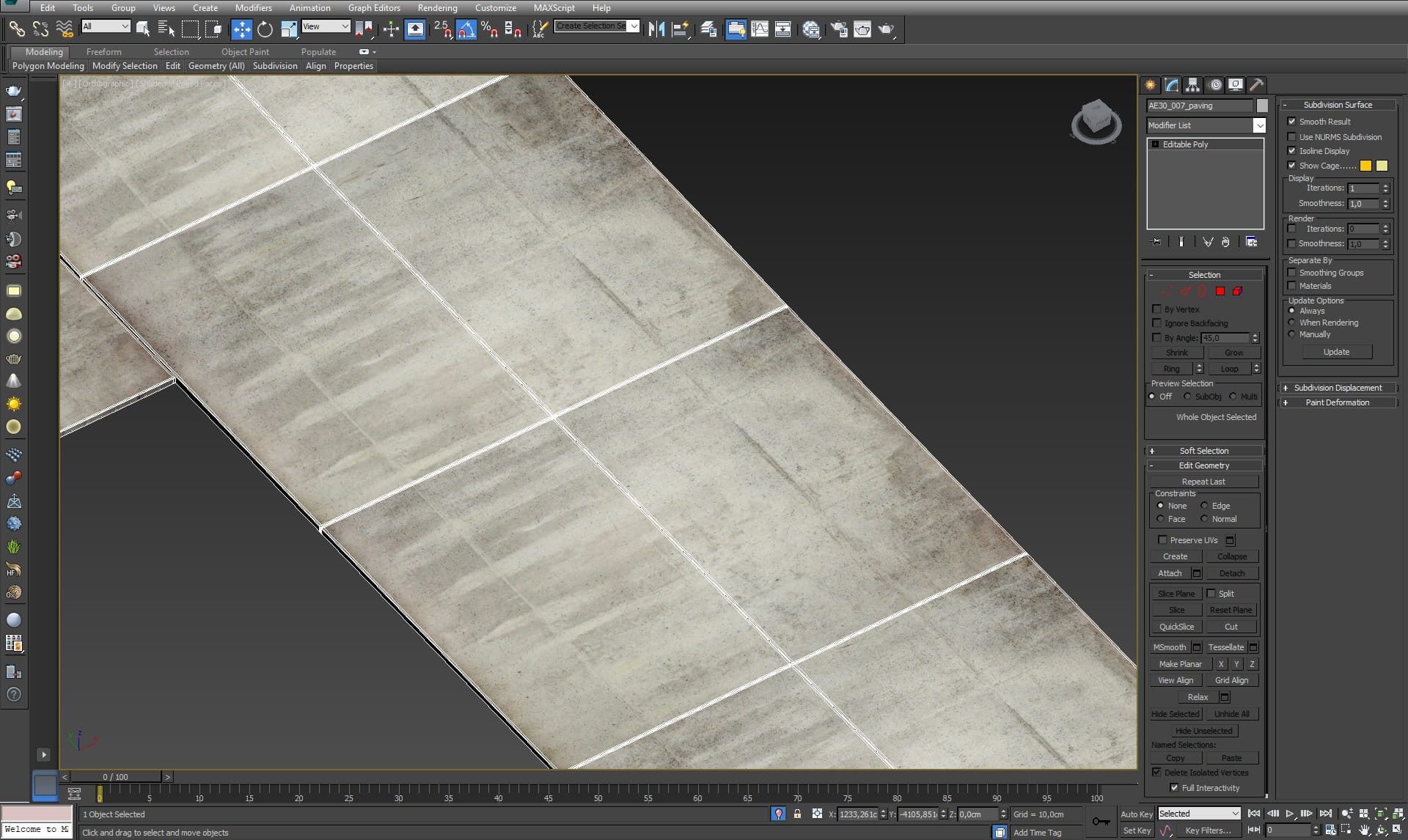
Pavement - close-up
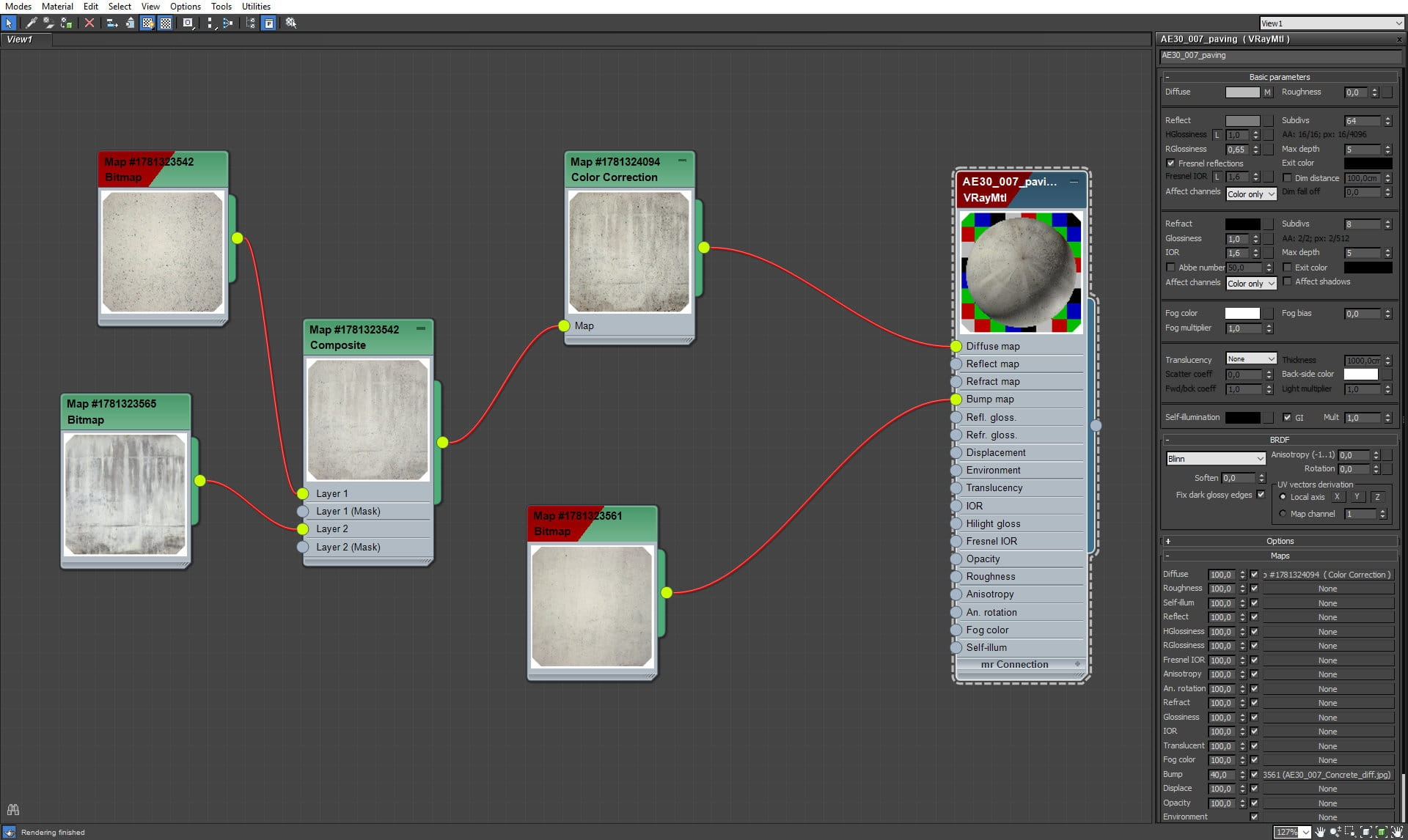
Pavement material
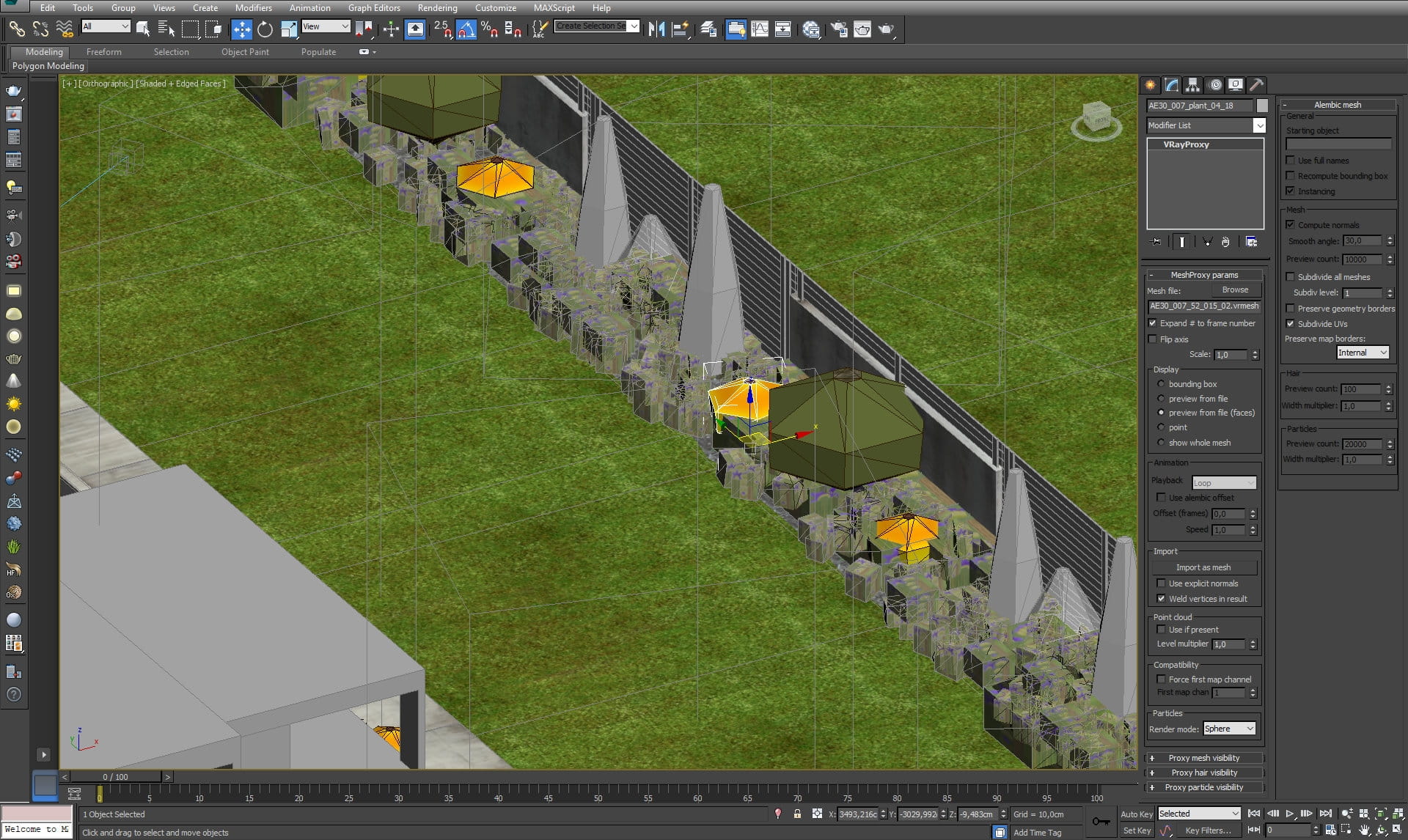
Proxy plants surrounding the main building.
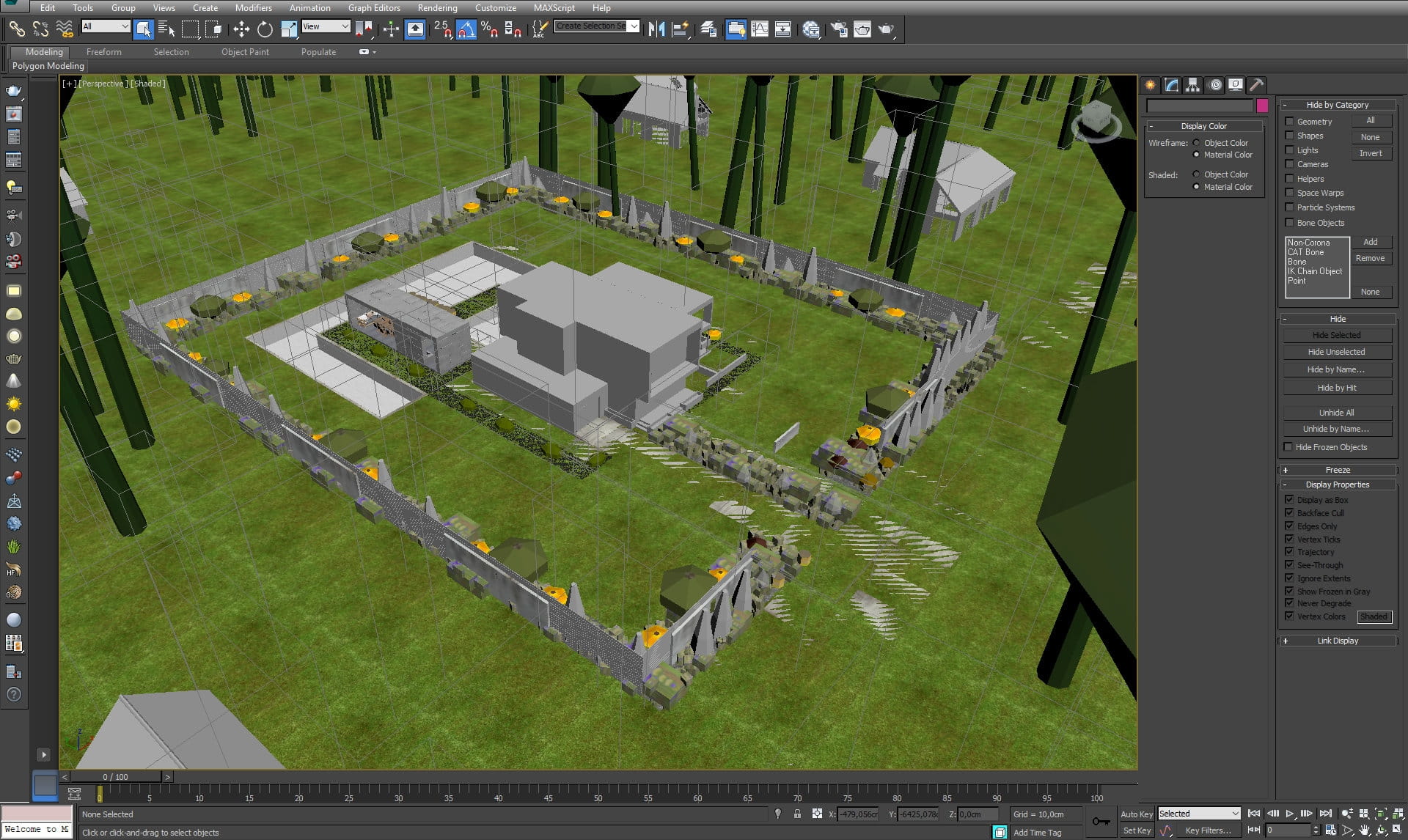
Scene overview - we'v used a lot of proxy vegetation here
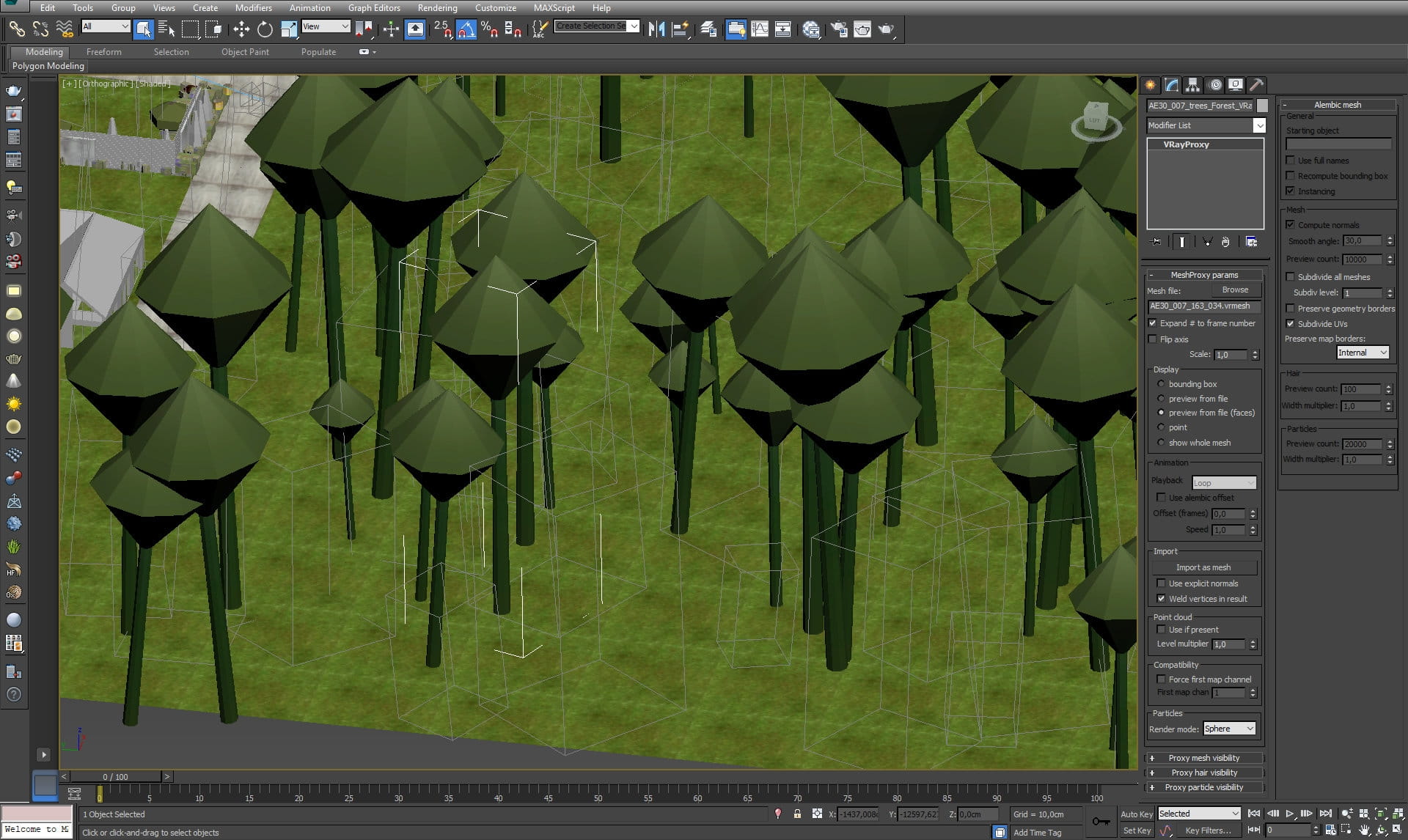
Proxy tree
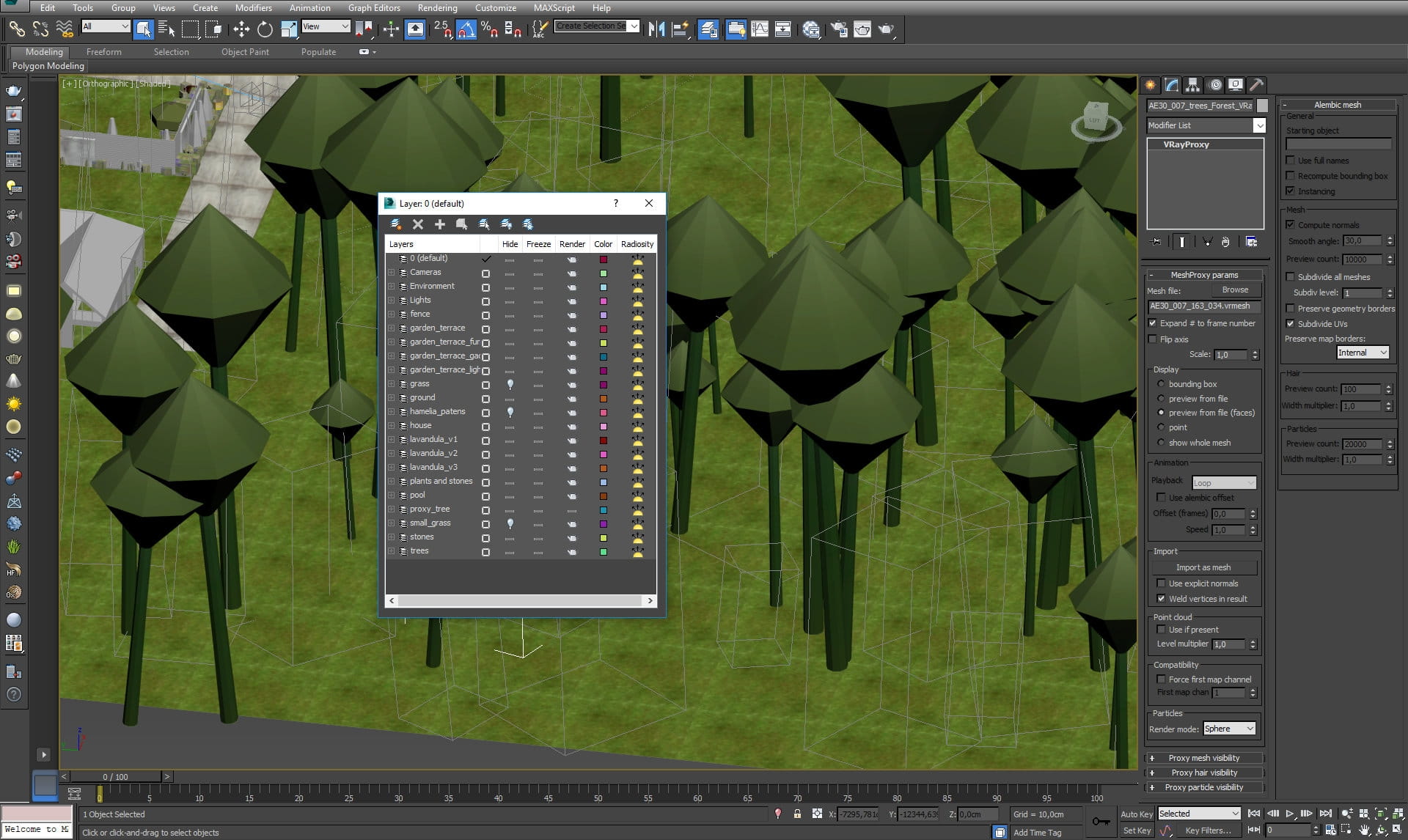
Layers - we need them to organize this scene, because the viewport can get really slow with this amount of geometry
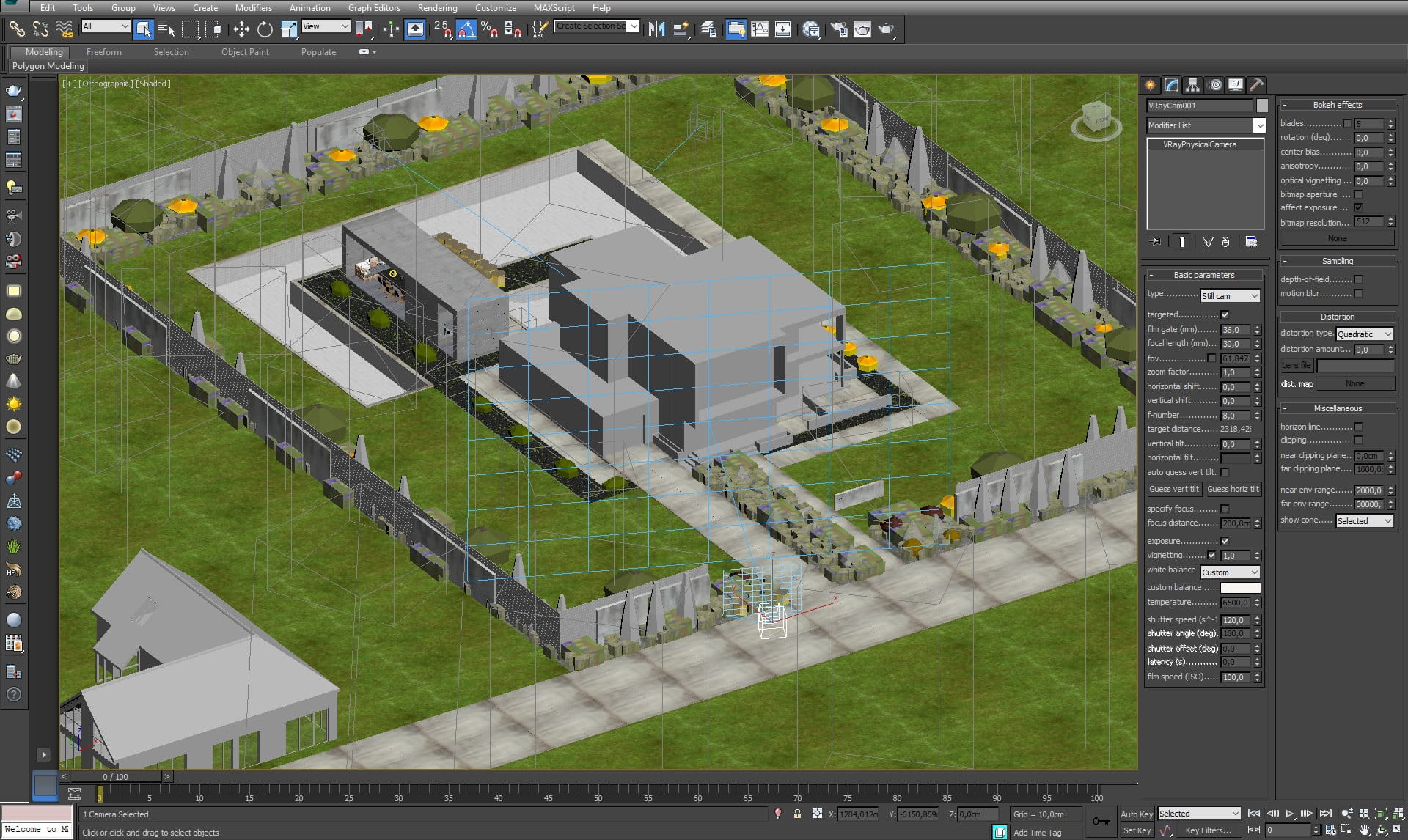
Camera 1 settings
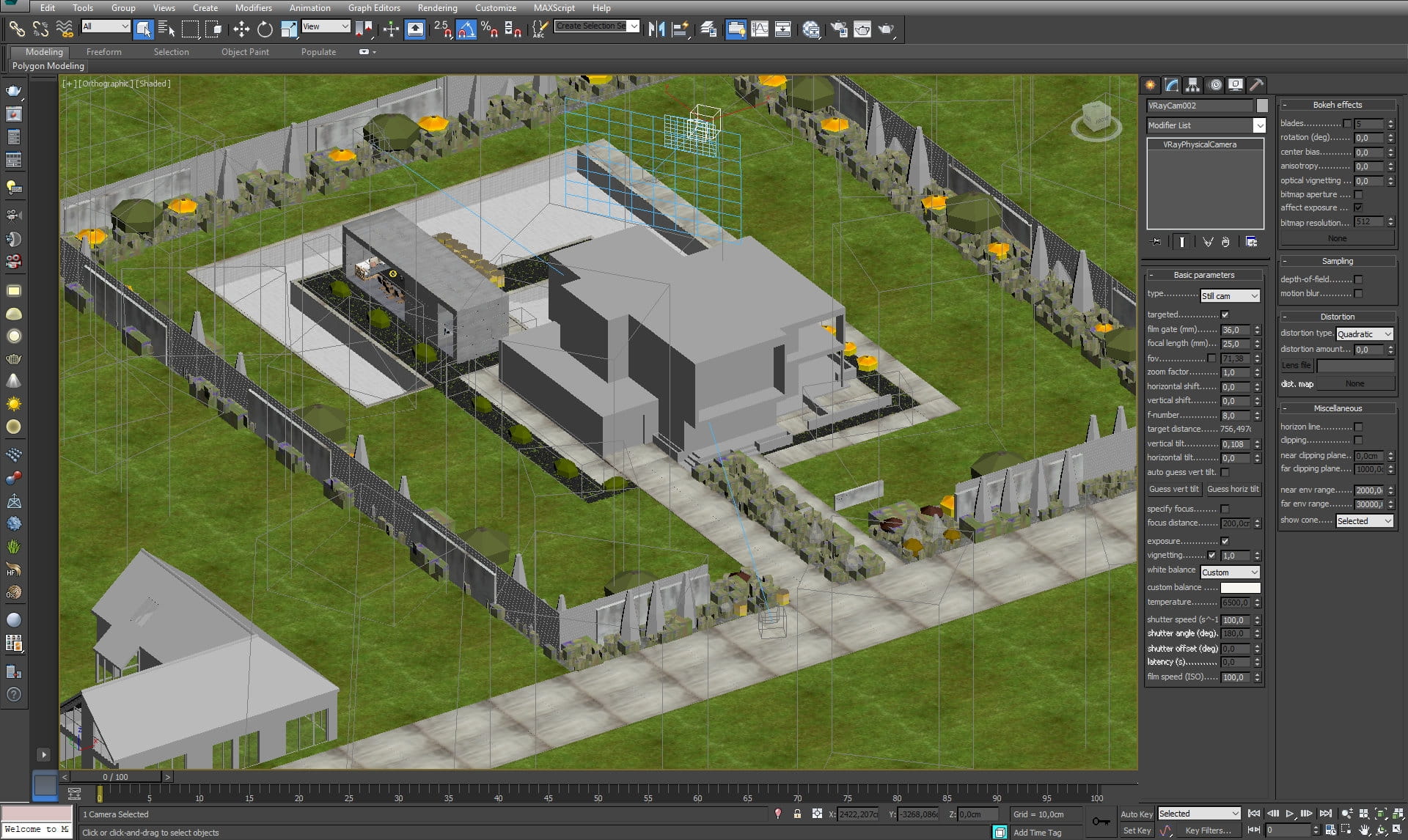
Camera 2 settings
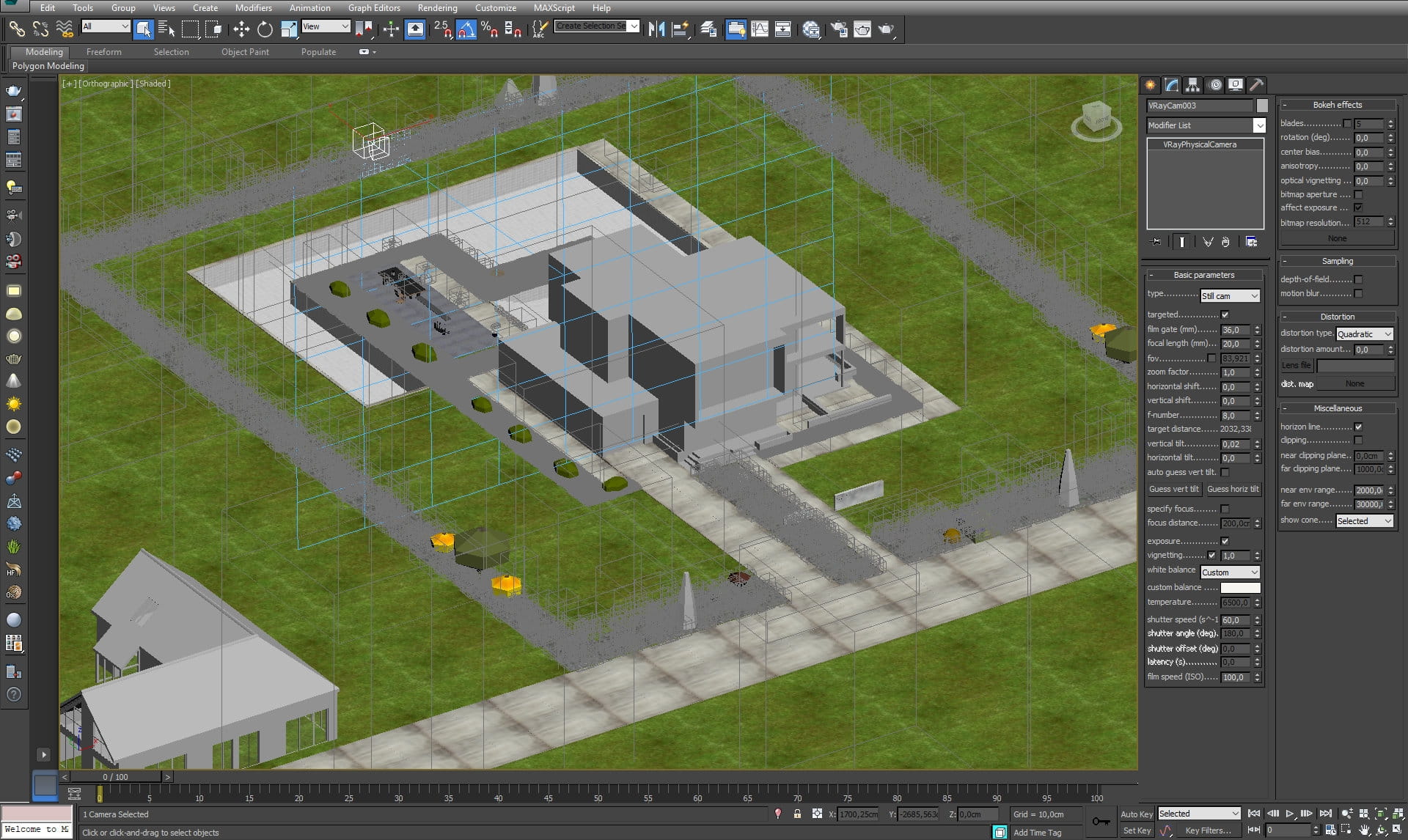
Camera 3 settings
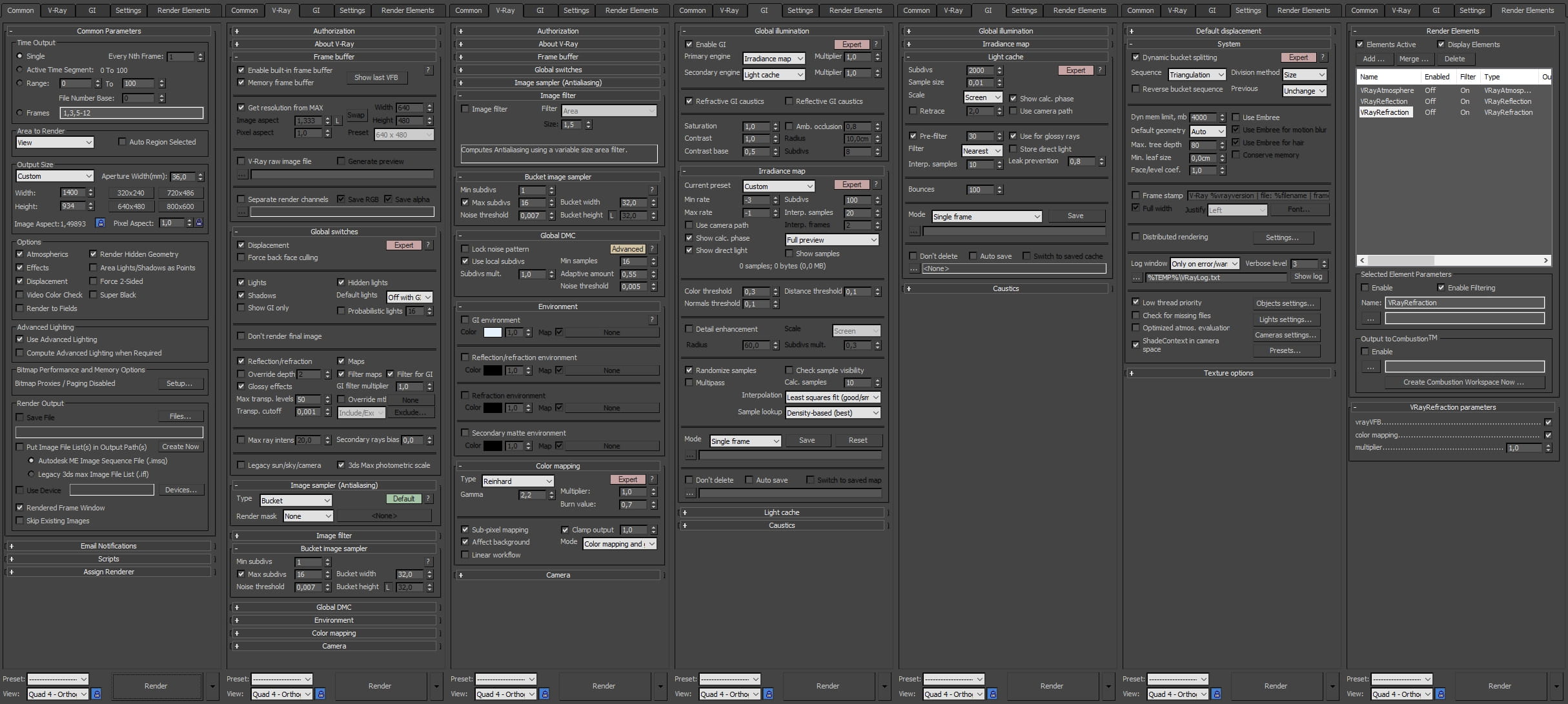
Render settings
LEAVE A COMMENT






|

|

|

|

|
 Customer zone
 Your orders
 Edit account
 Add project
 Liked projects
 View your artist profile
COMMENTS