Evermotion: More Than an Asset Library
How Evermotion became a full-scale production partner for archviz, automotive and synthetic data.


Total: € 0


Top image: courtesy of Sergio Mereces
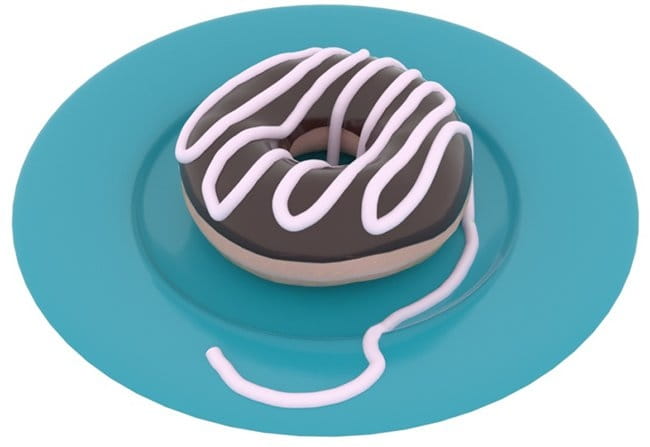
The Freehand Spline allows you to create hand-drawn splines directly in the viewport.
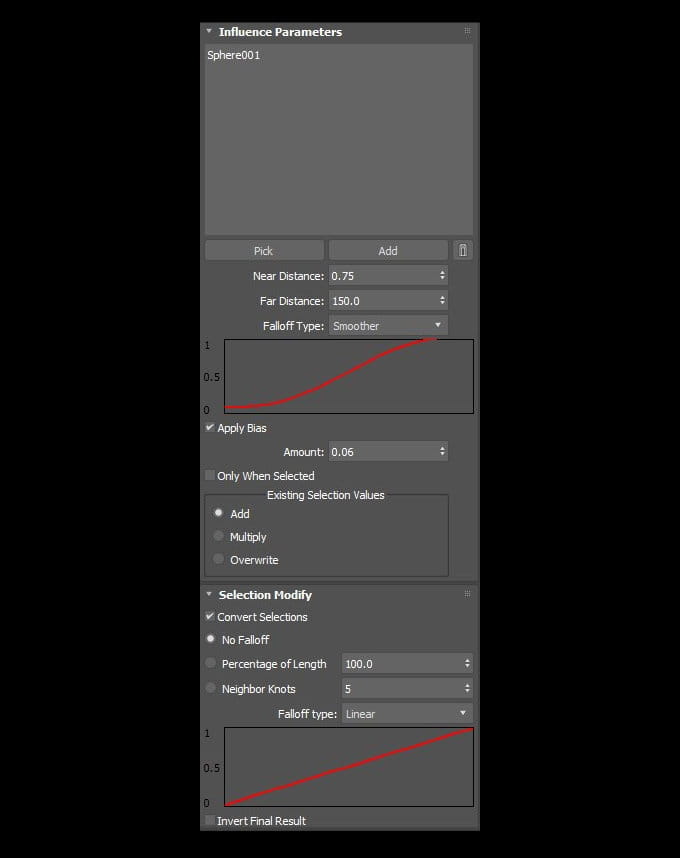
The Spline Influence Modifier allows you to create a soft selection of spline knots based on their proximity to specified objects.
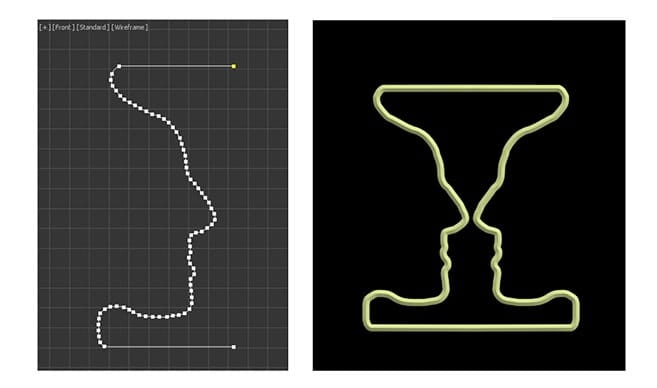
The Spline Mirror Modifier allows you to easily duplicate a spline along a specified axis. Duplicates any present normals.
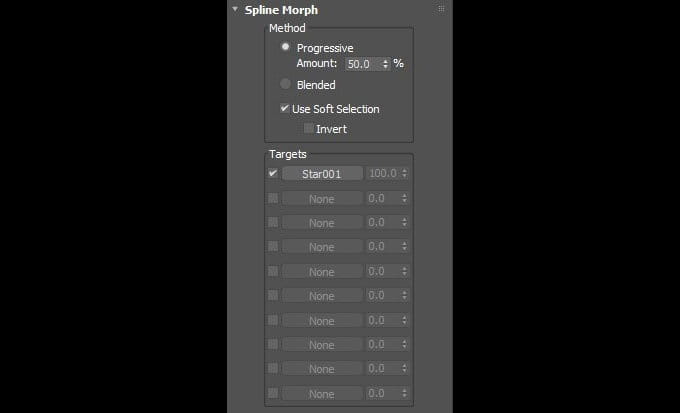
The Spline Morph Modifier allows you to blend between different shapes. Two methods available: progressive and blended.
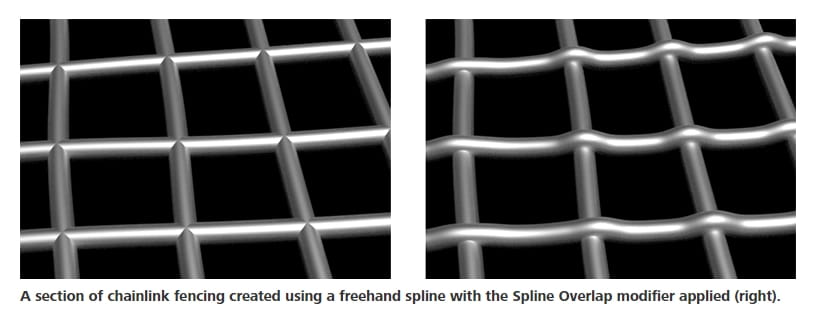
The Spline Overlap Modifier detects self-overlapping splines and adjusts the displacement of the intersecting segments.
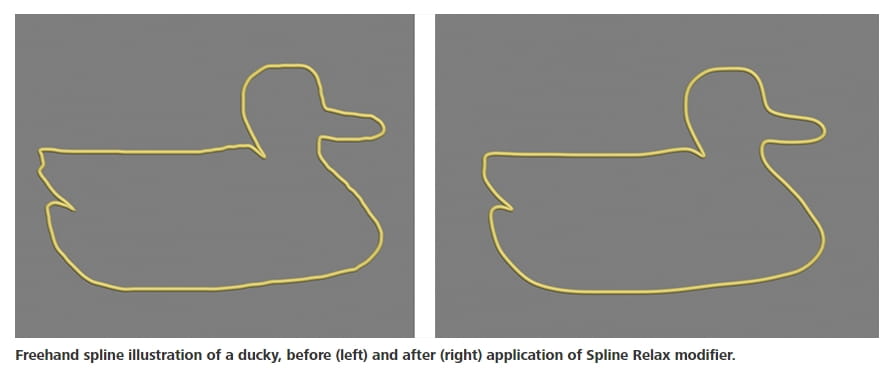
The Spline Relax Modifier smooths out splines by relaxing knot positions and/or handles.
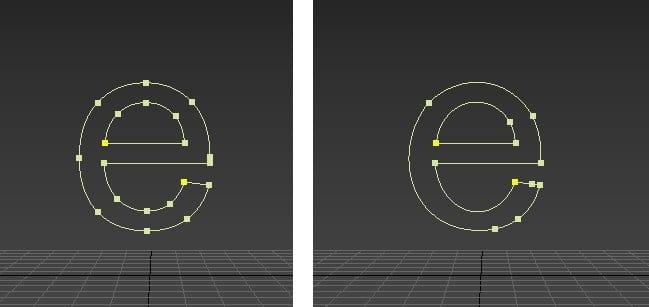
The Optimize Spline Modifier reduces the number of knots and adjusts their handles to optimally reproduce the original spline as closely as possible.
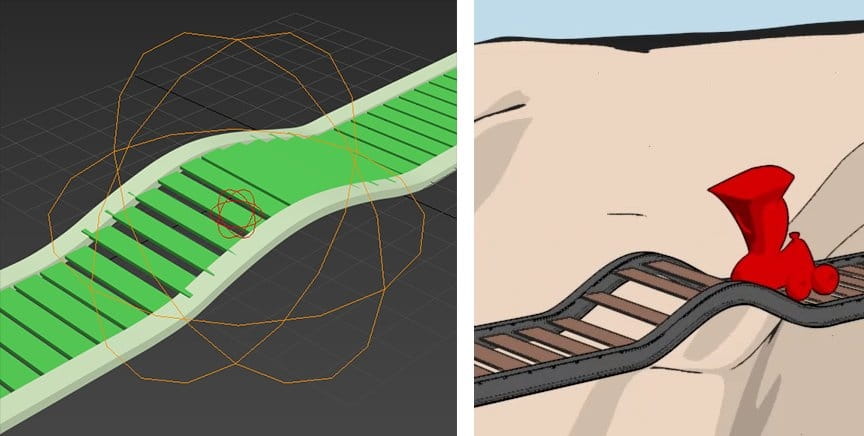
The Influence Helper allows you to easily select vertices and apply proximity based falloffs to effects.
Enhancements and Changes
More info: 3ds Max documentation




LEAVE A COMMENT





|

|

|

|

|
 Customer zone
 Your orders
 Edit account
 Add project
 Liked projects
 View your artist profile
COMMENTS