Evermotion: More Than an Asset Library
How Evermotion became a full-scale production partner for archviz, automotive and synthetic data.


Total: € 0
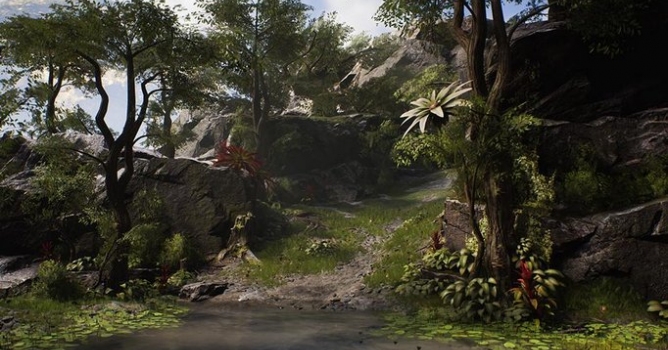

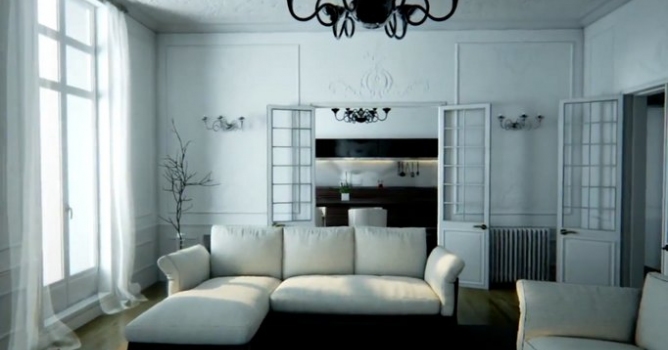
The most changes in Unreal Engine 4.15 focus on overall stability, enhancements to developer workflows, and improvements to runtime performance. Although there are some changes that should affect how your arch-viz scenes will look like.
New: Physically Based Default Post-Processing Settings
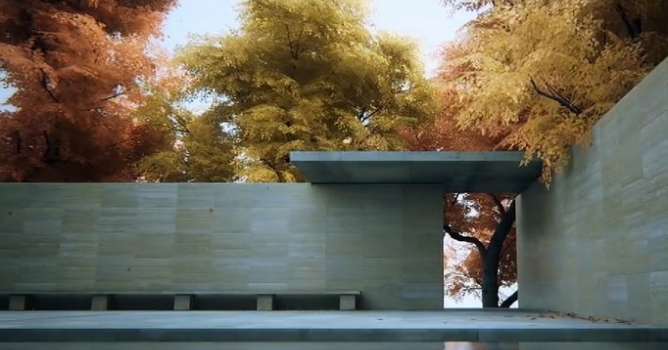
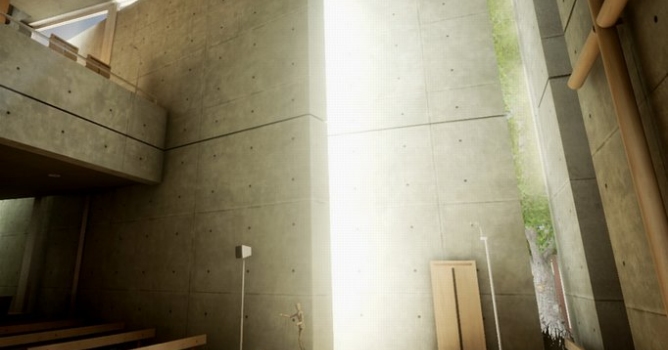
The default tonemapper now provides a more film-like color and tone response.
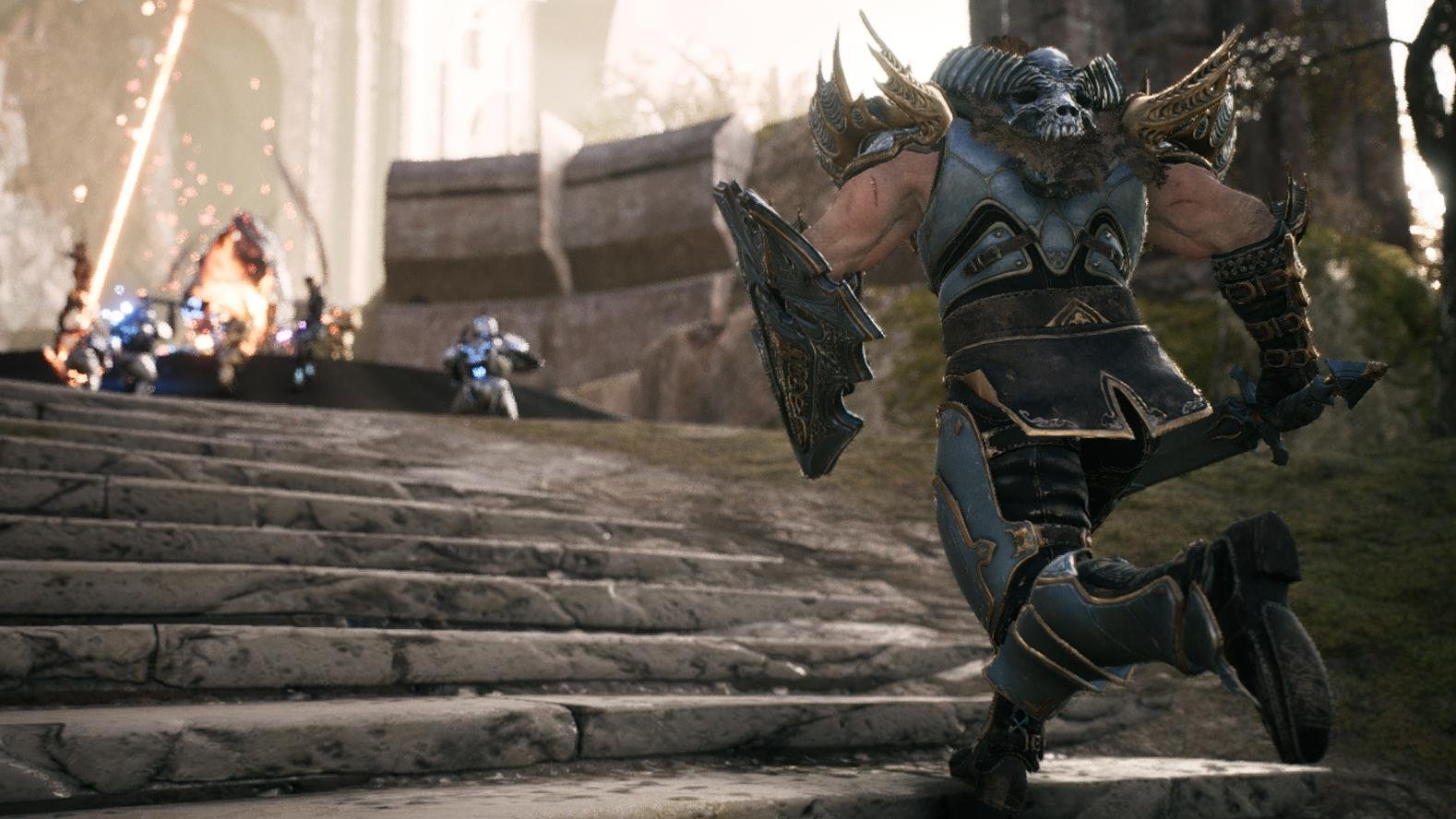
The filmic tonemapper matching the Academy Color Encoding System (ACES) is now on by default. This tonemapper also enables the engine to target multiple display types including HDR displays. Bloom settings have been updated to provide a more physically correct result by default.
The filmic tonemapper will look different than the tonemapper in previous versions of the engine. You can switch the tonemapper back by adding r.TonemapperFilm=0 to the SystemSettings section of your project's DefaultEngine.ini. The old tonemapper will be removed in a future versions of the engine.
New: Improved Texture Streaming
New: UI Blur Rects
You can now blur other UI and the 3D scene in UMG using the new Background Blur widget. Background Blur widgets also have a content slot which can be used to add widgets that will not be blurred. Usable for making scene description and user interface elements.
New: Material Editor Reroute Nodes
Reroute nodes are now available in the Material Editor to enable better organization of your Material graphs! They function identically between Blueprints and the Material Editor and are purely visual so they should have no impact on the final instruction count of your Materials.
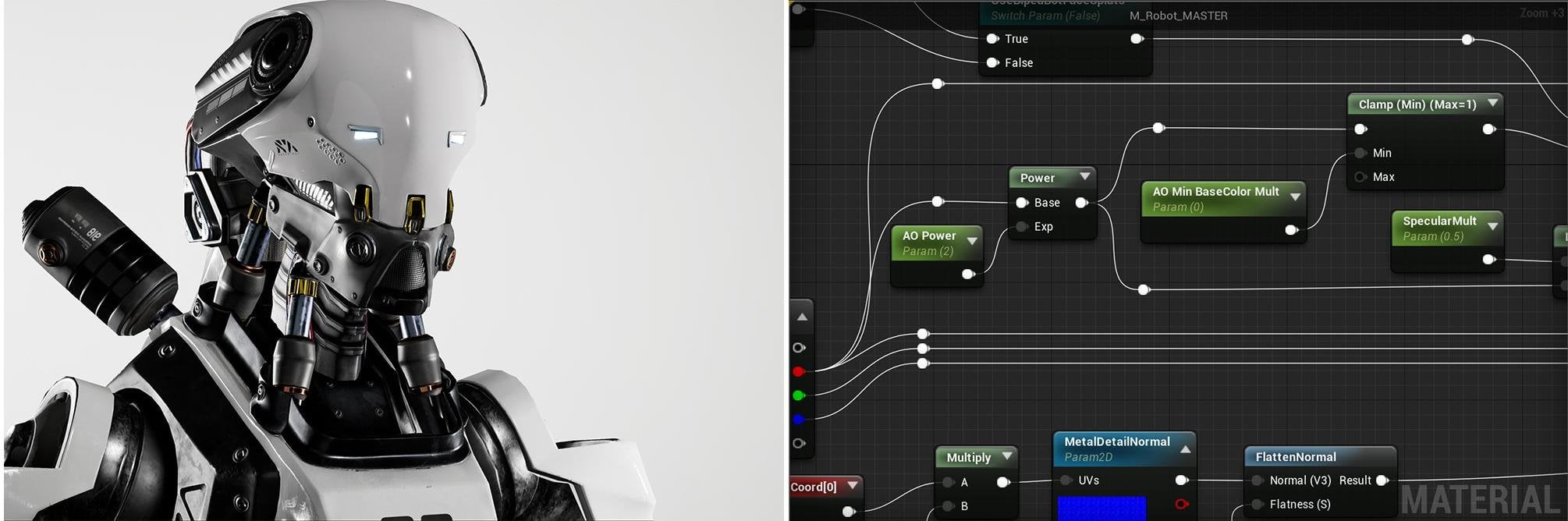
To add Reroute nodes in the Material Editor: Under Utility in the Material Palette, Drag Add Reroute Node to the graph. Double-click on a connection spline to insert a new Reroute node inline.
New: Sequencer Animations in Blueprints (Experimental)
The new Actor Sequence plugin - which adds an Actor Sequence Component - makes it possible to embed Sequences into Actor Blueprints! This enables reuse of Sequences by binding the animations to the Blueprint instance and triggering them using the Event Graph. You can also add an Actor Sequence Component to any Actor in the world to add animations to a single instance of an Actor.
New: Content Hot-Reloading (Experimental)
We have significantly improved support for reloading packages from disk on the fly with the new Content Hot-Reloading feature.
With this feature, all of the in-editor source control operations are more stable when dealing with loaded assets. You also gain a "Reload" option under "Asset Actions" that forcibly reloads the asset from disk, which is extremely useful if you've made unsaved changes to an asset and want to revert it back to the on-disk version.
To enable this feature, go to your "Editor Preferences", and enable "Content Hot-Reloading" under the "Experimental" section.
Other improvements
Compile times for programmers are drastically reduced - by as much as 50%.
New: Color Grading Controls: added all new controls for the Color Grading properties in Post Process settings that provide a more intuitive experience and more precise control.
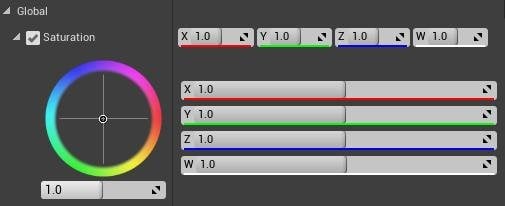
More information and download on www.unrealengine.com





LEAVE A COMMENT





|

|

|

|

|
 Customer zone
 Your orders
 Edit account
 Add project
 Liked projects
 View your artist profile
COMMENTS