Create laybirynth in 3ds Max with this simple script.
Here is how to setup it quickly :
- In the script operator, open or copy paste the downloadable script.
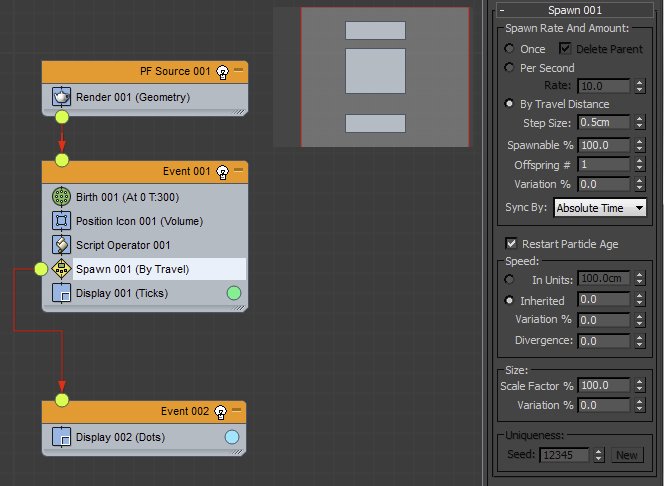
- To modify the effect, edit the script and change the “EACH” value.
- This value is by default a random value. You can change it’s random range or set it to a fixed value.
- This is basically each frame the particle changes direction, so if you set it to 10, the particles will change direction each 10 frames.
- if you keep it random, the changes will be random, and each particle with a different changing frame.
- You also can change the “SPEED” value. Of course because it’s a Pflow script you can add more Pflow operators to it, like a collision, to keep it inside a volume…etc
Download the script from https://hocuspocus-studio.fr/tools/product/pflow-labyrinth/






 Customer zone
 Your orders
 Edit account
 Add project
 Liked projects
 View your artist profile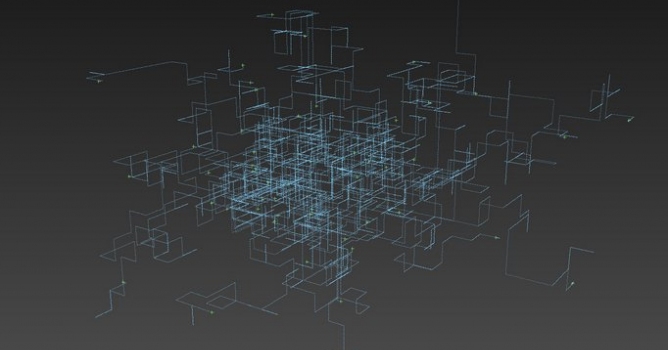












COMMENTS