In this series Ben Douglas takes you through 5 chapters:Chapter 1
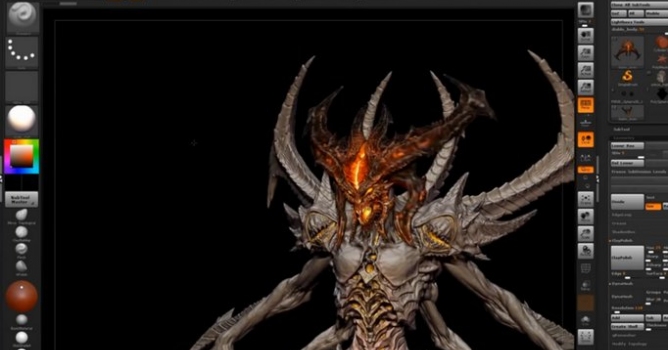
Set up of the sculpting environment
Using Dynamesh to create a rough concept sculpt that will serve as a base for the rest of our creation
The use of hard surface brushes such as Trim Dynamic, HPolish and Damien Standard
Using the new Trim tools
Chapter 2
Refining the head and creating individual Sub Tools
Using ZSpheres for retopology
Using the Crease functions to create our hard edges on our clean meshes
Looking at how topology effects the surface of our meshes
Chapter 3
Refining the body and creating individual Sub Tools
Dealing with design changes and technical issues
Converting our clean topology to Dynamesh to add more surface properties
Using Insert Mesh Brushes to quickly add repeating meshes
Chapter 4
Converting our clean geometry back to high resolution Dynamesh for further detailing
Using Slice tools to create new panel sections and enforce our design aesthetic
Chapter 5
Setting up our Materials
Applying base colours for further painting and texturing using different material types
Adding more texture detail, decals, scratches and interesting texture points using ZApplink and Photoshop
Setting up Lightcaps
Rendering and the use of BPR Filters to enhance our render
Post render work in Photoshop
Resources
VIDEO
VIDEO
VIDEO
VIDEO
VIDEO






 Customer zone
 Your orders
 Edit account
 Add project
 Liked projects
 View your artist profile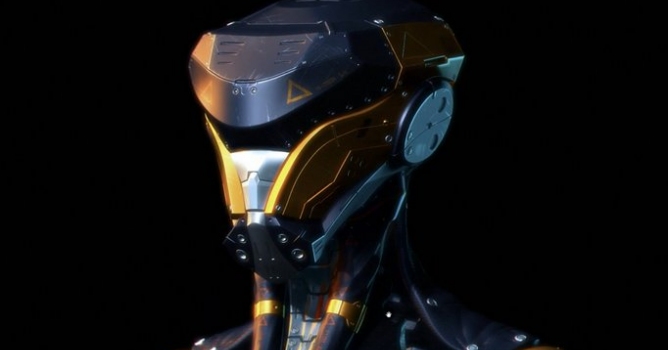












COMMENTS