Search
Cart
Sign in
  • offerCustomer zone
  • offerYour orders
  • offerEdit account

  • offerAdd project
  • offerLiked projects
  • offerView your artist profile

  • Dark mode
    ✔
Object removal with Mocha Pro / AE

Object removal with Mocha Pro / AE

Gardner Raymond 2013-11-05 08:45 tutorial  > After Effects  > compositing

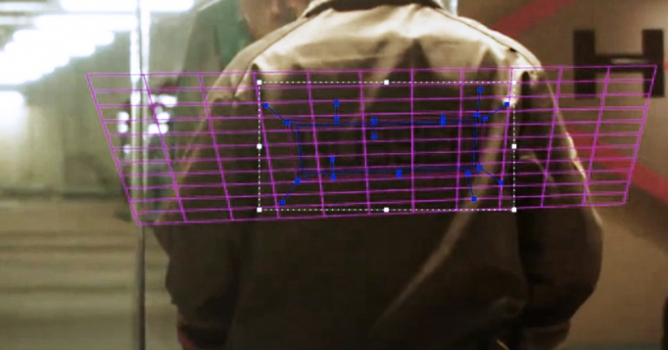
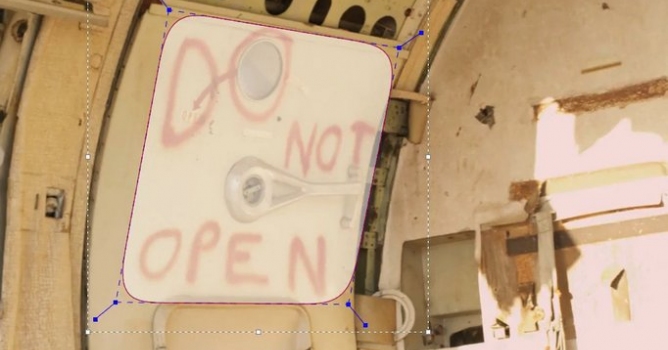
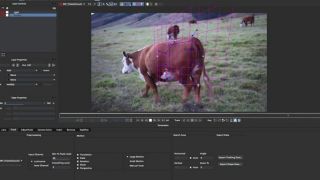
In this tutorial, Gardner Raymond will show you how to remove the name on the back of the boat.

This tutorial for Mocha / After Effects covers:
1) exporting a still image and creating a "clean plate" in Photoshop
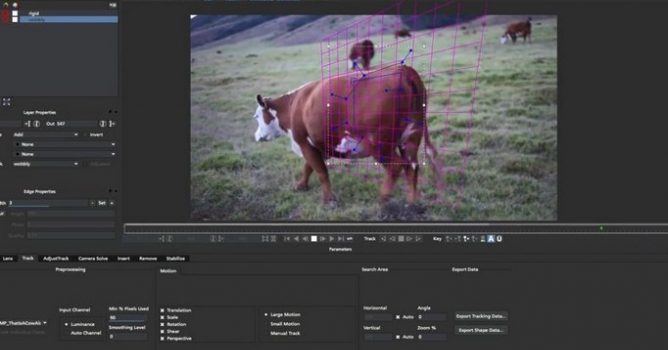
2) motion tracking the footage in Imagineer Systems Mocha Pro/Mocha AE
3) compositing the clean plate onto the original footage

This tutorial is available thanks to Consequence Video Designs.

Visit Consequence Video Designs.

Author: Gardner Raymond Editor: Michal Franczak
Tags: mocha
You may also like...
MochaImport+ for NUKE

MochaImport+ for NUKE

New VFX utility provides tight integration between NUKE’s node-based workflow and mocha Pro, connecting high-end 3D and stereo compositing with groundbreaking planar tracking
×

LEAVE A COMMENT

You need to be logged in to leave a comment. Don't have account? Register now.