Search
Cart
Sign in
  • offerCustomer zone
  • offerYour orders
  • offerEdit account

  • offerAdd project
  • offerLiked projects
  • offerView your artist profile

  • Dark mode
    ✔
Fast cutting holes in surfaces using 3ds max

Fast cutting holes in surfaces using 3ds max

Andy 2013-08-29 13:19 tutorial  > 3ds MAX  > modeling

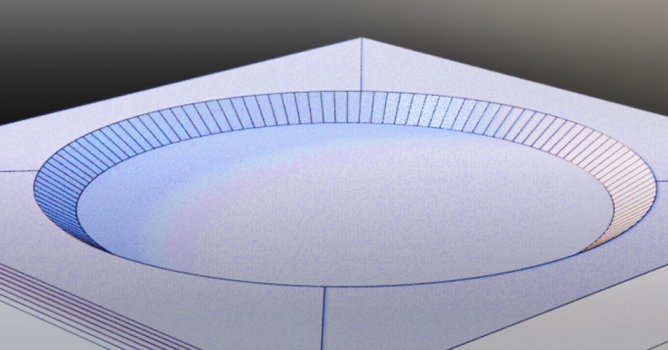
Andy shows a quick tip - how to fast cut holes.

 
Watch on You Tube
Author: Andy Editor: Michal Franczak
Tags:
You may also like...
3D character models: when to use ready-made assets instead of custom designs

3D character models: when to use ready-made assets instead of custom designs

Working in CG and archviz often means balancing creative intent with production realities. Human presence can support scale, context, and clarity, but it also adds another layer of decisions. Ready-made 3D character assets help keep visual focus where it belongs without expanding the project scope beyond its real needs
×

LEAVE A COMMENT

You need to be logged in to leave a comment. Don't have account? Register now.

PintoRosa 20:06:56  |  02-09-2013
Very good, Andy. Many thanks. Jaime PR
chaoticlove 20:29:18  |  15-09-2013
Thanx for theTip
paulako 10:51:42  |  17-09-2013
jaja_! Thanks a lot, very interesting I had a lot of time some of this problems_:S. Now is not a problem anymore_:). Thanks again_!
qkrehdrh 08:36:42  |  14-11-2013
oh my god.i didn't know this easy way to make a hole!!!!!!!! thank you soooooooooooo much