NAG® ALL V.4.1.0 presents an AI-powered and automated workflow designed to improve the way 3D assets are organized, structured, and classified, particularly for artists and studios handling extensive model collections.
This release includes several technical improvements that may be useful for anyone working with digital asset libraries:
Key Highlights in Version 4.1.0
Redesigned interactive user interface for clearer control and faster access
Separation of Input and Output Paths to ensure safer, non-destructive workflows
Batch Mode for organizing multiple library paths in a single run
Advanced file renaming rules for cleaner and more consistent asset structures
New organization pattern presets (Option 3 & Option 4) for better compatibility with asset management tools
AI-powered asset classification presets that organize assets into meaningful categories (e.g., Beds, Sofas, Chairs, etc.)
Ability to create custom AI-powered classification categories tailored to the user’s local library
Ability to prioritize software formats for organization (e.g., 3ds Max, Blender, Cinema 4D, etc.)
Ability to prioritize render engine versions during organization (e.g., V-Ray, Corona, Redshift, etc.)
Up to 10× faster processing speed compared to legacy versions
Migration tool for users with previously organized libraries
Once the organization process is complete, the 3D library is transformed into a clean, structured system where each 3ds Max file is automatically renamed and placed next to its corresponding preview image, while all textures are properly collected according to the selected organization preset.
The software also scans libraries for missing preview images whenever possible and reports any unresolved cases, giving users full visibility over their asset completeness. Beyond basic organization, the built-in AI Organizer classifies assets into meaningful categories, allowing faster browsing and easier reuse during production. The result is a library that is immediately ready for:
Manual drag-and-drop into 3ds Max
Integration with tools such as Project Manager, Connecter, and Autodesk Asset Library.
Try it for Free!
Users interested in evaluating the workflow can start with the Free Tier, which allows hands-on testing before committing to a subscription.
Evermotion subscribers will receive special discounts on NAG® ALL Version 4.1.0, valid for the first year of subscription:
Advanced License™ (Auto Organizer™, no AI) 30% OFF
Plus License™ (AI Organizer™ + 20,000 AI Credits™ (1 Credit = 1 Model) 20% OFF
Ultimate License™ (AI Organizer™ + 120,000 AI Credits™ (1 Credit = 1 Model) 20% OFF
Veras 5.3 introduces NODES, a visual workflow builder now in Beta that lets users generate parametric geometry and bake it directly into Revit, Rhino, or SketchUp. The system shifts Veras from rendering-first to a full generative design platform with interactive design tools.
SketchUp 2025–2026 has added native PBR materials, AI image generation, and real-time rendering plugins like Lumion View, letting archviz artists produce photorealistic images without leaving the viewport. This collapses the traditional design-to-render pipeline.
Maxon's Redshift 2027.0 cuts render times by up to 15% through memory optimization and adds official Archicad integration alongside improved materials and live feedback tools.
Blender 5.3 arrives November 10 with DLSS 4.5 Ray Reconstruction, an AI-powered denoiser for Cycles that works on RTX 20–50 series cards. The upgrade promises faster interactive lighting workflows at near-final quality.
Chaos released V-Ray for Blender 7.4 with Windows ARM64 compatibility, Phoenix Ocean textures for exterior scenes, Quick Sun Caustics for realistic lighting, and tools to organize large asset libraries and migrate from Blender's native renderer.
Maxon's October 2026 release adds procedural vegetation scattering, reworked GPU memory management in Redshift, and liquid simulation—streamlining environment work and viewport iteration for archviz studios.
A free community plugin now lets 3ds Max users with older GPUs access neural rendering via DLSS 5, potentially speeding up renders without hardware upgrades.
Veras 5.3 introduces NODES, a visual workflow builder now in Beta that lets users generate parametric geometry and bake it directly into Revit, Rhino, or SketchUp. The system shifts Veras from rendering-first to a full generative design platform with interactive design tools.
In this walkthrough, we guide you through the process of building a polished 3D interior scene inspired by the cover of Archmodels vol. 306 – Table Sets.






 Customer zone
 Your orders
 Edit account
 Add project
 Liked projects
 View your artist profile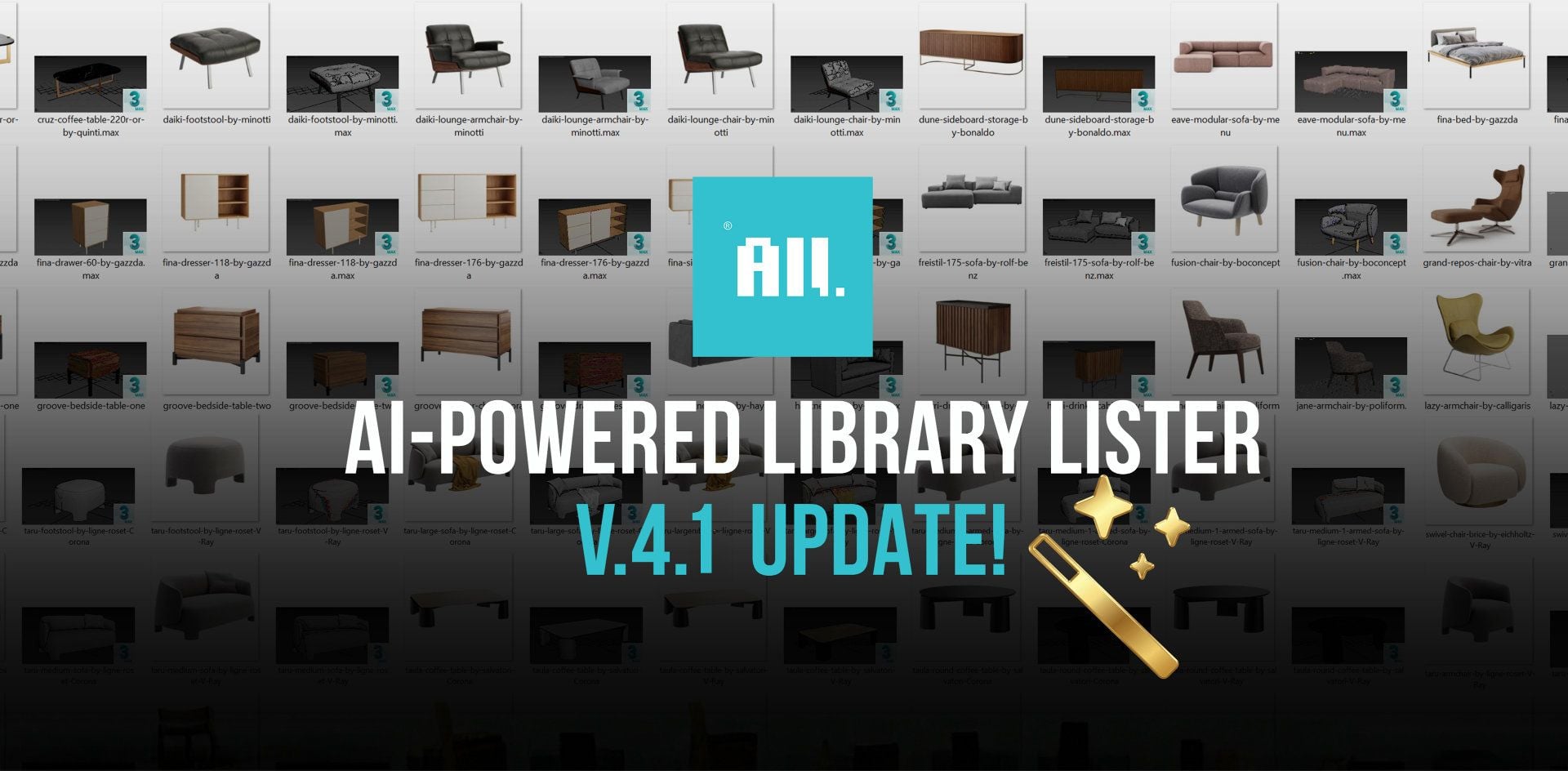













COMMENTS