Search
Cart
Your cart - 0 items
Total: € 0
Total: € 0
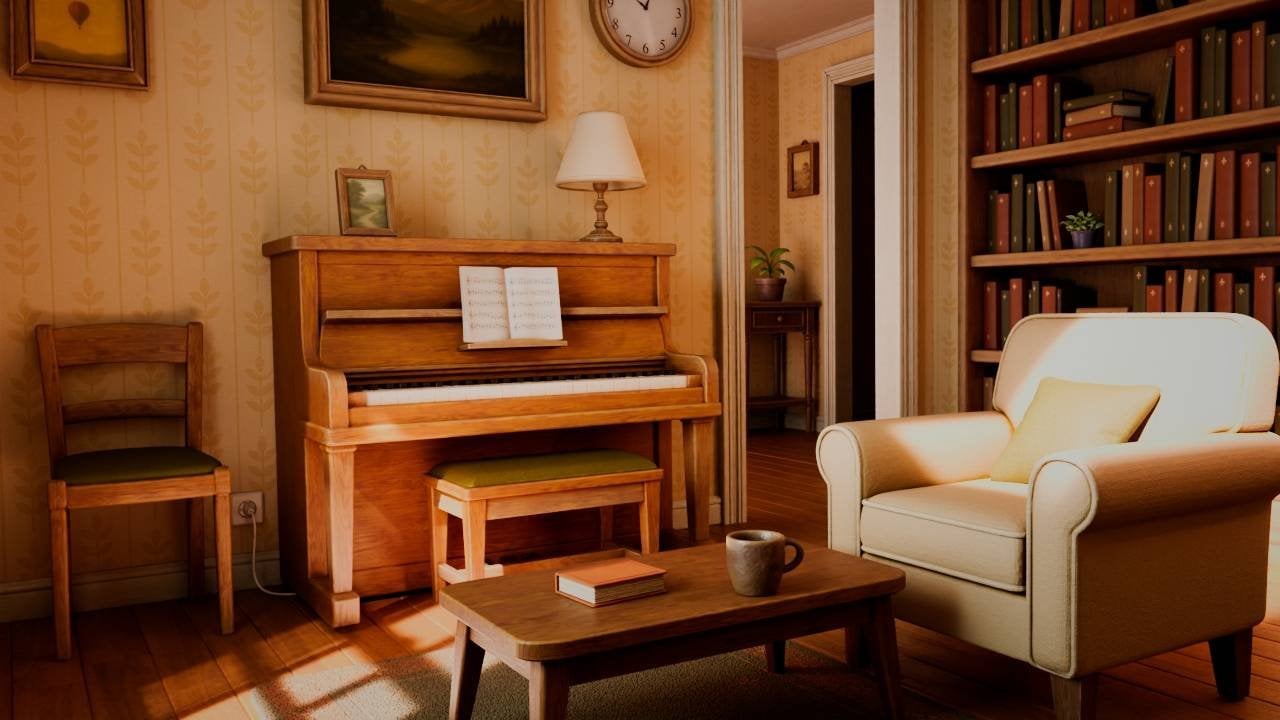

Autodesk has released Arnold 7.5.4, prioritizing interactive workflow speed with three headline features: true render pausing that retains samples while freeing CPU and GPU resources mid-render, expanded viewport acceleration now available in 3ds Max and Cinema 4D, and a Shader Imager for pixel-level adjustments without recalculating rays.
Render pausing lets you halt a render, adjust settings or inspect results, then resume from where you left off. The feature retains all calculated samples, making it practical for client review loops where you need to pause, tweak lighting or materials, and continue rather than restart. GPU scene updates show measurable gains: 100,000 instances now update 3x faster (214ms versus 660ms), and 1 million instances improve from 9.8 seconds to 4.1 seconds. Motion blur on 39,000 moving objects dropped from 3.76 to 0.28 seconds.
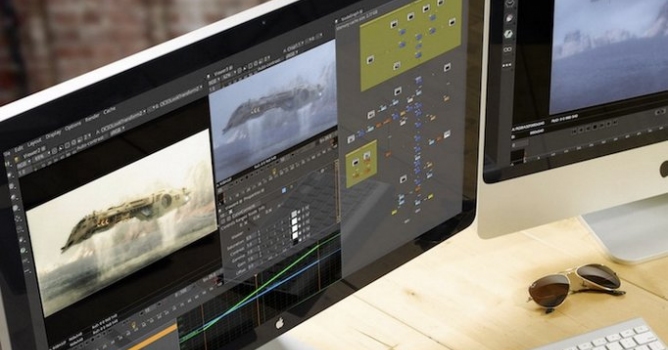
The Shader Imager reads calculated render passes through image nodes or Open Shading Language and applies compositing-like effects within Arnold itself. According to Digital Production, "there is no new camera ray or surface intersection behind the image," meaning you adjust existing pixel data without ray recalculation. The tool is suited for rapid lighting and post-effect experiments on finished renders. Limitations exist: it does not work with OSL shaders that output closures (such as OpenPBR Surface), and Digital Production notes that "The Shader Imager is designed for interactive look experiments and targeted post effects. It does not replace a shot's full compositing workflow, and its direct replacement of the beauty output needs to be accounted for in downstream AOV delivery."
Viewport acceleration now supports CPU rendering alongside GPU (though GPU is still required for viewport processing). The new Rim Light shader, extracted from the Toon shader, handles rim highlighting; it does not support mesh or skydome lights and does not work with multiple lights simultaneously. DLSS integration updates to DLSS 4.5 Ray Reconstruction.
For render farm scheduling, a new max_render_seconds batch parameter stops rendering after a specified duration and writes the image reached, helping studios manage compute time budgets on large jobs. Flow Render, the cloud rendering service, now supports custom OCIO color configs and UDIM tile tokens in texture filenames; it remains free to Arnold users for up to 40 hours per month.
Platform support includes Windows, Linux, and macOS. Plug-in versions include MAXtoA 5.9.5 for 3ds Max, C4DtoA 4.9.5 for Cinema 4D, MtoA 5.6.4 for Maya, HtoA 6.5.4 for Houdini, and KtoA 4.5.4 for Katana.
Video: CG Channel
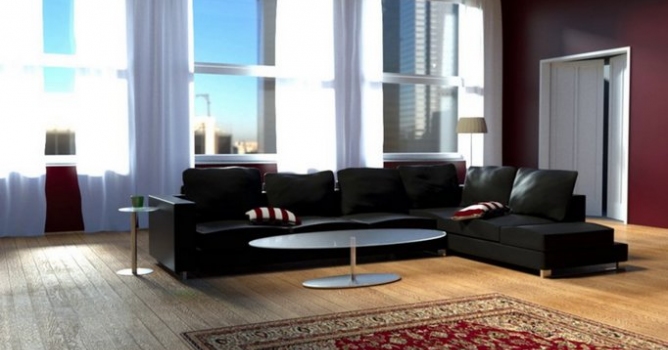
The expanded viewport acceleration and true render pausing directly address iteration speed on client revisions. You can pause mid-render to inspect detail, adjust a material or light, and resume without losing samples. This cuts the restart penalty on complex scenes with dense furniture and prop libraries.
The Shader Imager trades full compositing for quick looks on lighting adjustments and post effects within Arnold before final render. For interior and exterior work where you need to test exposure or color grading on a finished image, you avoid a second full render pass. The 3x GPU speedup on large instance counts matters for detailed scenes built from Archmodels collections or similar asset libraries.
The max_render_seconds parameter helps archviz studios schedule render farm time fairly, capping individual jobs so longer sequences do not starve shorter ones from compute resources. Combined with pausing and faster viewport feedback, the release shifts Arnold toward the iterative, client-facing workflows that archviz relies on.
Lead image: Digital Production




LEAVE A COMMENT





|

|

|

|

|
 Customer zone
 Your orders
 Edit account
 Add project
 Liked projects
 View your artist profile

COMMENTS