Search
Cart
Sign in
  • offerCustomer zone
  • offerYour orders
  • offerEdit account

  • offerAdd project
  • offerLiked projects
  • offerView your artist profile

  • Dark mode
    ✔
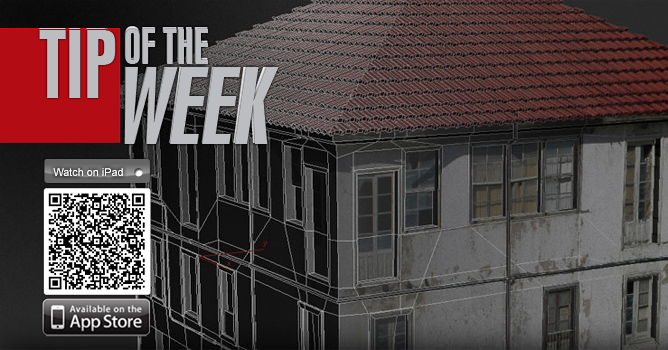
TipOfTheWeek 3D building modeling part 2

TipOfTheWeek 3D building modeling part 2

Evermotion 2012-02-07 14:56 tutorial  > 3ds MAX  > modeling

Tutorial

Author: Evermotion
Tags:
You may also like...
Discounted license for NAG ALL for Evermotion Pass subscribers
×

LEAVE A COMMENT

You need to be logged in to leave a comment. Don't have account? Register now.

A.A 23:26:30  |  12-02-2012
Nice tuto :). i would like to know how do u connect the edge so easy?
stephenak 21:44:03  |  20-02-2012
I think it's a graphite modelling tool. It is called quickloop or something like that.
dzoes 14:55:26  |  25-02-2012
can u tell me how u added so quickly these additional, horizontal lines on roof plane? thx
the eye 11:28:04  |  04-03-2012
its called swift loop from graphite toolbar
dzoes 18:43:38  |  18-03-2012
I got it. thanks :)
eva.k 15:04:31  |  25-04-2012
that's a super video, thanks :))
RolandB 09:21:44  |  27-04-2012
Amazing tuto ! What you do with the symmetry modifier is really surprising, I didn't know this technique for simple modeling (i used it for making chairs, sofas but in fact it's the same !!). One critic : the quality of the video : in my case (beginner), I don't see all the things you do and can't guess the modifiers you use even in large or medium screen. Could you post a higher resolution (or put a link to) ? Thanks again for this great tutorial ! Roland
RolandB 09:24:49  |  27-04-2012
Oups... sorry for my latest post : I didn't click on "HD" button for the video quality ! Thanks again !
gaafar 05:11:57  |  10-05-2012
very nice ,but can u do it with high resolution caz i couldnot follow the steps ,thanx
shadowless 09:32:09  |  07-12-2012
pls somebody just answer how to add those edges??
cornerofart 09:40:36  |  13-02-2013
Thank you very much for this tutorial, really it's very different technique