Create fully procedural dirt on objects with V-ray.
In this video we will add a realistic mud effect to a whole car. We will use a very simple procedural workflow which does not require any additional preparations such as additional UV's or anything similar. As everything is procedural it will stay fully parametric and allows for maximum adjustability.
You can use this technique to quickly add procedural details to your assets. Like this you can texture a huge amount of assets very efficiently. We will discover what are the advantages of procedural masks and why you should use them. I will then show you my preferred way how to create an easy to control render setup for a Procedural Mud Effects and walk you through each step. We will discover the basics of Ambient Occlusion or VRayDirt and how we can use VRayTriplanar Textures to procedurally project any kind of details on our assets.
We are using 3ds Max and V-Ray 6 in this demo but you can also use identical techniques for older versions such as V-Ray 5, V-Ray NEXT and V-Ray 3.
A similar workflow can also be used in other software such as Cinema4d, Maya, Blender and different kind of render engine such as Corona, Octane, Redshift, Arnold, Cycles, CyclesX, Eevee and countless others.
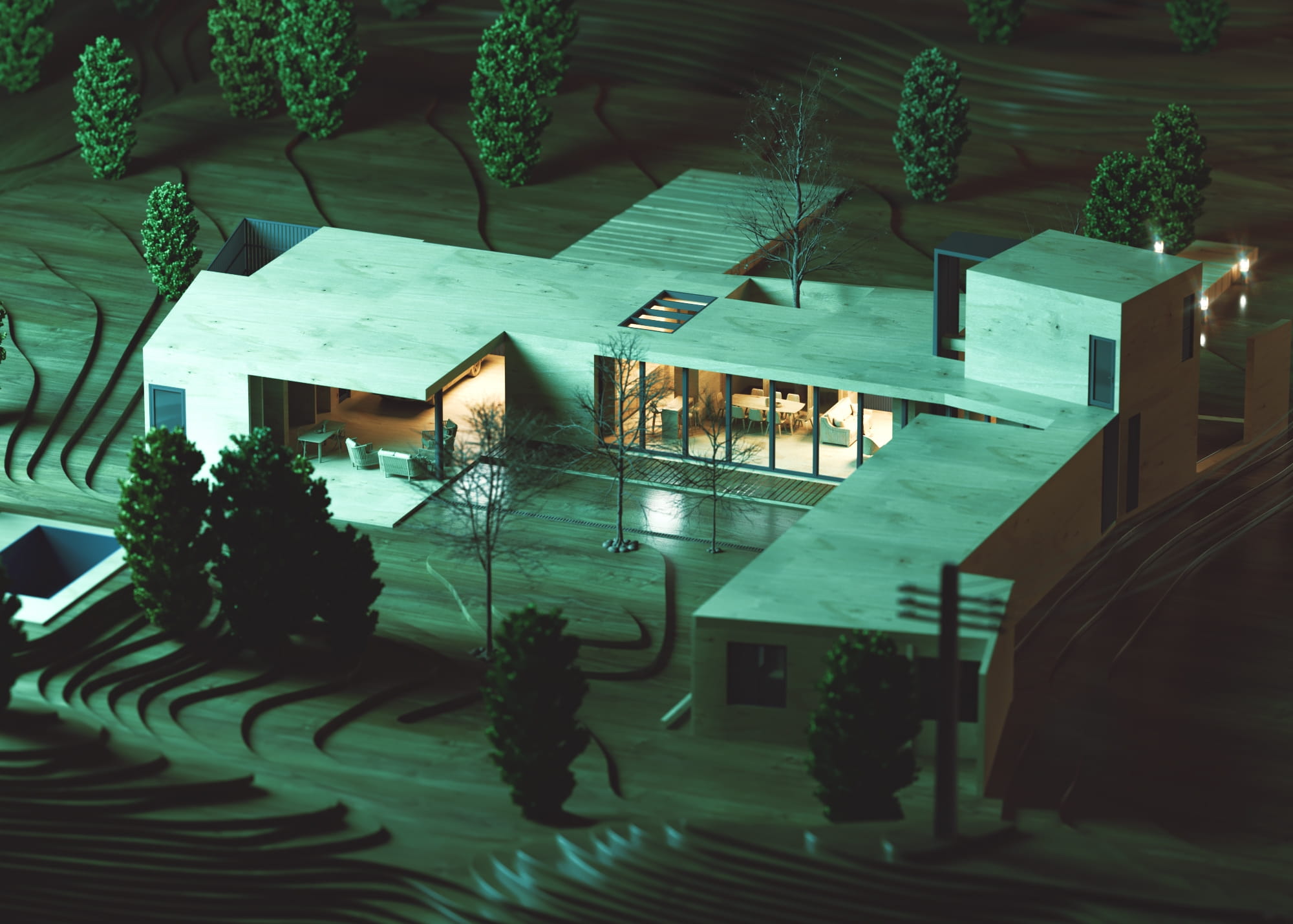
Dive into the world of V-Ray lighting in 3ds Max with Evermotion's tutorial. Explore the process of creating a V-Ray lightmap to add realistic and accurate lighting to your 3D scenes, enhancing their overall visual quality.
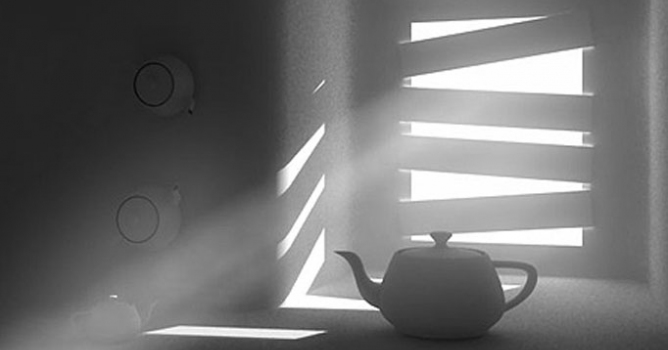
We have recived a lot of e-mails with questions about detailed tutorial concerning volume effect for Vray renderer. In this article, Myqel and Pendzel show you how to use it. You will find here 2 parts, first for standard rendering job and second for postproduction in Photoshop.
Learn how to create stunning lighting effects in your 3ds Max renders using V-Ray's IES lighting. Evermotion's tutorial guides you through the process of utilizing IES profiles to achieve realistic and captivating lighting setups.
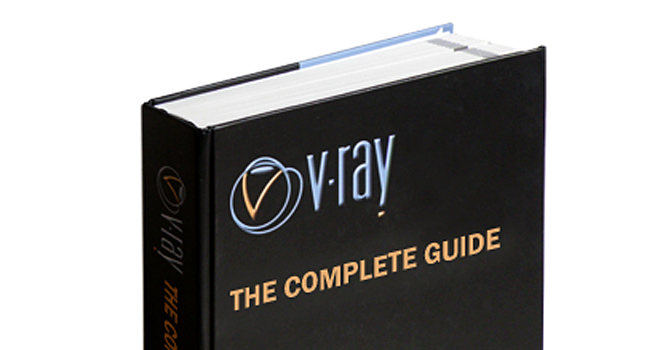
Among a number of rendering engines, in terms of popularity, VRay has his permanent place in the lead. It is the one of the most widespread rendering plug-ins worldwide. Though, as far as I know, a great majority of VRay users have only superficial knowledge of VRay possibilities. The book might be a good occasion to change it: start learning or develop and strengthen this knowledge.
We have recived a lot of e-mails with questions about detailed tutorial concerning volume effect for Vray renderer. In this article, Myqel and Pendzel show you how to use it. You will find here 2 parts, first for standard rendering job and second for postproduction in Photoshop.
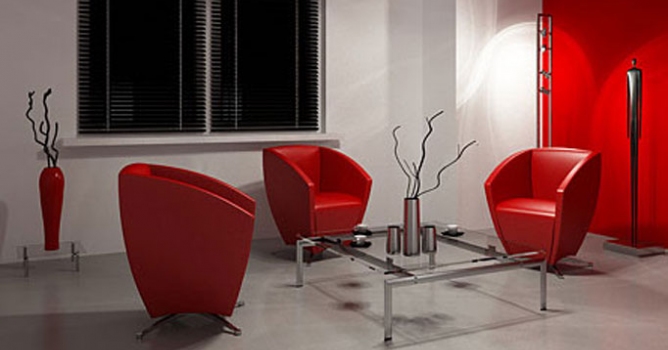
In this walkthrough, we guide you through the process of building a polished 3D interior scene inspired by the cover of Archmodels vol. 306 – Table Sets.






 Customer zone
 Your orders
 Edit account
 Add project
 Liked projects
 View your artist profile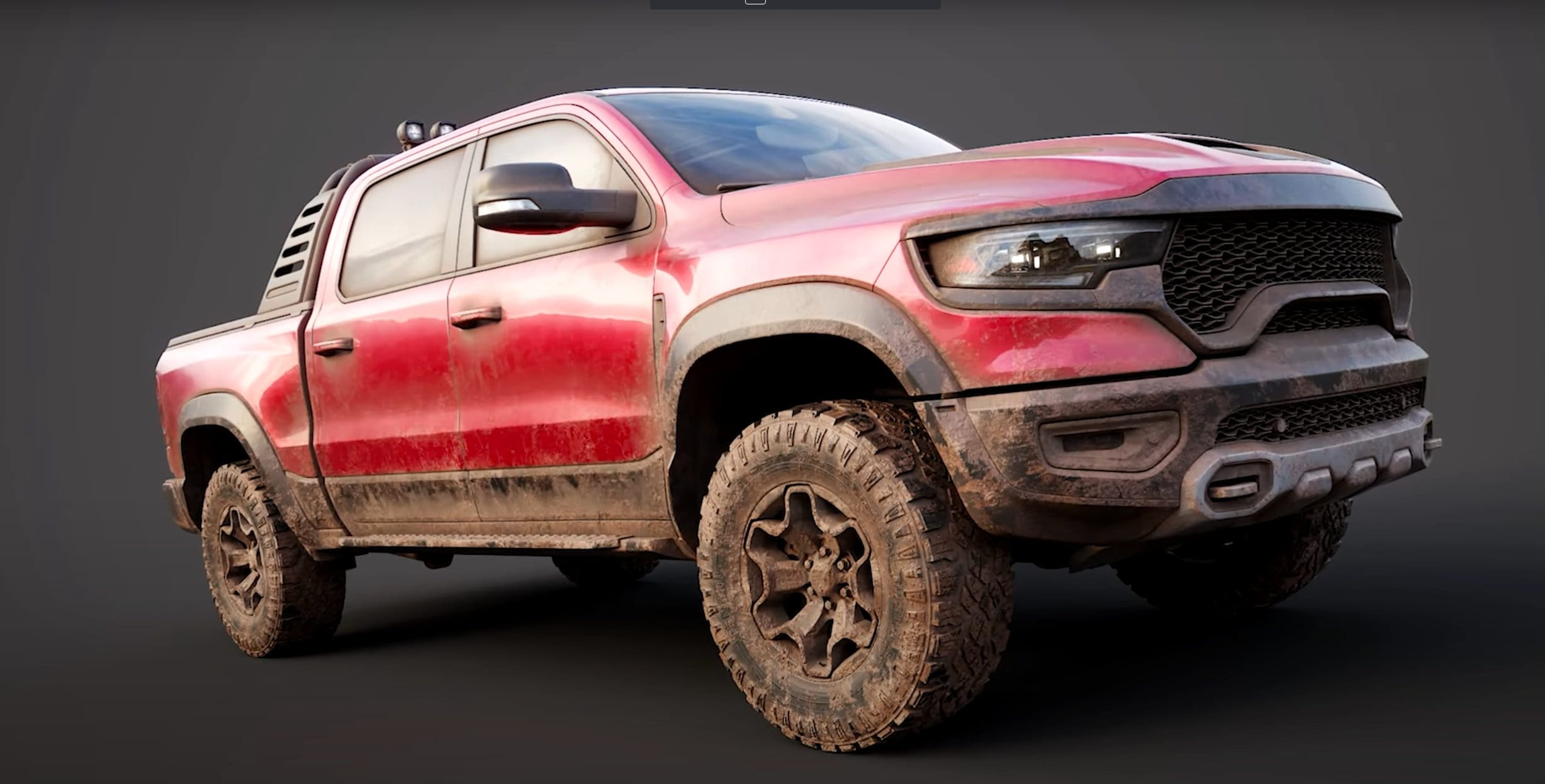












COMMENTS