This scene comes from Archinteriors vol. 55 for Blender - our new collection of ten restaurant interiors. All scenes are full of interesting PBR textured props and optimized for Cycles renderer. You can get this collection as a whole (Archinteriors vol. 55 for Blender - ten scenes) from Evermotion shop. You can also purchase only this particular scene (it is the scene number 9 from Archmodels vol. 55). You can also subscribe to Evermotion Pass and download this scene using your monthly points. And now, let's get to breakdown.

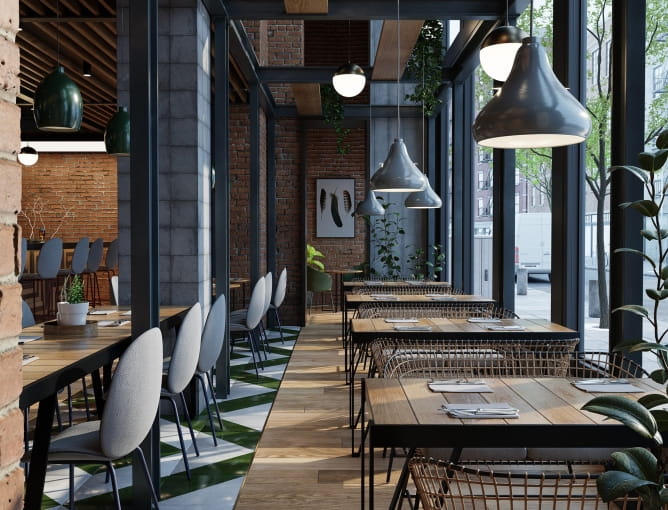
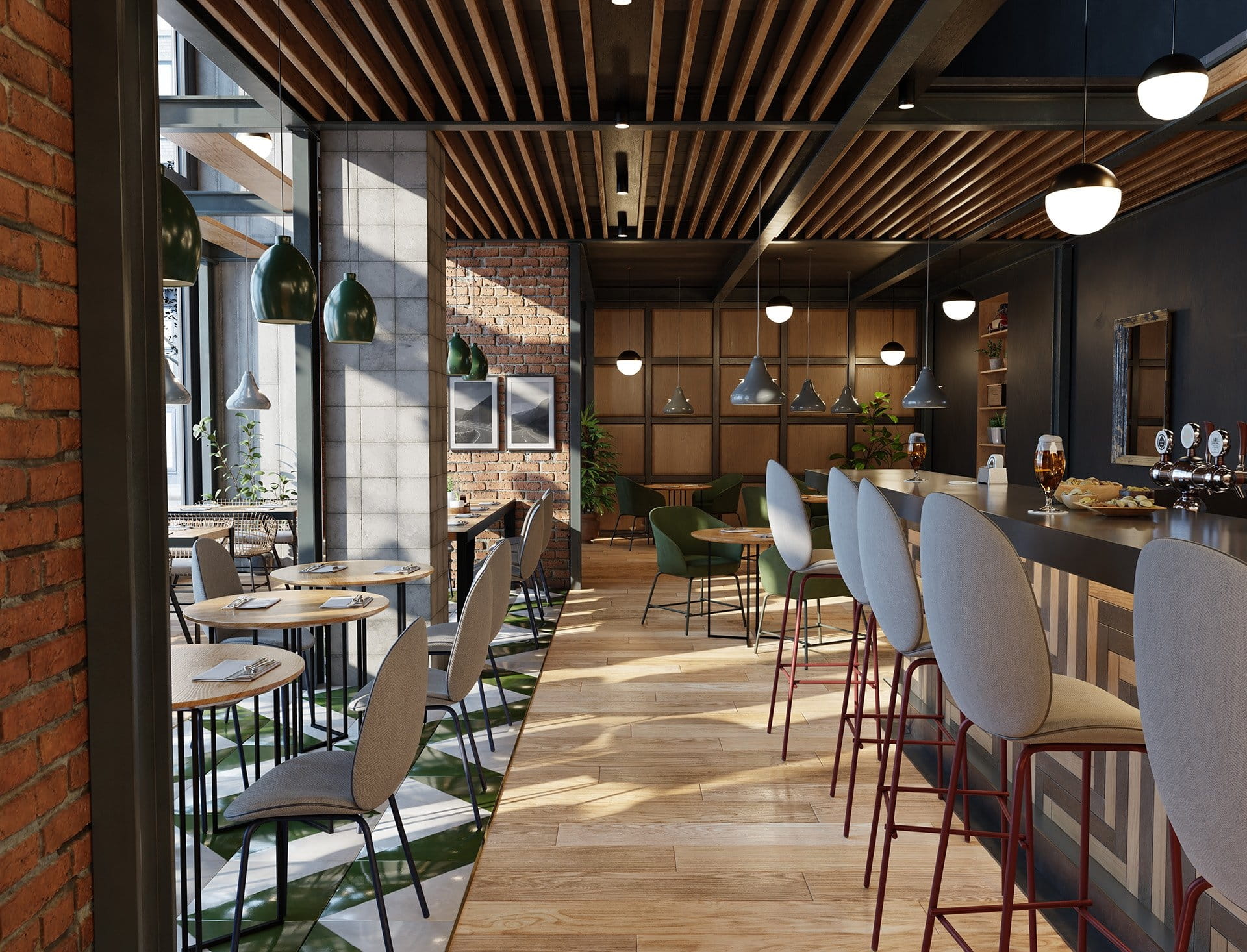
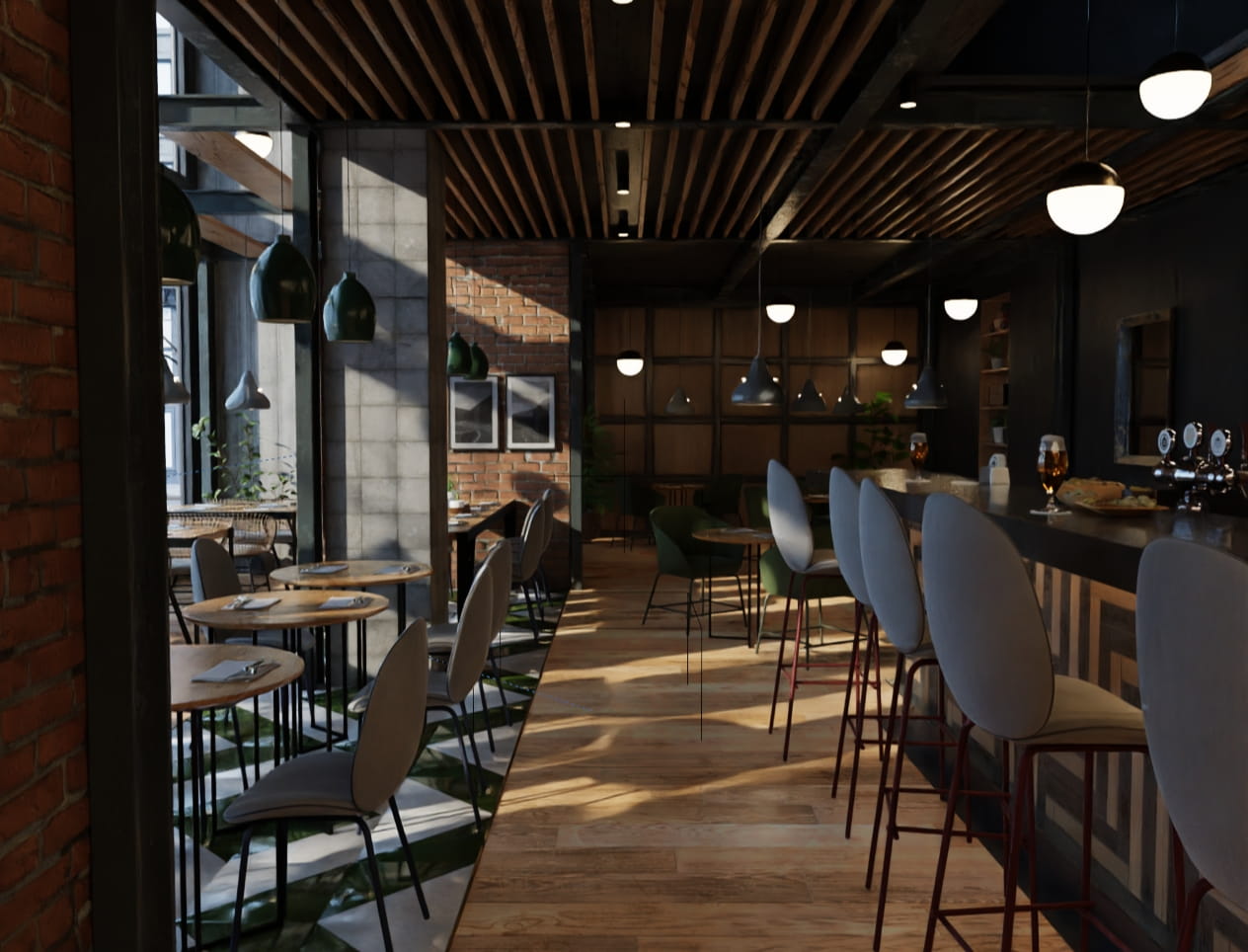
This is the final image, straight out of render buffer of Blender, camera 1.
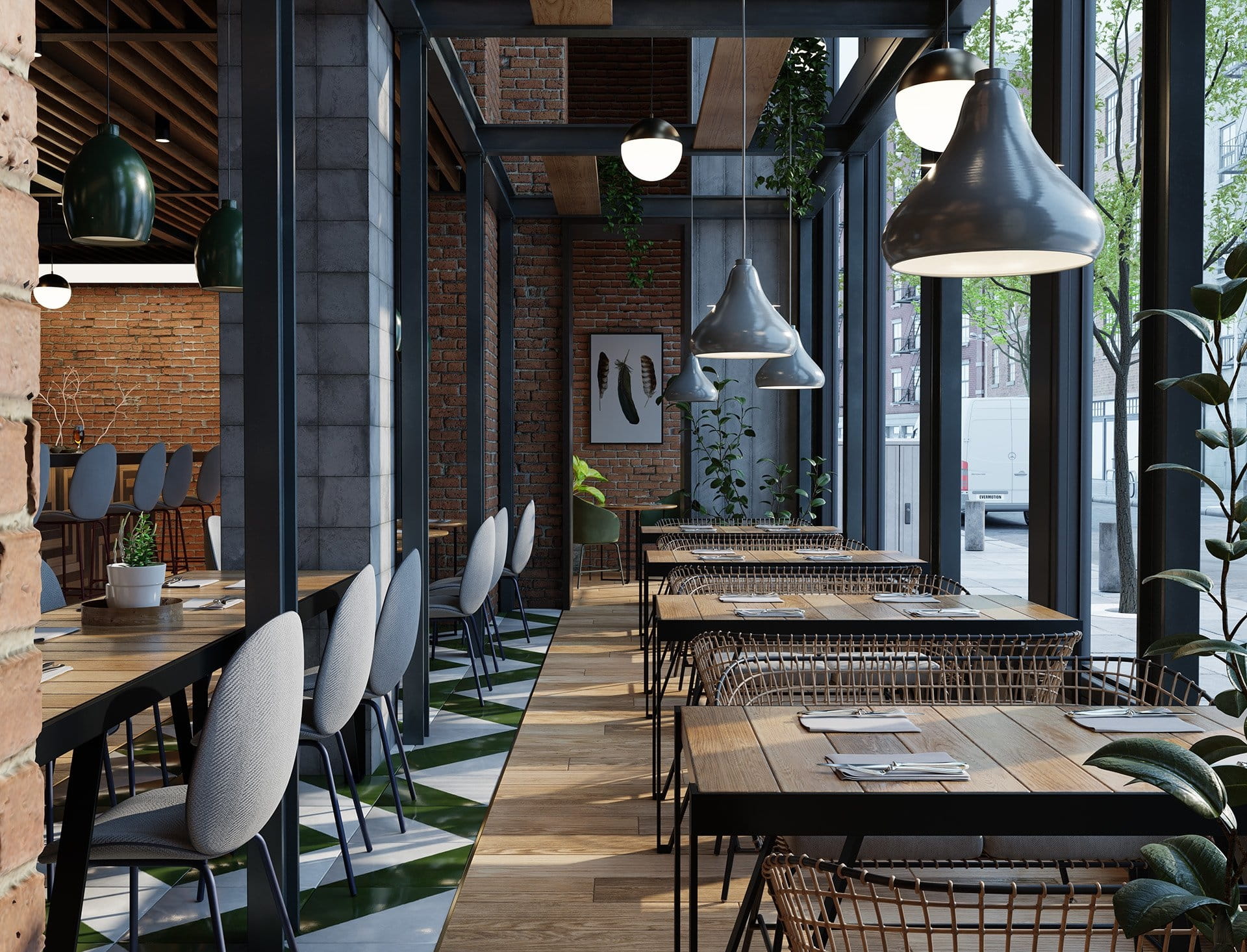
The other view - camera 2, final render.
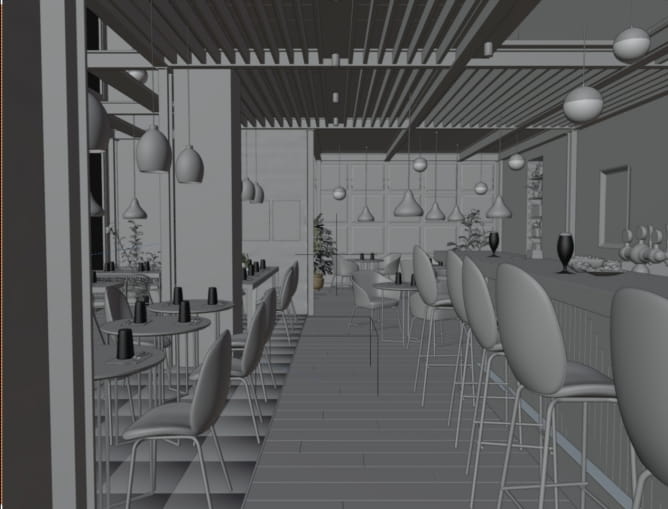
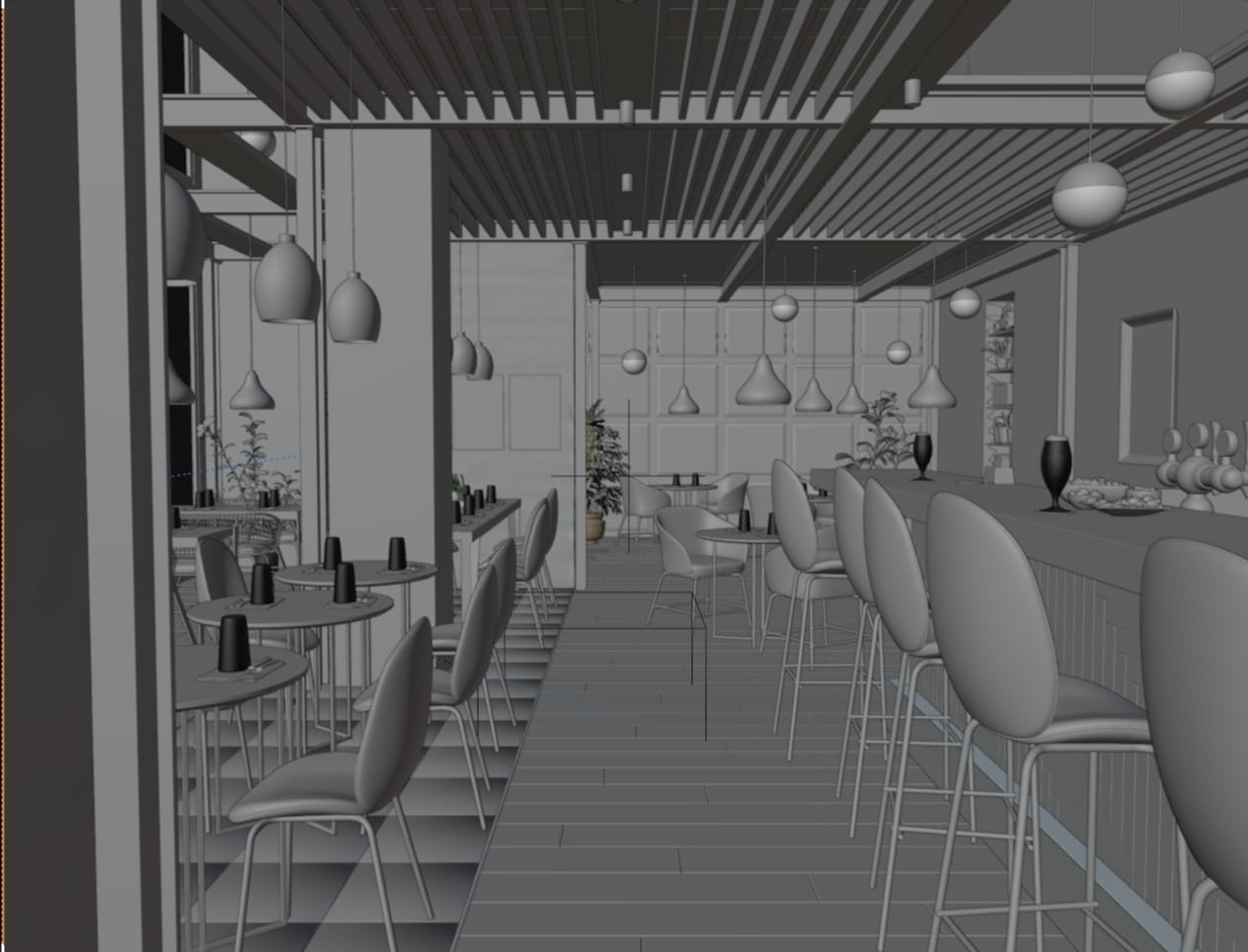
The scene in Blender - solid mode view.
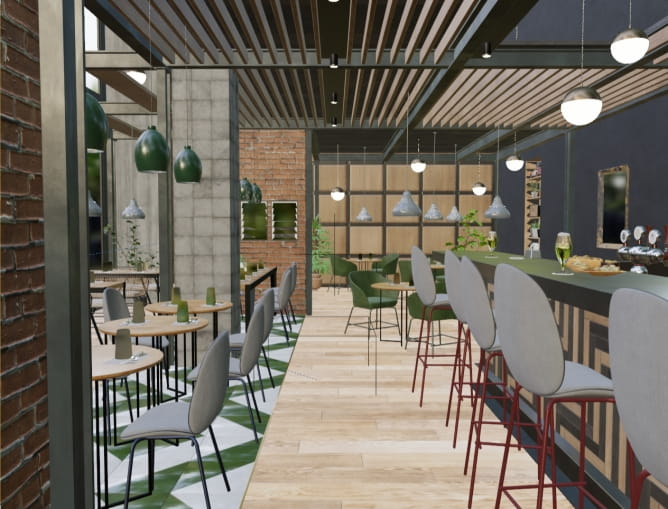
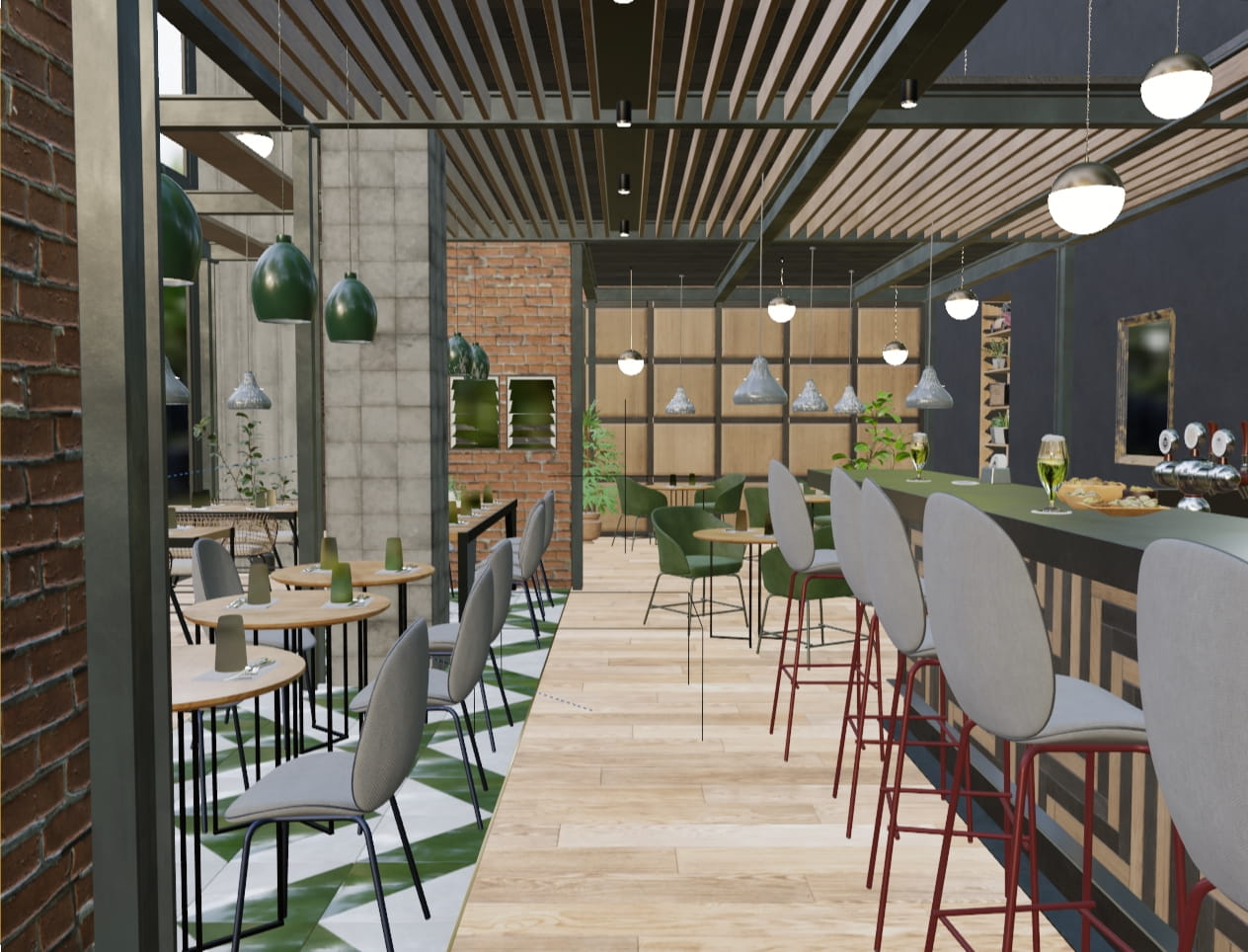
The scene in Blender - materials view mode
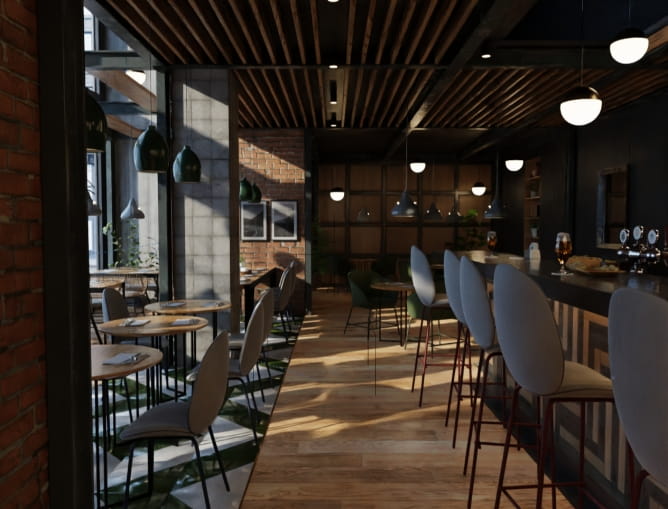
The scene in Blender - rendered view mode (32 samples). The scene isn't too heavy, you can easily rotate it and navigate in rendered mode in close-to realtime, with Geforce 2080 Ti.
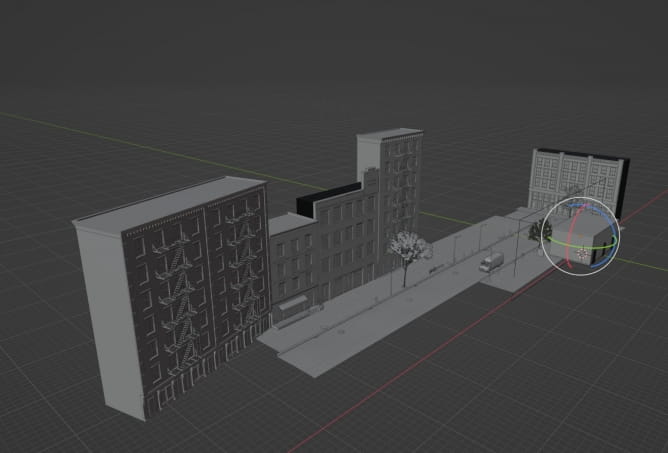
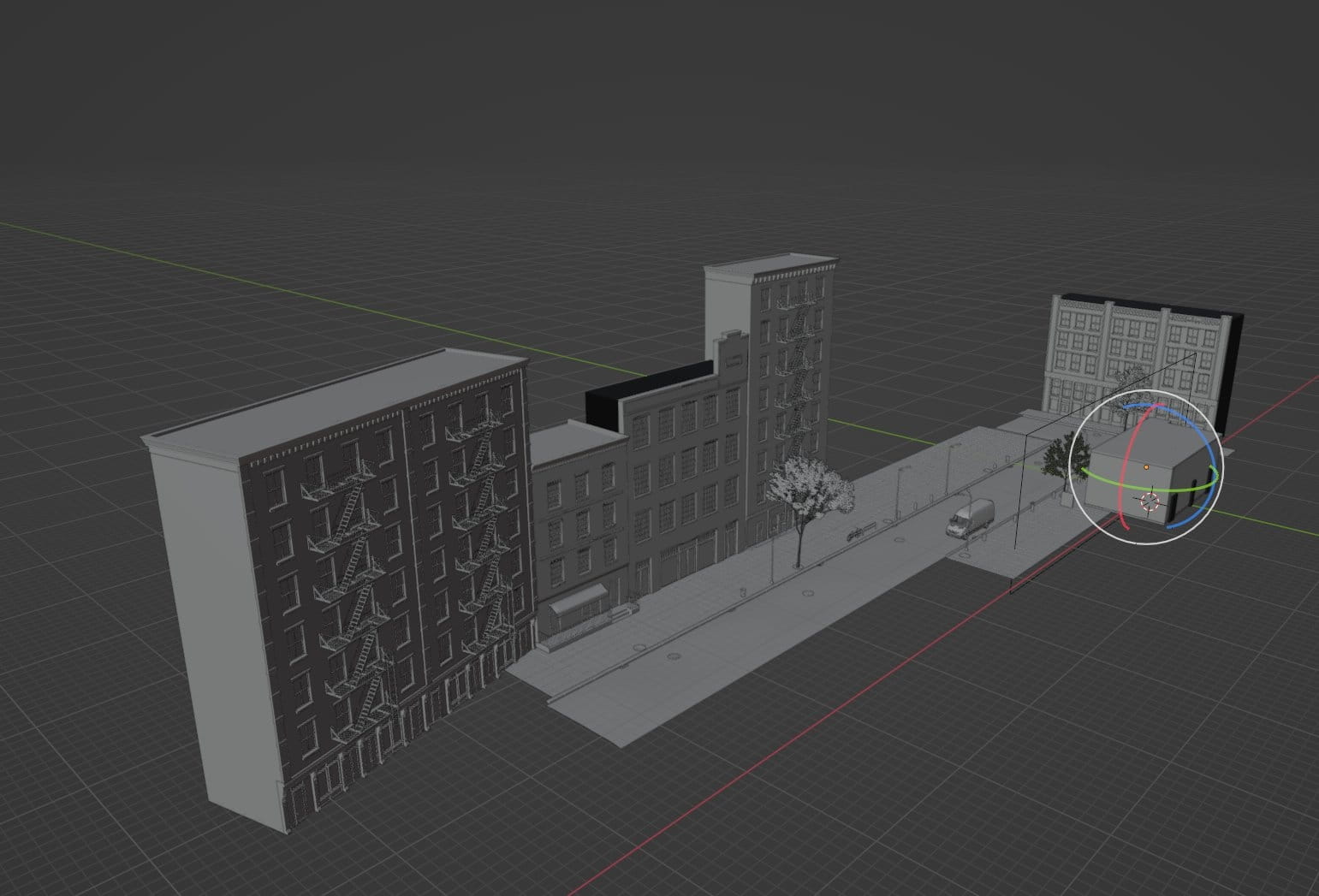
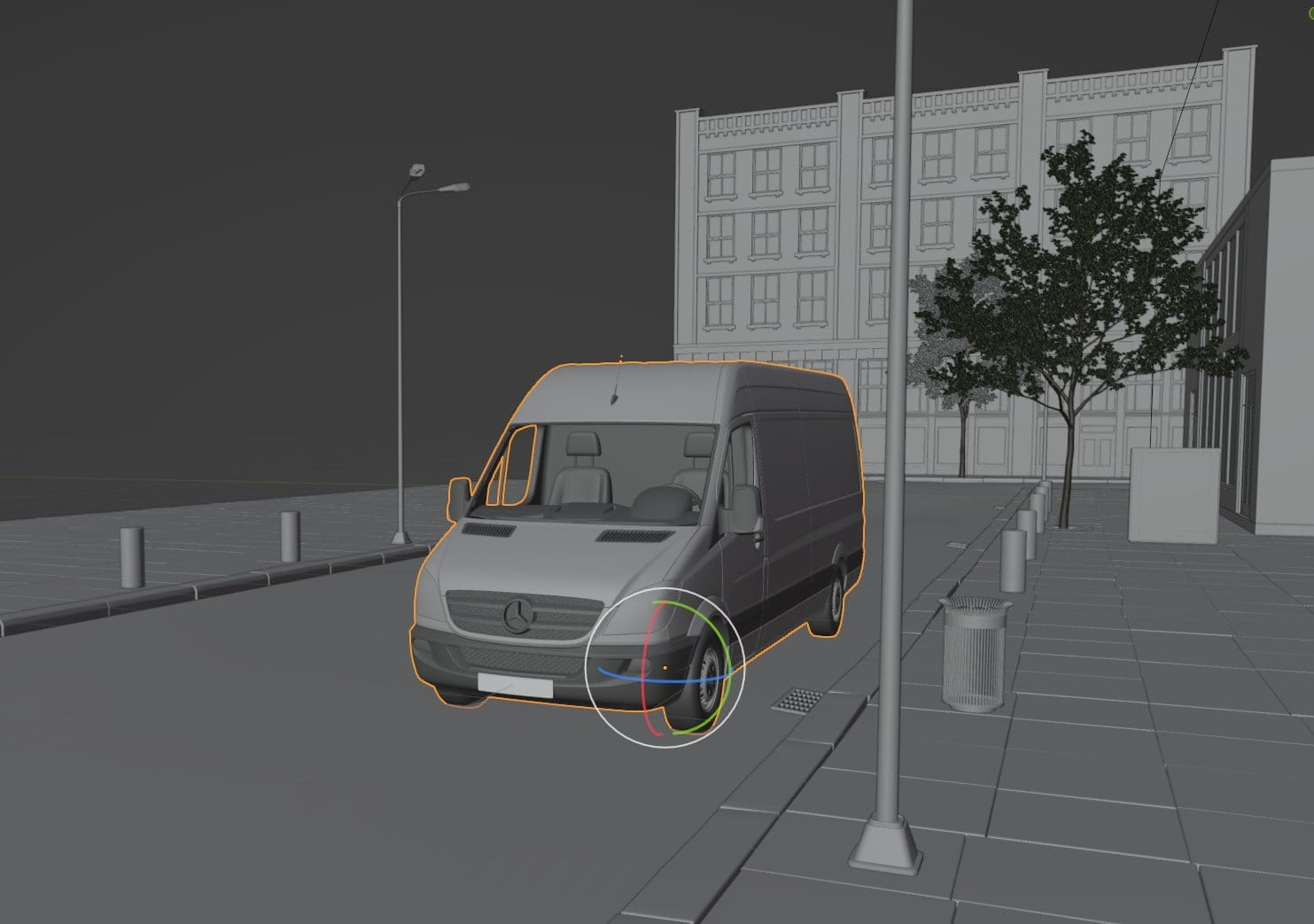
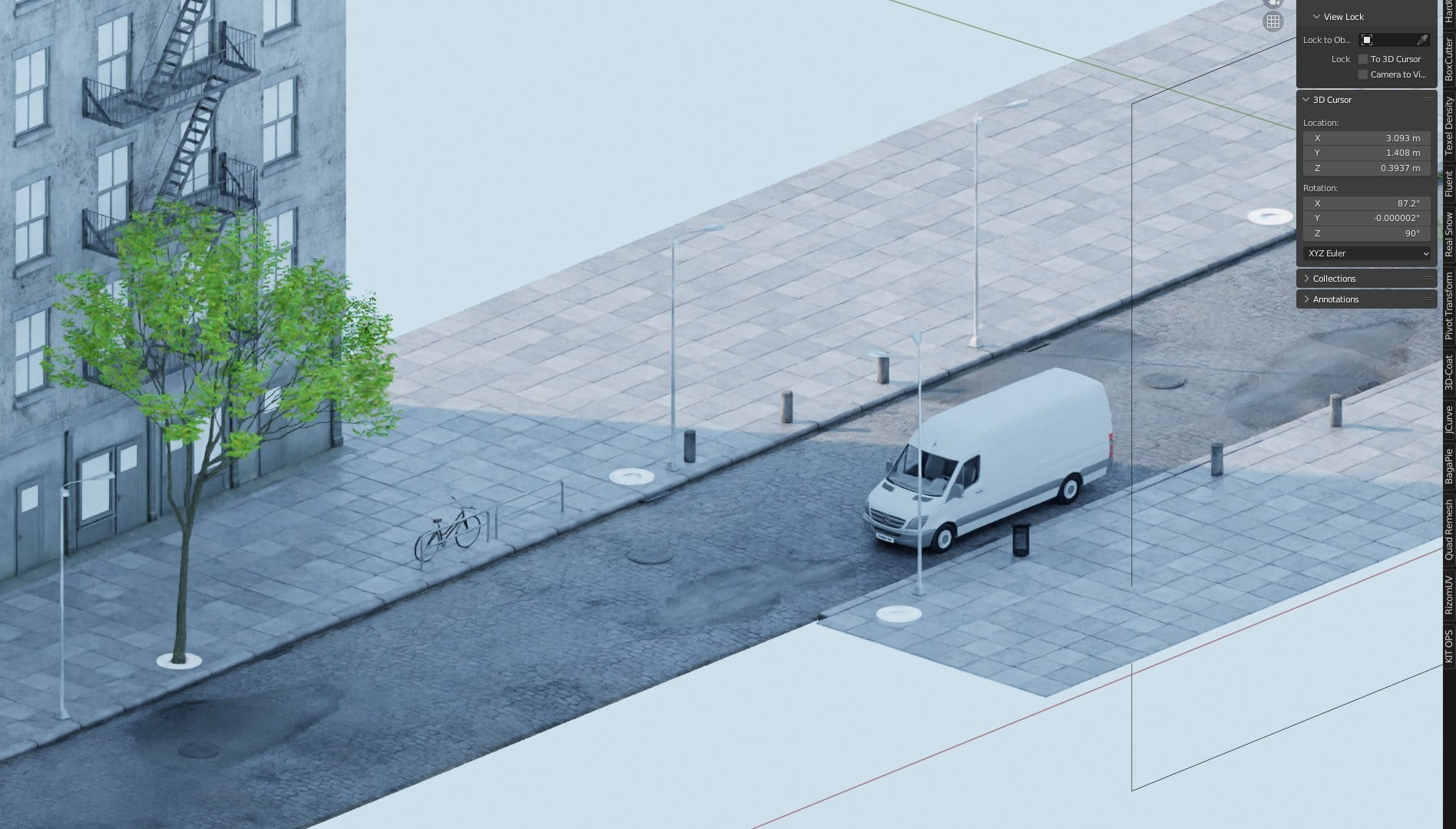
The scene seen from the exterior. As you can see, we included some buildings, trees and a van.
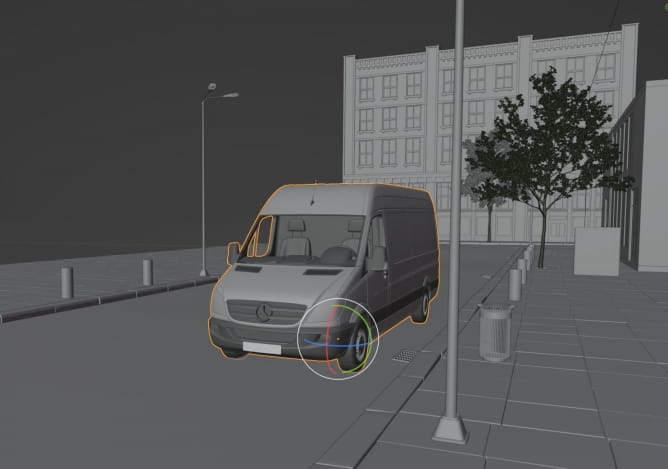
A fully textured van model.
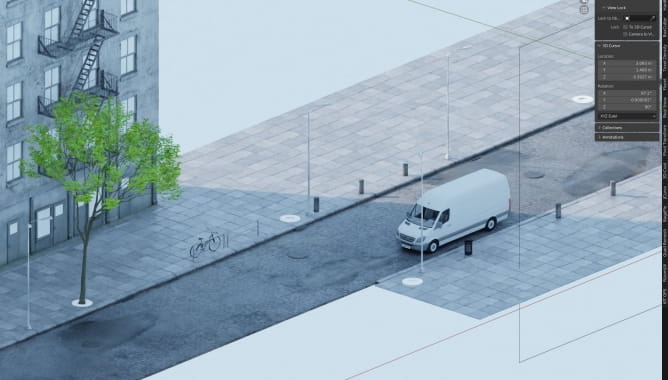
The same car in rednered view. Oh, there is also a bike, because why not? :)
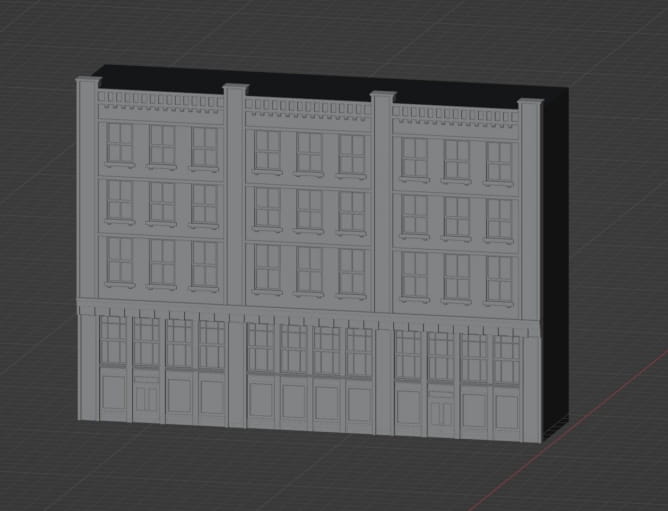
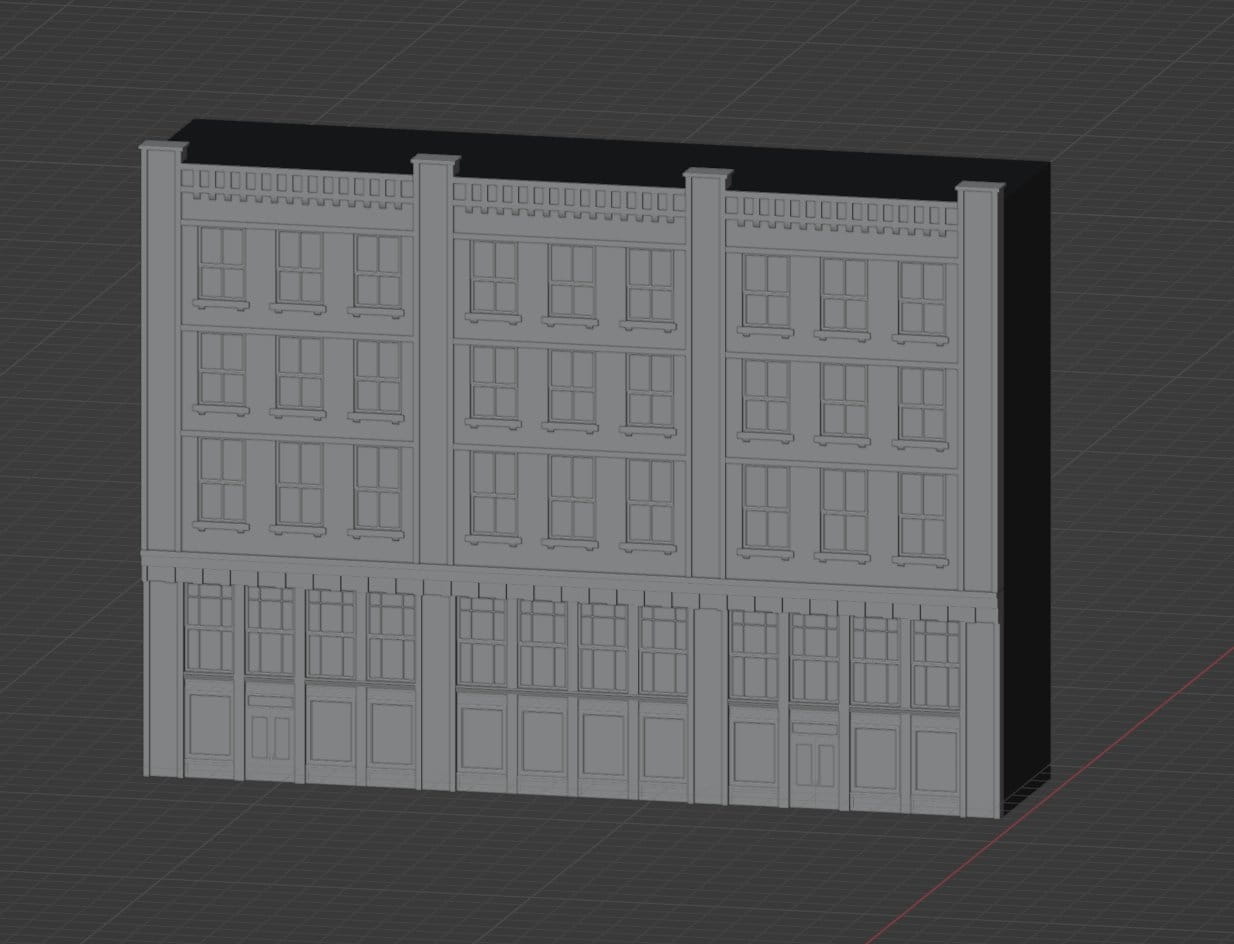
A mesh of a building included in this scene
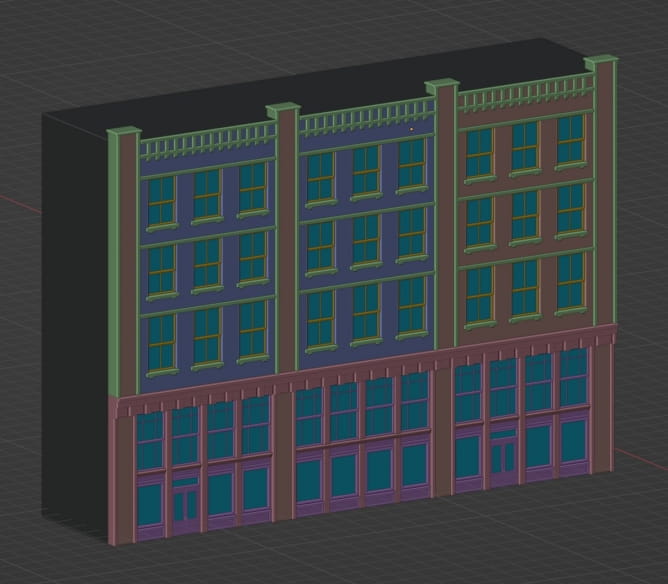
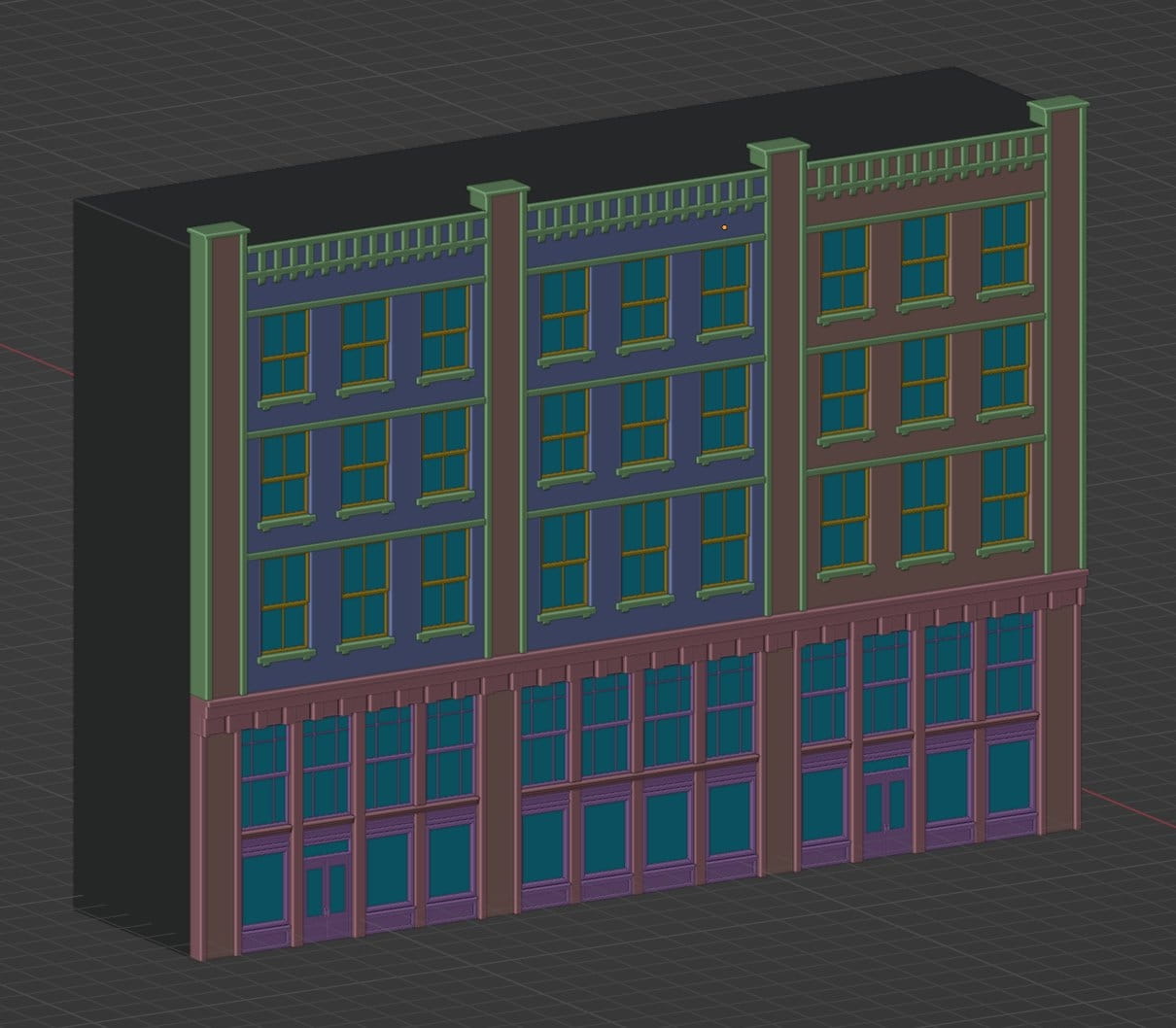
Mesh color coded by material.

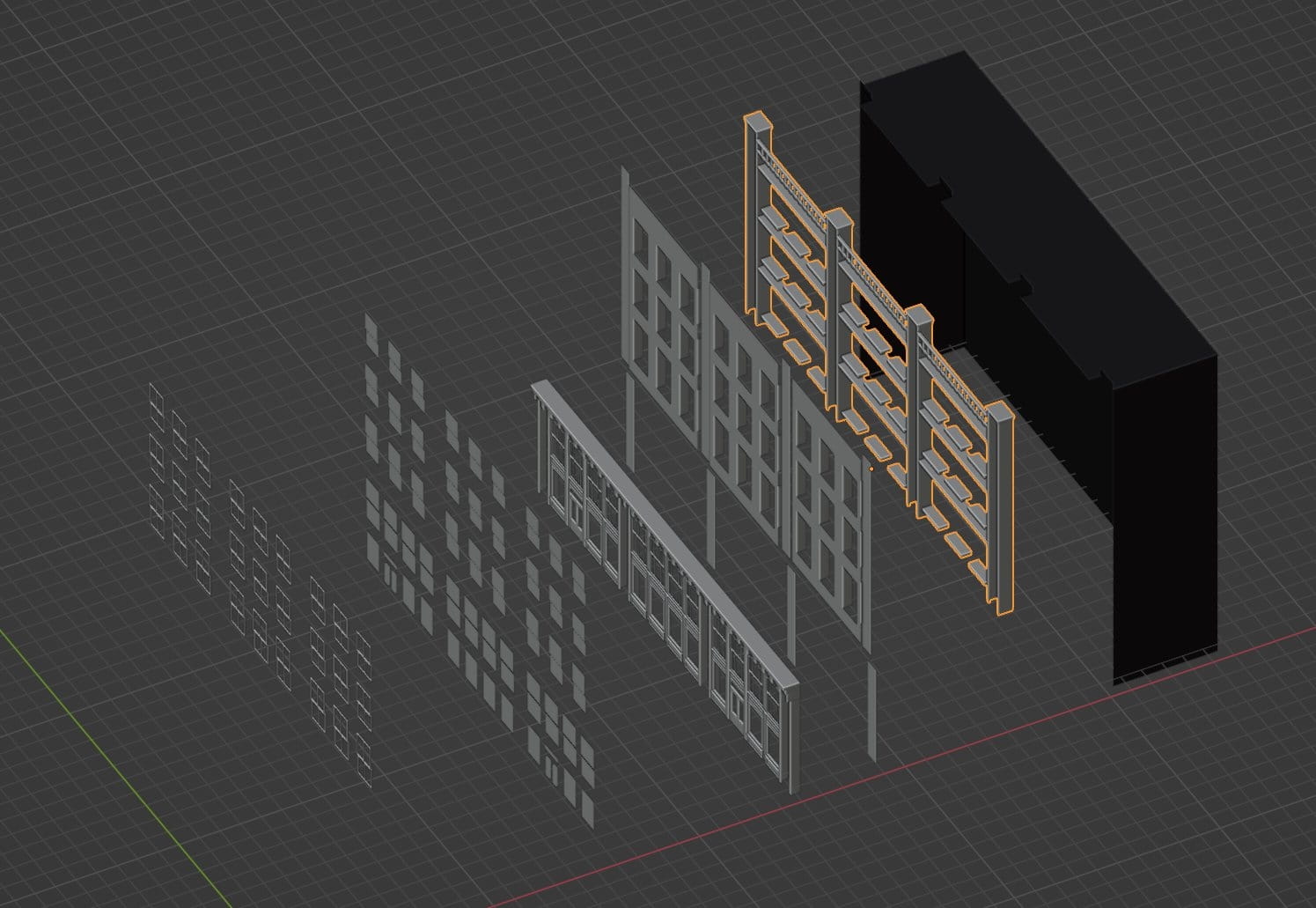
A building exploded into parts.
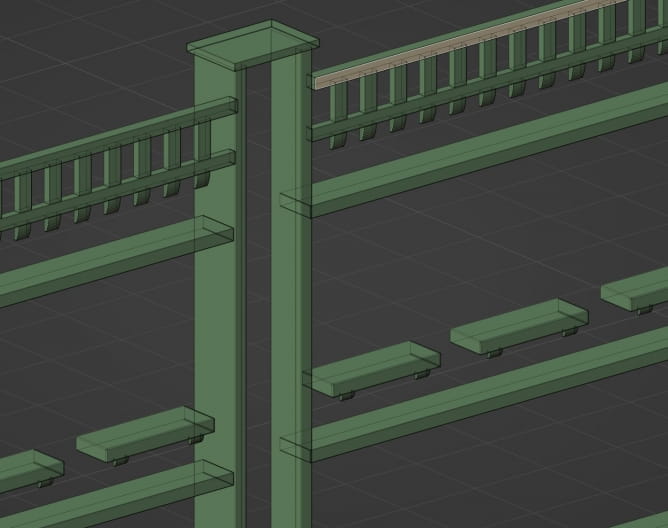
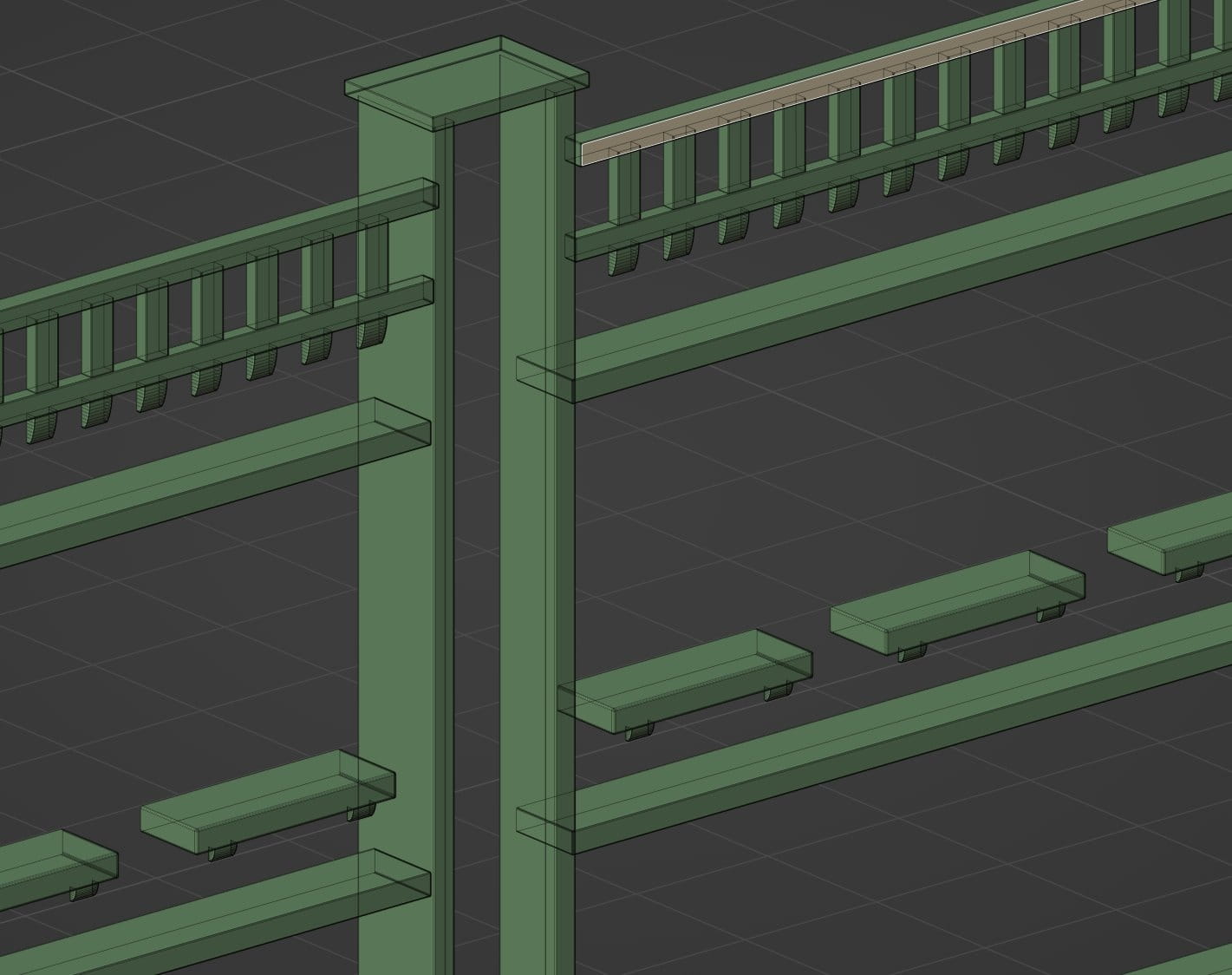
An ornament and windowsills mesh.

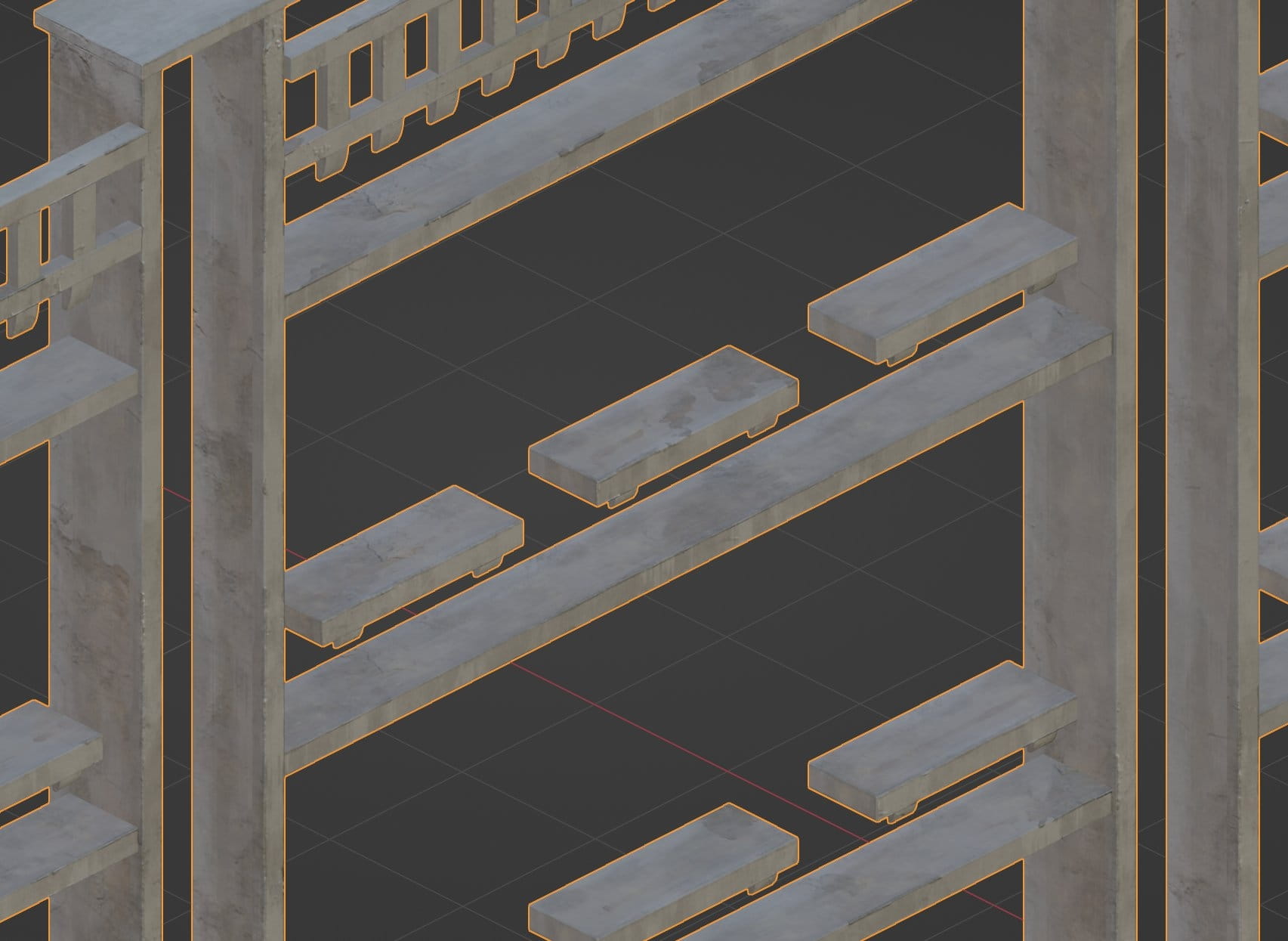
The same mesh textured.
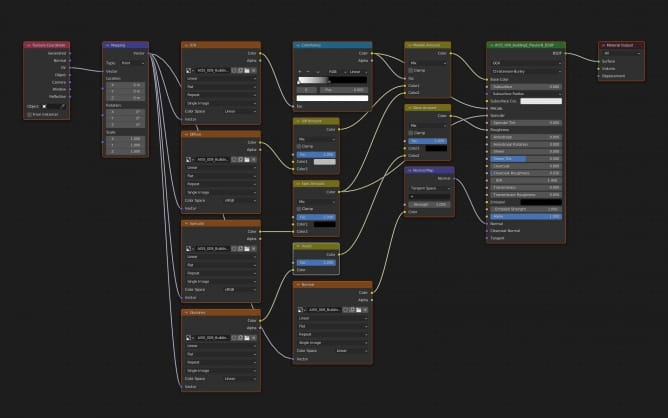
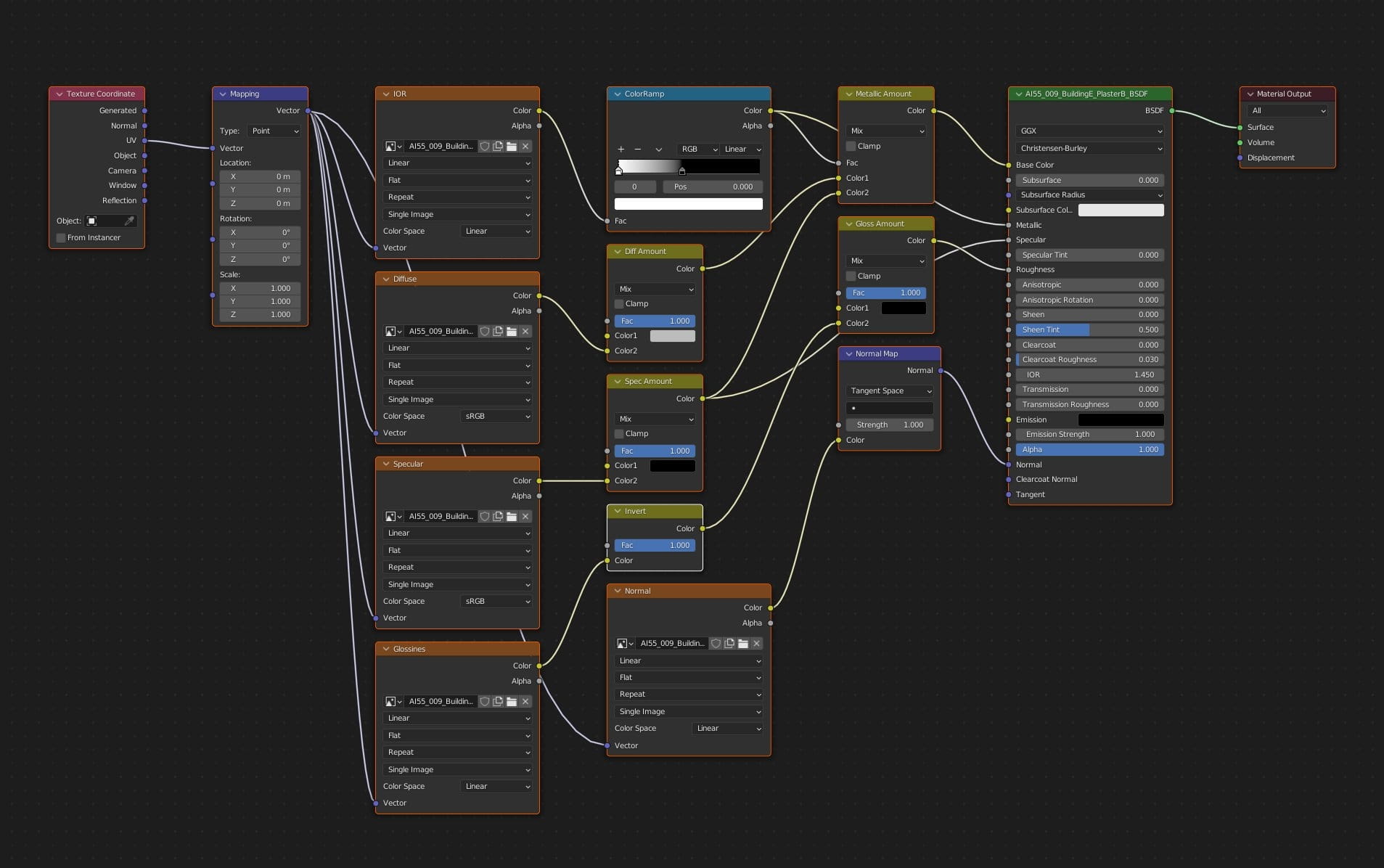
And a material of concrete windowsills. It's rather simple - diffuse texture for color, mixed with specular by a factor of IOR map and normal map. For roughness we used inverted specular map. The result is comparable quality of our V-Ray 3ds Max version of this scene.
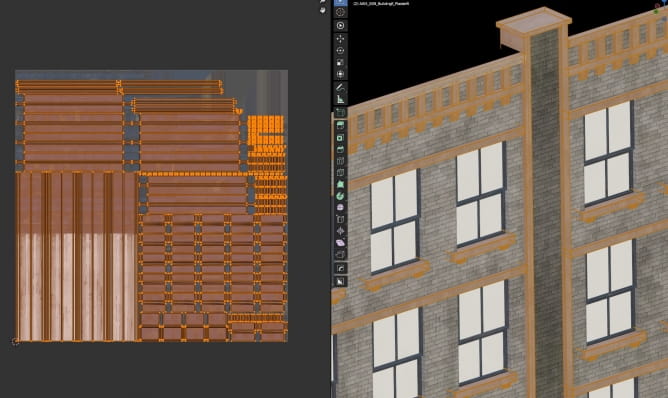
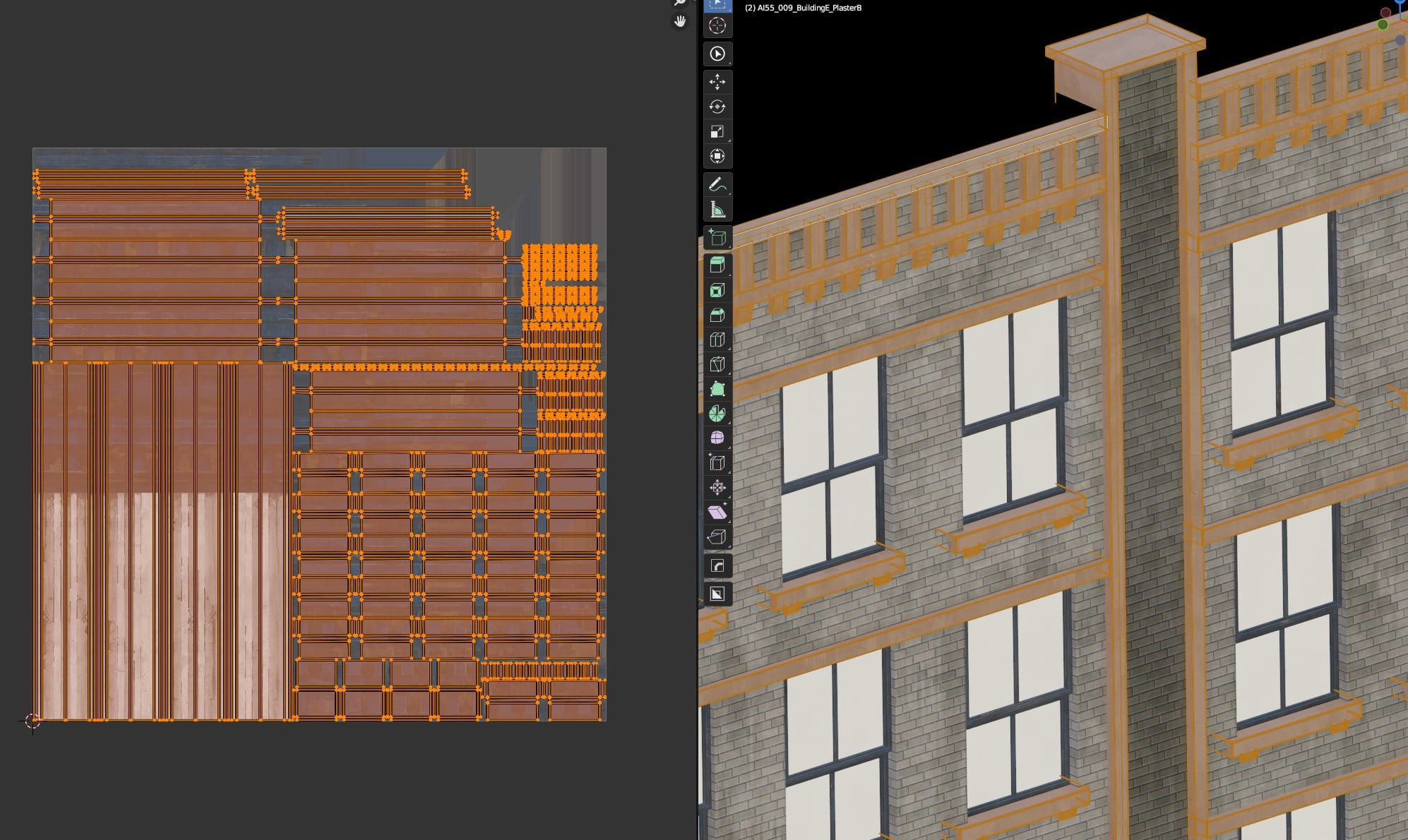
Ornament and windowsills uv layout.
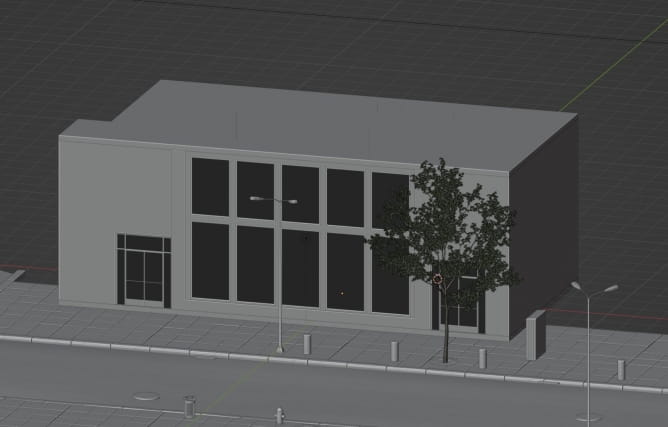
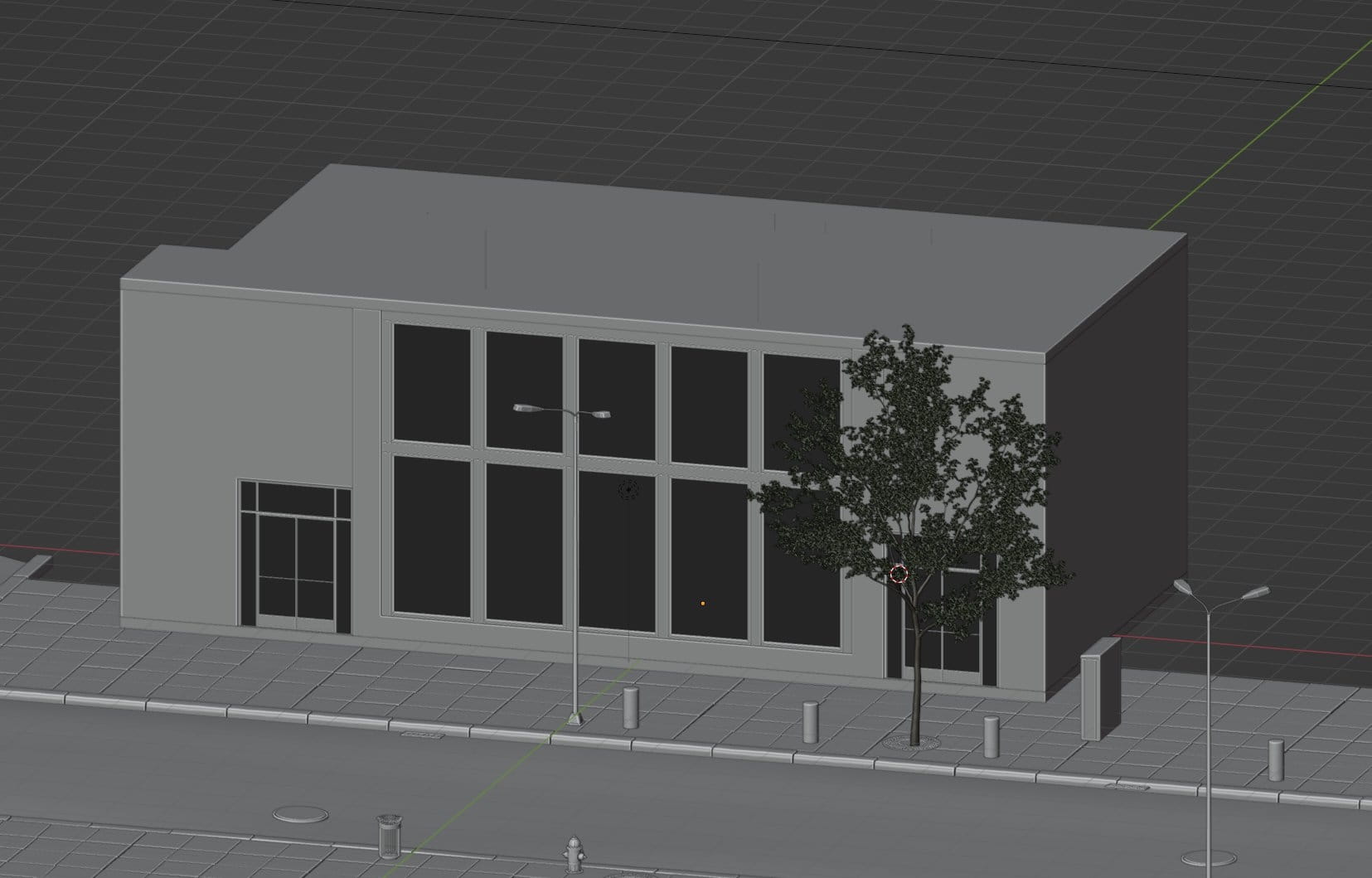
Main restaurant building mesh
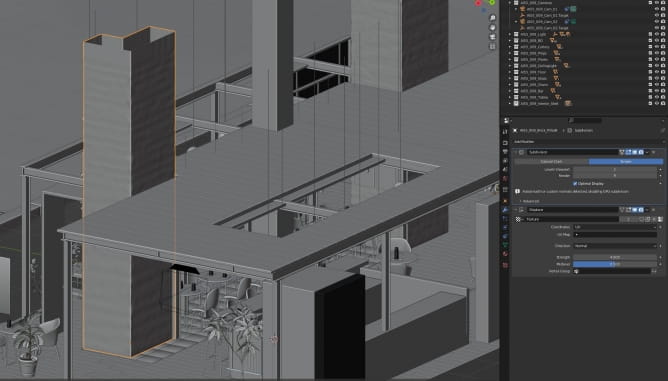
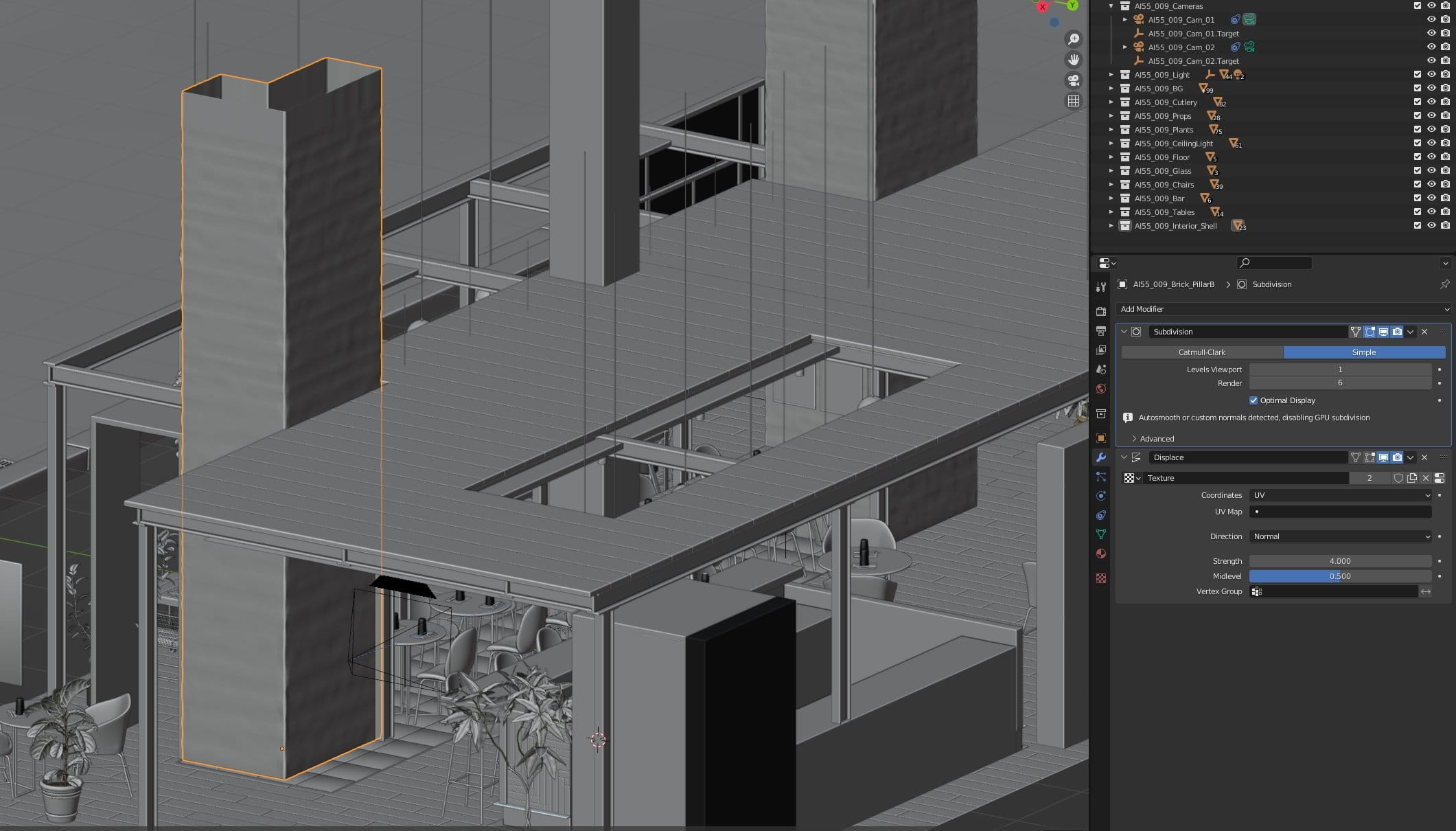
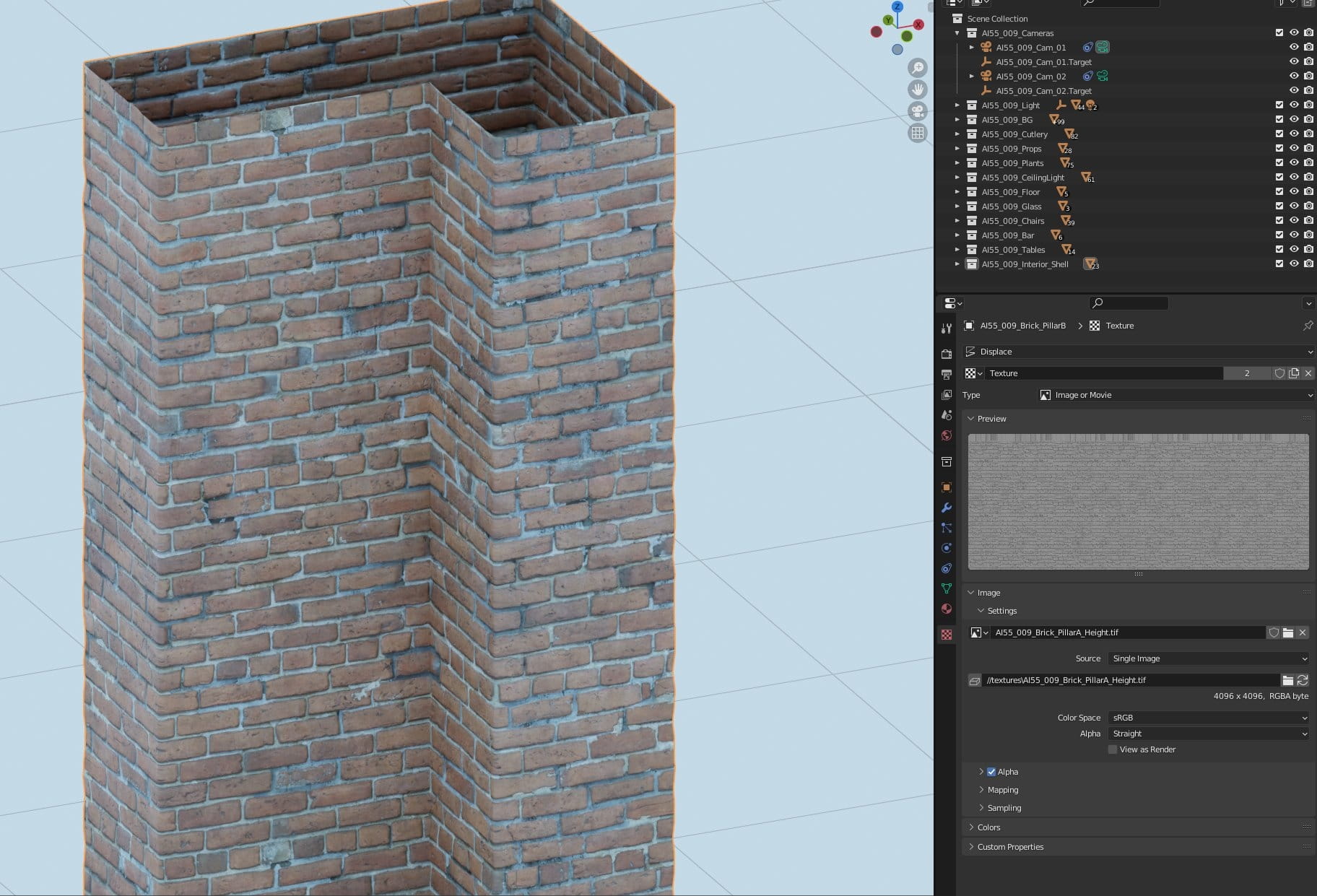
A column in the interior has a displacement modifier. It is not applied, so you can decide whether you want to use it or not.
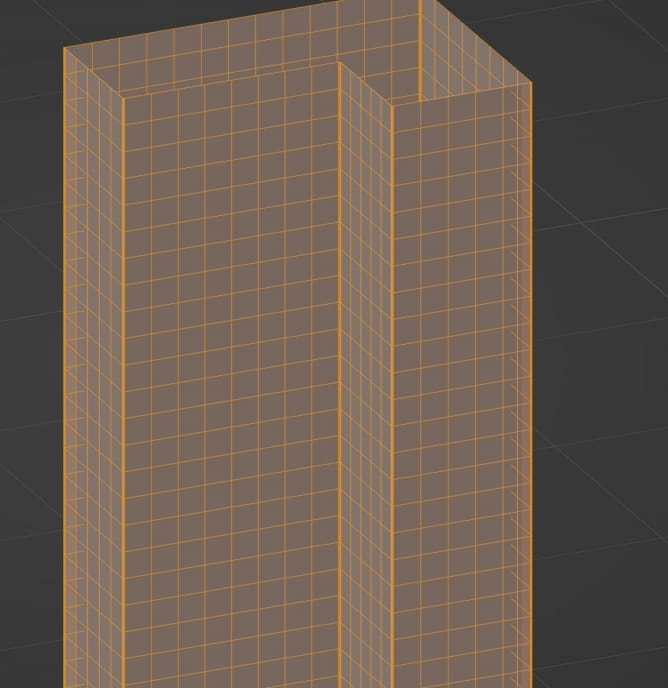
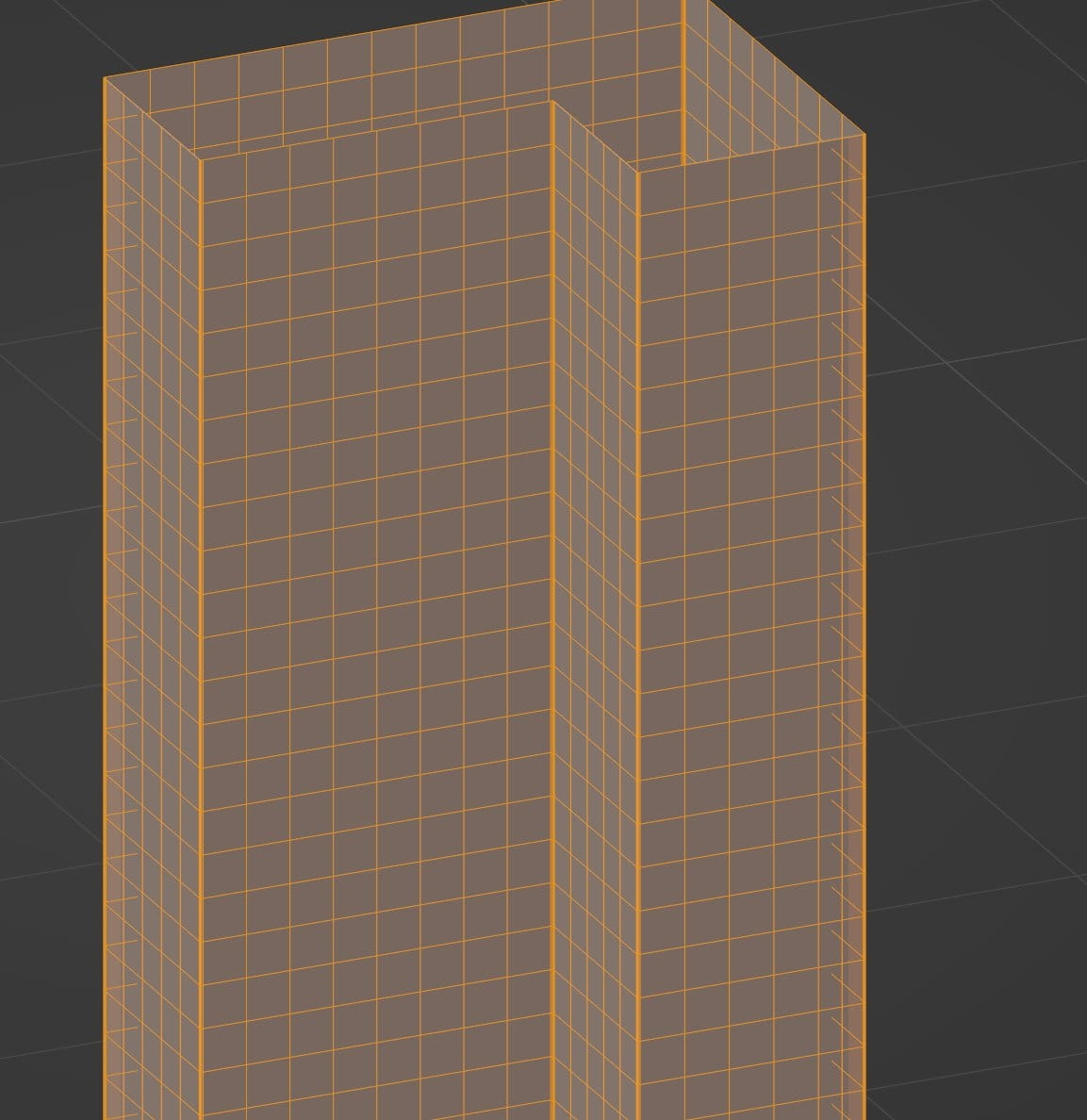
A column mesh.
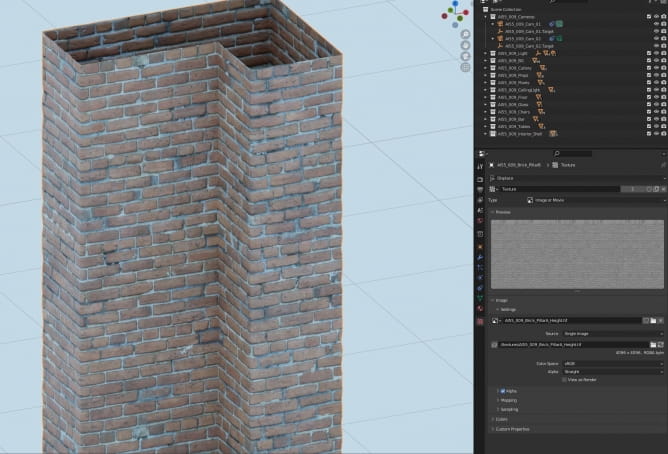
A rendered result with displacement.
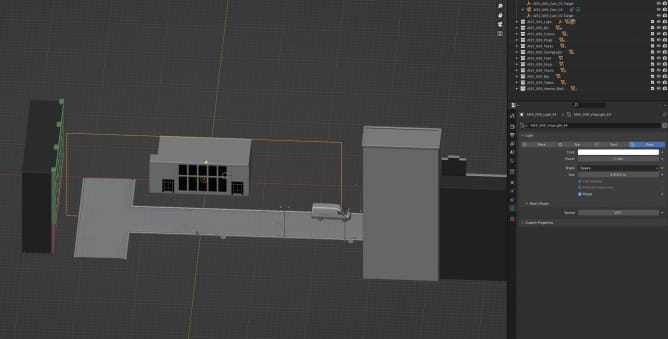
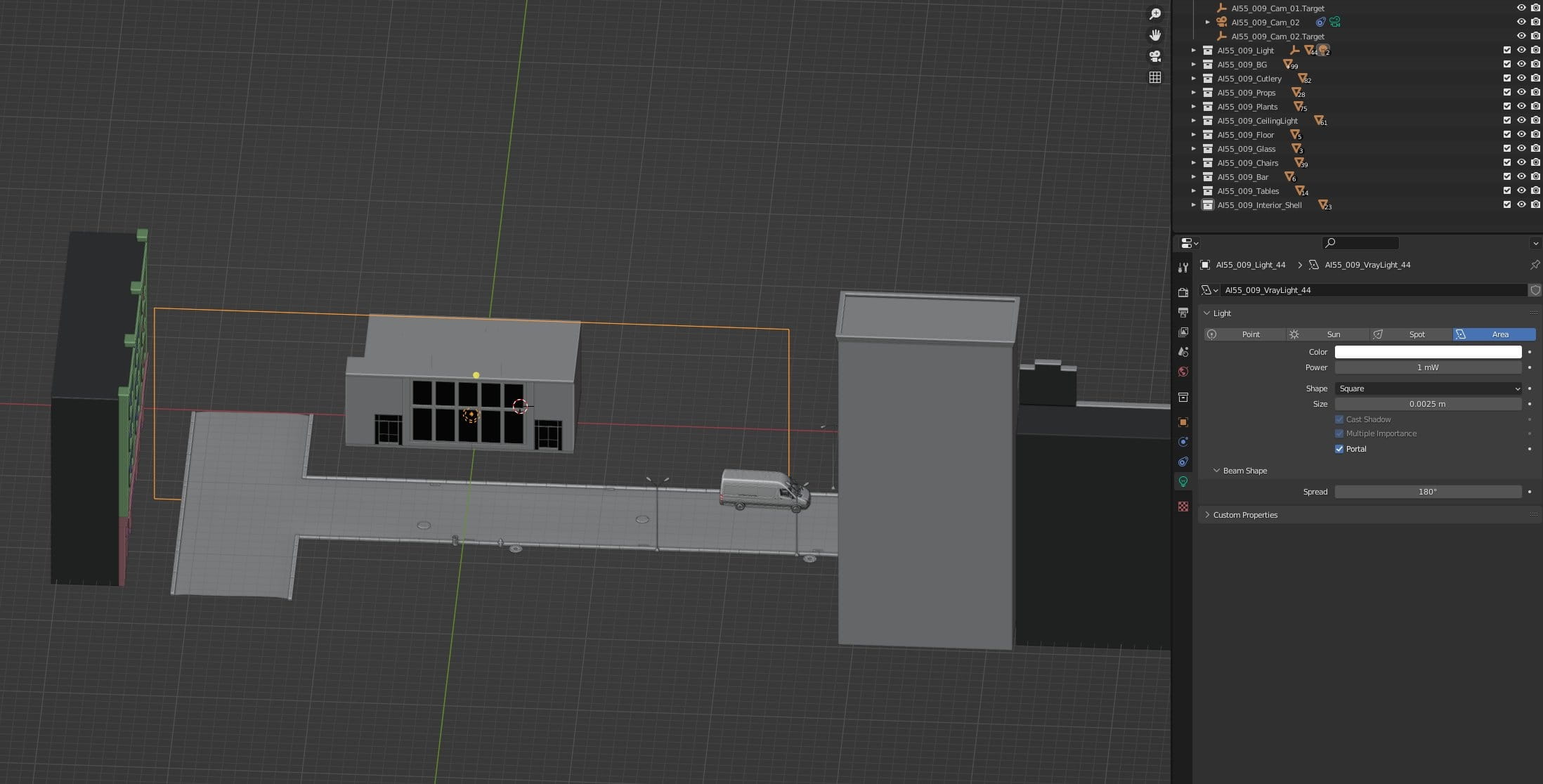
Exterior is lit by single blueish color, in front of restaurant windows we placed a huge light portal (orange frame).
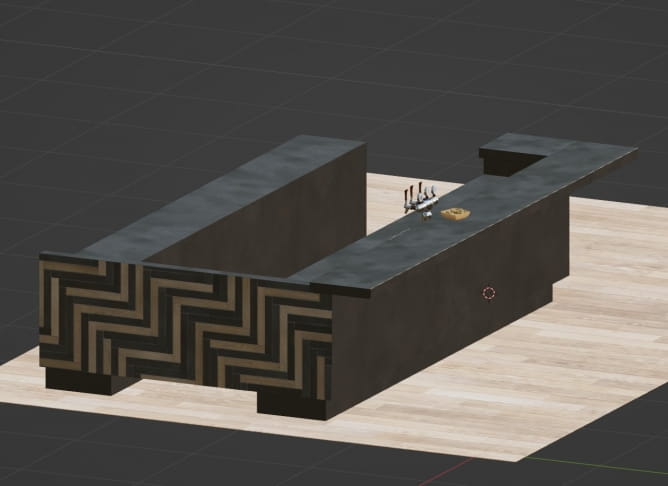
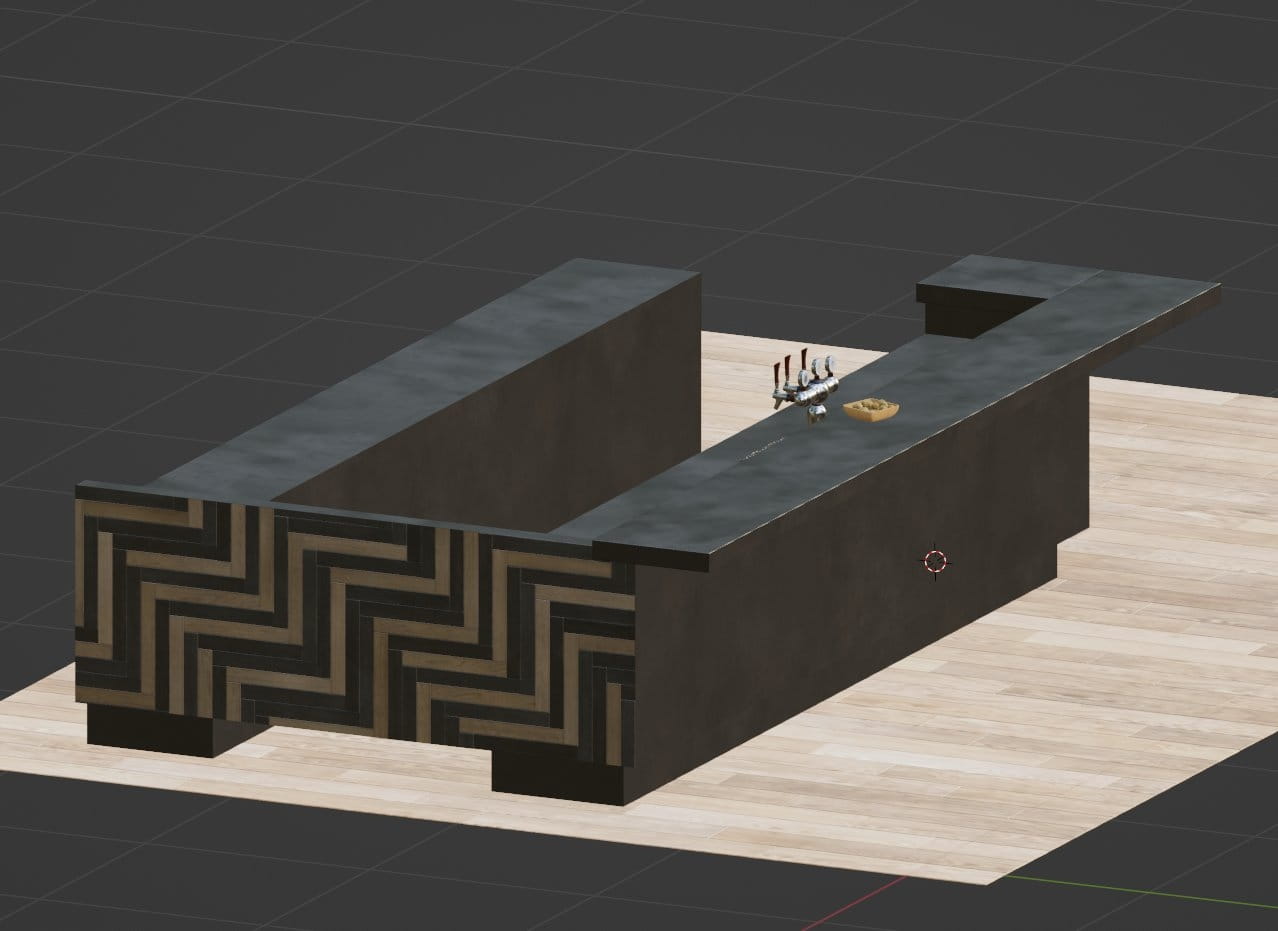
The bar inside has an wooden stylized side.
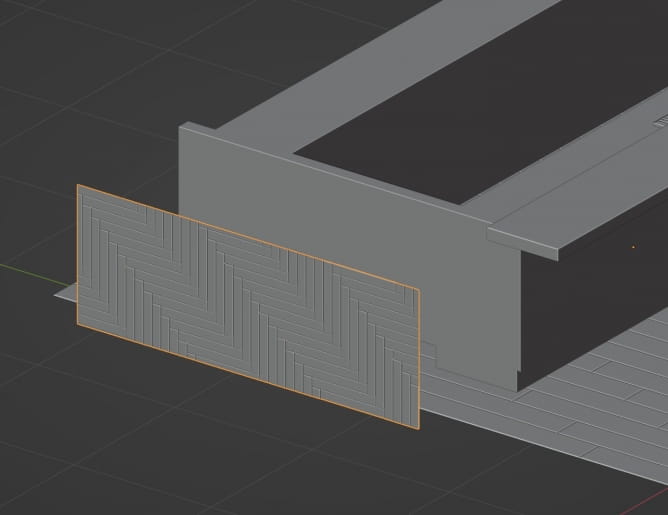
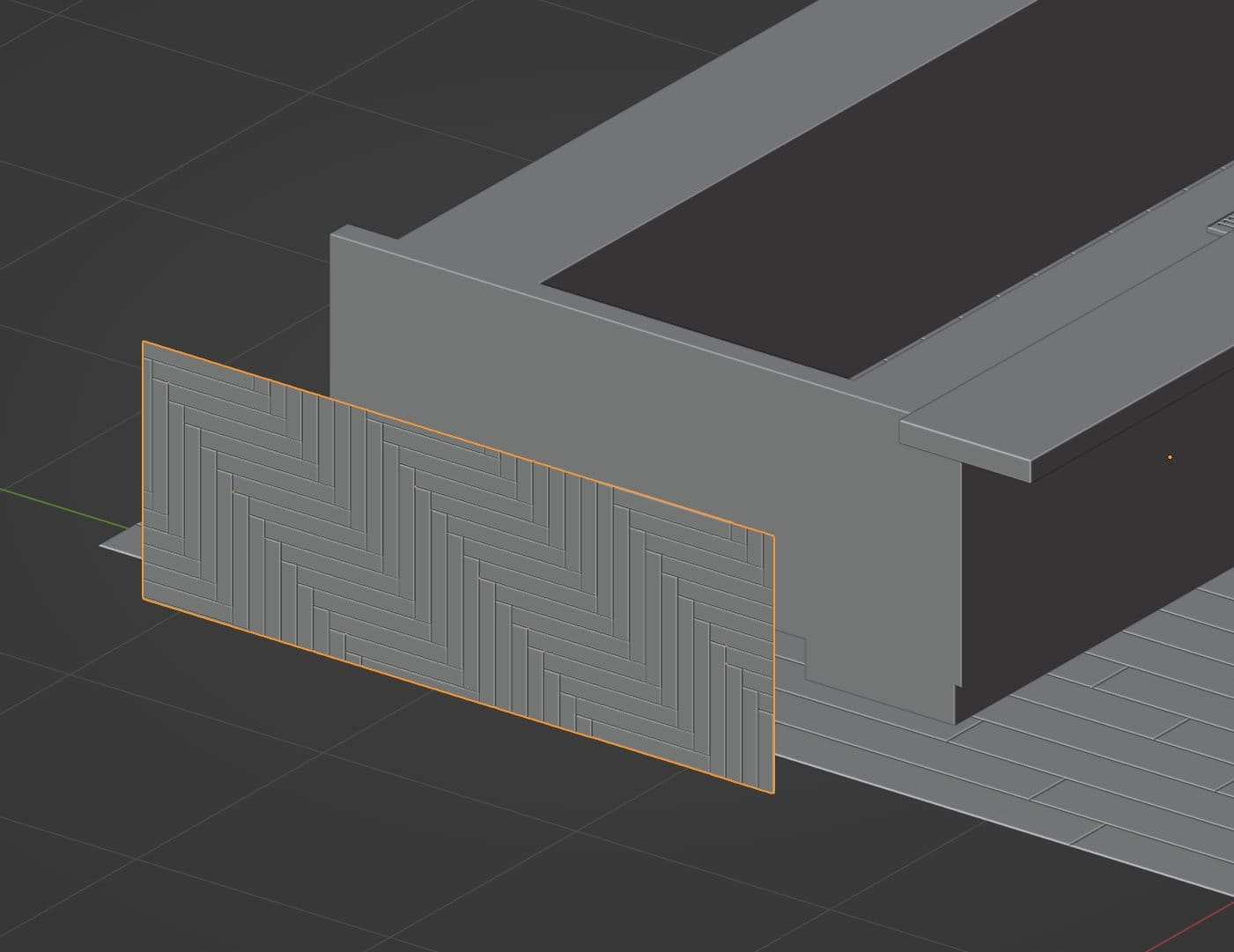
It was made with a separate mesh aligned with the bar mesh
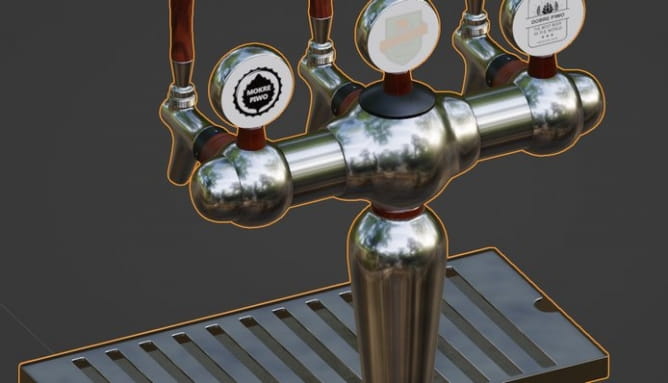
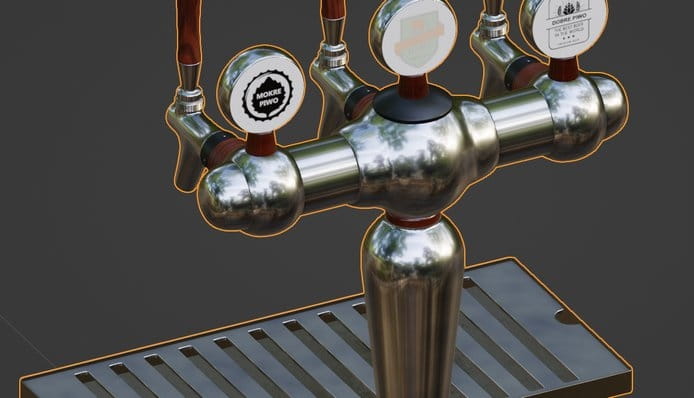
Beer dispenser model.

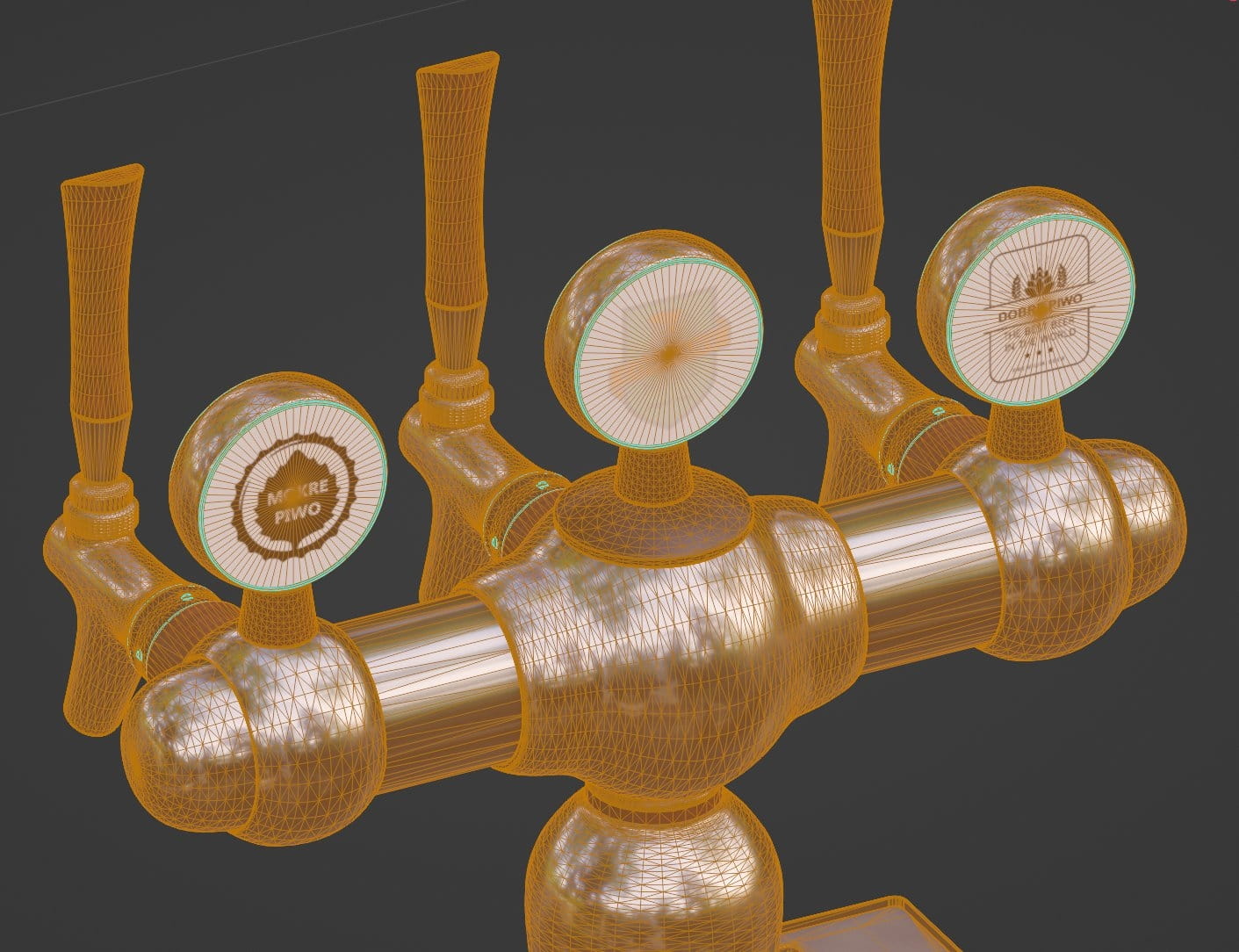
Beer dispenser mesh
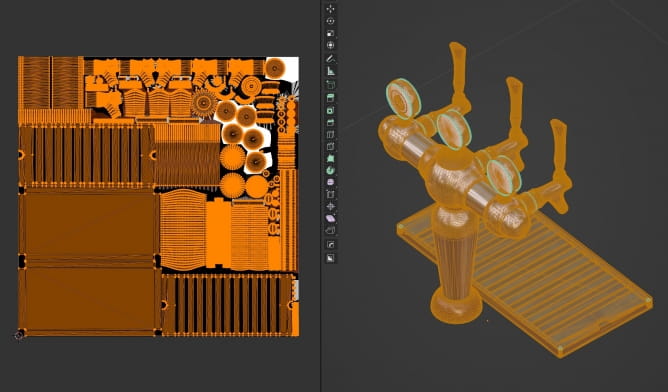
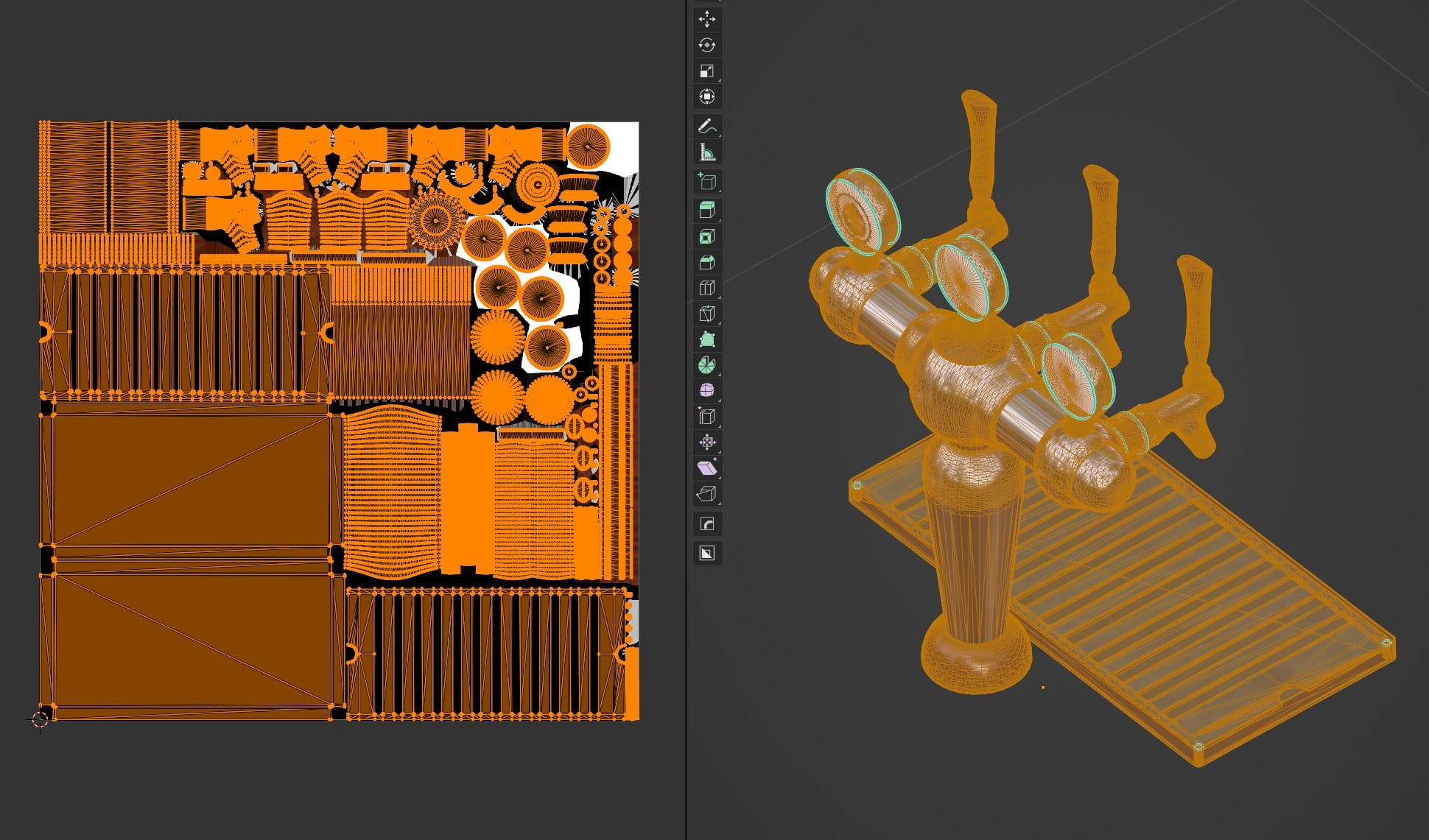
Beer dispenser uv layout.

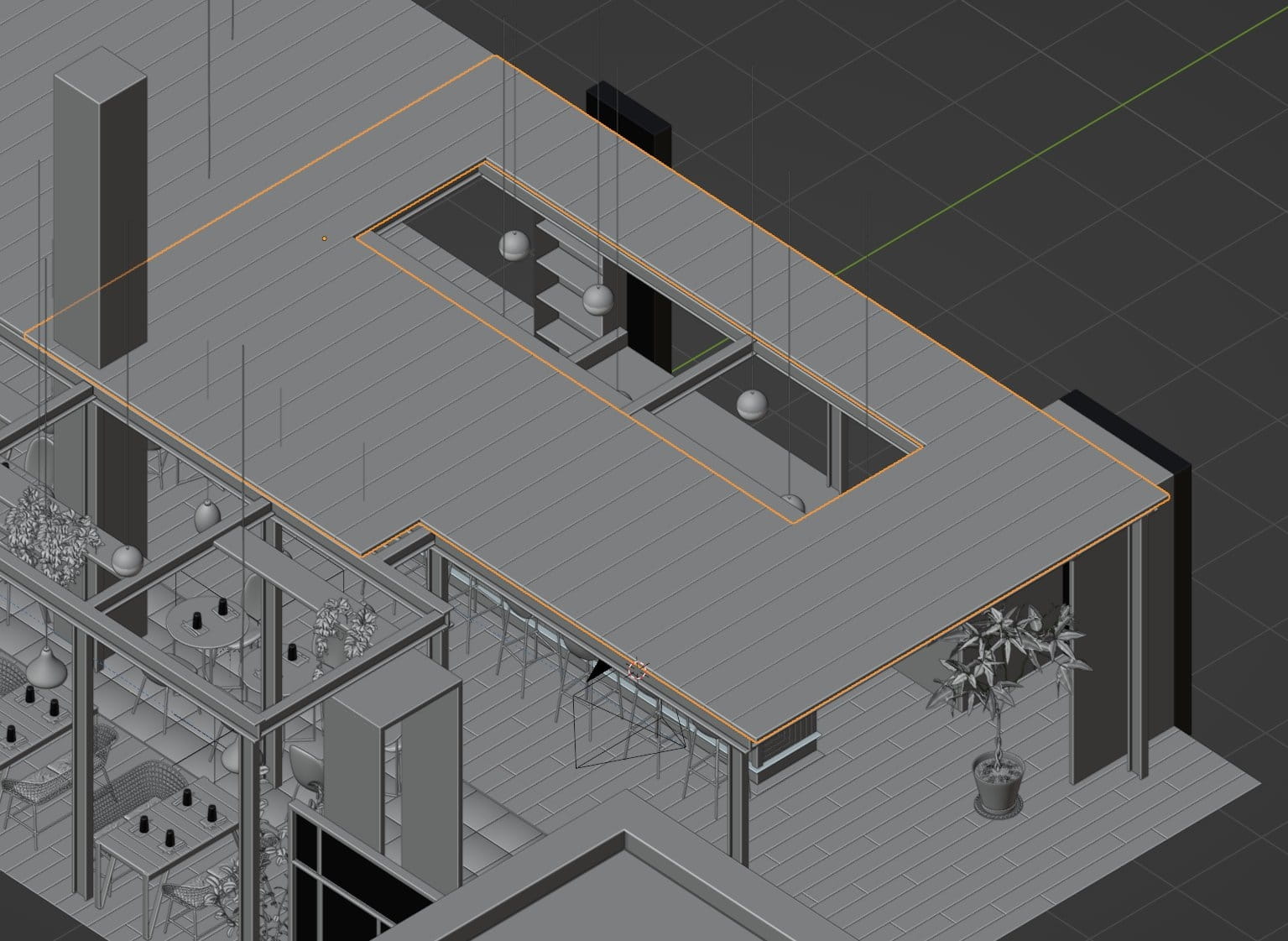
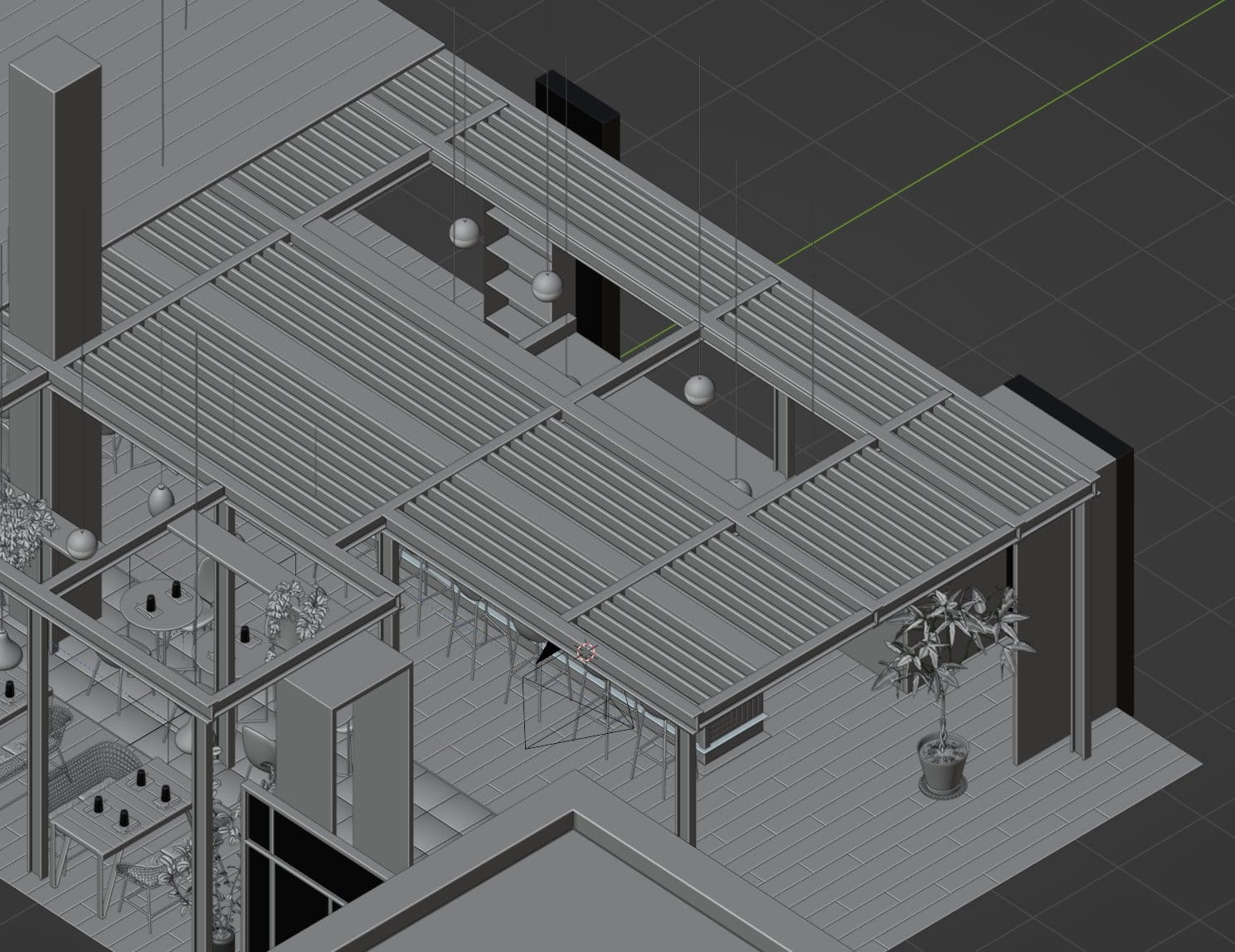
Ceiling mesh.
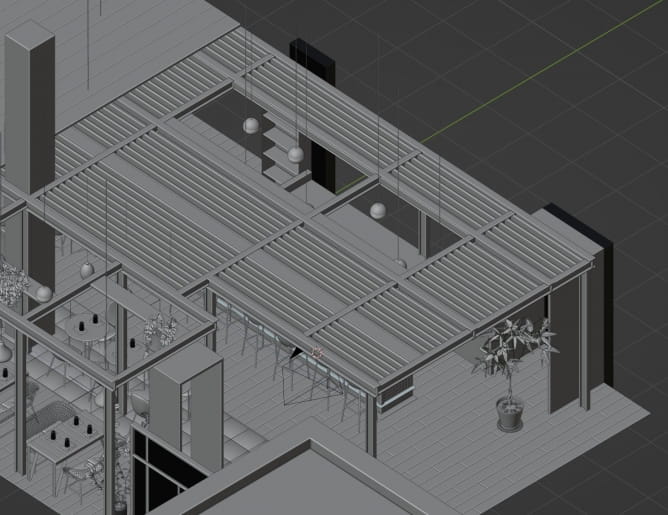
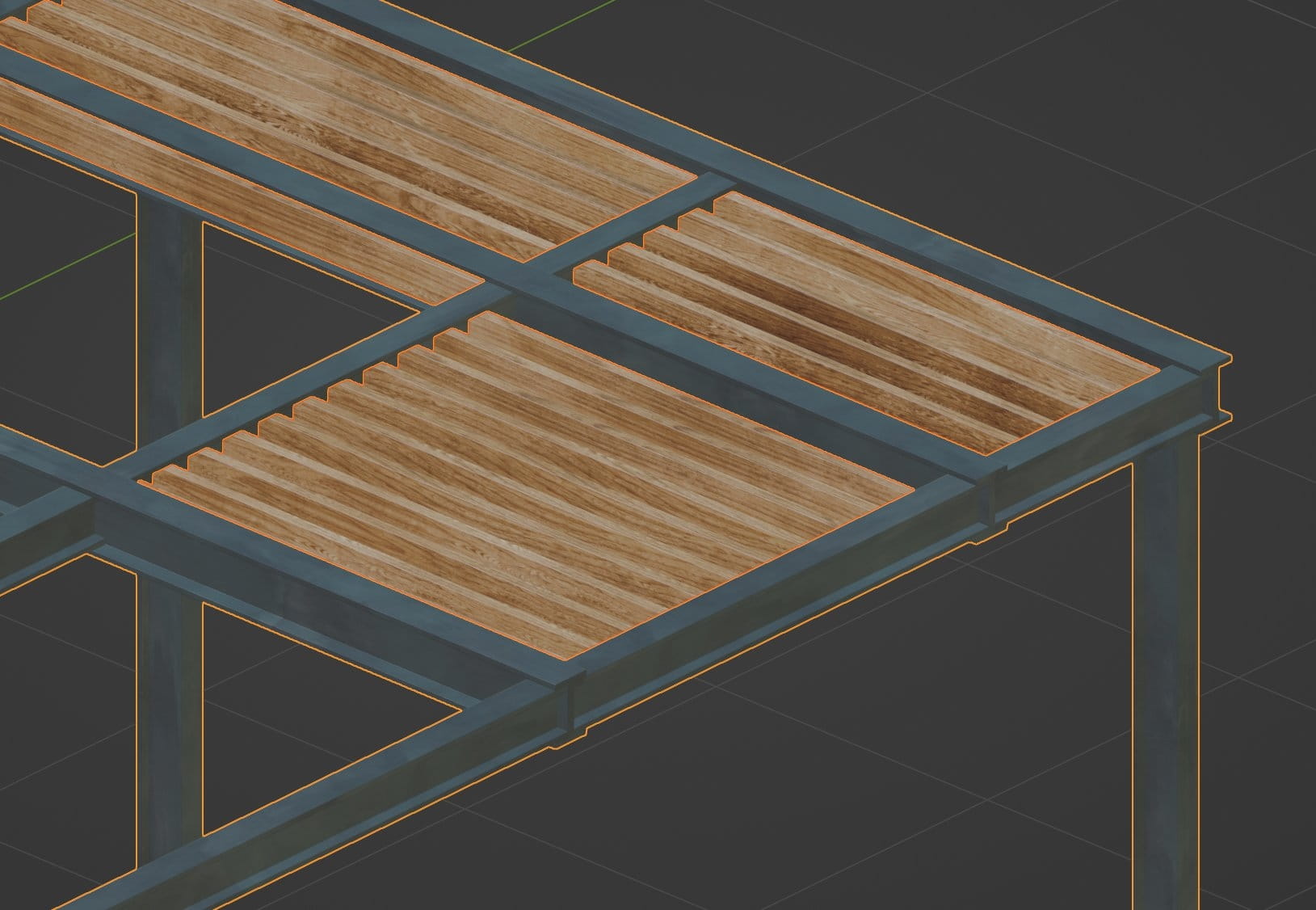
And under this mesh we placed a construction made of wood and metal.
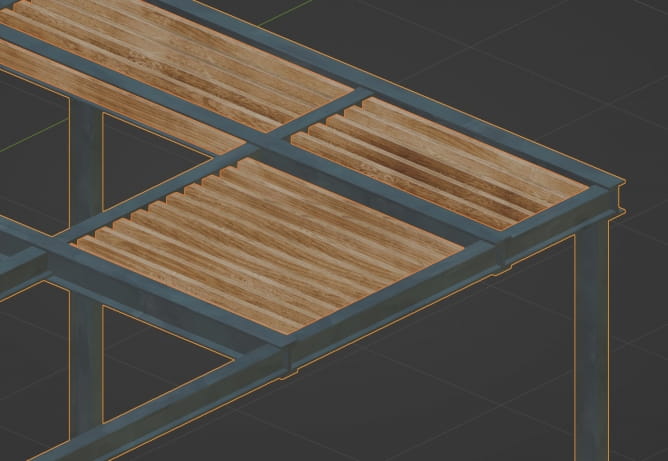
Details of ceiling cage
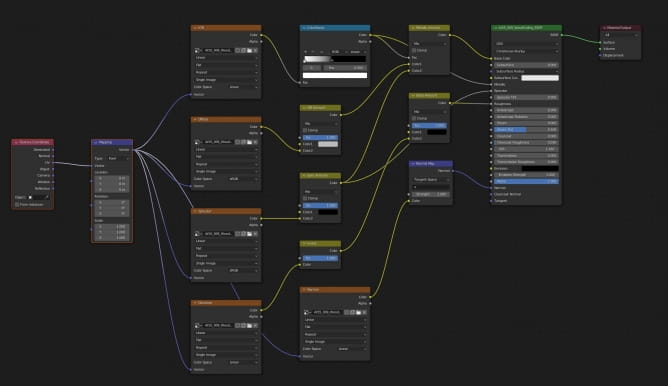
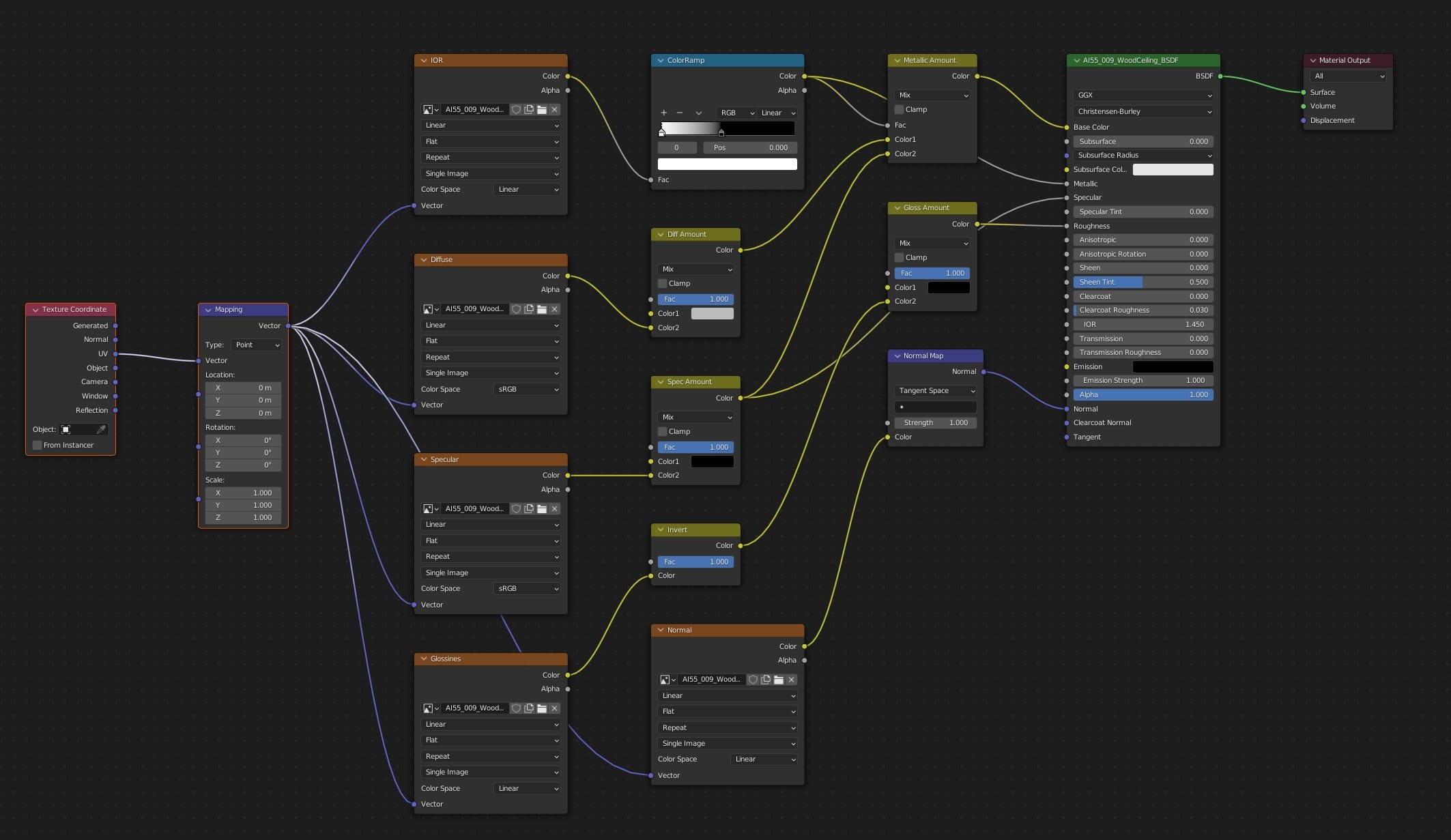
Wood material of the cage.
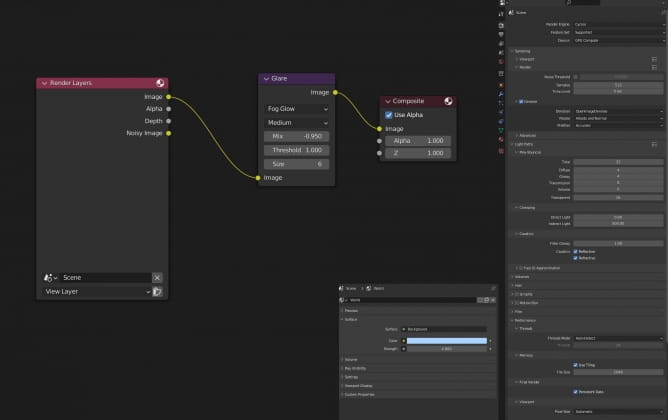
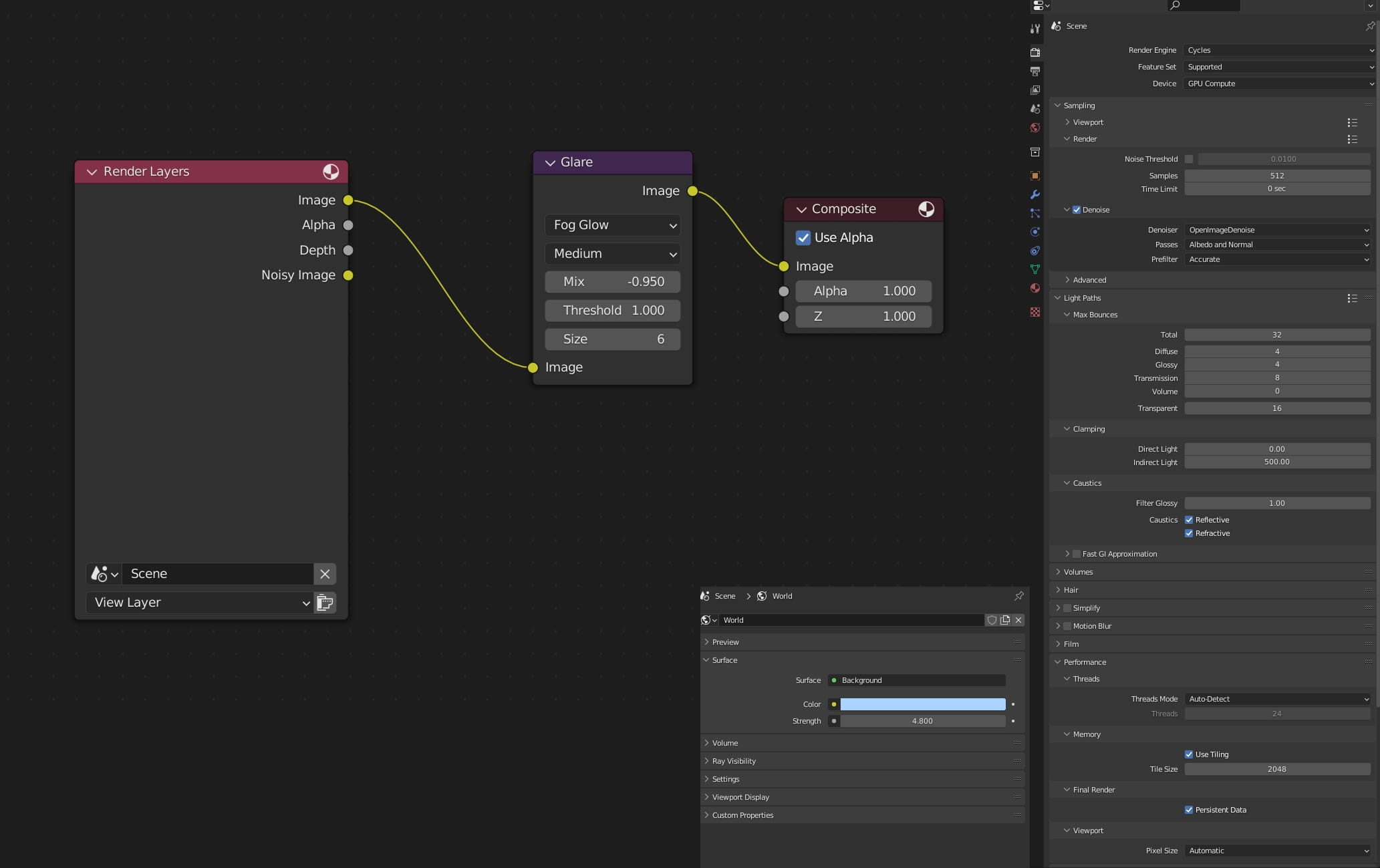
Render settings, lighting settings and world settings in compositor.
Thanks for reading!






 Customer zone
 Your orders
 Edit account
 Add project
 Liked projects
 View your artist profile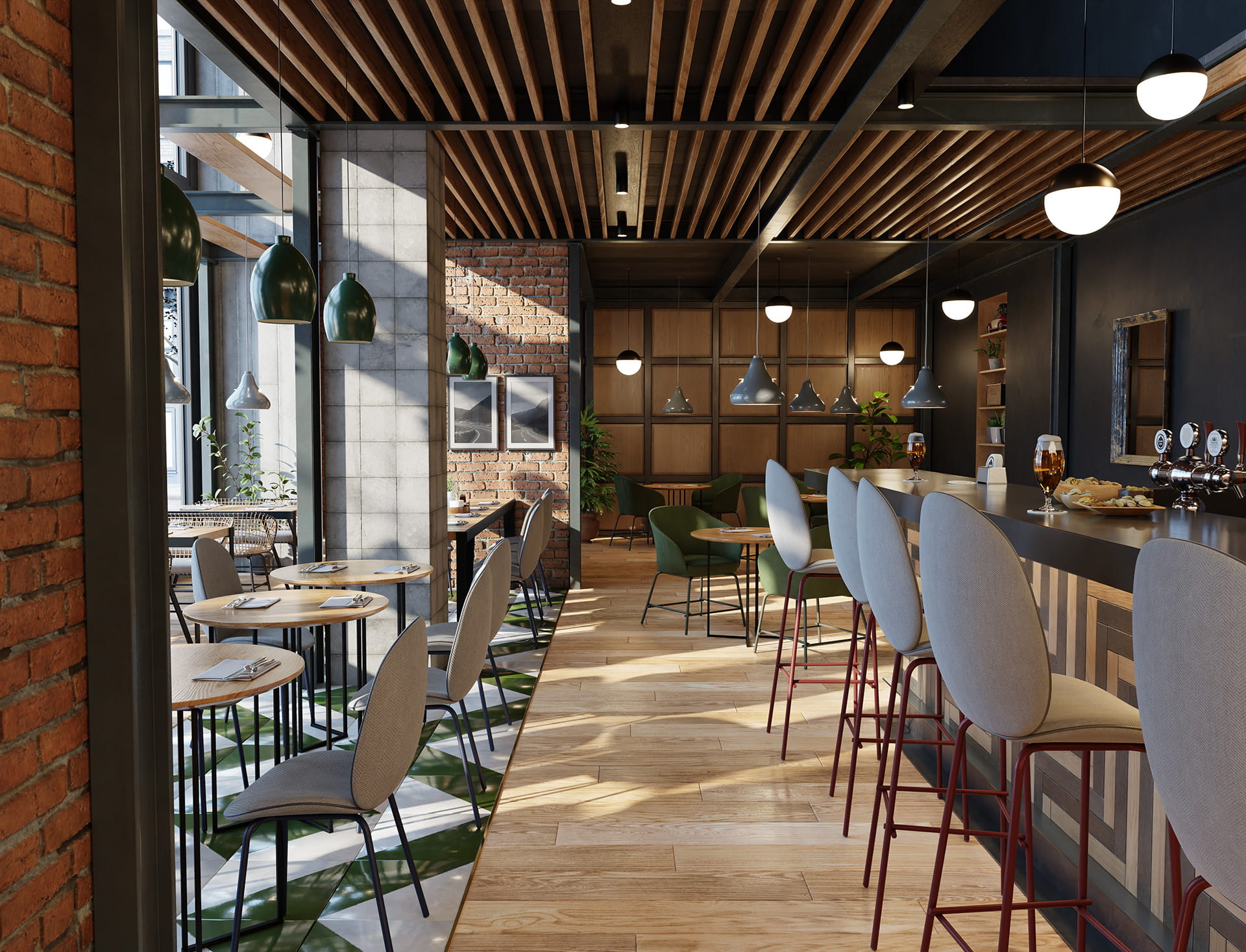















COMMENTS