Search
Cart
Your cart - 0 items
Total: € 0
Total: € 0
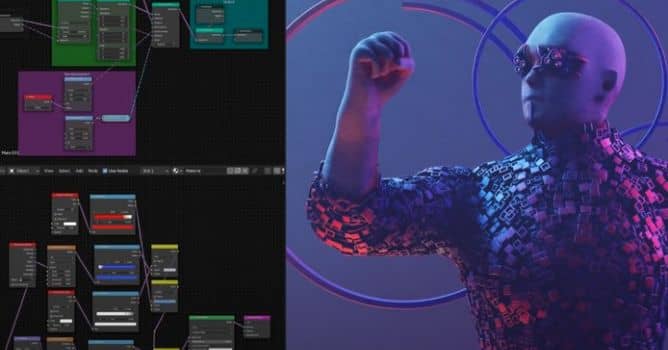

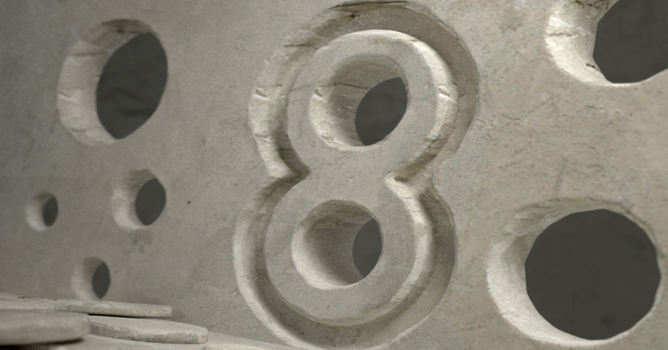
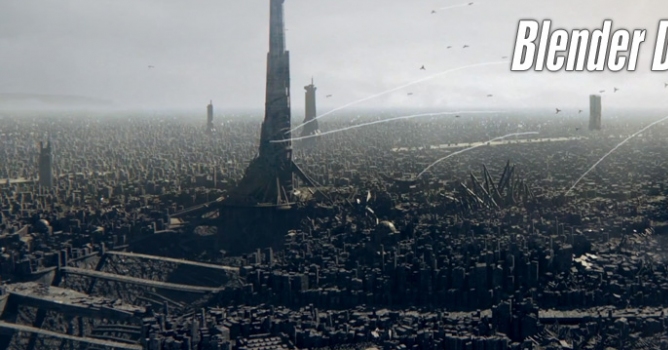
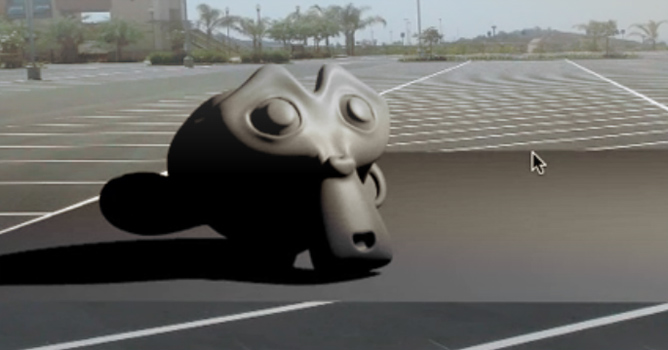
Geometry nodes is a new node based system for creating and manipulating geometry. With geometry nodes you can procedurally create your 3D objects and scenes using non destructive techniques. In the tutorial below you will see how you can scatter objects on surface of geometry - a technique that is useful not only for special fx work, but also for adding organic-like randomness to your scenes.

LEAVE A COMMENT








|

|

|

|

|
 Customer zone
 Your orders
 Edit account
 Add project
 Liked projects
 View your artist profile
COMMENTS