 Customer zone
 Your orders
 Edit account
 Add project
 Liked projects
 View your artist profile

faraz_stu
06:02:40 | 29-04-2021
Great Job, very helpful.
Thanks.
Search
Cart
Your cart - 0 items
Total: € 0
Total: € 0


Evermotion ArchViz Training Online is a series of free online tutorials that describe, step by step, various issues related to the creation of architectural visualizations. We will start our course with talking about V-Ray workflow.
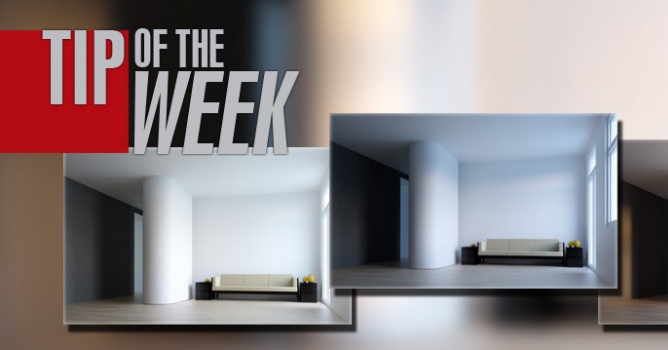
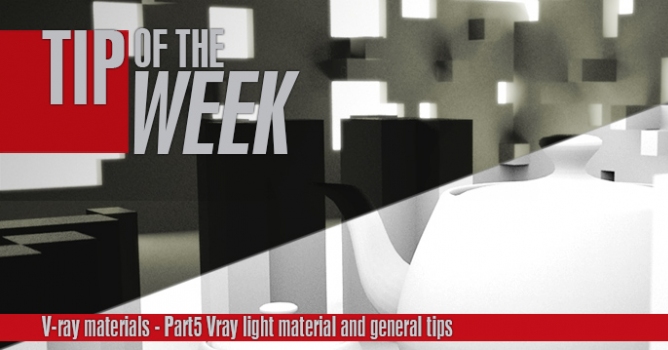
Today we present you the first in a series of tutorials - interior lighting in V-Ray. You will find a link to download the entire scene that is presented in this tutorial in the description. We are providing it in two versions - one with amateurish bad settings and one with the correct lighting, the way as we would proceed in Evermotion. The scene is in 3ds Max and V-Ray format.
Chapter One Scene Files (free download)
The next chapter - Exterior Lighting (coming soon).

LEAVE A COMMENT









|

|

|

|

|
COMMENTS