Search
Cart
Sign in
  • offerCustomer zone
  • offerYour orders
  • offerEdit account

  • offerAdd project
  • offerLiked projects
  • offerView your artist profile

  • Dark mode
    ✔
Using Blender like Substance Designer

Using Blender like Substance Designer

Aidy Burrows / Creative Schrimp 2019-07-09 12:55 tutorial  > Blender  > texturing

Unleash the power of Blender node editor for shading.

In this Blender tutorial you will:

  • Learn how to bake to a plane
  • Setup camera and materials to render like a bake
  • Learn about a potential bug in the current Eevee renders
  • Convert the bump node output to a normal map using nodes
  • Save out the texture passes
  • See the renders working in Eevee and in Unreal Engine 4


Author: Aidy Burrows / Creative Schrimp Editor: Michał Franczak
Tags: blender nodes shading
You may also like...
8 methods of cutting holes using Blender

8 methods of cutting holes using Blender

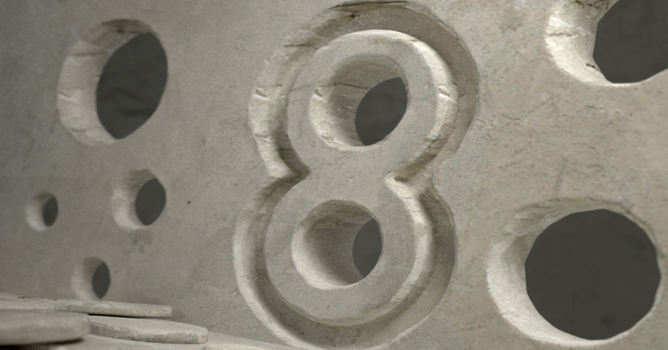
Learn 8 different techniques of cutting holes in your mesh in just about 8 minutes! Perform this task on flat and curved objects.
×

LEAVE A COMMENT

You need to be logged in to leave a comment. Don't have account? Register now.