Evermotion: More Than an Asset Library
How Evermotion became a full-scale production partner for archviz, automotive and synthetic data.


Total: € 0
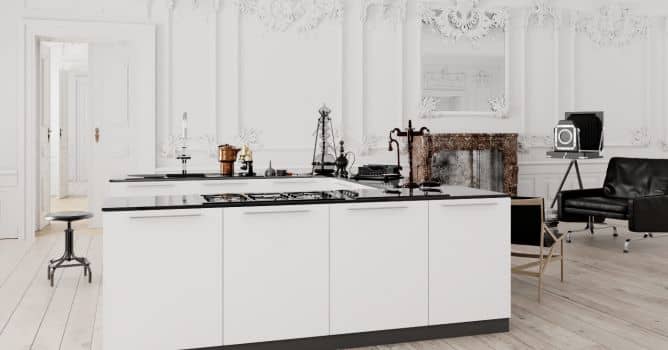

This mixed (blended ;) modern and vintage interior was created for Archinteriors vol. 43 for Blender - collection of 10 interior scenes. It's scene number 4. This scene mixes some vintage white interior with ornaments and modern kitchen island.
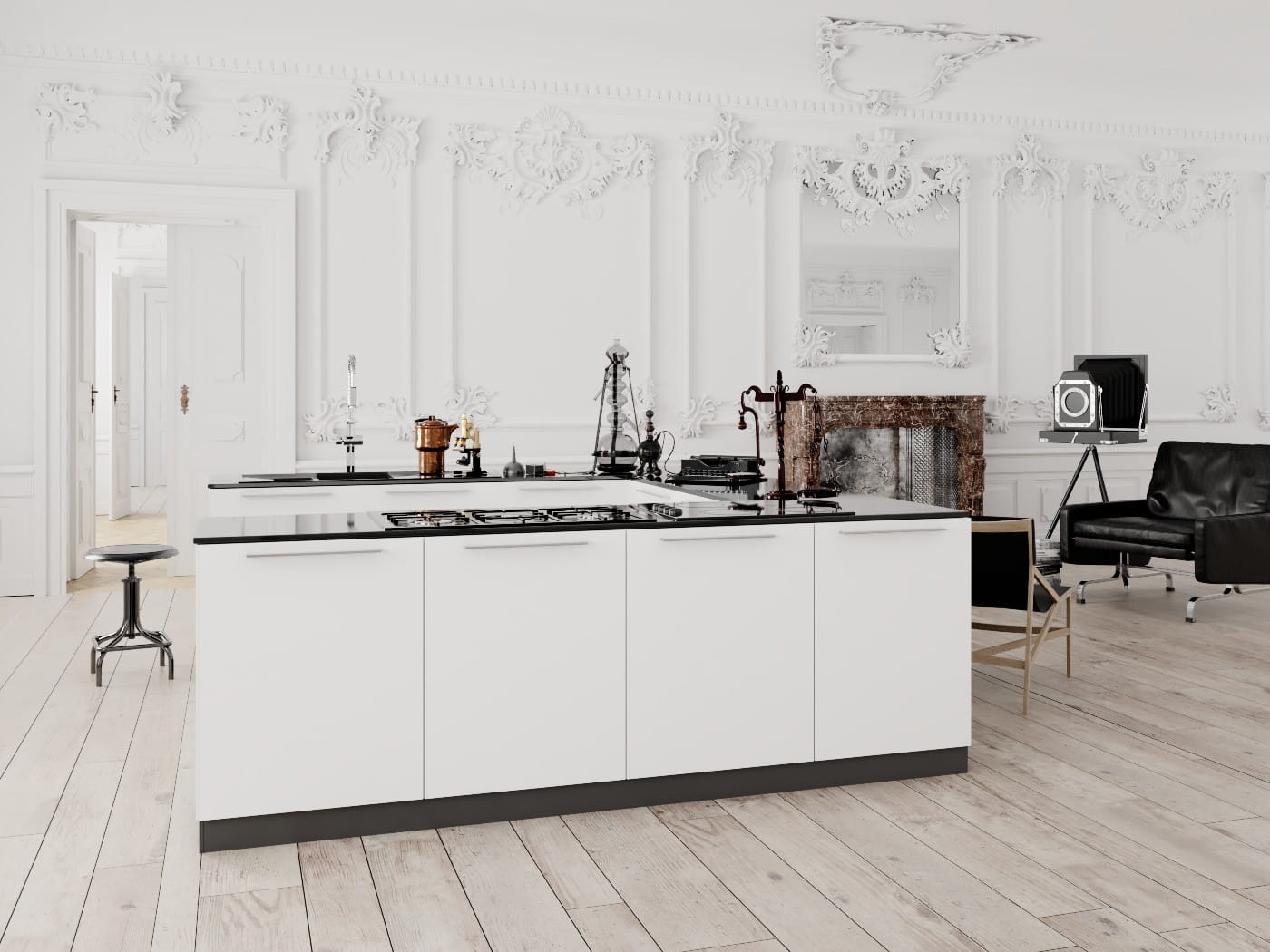
Final render, straight from Blender
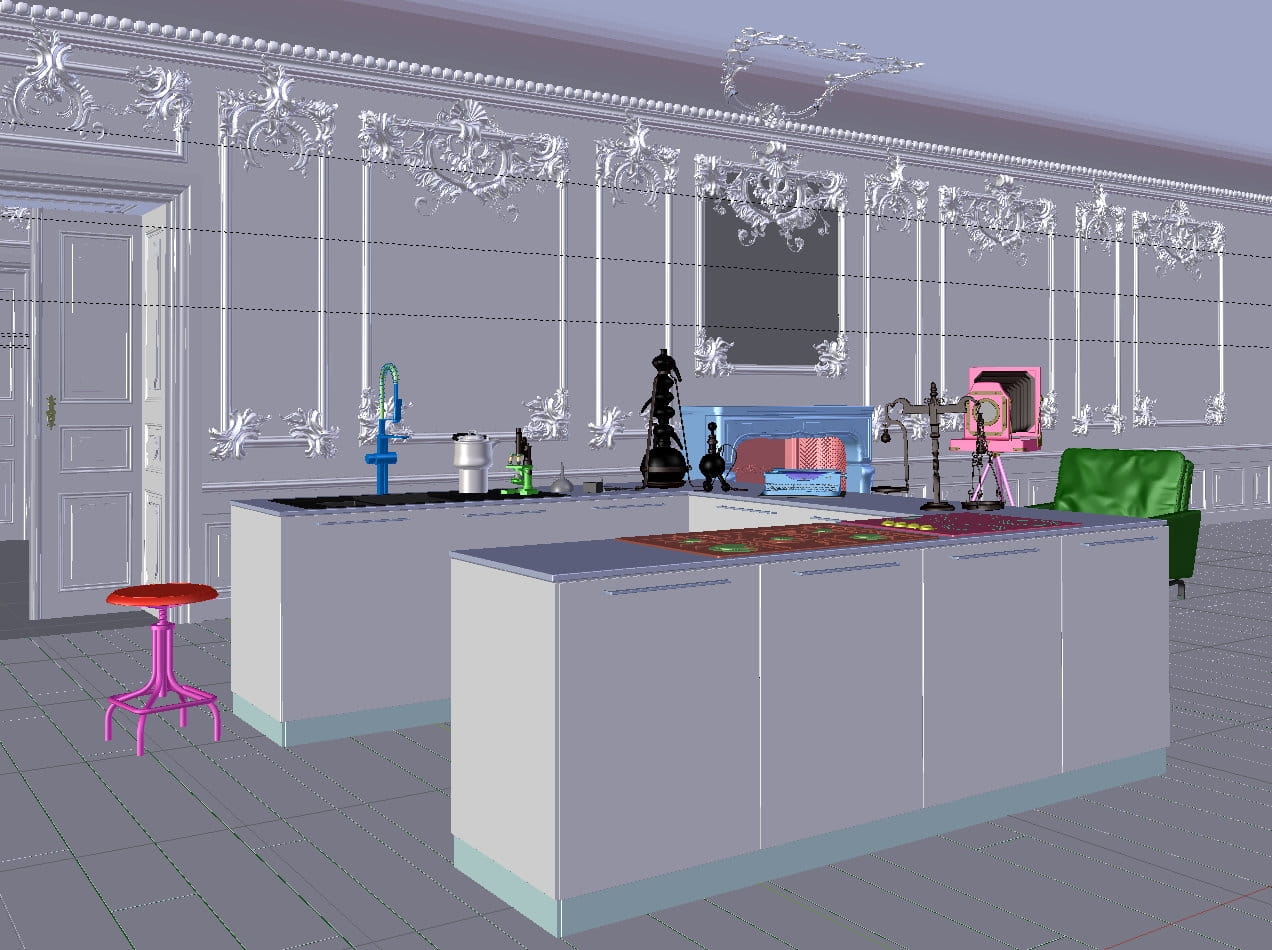
Interior in Blender viewport.
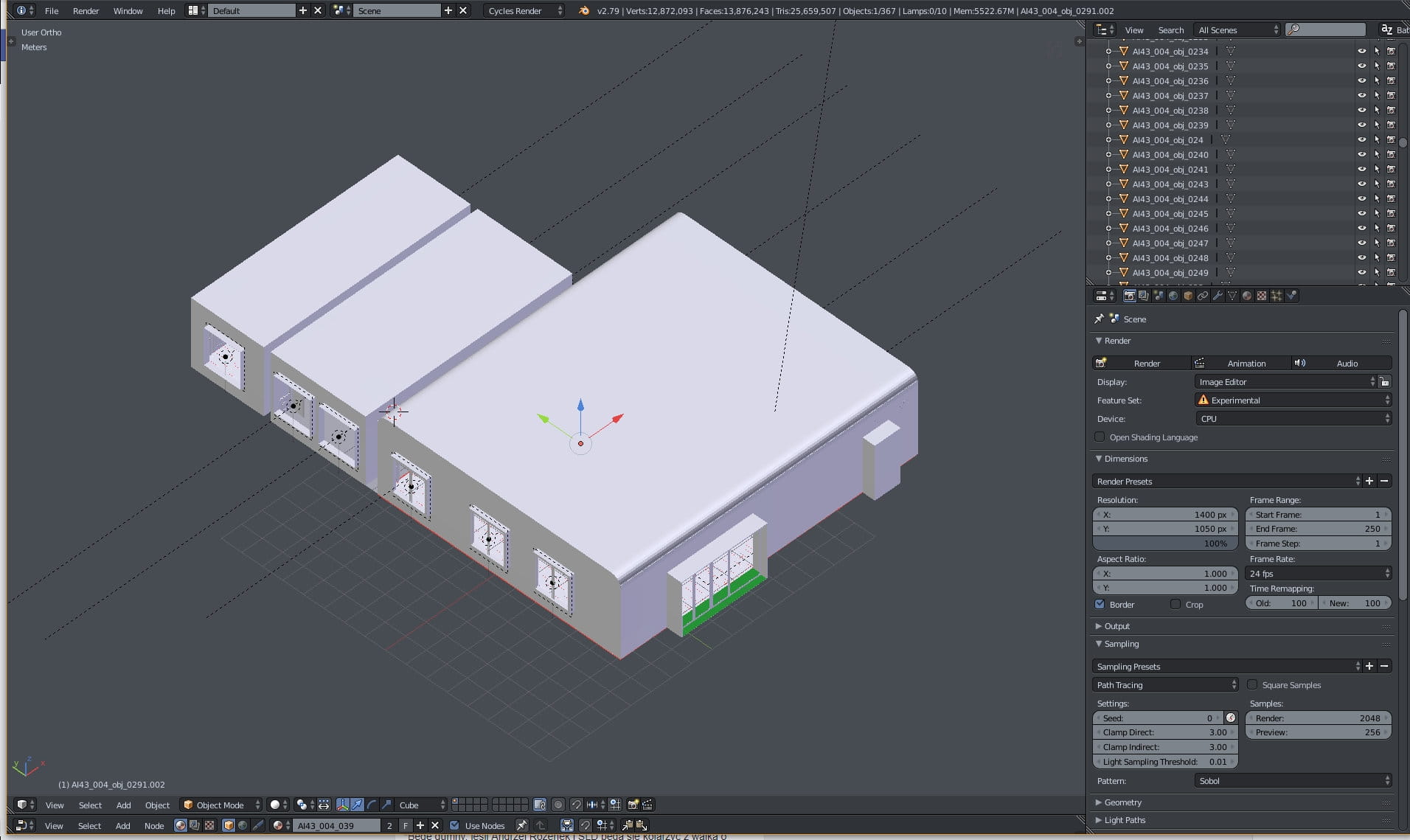
Scene overview - there are three rooms total.

Interior, outside mesh is hidden.
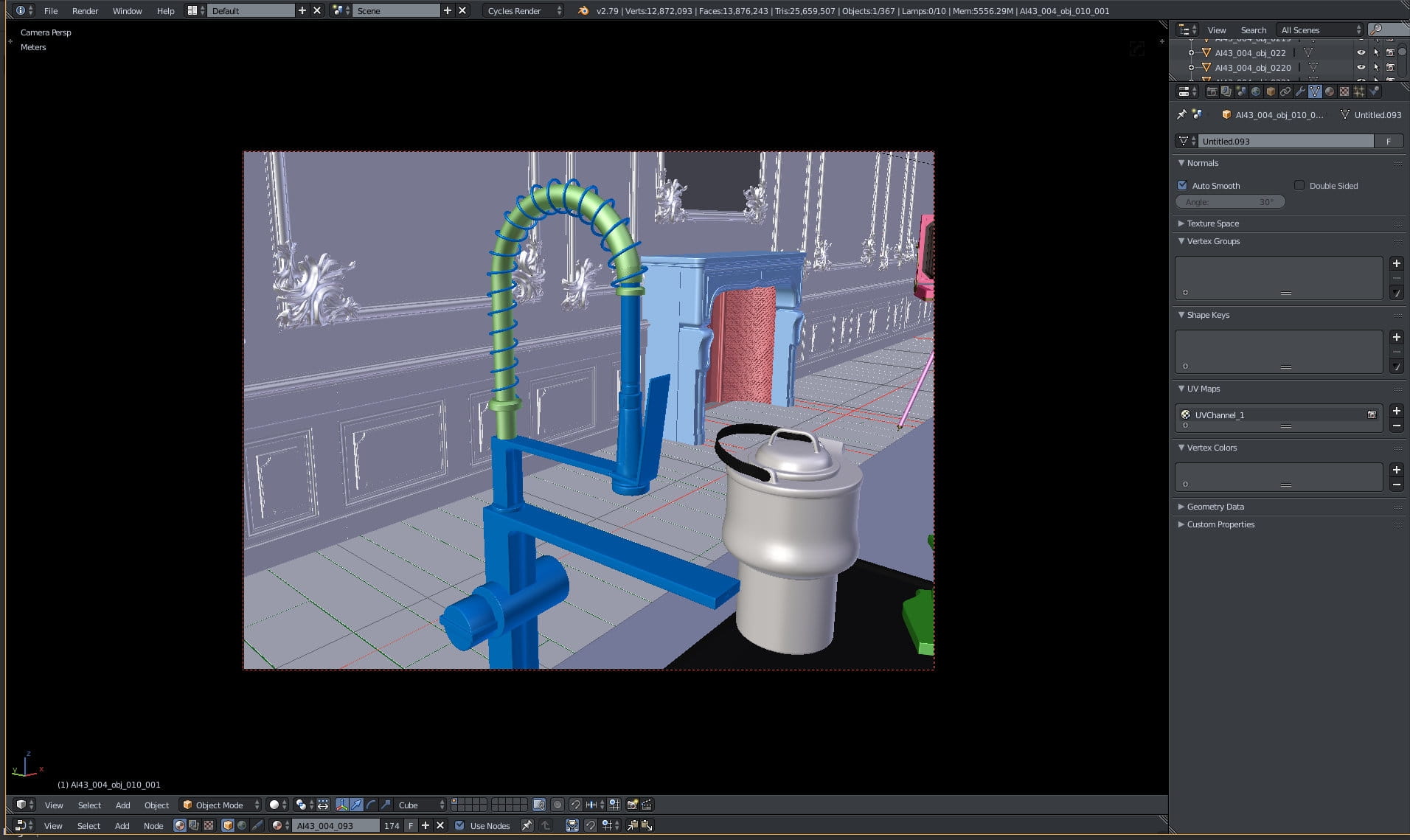
Tap mesh
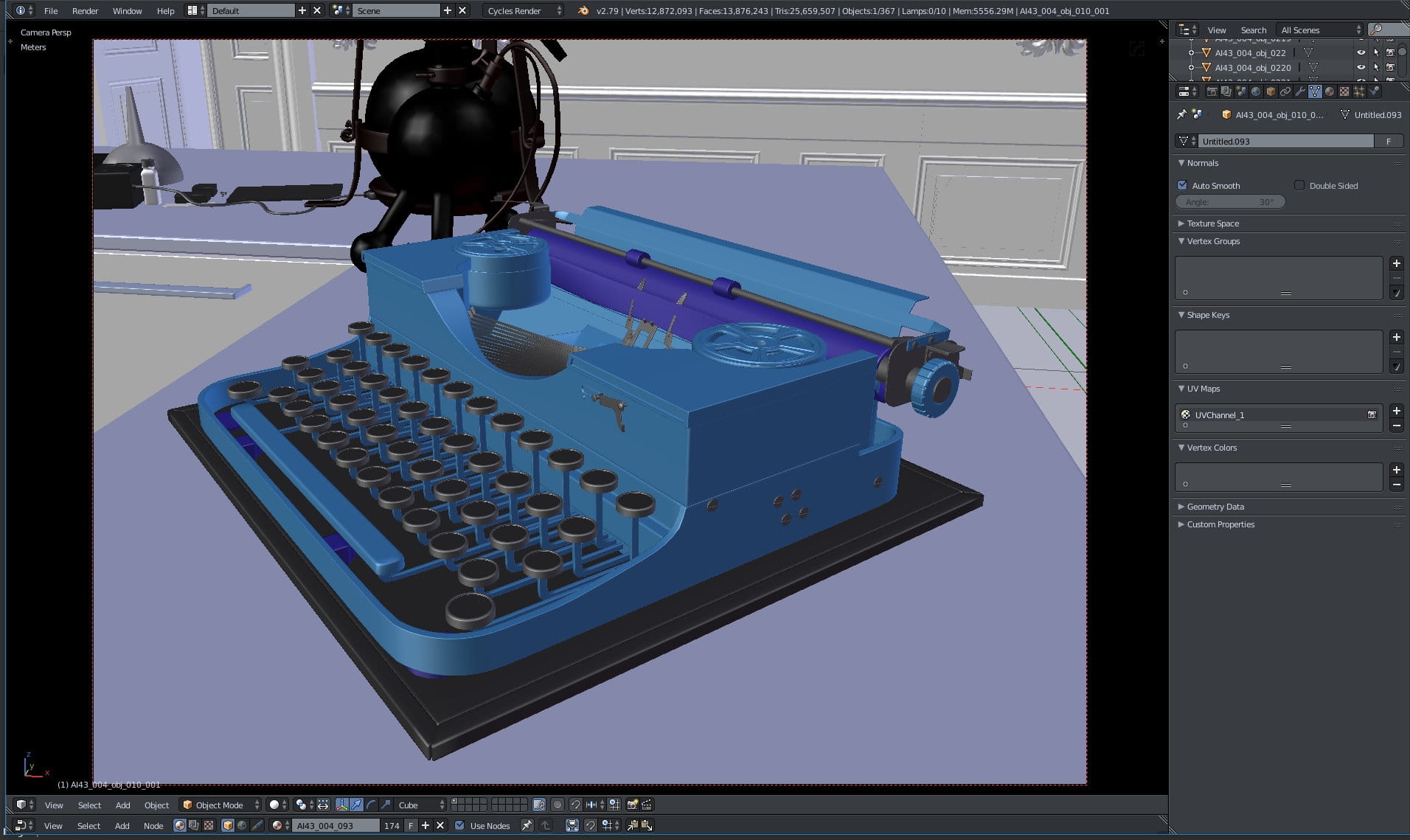
Complete typewriter model.

Typewriter - wireframe of elements.
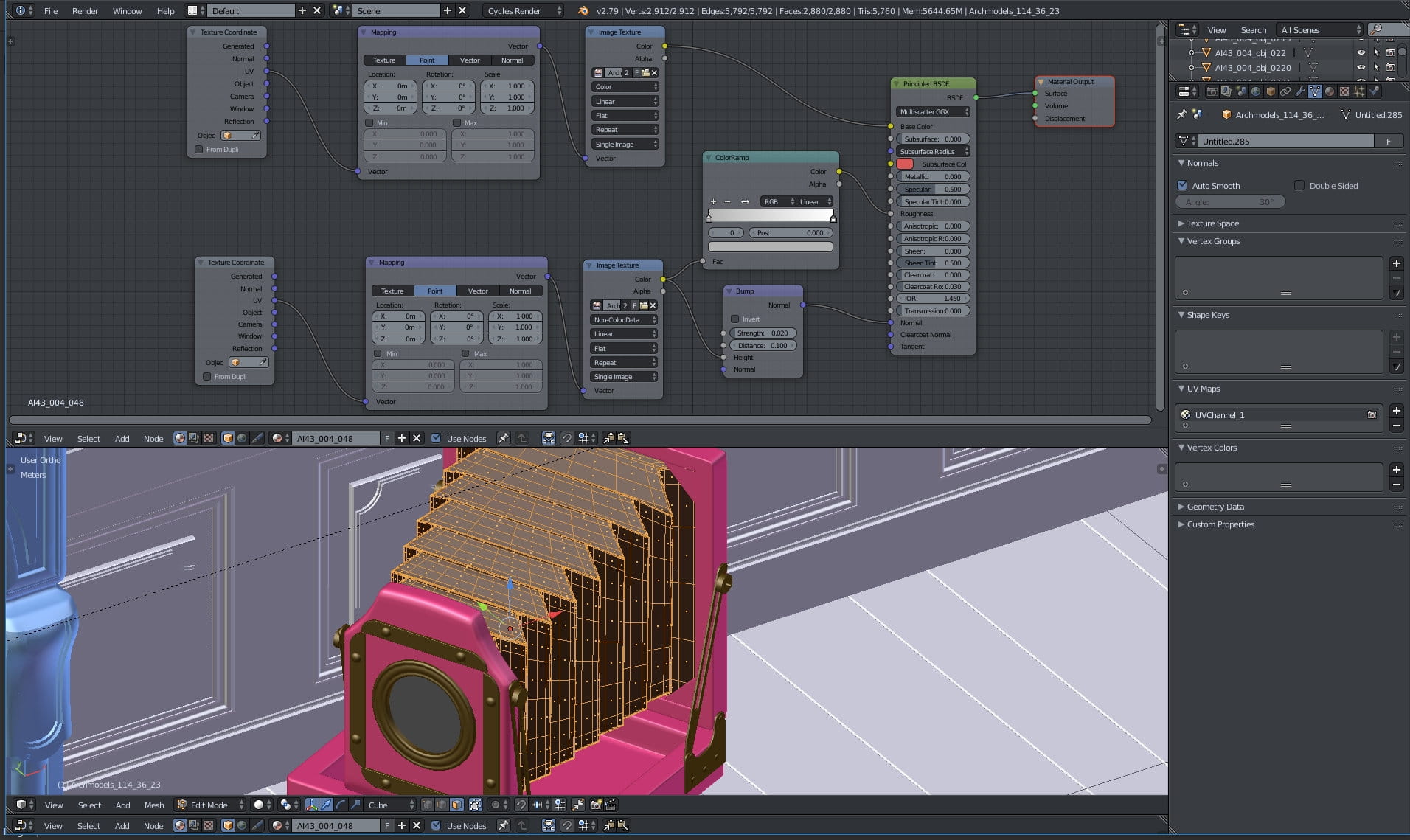
Vintage camera mesh and material - the same texture was used for all slots, although for roughness and normal input we used "non-color" texture setting, this is the reason we used second texture node in the material.
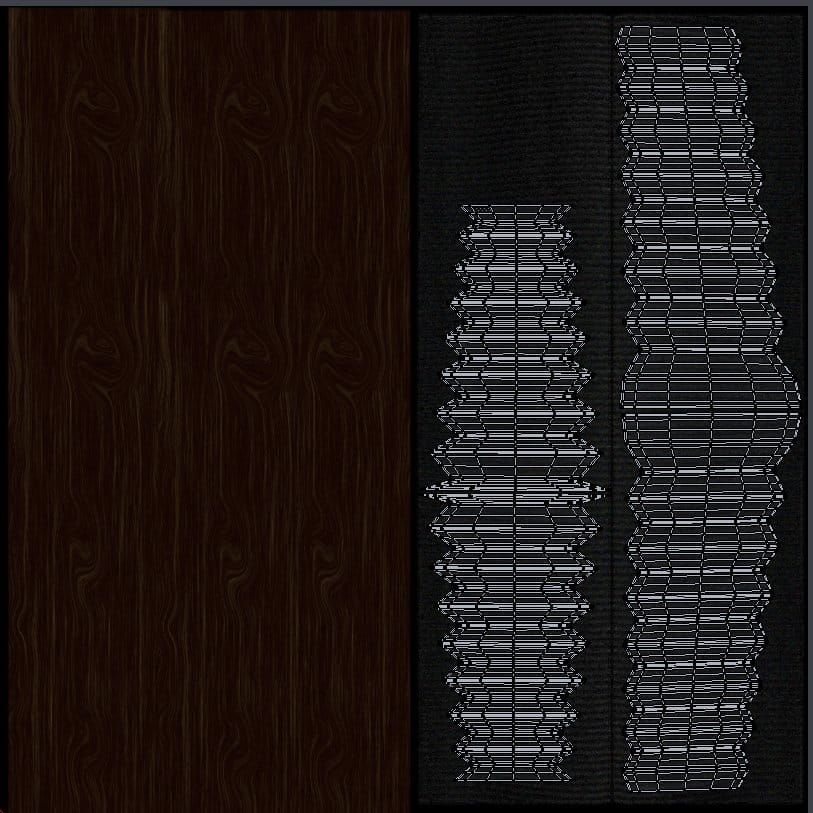
Camera body uv map overlayed on diffuse texture.
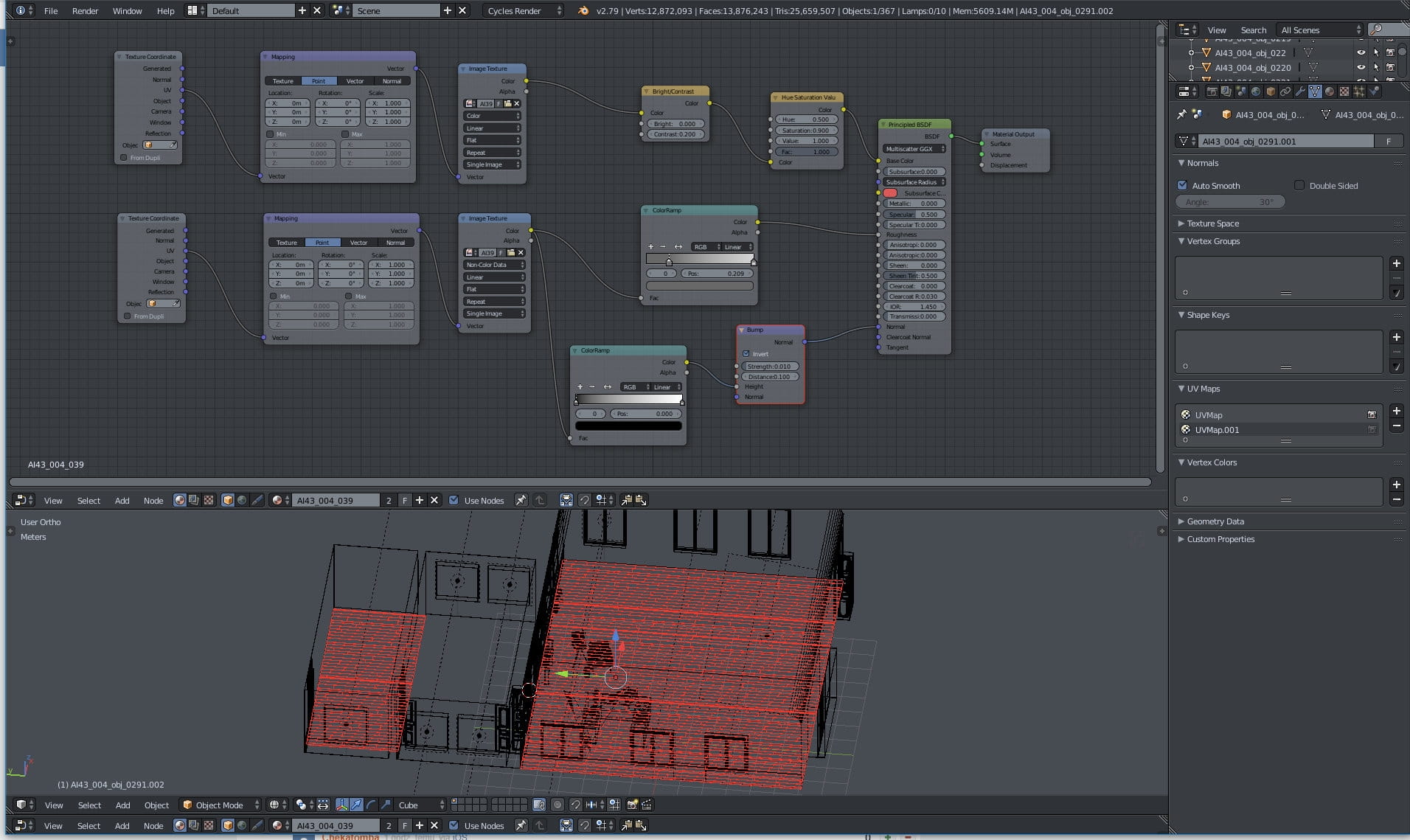
Floor material- nthing too complicated: mapping nodes, one texture for diffuse slot and another for normal map and roughness slots. We used ColorRamp nodes to tweak map brightness and contrast.
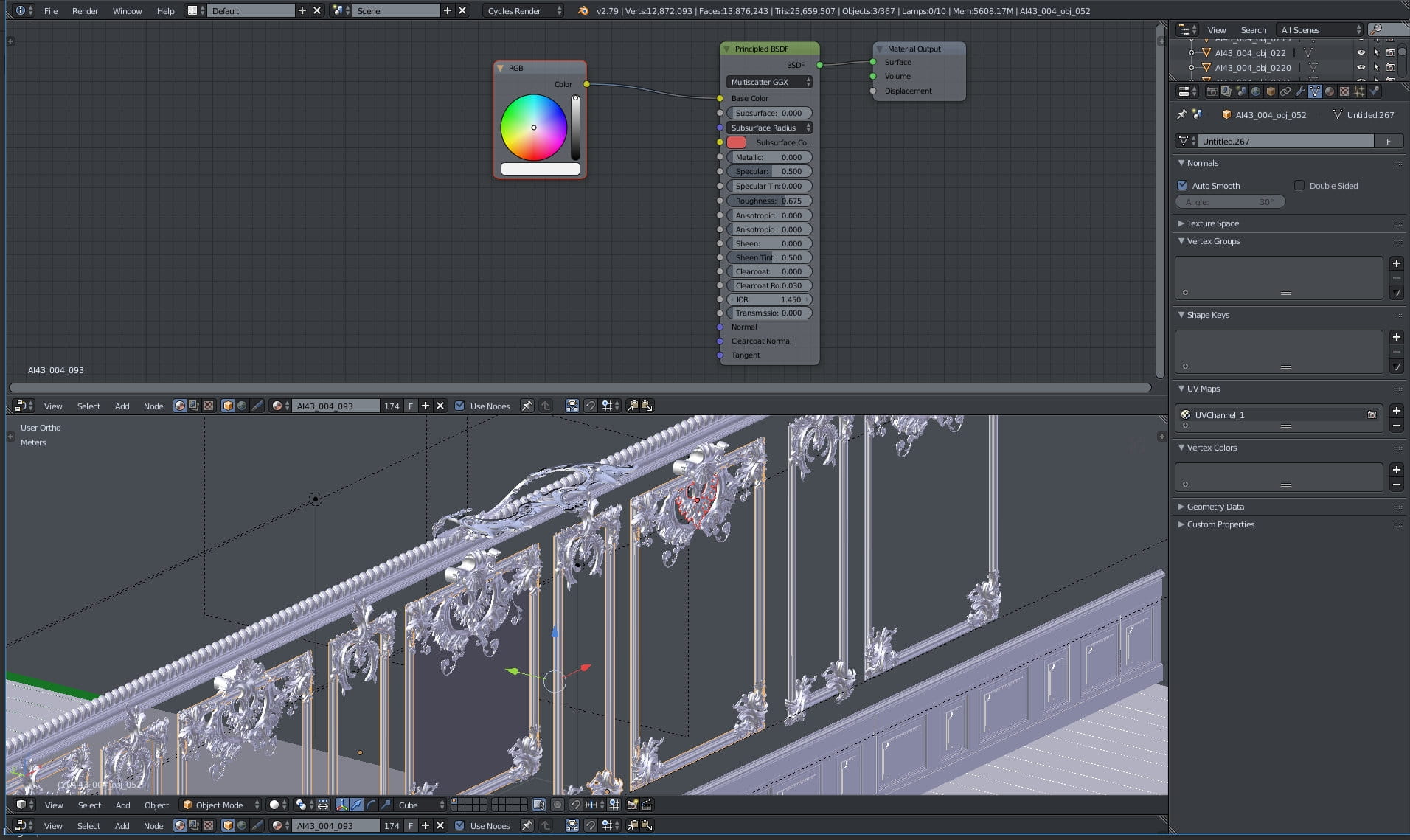
Ornaments material - the most simple one. We wanted to have just white ornaments, without detailed textures.
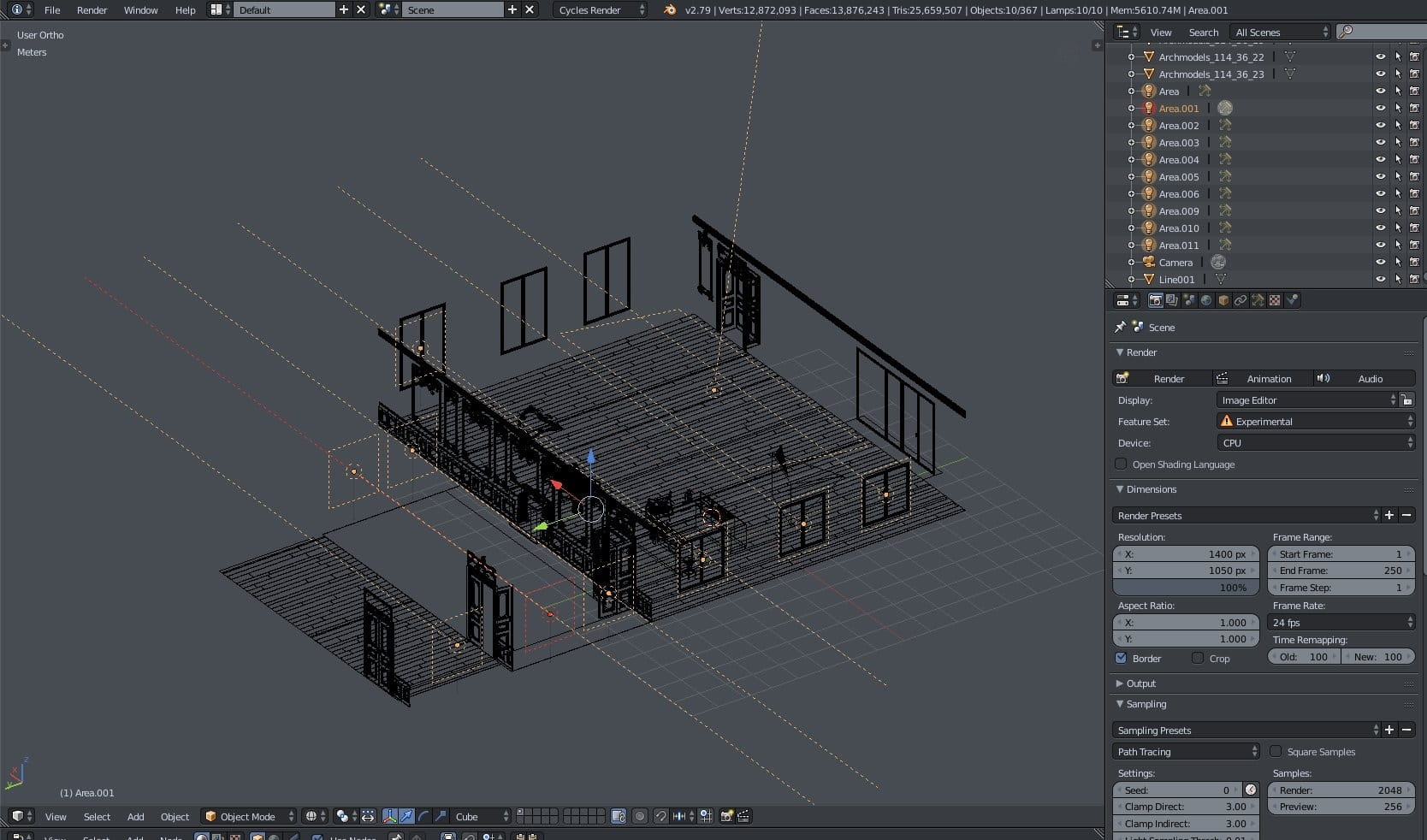
We don't use sunlight in this scene, we used 10 area lights instead. All are selected on this image.

Area light - additional light settings.

Camera settings.

Render settings
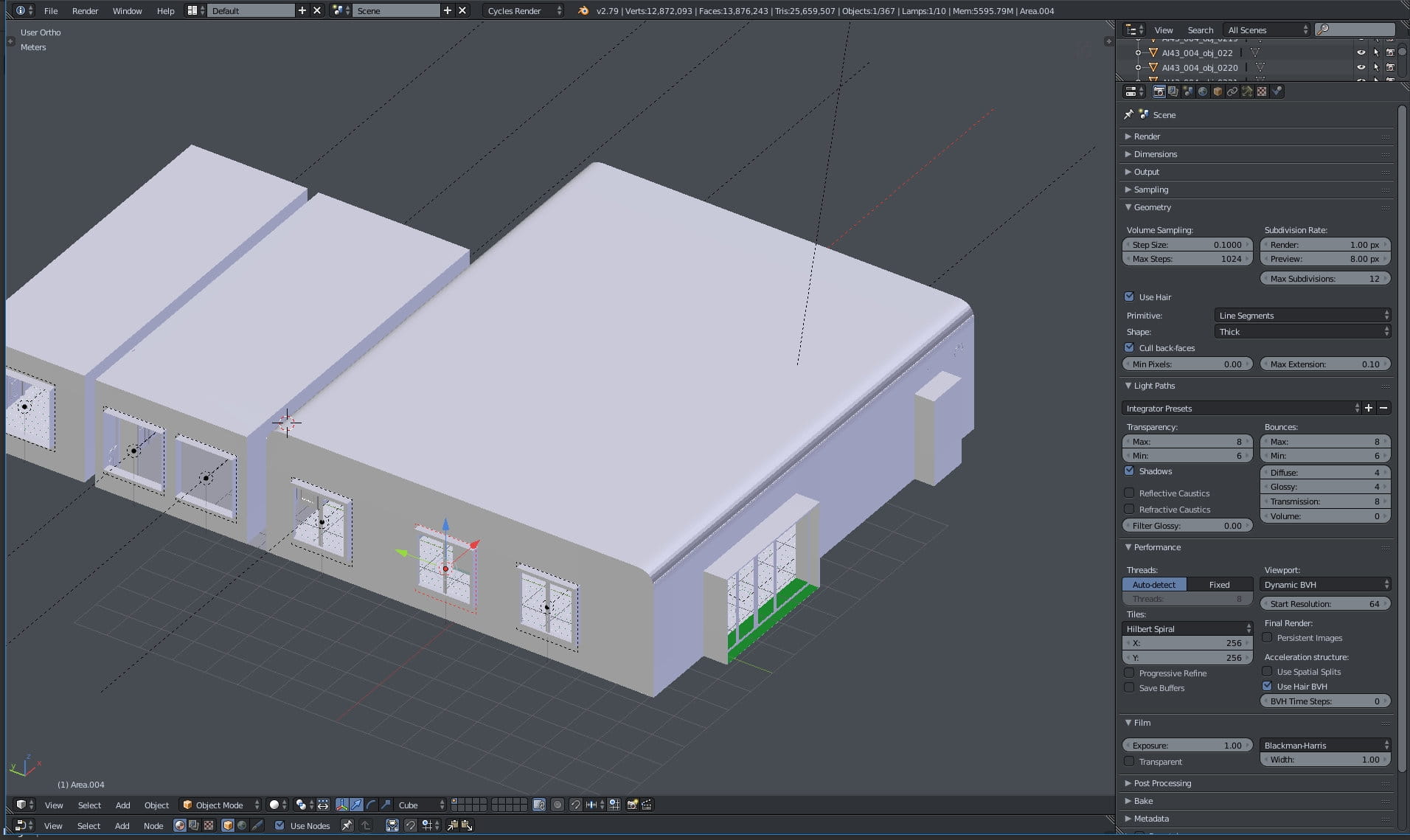
Render settings (continued)
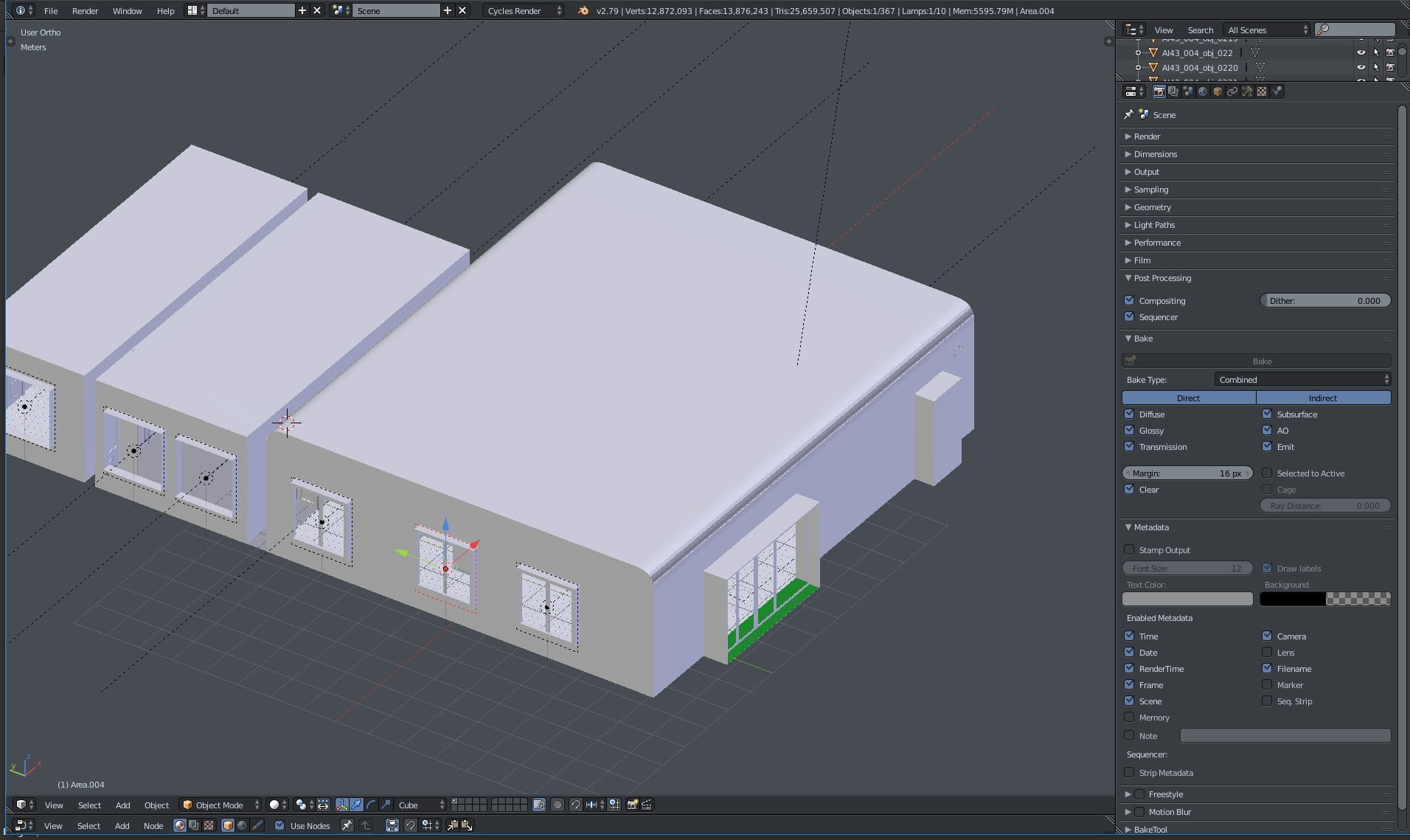
Render settings (continued)

Scene settings
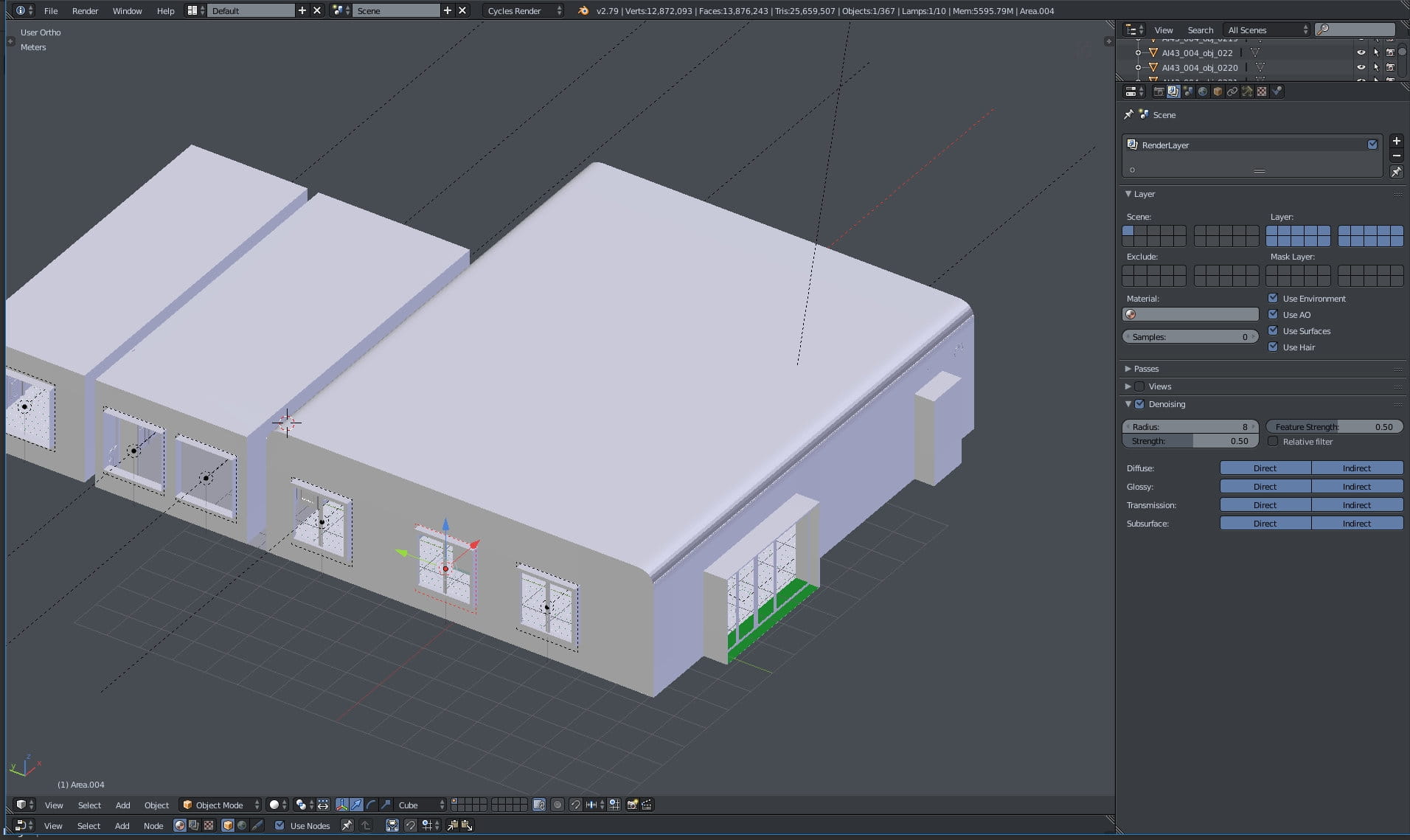
Denoiser settings

World settings
Thanks for reading! You can purchase this scene or entire Archinteriors vol. 43 for Blender collection in Evermotion Shop!


LEAVE A COMMENT





|

|

|

|

|
 Customer zone
 Your orders
 Edit account
 Add project
 Liked projects
 View your artist profile
COMMENTS