Search
Cart
Sign in
  • offerCustomer zone
  • offerYour orders
  • offerEdit account

  • offerAdd project
  • offerLiked projects
  • offerView your artist profile

  • Dark mode

We care about your privacy

We use cookies to provide you with the best possible experience. They also allow us to analyze user behavior in order to constantly improve the website for you. The consent is voluntary. You can withdraw it at any time or renew it in Cookie settings on the home page. Withdrawal of your consent does not affect the lawfulness of processing performed before the withdrawal. Privacy Protection Policy
Accept all
Accept selection
Reject all

Multi-Channel Displacement in 3ds Max

Arrimus 2017-07-10 13:14 tutorial  > 3ds MAX  > modeling

Learn how to perform multi-channel and multi-layer displacement mapping in 3D Studio Max.  


Author: Arrimus Editor: Michał Franczak
Tags: 3dsmax displacement
You may also like...
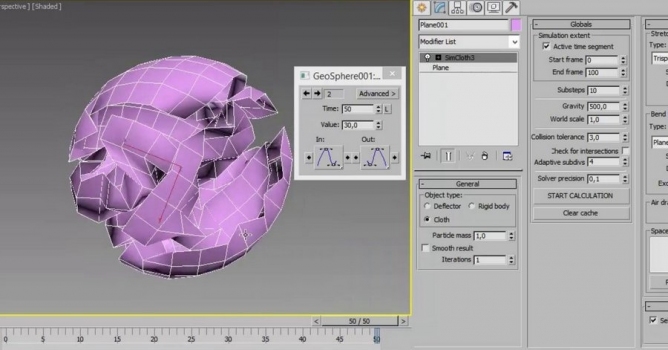
Crumpled Paper from a Plane (with simcloth)

Crumpled Paper from a Plane (with simcloth)

Making crumpled paper from a plane with simcloth in 3ds max in just 5 minutes.
×

LEAVE A COMMENT

You need to be logged in to leave a comment. Don't have account? Register now.