Evermotion: More Than an Asset Library
How Evermotion became a full-scale production partner for archviz, automotive and synthetic data.


Total: € 0
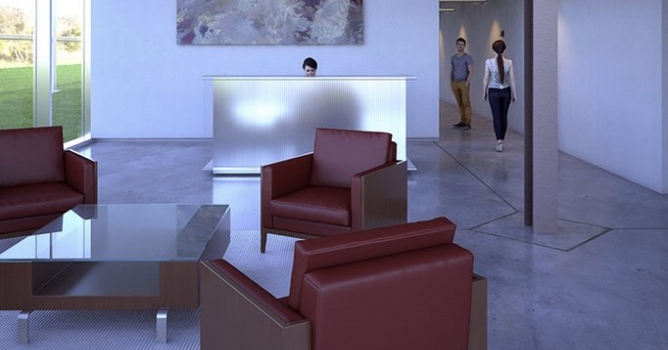

Revit cameras, lighting, and materials are all supported for easy adoption. A unified visualization pipeline is now possible with support for all V-Ray design packages (SketchUp, Rhino, and 3ds Max), promoting project efficiency with reliable results across multiple platforms.
V-Ray for Revit features include
V-Ray for Revit supports
To try V-Ray for Revit, create an account or login at chaosgroup.com, then register here. If you have any questions about V-Ray for Revit or the public beta, contact ChaosGroup.




LEAVE A COMMENT





|

|

|

|

|
 Customer zone
 Your orders
 Edit account
 Add project
 Liked projects
 View your artist profile
COMMENTS