Search
Cart
Sign in
  • offerCustomer zone
  • offerYour orders
  • offerEdit account

  • offerAdd project
  • offerLiked projects
  • offerView your artist profile

  • Dark mode

We care about your privacy

We use cookies to provide you with the best possible experience. They also allow us to analyze user behavior in order to constantly improve the website for you. The consent is voluntary. You can withdraw it at any time or renew it in Cookie settings on the home page. Withdrawal of your consent does not affect the lawfulness of processing performed before the withdrawal. Privacy Protection Policy
Accept all
Accept selection
Reject all

V-Ray for Revit public beta

Press release 2015-12-02 11:10 article  > Software

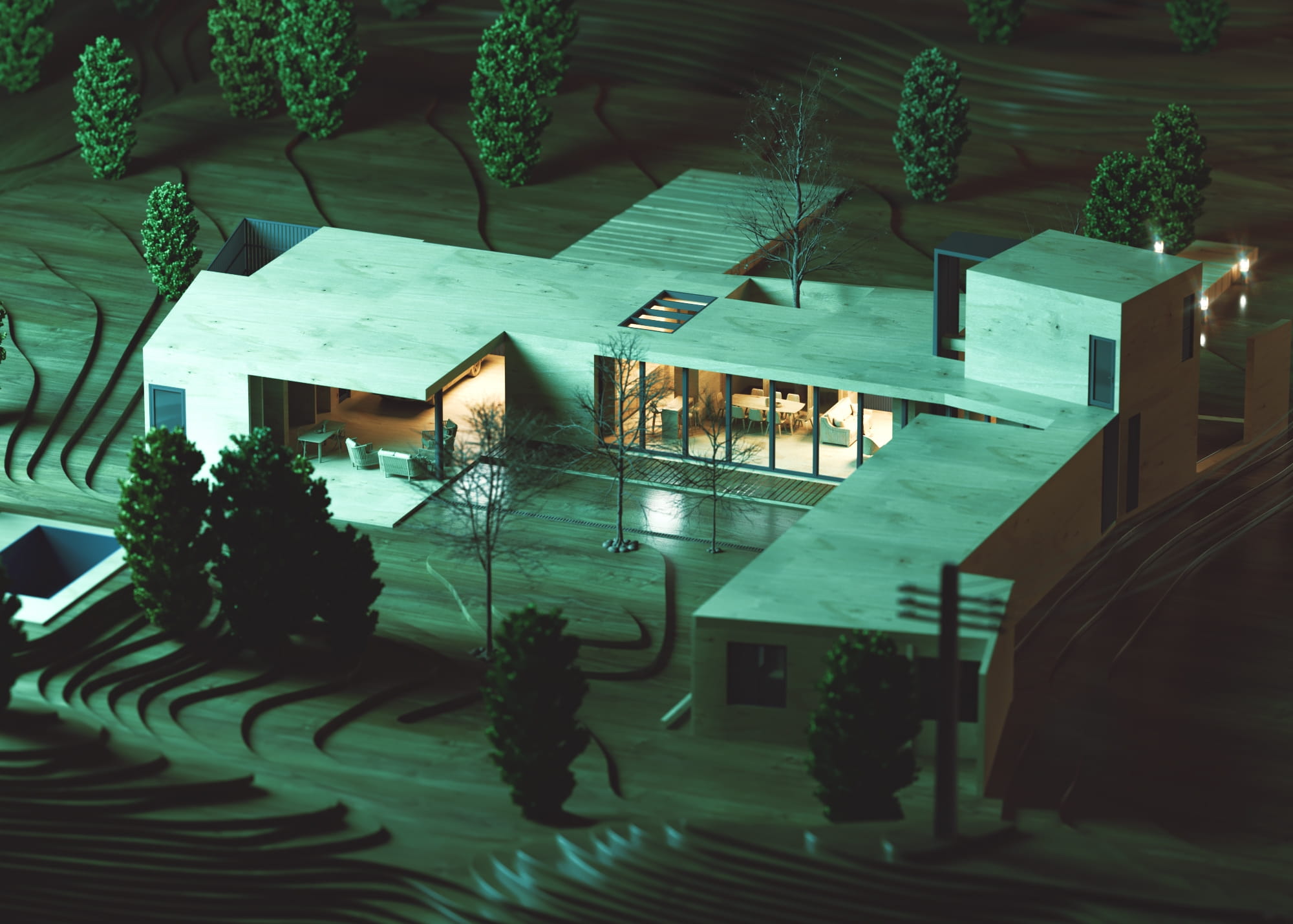
Now integrated into Autodesk Revit, V-Ray core rendering technology is accessible at every stage of the design process. 

Revit cameras, lighting, and materials are all supported for easy adoption. A unified visualization pipeline is now possible with support for all V-Ray design packages (SketchUp, Rhino, and 3ds Max), promoting project efficiency with reliable results across multiple platforms.

V-Ray for Revit features include

  • A familiar interface, with easy-to-use quality presets
  • Special global overrides for diagrammatic renderings
  • Advanced post-processing with V-Ray Frame Buffer
  • V-Ray’s stereoscopic camera for VR output

V-Ray for Revit supports

  • Revit Architecture 2015, 2016
  • Revit MEP 2015, 2016
  • Revit Structure 2015, 2016
  • Revit Building Design Suite 2015, 2016

To try V-Ray for Revit, create an account or login at chaosgroup.com, then register here. If you have any questions about V-Ray for Revit or the public beta, contact ChaosGroup.
Author: Press release Editor: Michał Franczak
Tags: vray v-ray revit
You may also like...
3dsmax: Vray - volume effect

3dsmax: Vray - volume effect

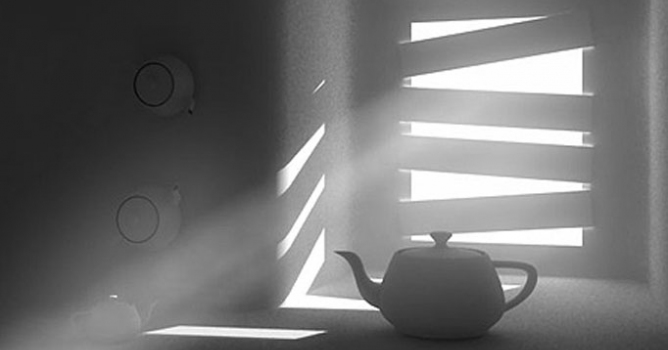
We have recived a lot of e-mails with questions about detailed tutorial concerning volume effect for Vray renderer. In this article, Myqel and Pendzel show you how to use it. You will find here 2 parts, first for standard rendering job and second for postproduction in Photoshop.
×

LEAVE A COMMENT

You need to be logged in to leave a comment. Don't have account? Register now.