Search
Cart
Sign in
  • offerCustomer zone
  • offerYour orders
  • offerEdit account

  • offerAdd project
  • offerLiked projects
  • offerView your artist profile

  • Dark mode
    ✔
Bitmap2Material 3.0 released

Bitmap2Material 3.0 released

Youtube 2014-09-30 15:19 article  > All

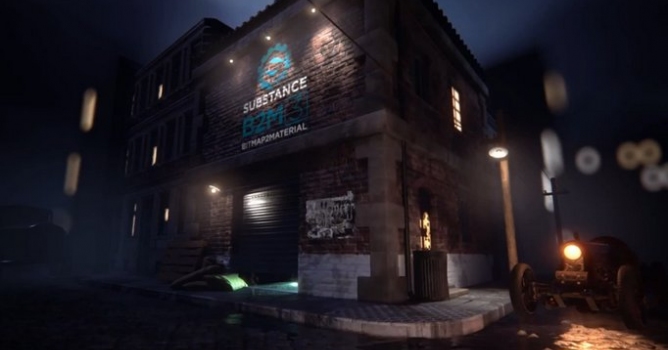
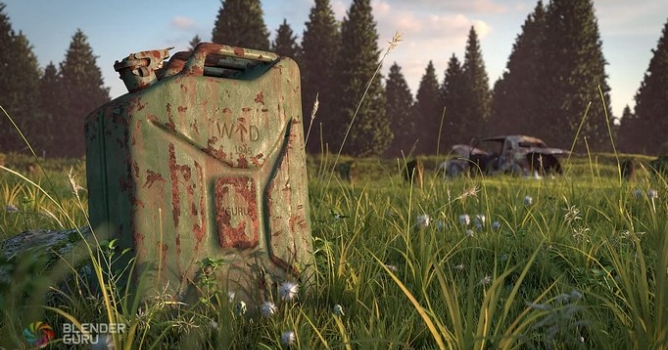
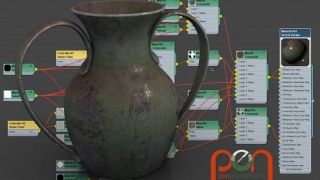
A tool that helps you generate full, seamlessly tiling materials from any bitmap image. This now includes all PBR (Physically-Based Rendering) channels, based on the most accurate conversion algorithm out there.

Bitmap2Material lets you extract all the possible maps from a single image: this now includes PBR channels such base color (or albedo), metallic, roughness but also normal, height, specular, curvature, AO etc.

  • Adjust highlights and shadows - this allows you to create the base color (or albedo) for PBR and can be done in just a few clicks.
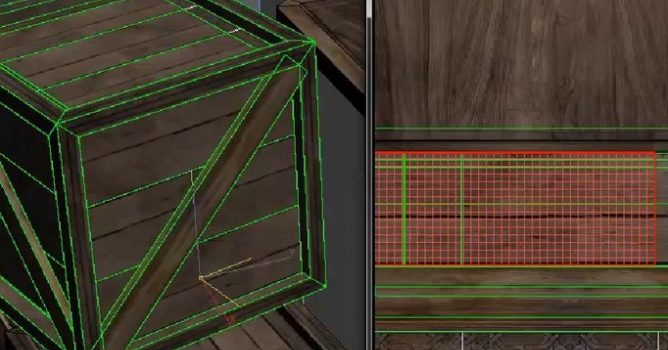
  • Remove seams - Bitmap2Material provides the ability to make any material tile. You do not need to care anymore about making your photography tile, B2M takes care of it for you. You can chose between 2 modes of tiling: offset or splat.
  • Generate the metallic map - Easily obtain a metallic map from the image using simple tools, or an input mask. This feature is essential when working in PBR.

More on Allegorithmic site.

Author: Youtube Editor: Michal Franczak
Tags: texturing bitmap2material
You may also like...
Intro to Texture Kits in 3ds Max

Intro to Texture Kits in 3ds Max

In this lesson, Gregory Mirles is going to show us both the theory and usage behind creating Texture Kits inside of 3ds Max.
×

LEAVE A COMMENT

You need to be logged in to leave a comment. Don't have account? Register now.