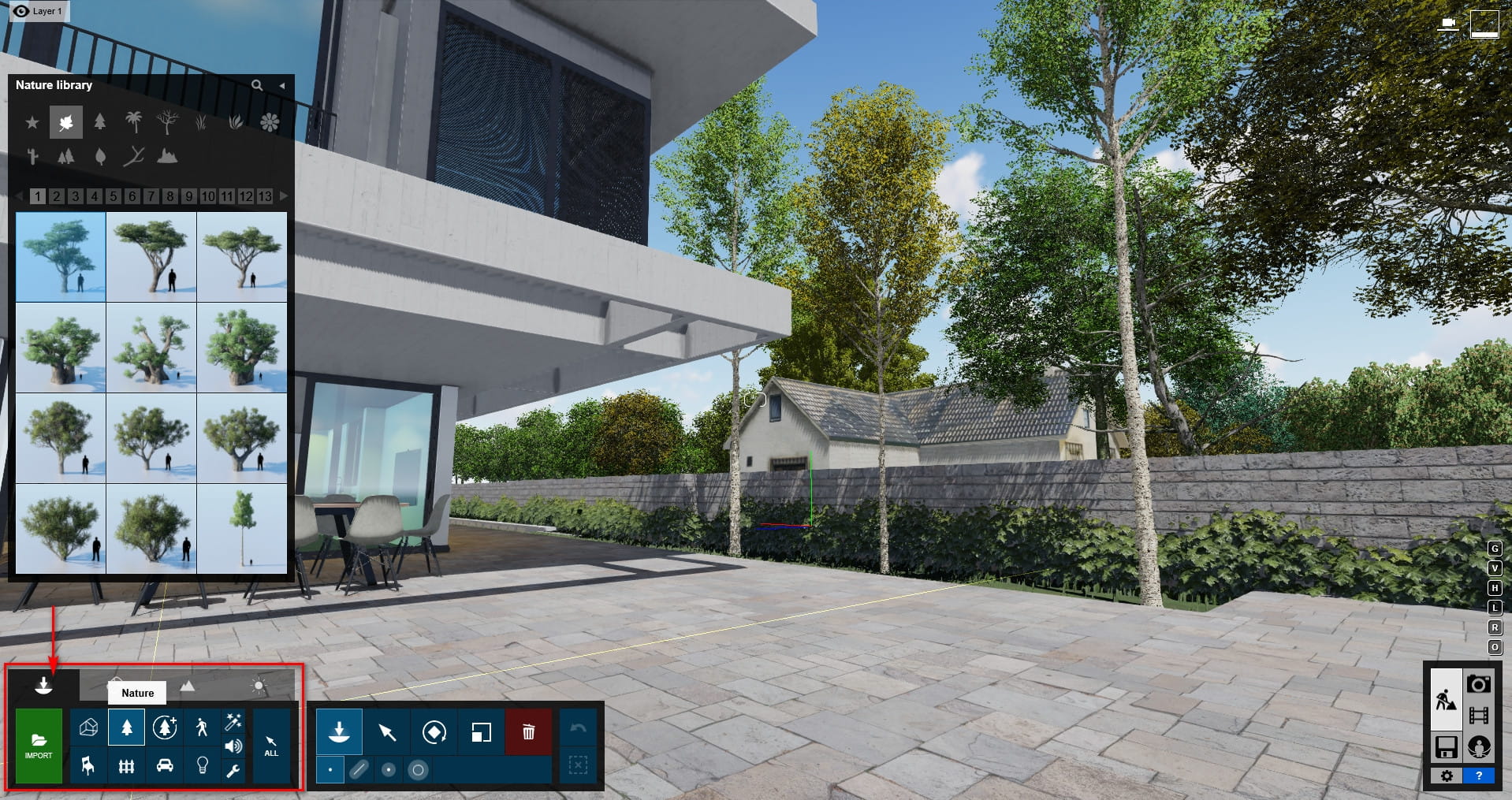
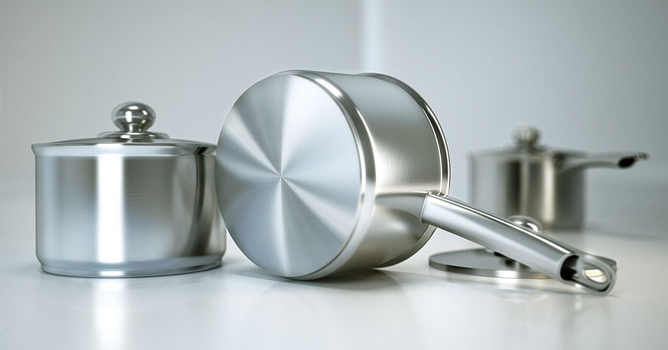
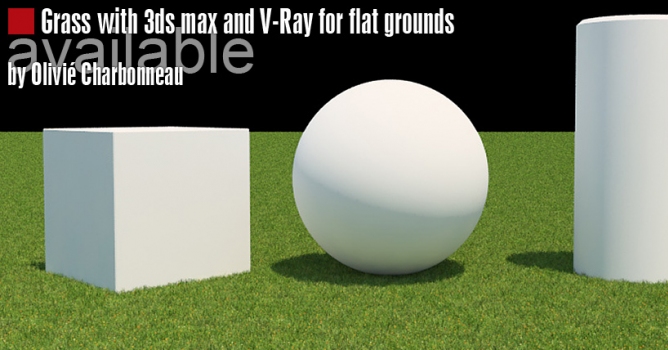
This free update is available now for current V-Ray 2.0 for SketchUp artists.
V-Ray 2.0 for SketchUp Service Pack 2 is now available for download.
What's New in V-Ray 2.0 for SketchUp SP2
V-Ray Express: Users can easily access more than 200 materials and interchangeable lighting setups to create realistic studio scenes and illuminate models faster than ever. V-Ray Express is available separately on the downloads page.
Frame Start animation option: You can now render individual frames or ranges of frames, e.g.: 5, 100-110, 200, 352.
Pack all V-Ray Materials: Archive your V-Ray for SketchUp materials and all external files into a single ZIP for easy sharing and back up.
Dive into the world of V-Ray lighting in 3ds Max with Evermotion's tutorial. Explore the process of creating a V-Ray lightmap to add realistic and accurate lighting to your 3D scenes, enhancing their overall visual quality.
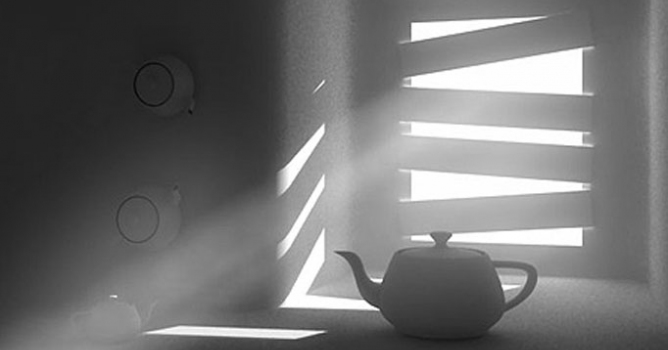
We have recived a lot of e-mails with questions about detailed tutorial concerning volume effect for Vray renderer. In this article, Myqel and Pendzel show you how to use it. You will find here 2 parts, first for standard rendering job and second for postproduction in Photoshop.
Learn how to create stunning lighting effects in your 3ds Max renders using V-Ray's IES lighting. Evermotion's tutorial guides you through the process of utilizing IES profiles to achieve realistic and captivating lighting setups.
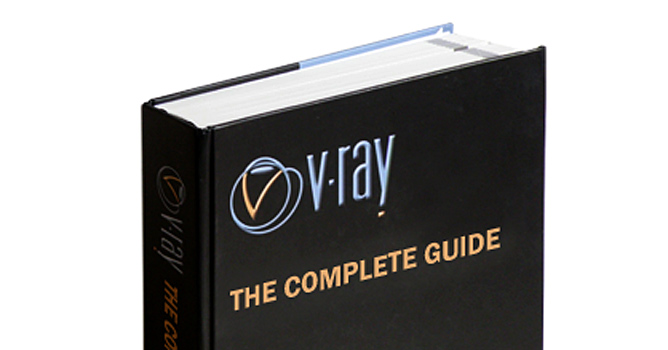
Among a number of rendering engines, in terms of popularity, VRay has his permanent place in the lead. It is the one of the most widespread rendering plug-ins worldwide. Though, as far as I know, a great majority of VRay users have only superficial knowledge of VRay possibilities. The book might be a good occasion to change it: start learning or develop and strengthen this knowledge.
Learn how to create stunning lighting effects in your 3ds Max renders using V-Ray's IES lighting. Evermotion's tutorial guides you through the process of utilizing IES profiles to achieve realistic and captivating lighting setups.
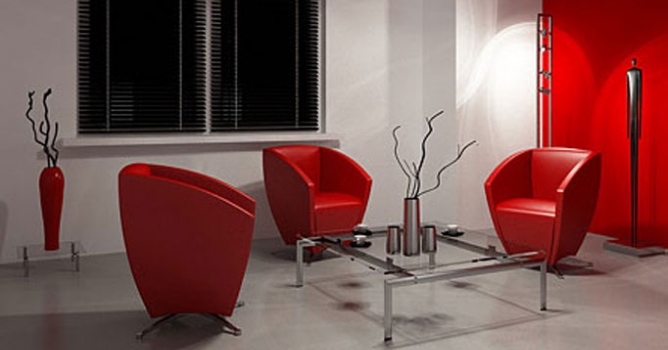
In this walkthrough, we guide you through the process of building a polished 3D interior scene inspired by the cover of Archmodels vol. 306 – Table Sets.
COMMENTS