Blender 5.3 arrives November 10 with DLSS 4.5 Ray Reconstruction, an AI-powered denoiser for Cycles that works on RTX 20–50 series cards. The upgrade promises faster interactive lighting workflows at near-final quality.
NVIDIA is integrating DLSS 4.5 Ray Reconstruction into Blender Cycles as a viewport denoiser, arriving with Blender 5.3 on November 10, 2026. According to Andrew Burnes at NVIDIA, the feature "builds upon the success of a prior OptiX integration" and will debut this fall. The new denoiser uses AI to reconstruct pixels in noisy ray-traced areas, combining denoising and super-resolution into a single model that reuses samples from previous frames for faster, cleaner feedback.
The feature is limited to NVIDIA CUDA GPUs running driver 590 or newer, with a minimum input resolution of 128×96 pixels. DLSS 4.5 Ray Reconstruction boasts 35% more compute capability and processes 20% more parameters than its predecessor, according to NVIDIA's Computex 2026 announcement. The denoiser works only in the viewport—not for final production renders—making it a tool for interactive iteration rather than output quality.
Early testing by Blender artists has shown the appeal. At SIGGRAPH 2025, Andrew Price and other presenters demonstrated DLSS in Blender's viewport, with one attendee noting it "made moving around the viewport feel as smooth as EEVEE." However, early testers also report significant issues: ghosting artifacts appear when panning the viewport quickly at higher quality settings, a problem that stems from the denoiser's reliance on temporal data from previous frames. Blender artist Blake Propst tested an early build with an RTX 3090 and documented numerous visual bugs.
The Blender developer documentation notes the feature "requires an NVIDIA driver that has not been released yet," creating some uncertainty about driver availability at launch, though sources confirm version 590+ is the minimum requirement.
Video: digitalproduction.com
What this means for archviz pipelines
For studios working on NVIDIA RTX hardware, DLSS denoising could meaningfully speed up viewport iteration on Cycles—the main workflow advantage lies in faster feedback during design reviews and client presentations, reducing the wait between adjustments and seeing clean results. The technology brings viewport responsiveness closer to Unreal Engine's real-time capabilities, potentially justifying GPU upgrades for teams doing heavy interactive work in Blender.
The limitation is real, however. AMD Radeon and Intel Arc users remain unsupported, and there is no announced timeline for those platforms. As AMD and Intel GPU ecosystems mature in archviz, this NVIDIA-only constraint will grow more frustrating for multi-vendor studios. Additionally, the feature targets viewport work only; archviz pipelines that treat Cycles as a production renderer (not a preview tool) gain little from faster interactive feedback.
Performance comparisons between DLSS denoising and Blender's existing OptiX denoiser remain unverified, as do questions about whether the feature can be toggled per-render or only globally. The ghosting artifacts reported during fast camera movement suggest the denoiser may require tuning for interactive use cases common in client walkthroughs. See how NVIDIA's neural rendering approach compares: DLSS 5 neural rendering arrives in 3ds Max via free community plugin.
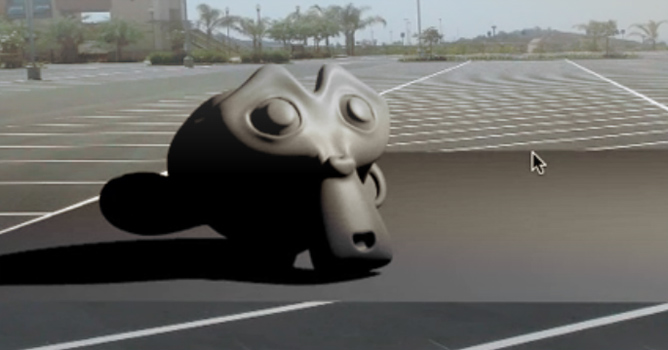
Here is a tutorial that covers matching a 3D Camera in Blender to a still photograph and then animating onto a ground plane to receive the shadows. In part two of this tutorial, we will bring this animation into After Effects.
In this walkthrough, we guide you through the process of building a polished 3D interior scene inspired by the cover of Archmodels vol. 306 – Table Sets.






 Customer zone
 Your orders
 Edit account
 Add project
 Liked projects
 View your artist profile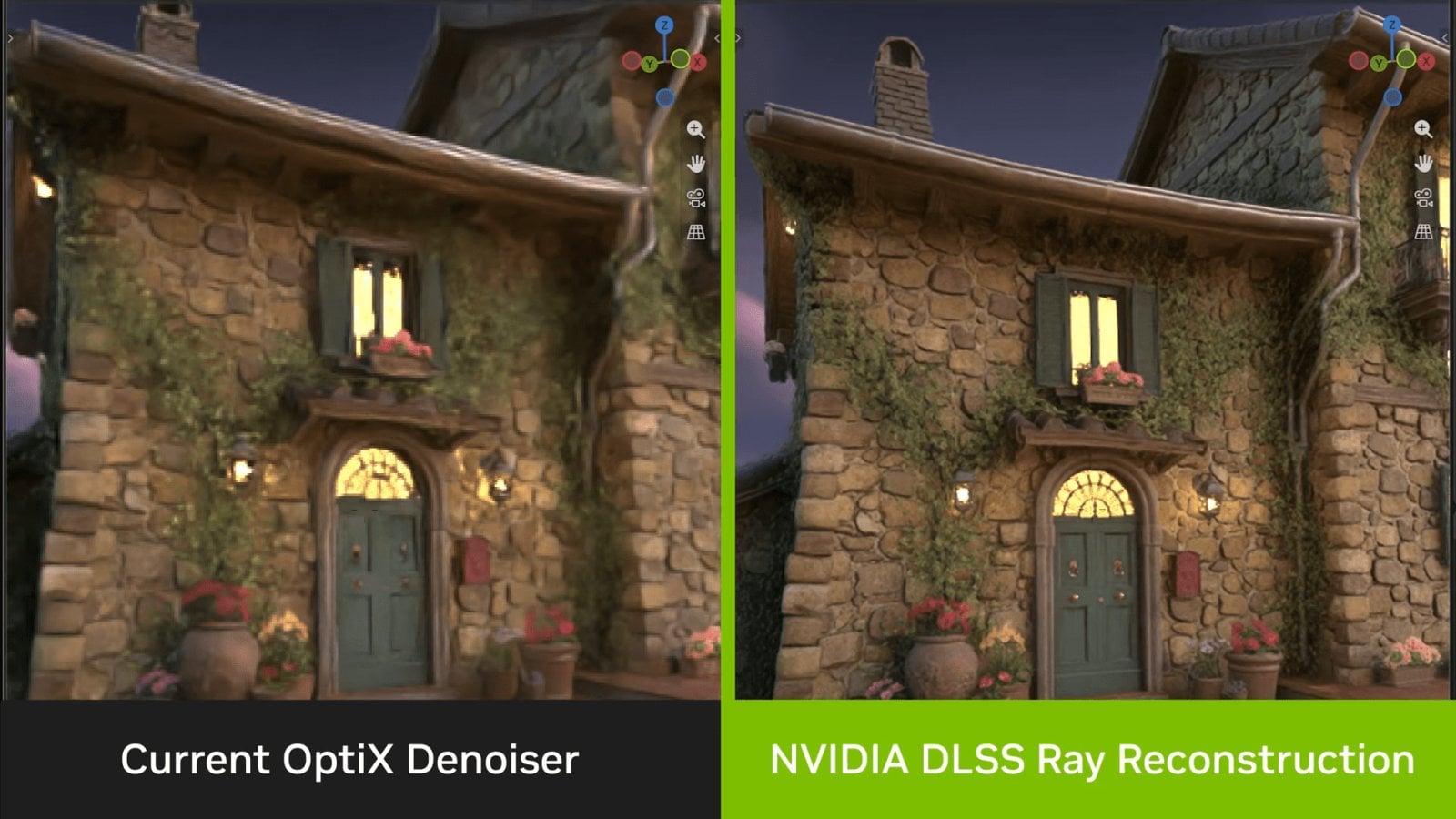
















COMMENTS