
We are more than an asset library

Watch our Showreel
Search
Cart
Sign in
  • offerCustomer zone
  • offerYour orders
  • offerEdit account

  • offerAdd project
  • offerLiked projects
  • offerView your artist profile

  • Dark mode
    ✔
V-Ray Next for 3ds Max, update 2

V-Ray Next for 3ds Max, update 2

Chaos Group 2019-06-06 08:19 article  > Software

See what's new

V-Ray Next for 3ds Max, update 2 introduces V-Ray IPR enhancements and V-Ray GPU updates to improve your workflow and let you quickly optimize your scenes. It's now easier than ever to render efficiently with Memory tracking reports and Debug Shading in IPR.


Feature list:

  • V-Ray Cloud - Indirect light select modes support
  • V-Ray GPU/V-Ray Cloud - Support for Substance 2 maps
  • V-Ray GPU
    Add support for VRayCurvature texture
    Support for VRayDistanceTex
    VRayALSurfaceMtl shader support
  • V-Ray IPR - Overlay progress notifications in the Viewport IPR
  • V-Ray/V-Ray GPU
    Debug Shading with various modes during IPR
    Hash map based light cache
    Native rendering of Corona scatter instances
  • V-Ray
    Add V-Ray memory tracking support
    Baking elements support for opacity map when doing projection baking
    Implement barycentric mode in the VRaySamplerInfoTex
  • VFB
    Ability to do test renders at lower resolution
    Add keyboard shortcuts for mouse actions in IPR
  • VRayOSL - Implement the 3ds Max OSL shading graph support
  • VRayToonMtl - Add V-Ray's Cel shader implementation support
  • VRayVolumeGrid - 
    Add support for V-Ray GPU render elements: VRayNormals, VRaySamplerInfo, VRayZDepth, VRayVelocity, VRayGI, VRayDiffuseFilter, VRayShadows, VRayObjectID, VRayRenderID
    Modulate or replace the Fire Opacity with a texture in "Use Own Opacity" mode

Read full changelog here.

 
Author: Chaos Group
Tags: vray v-ray
You may also like...
3dsmax: Vray - volume effect

3dsmax: Vray - volume effect

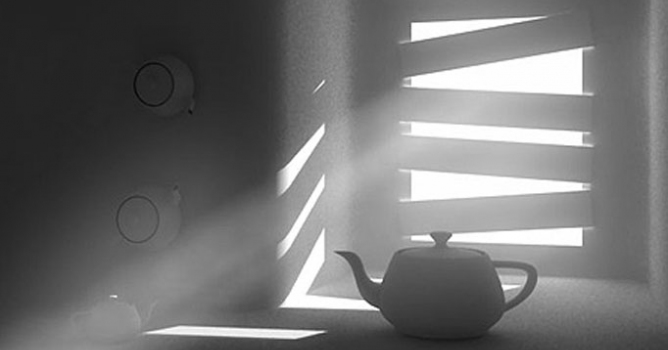
We have recived a lot of e-mails with questions about detailed tutorial concerning volume effect for Vray renderer. In this article, Myqel and Pendzel show you how to use it. You will find here 2 parts, first for standard rendering job and second for postproduction in Photoshop.
×

LEAVE A COMMENT

You need to be logged in to leave a comment. Don't have account? Register now.
titan3 13:26:17  |  06-06-2019
*see
martta 11:35:08  |  05-09-2019
thanks titan3, corrected