Search
Cart
Sign in
  • offerCustomer zone
  • offerYour orders
  • offerEdit account

  • offerAdd project
  • offerLiked projects
  • offerView your artist profile

  • Dark mode

We care about your privacy

We use cookies to provide you with the best possible experience. They also allow us to analyze user behavior in order to constantly improve the website for you. The consent is voluntary. You can withdraw it at any time or renew it in Cookie settings on the home page. Withdrawal of your consent does not affect the lawfulness of processing performed before the withdrawal. Privacy Protection Policy
Accept all
Accept selection
Reject all

V-Ray Next for 3ds Max Update 1

Press relase 2018-11-30 08:16 article  > Software

Chaos Group released the first update for V-Ray Next for 3ds Max

With a brand new Viewport IPR, artists and designers can work and render at the same time. Developers integrated more accurate lens effects, and added a host of GPU rendering improvements under the hood.

What’s new in V-Ray Next for 3ds Max, update 1

  • Create faster with the new Viewport IPR - Keep working while you render, utilizing the ultra-fast new viewport IPR in V-Ray Next.
  • Discover the new Lens Effects - New glare and bloom lens effects have been fully redesigned to be faster and more accurate.
  • GPU bucket rendering - Accelerated multi-GPU performance and distributed rendering, plus support for Cryptomatte render elements.
  • New GPU dispersion - Now available in V-Ray GPU, render highly accurate light refractions that split into their component colors.
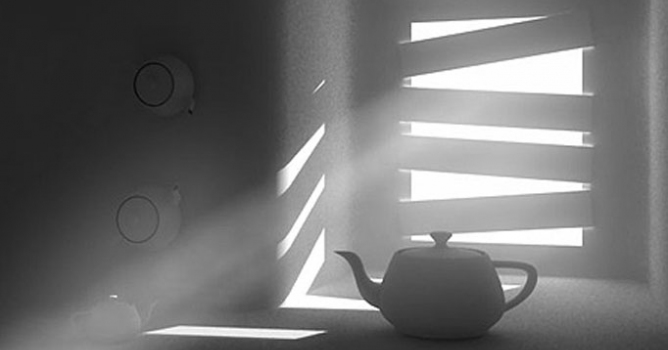
  • Faster fog with GPU - Quicker, better sampling of environment fog to rapidly add depth to scenes with V-Ray GPU.
  • Mimic rolling shutter - Emulate the warped motion blur effects common in digital video and cell phone cameras.
  • Physical Hair with Glint & Glitter controls - The V-Ray Physical Hair material adds new Glint and Glitter controls for better highlights.
  • Improved lighting render elements - Improved lighting passes provide artifact-free results independent of light sampling.


More info: Chaos Group Website

Author: Press relase Editor: Michał Franczak
Tags: v-ray
You may also like...
Anisotropic shader tutorial using vray 1.5 final SP 1

Anisotropic shader tutorial using vray 1.5 final SP 1

Hello, in this tutorial I will show you how to create realistic steel shader with anisotropic reflections.
×

LEAVE A COMMENT

You need to be logged in to leave a comment. Don't have account? Register now.