We use cookies to provide you with the best possible experience. They also allow us to analyze user behavior in order to constantly improve the website for you.
The consent is voluntary. You can withdraw it at any time or renew it in Cookie settings on the home page. Withdrawal of your consent does not affect the lawfulness of processing performed before the withdrawal.
Privacy Protection Policy
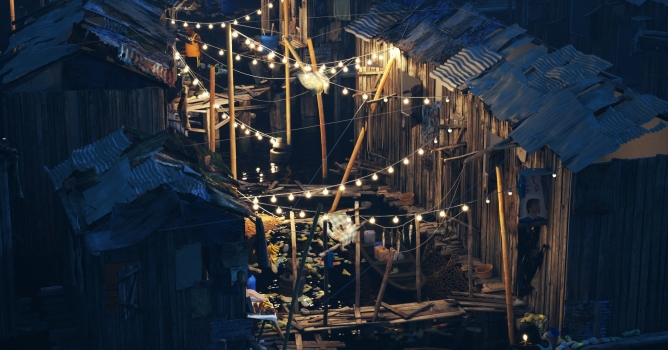
ADAPTIVE LIGHTS: New algorithm dramatically speeds up rendering in scenes with many lights.
Click on image to enlarge
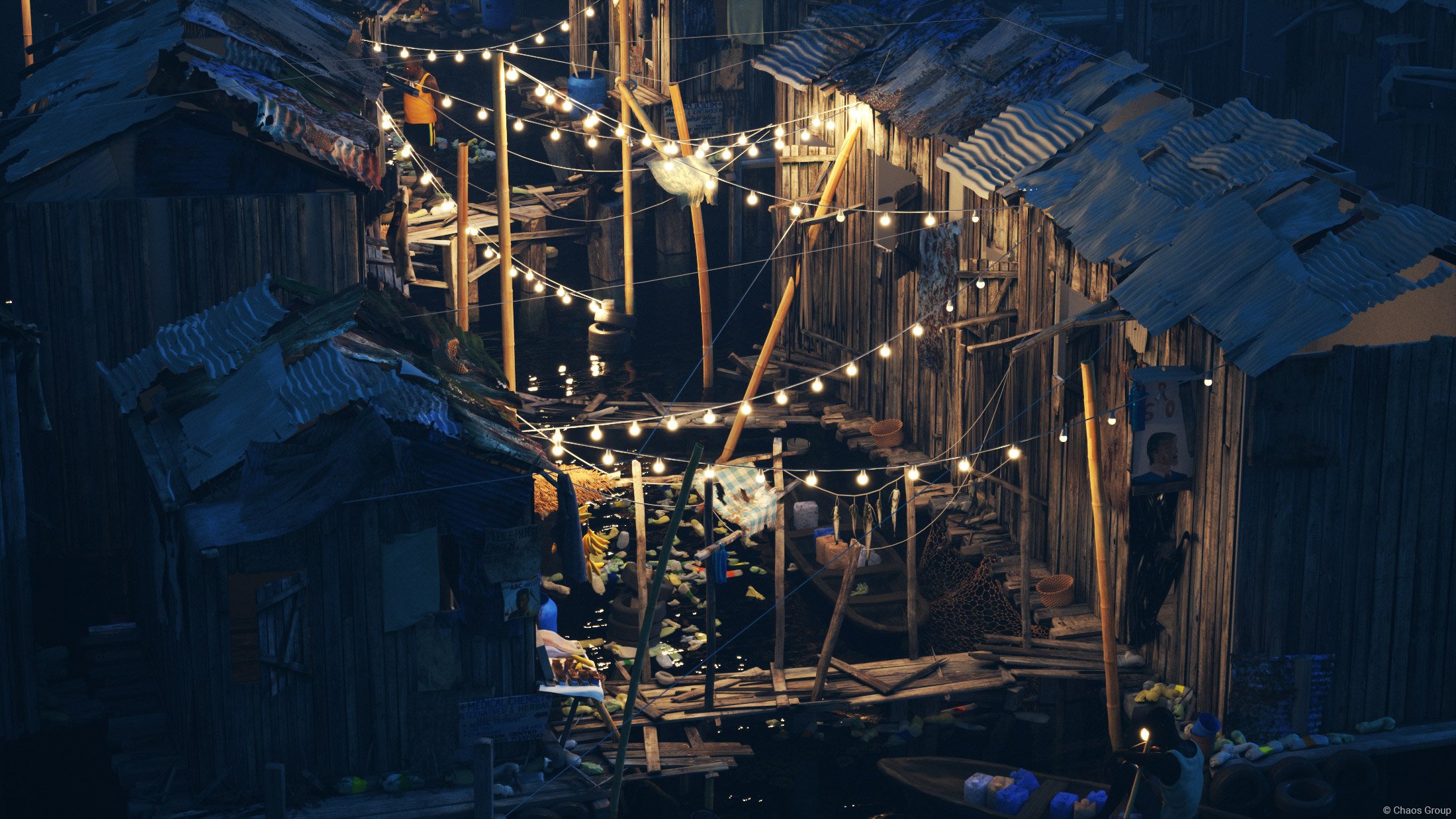
MPROVED V-RAY GPU RENDERING: Significant speed improvements and major new features added, including On-demand Mip-mapping.
Click on image to enlarge
V-RAY IPR: Fully interactive production rendering.
Click on image to enlarge
RESUMABLE RENDERING: Stop your render at any point and pick up where you left off.
LIVE VR RENDERING: Live Virtual Reality Rendering. Render interactively to Oculus Rift and HTC Vive with V-Ray GPU.
Click on image to enlarge
AlSurface material: Anders Langlands’ popular alSurface material with built-in SSS is now available in V-Ray.
Click on image to enlarge
V-Ray GPU resolution: Adjust ActiveShade resolution on-the-fly while rendering.
Click on image to enlarge
Render Element Precision: Set individual bit-depths per render element. (For example, 16-bit Diffuse and 32-bit ZDepth).
Click on image to enlarge
MDL MATERIALS: Import and render physically-based materials created with NVIDIA’s Material Definition Language
V-RAY SCENE NODE: Import and render complete scene files created in any V-Ray application.
INTERACTIVE LENS EFFECTS: GPU-accelerated glare and bloom effects that can be enabled and adjusted while rendering.
Pricing and Licensing
With the release of V-Ray 3.5 for 3ds Max, you can choose Online licensing option. With Online licensing there is no wait to receive a physical dongle, and licenses can be activated in real-time once an order is processed. Online licensing is fast and secure. Please note that the license server 3.0 supports only dongle licensing and the latest version 4.0 of the license server supports both dongle and Online licensing.
Online licensing is available only for purchases of new licenses.
V-Ray for 3ds Max Monthly Rentals – 50% Price Reduction. Monthly rental V-Ray 3.0 for 3ds Max Workstation is now €60.
Upgrade Promotion – up to 30% Price Reduction
For everyone who has a V-Ray 1.5 or 2.0 for 3ds Max license, we’re offering a time-limited promotion on upgrades and upgrade bundles:
30% off from February 8 till March 31, 2017
20% off from April 1 till May 31, 2017
In addition, every license upgrade during the promotion period will include a complimentary 1-year VRscans Workstation license and material library access, worth over $400. The complimentary 1-year VRscans Workstation license will be added automatically to your upgrade order.
Upgrade from V-Ray 2.0 to V-Ray 3.0 Workstation for 3dsMax: €210
Upgrade from V-Ray 2.0 to V-Ray 3.0 Workstation for 3dsMax + 5 Render Node 3.0 licenses: €350
Upgrade from V-Ray 2.0 to V-Ray 3.0 Workstation for 3dsMax + 10 Render Node 3.0 licenses: €490
New license: V-Ray 3.0 for 3ds Max Workstation: €750
New license: V-Ray 3.0 for 3ds Max Workstation+ 5 Universal V-Ray 3.0 Render Nodes: €1500
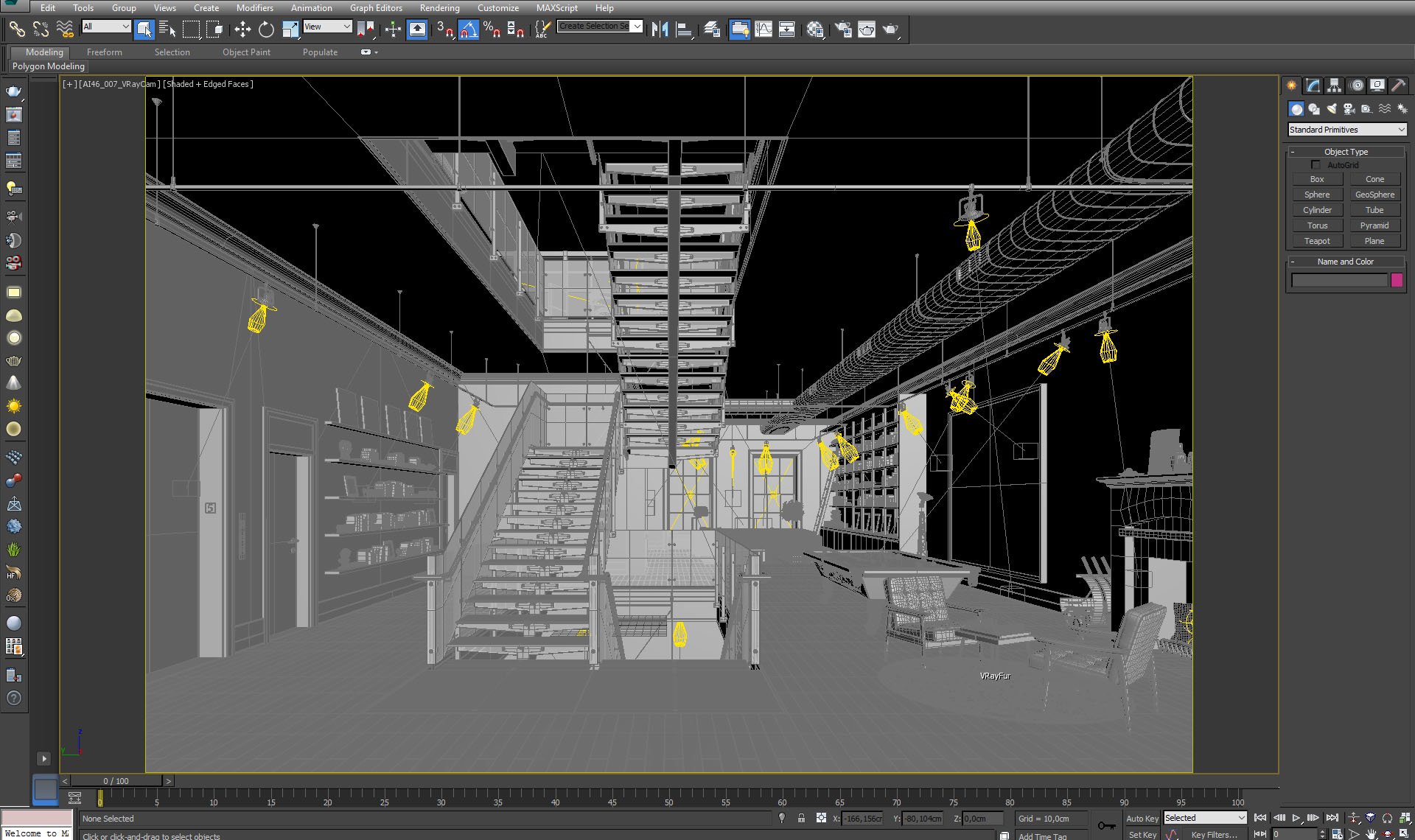
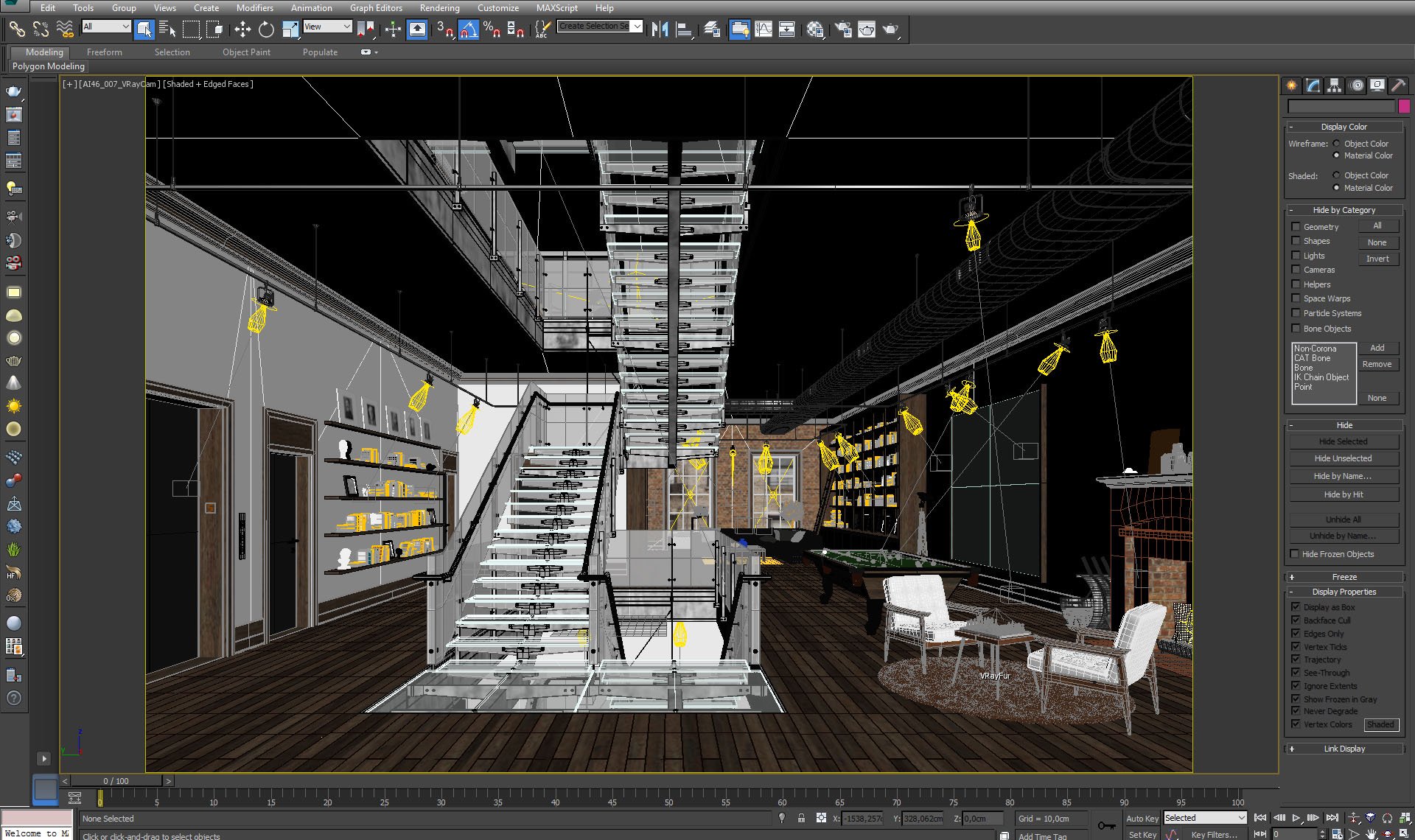
Dive into the world of V-Ray lighting in 3ds Max with Evermotion's tutorial. Explore the process of creating a V-Ray lightmap to add realistic and accurate lighting to your 3D scenes, enhancing their overall visual quality.
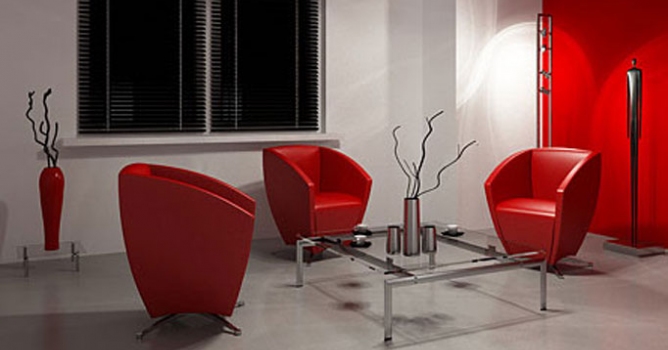
We have recived a lot of e-mails with questions about detailed tutorial concerning volume effect for Vray renderer. In this article, Myqel and Pendzel show you how to use it. You will find here 2 parts, first for standard rendering job and second for postproduction in Photoshop.
Learn how to create stunning lighting effects in your 3ds Max renders using V-Ray's IES lighting. Evermotion's tutorial guides you through the process of utilizing IES profiles to achieve realistic and captivating lighting setups.
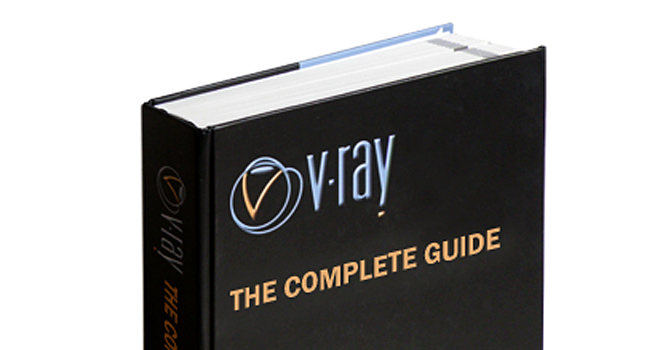
Among a number of rendering engines, in terms of popularity, VRay has his permanent place in the lead. It is the one of the most widespread rendering plug-ins worldwide. Though, as far as I know, a great majority of VRay users have only superficial knowledge of VRay possibilities. The book might be a good occasion to change it: start learning or develop and strengthen this knowledge.
In this walkthrough, we guide you through the process of building a polished 3D interior scene inspired by the cover of Archmodels vol. 306 – Table Sets.
COMMENTS